SiteList review score
Clear browser-based conversion with strong technical foundations. Sharpen audience guidance and expand the self-serve help surface.
Reviewed on Nov 11, 2026
freeimageconverter.tools
Unclaimed listingWhat it does
Free Image Converter converts images to JPG, PNG, WebP, AVIF, or PDF on the user's device, without uploading files or requiring an account.
SiteList review score
Clear browser-based conversion with strong technical foundations. Sharpen audience guidance and expand the self-serve help surface.
Reviewed on Nov 11, 2026
Verified user rating
—
No verified reviews yet — the evidence locker is empty.
Captured during our latest review on Nov 11, 2026
Free; no account required.
View sourceImage format conversion
Conversion
Converts images to JPG, PNG, WebP, AVIF, or PDF.
Bulk image conversion
Conversion
Provides a bulk image converter tool.
Image compression
Optimization
Provides image compression and PNG compression tools, including target-size options.
Image resizing and cropping
Editing
Provides image resizing and cropping tools.
PDF and image conversion
Conversion
Provides tools for converting between PDF and image formats, including image to PDF and PDF to JPG or PNG.
Image metadata removal
Privacy
Provides a tool for removing image metadata.
Convert images between common formats
Convert images to JPG, PNG, WebP, AVIF, or PDF on the device.
Convert images in bulk
Use the site's bulk image converter tool.
Compress images to a target size
Use target-size compression tools for 50 KB, 100 KB, 200 KB, or 1 MB.
Resize or crop images
Use image resizing and cropping tools.
Convert between PDF and image formats
Convert PDF files to JPG or PNG and images to PDF.
Remove image metadata
Use the image metadata removal tool.
Yes. The current product facts identify a free model with no account required.
The site says images are processed on your device and that there is no upload. It is positioned for privacy-sensitive users who prefer local browser processing.
The homepage identifies JPG, PNG, WebP, AVIF, and PDF conversion. The site also provides PDF-to-image, image-to-PDF, and related format-specific tools.
Yes. The crawl identifies a bulk image converter and target-size tools, alongside general image and PNG compression.
Yes. The /guides/ hub covers format choice, file size, HEIC conversion, resizing, PDF work, and upload errors. The review scores this self-serve layer 65.4/100, leaving room for a more organized surface.
Answers are based on SiteList's latest evidence review. Read the full review.
Freeimageconverter scores 83/100, with standout usability, technical SEO, accessibility, and performance evidence. Its clearest opportunity is to make the target audience and self-serve guidance more specific for people choosing among image-conversion workflows.
83/100: strong utility, two fixable gaps
No reviews yet. The evidence locker is empty.
Reviews from verified users appear here once approved.
Reviews are from the SiteList community. Some reviewers received incentives — disclosed in the review, always. The verdict is never for sale.
Home
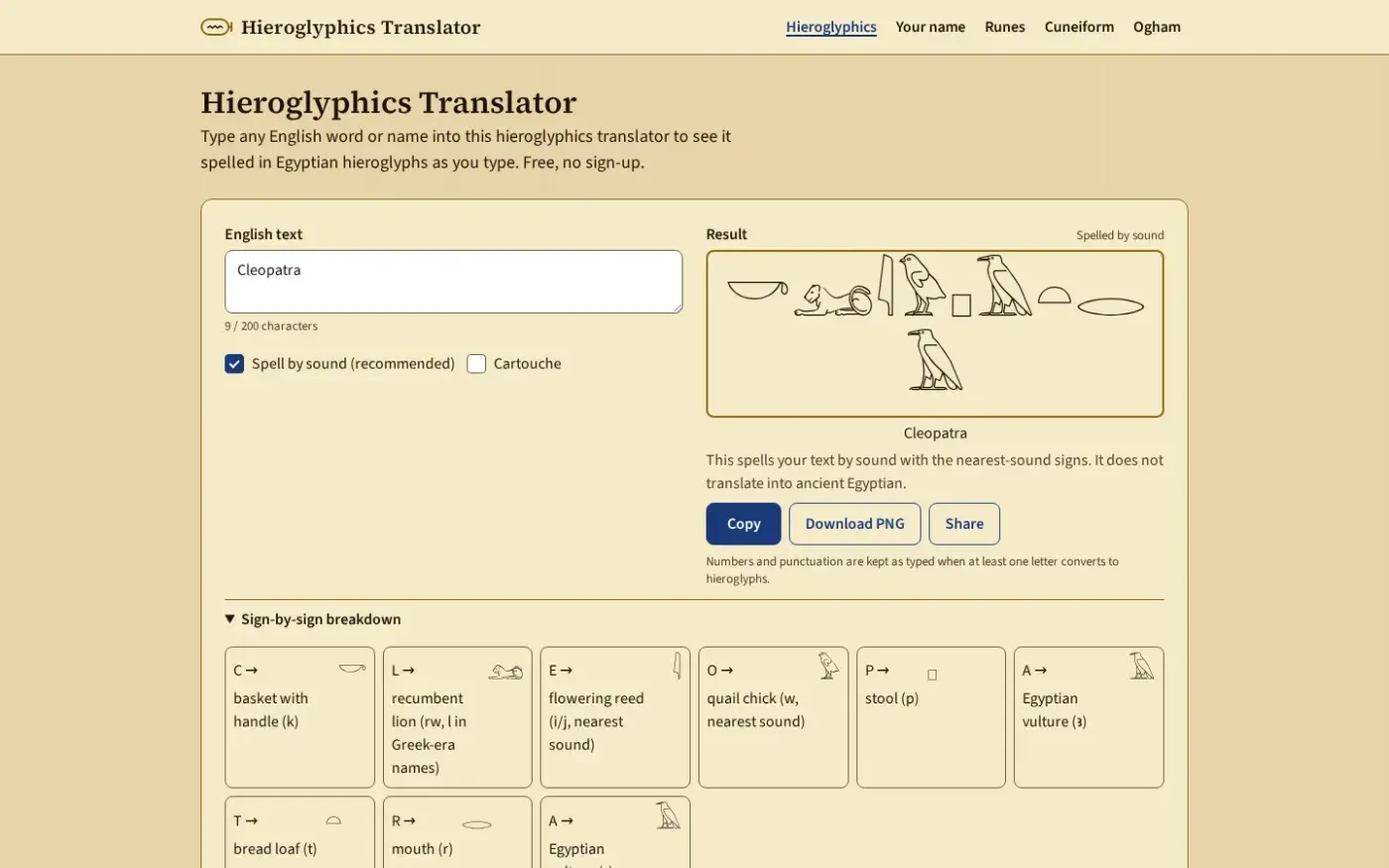
Hieroglyphics Translator screenshot 1 of 2: Home
hieroglyphics-translator.net
A free set of browser-based tools for spelling English words and names with ancient signs, including Egyptian hieroglyphs, using sound-based mappings and providing copy or image-saving output.
Home
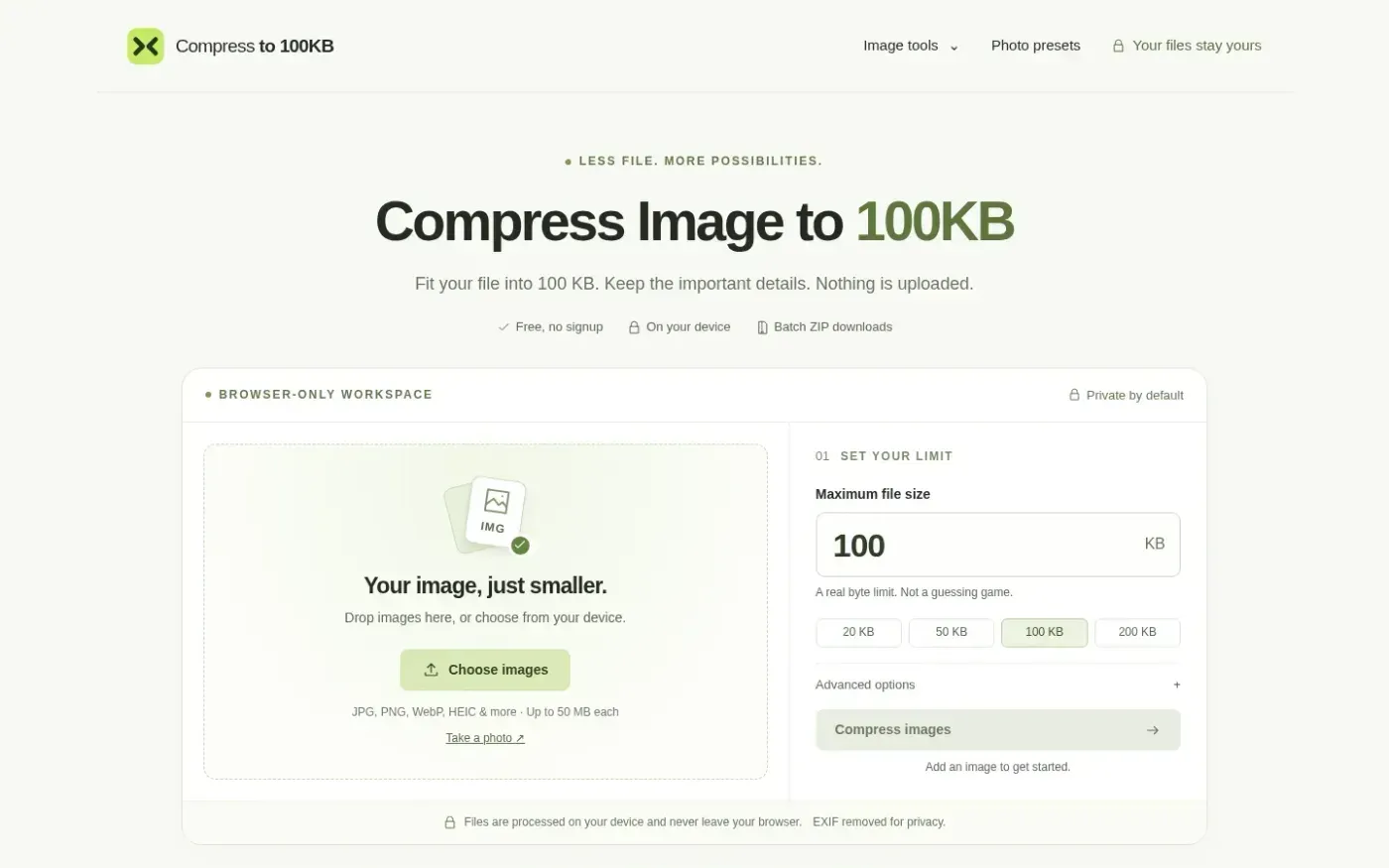
Compressto100kb screenshot 1 of 4: Home
compressto100kb.com
Compressto100kb is a browser-based image compression tool that reduces files to specific kilobyte limits (e.g., 100KB, 50KB). It processes images locally on the user's device without server uploads, supporting JPG, PNG, WebP, and HEIC formats. The tool includes features for batch processing, EXIF metadata removal, and custom pixel dimension adjustments. It provides presets for specific requirements such as IBPS exams and US visa applications.
Home
Spotmp3 screenshot 1 of 4: Home
spotmp3.net
Spotmp3 is a web-based Spotify downloader that enables users to convert Spotify tracks, playlists, albums, and podcasts into 320 kbps MP3 files. The service automatically embeds ID3 tags, cover art, and .lrc lyrics into the downloads. It operates as a free service with a daily limit of 300 tracks, while a one-time 'Supporter' payment unlocks unlimited batch downloads and ZIP exports without requiring an account or software installation.
Home
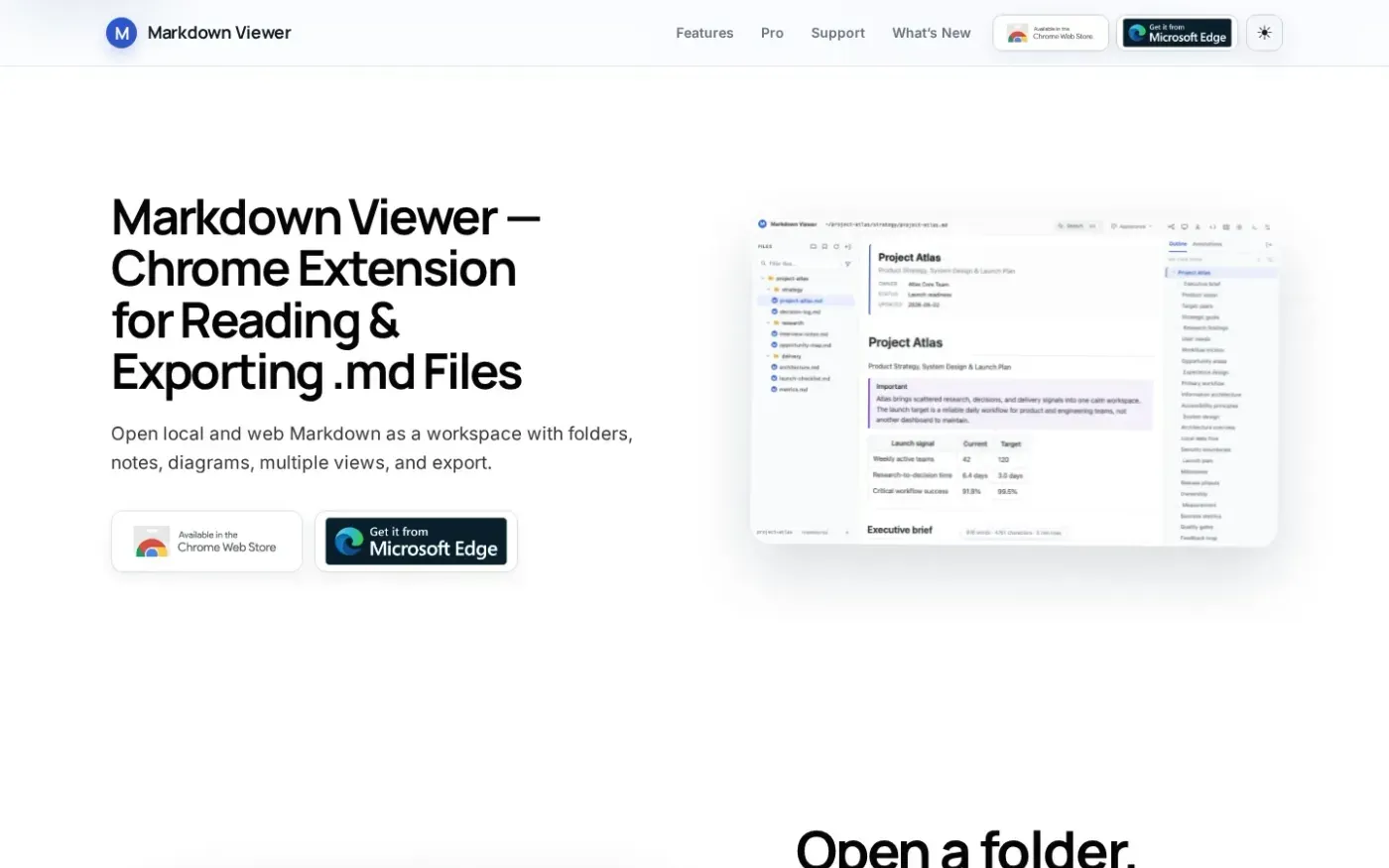
Markdownviewerextension screenshot 1 of 2: Home
markdownviewerextension.com