SiteList review score
The file-automation workflow is easy to understand and use. Mobile performance and self-serve guidance need focused improvement.
Reviewed on Oct 30, 2026
frankenfile.com
Unclaimed listingWhat it does
Select your files and tell Frankenfile what to do. AI utility for working with images, videos, pdf, sorting/renaming files.
SiteList review score
The file-automation workflow is easy to understand and use. Mobile performance and self-serve guidance need focused improvement.
Reviewed on Oct 30, 2026
Verified user rating
—
No verified reviews yet — the evidence locker is empty.
Captured during our latest review on Oct 30, 2026
The MacOS app costs $19. The site also says Frankenfile needs an LLM; its LLM is currently provided for free, and users can bring their own API key.
| Plan | Price | Details |
|---|---|---|
| Frankenfile App | $19 MacOS app | MacOS app with local execution, new features and updates, and the option to bring your own LLM or use Frankenfile's. View source |
OpenAI
developer tools
Users can bring their own OpenAI API key to operate Frankenfile.
Anthropic
developer tools
Users can bring their own Anthropic API key to operate Frankenfile.
Ollama
developer tools
Users can bring their own Ollama API key to operate Frankenfile.
Frankenfile is an AI assistant for MacOS that helps perform file work from selected files and a task described in plain English.
Given files and a task, Frankenfile uses AI to determine the needed actions and performs them automatically.
Frankenfile makes a copy of files and operates on them in a contained environment; the site advises users to back up files.
Frankenfile says it does not upload files or know their content, but metadata such as filenames may be uploaded.
Uninstall Frankenfile by dragging the Applications → Frankenfile icon into the trash.
Product FAQ information · View source
Frankenfile scores 69/100 as a clear local-first Mac utility for turning plain-English instructions into repetitive file work. Its strongest showing is usability, while mobile performance and self-serve guidance are the most material weaknesses for buyers deciding whether the $19 app fits their workflow.
69/100: clear local utility, weak guidance
No reviews yet. The evidence locker is empty.
Reviews from verified users appear here once approved.
Reviews are from the SiteList community. Some reviewers received incentives — disclosed in the review, always. The verdict is never for sale.
Home
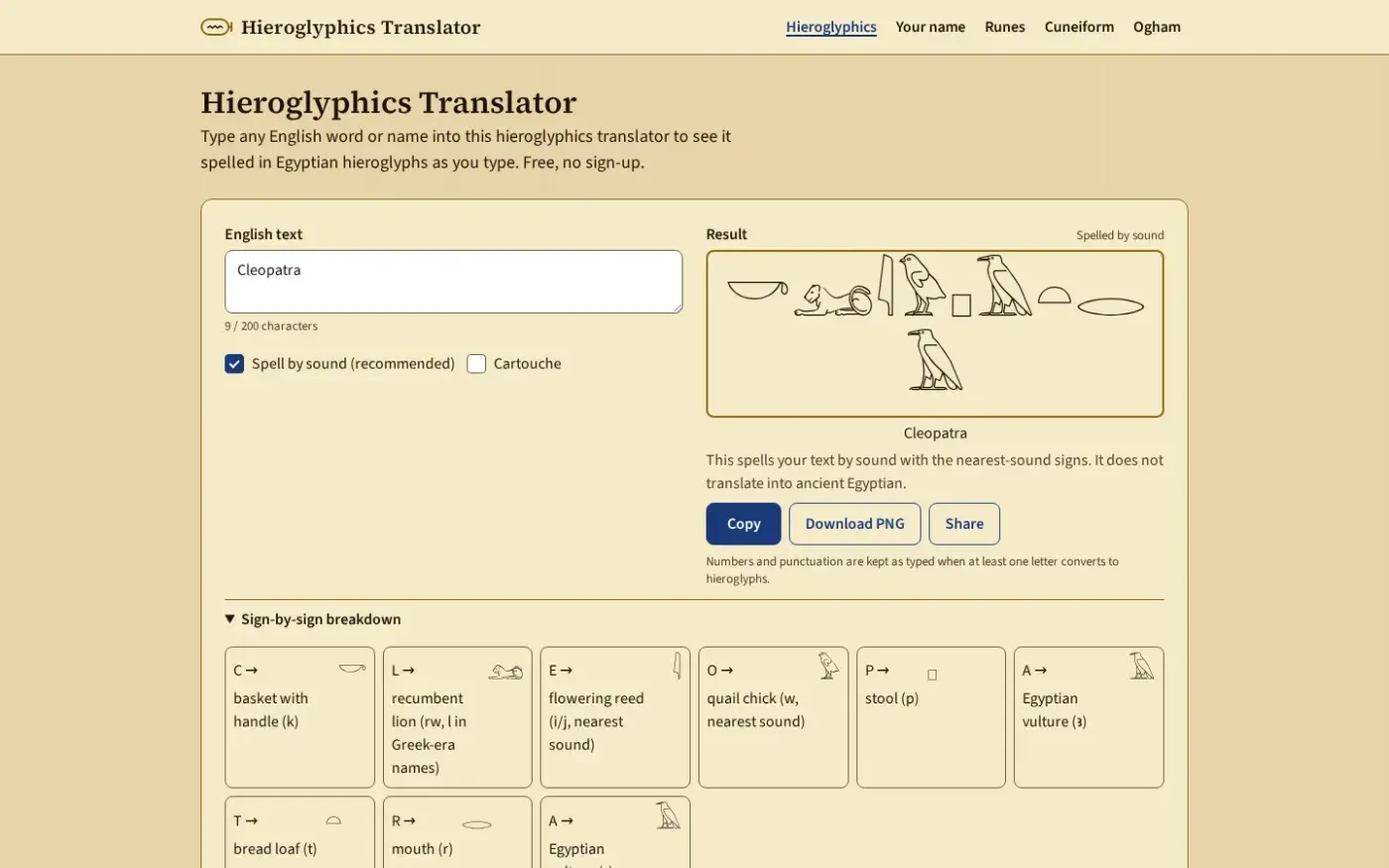
Hieroglyphics Translator screenshot 1 of 2: Home
hieroglyphics-translator.net
A free set of browser-based tools for spelling English words and names with ancient signs, including Egyptian hieroglyphs, using sound-based mappings and providing copy or image-saving output.
Home
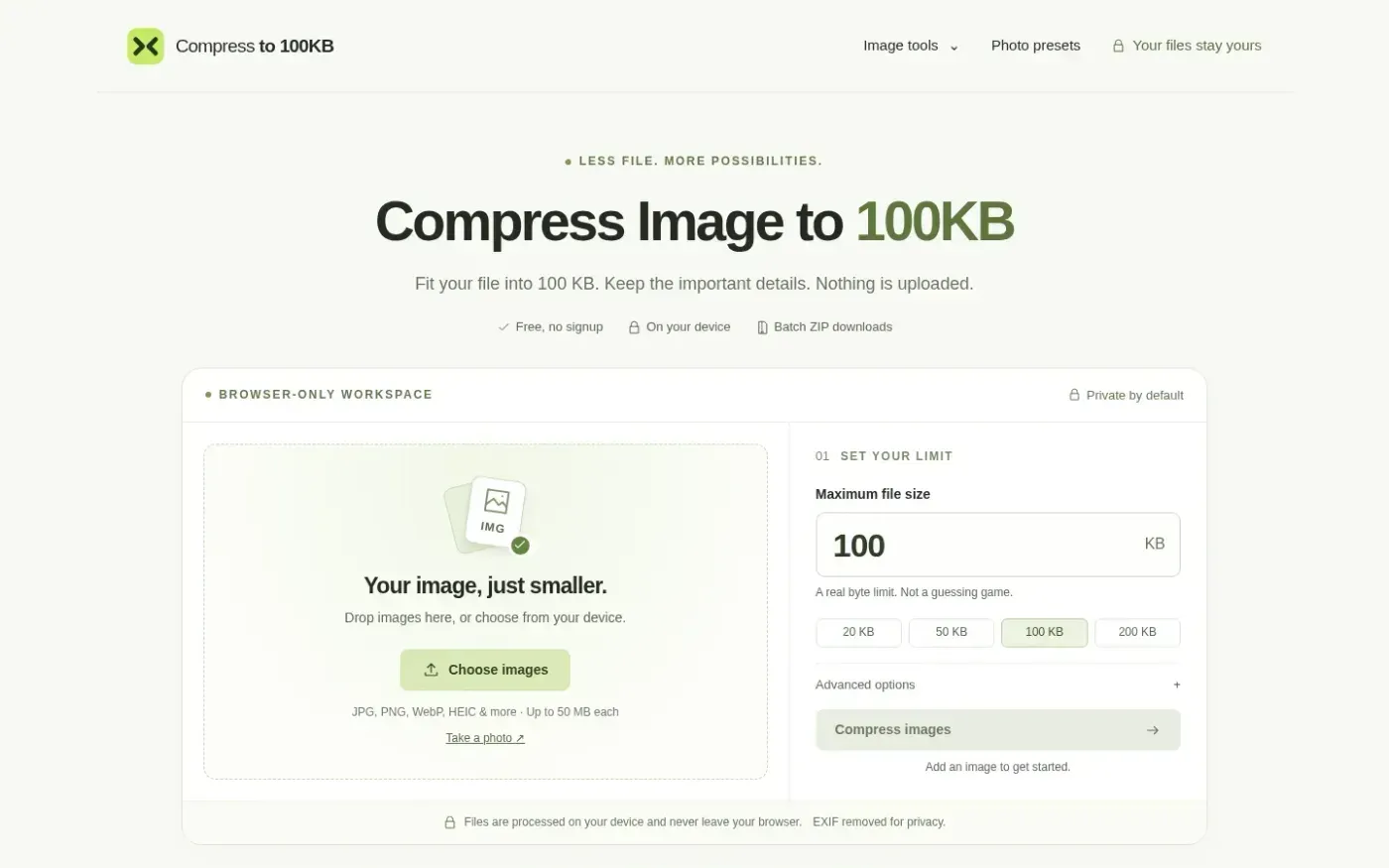
Compressto100kb screenshot 1 of 4: Home
compressto100kb.com
Compressto100kb is a browser-based image compression tool that reduces files to specific kilobyte limits (e.g., 100KB, 50KB). It processes images locally on the user's device without server uploads, supporting JPG, PNG, WebP, and HEIC formats. The tool includes features for batch processing, EXIF metadata removal, and custom pixel dimension adjustments. It provides presets for specific requirements such as IBPS exams and US visa applications.
Home
Spotmp3 screenshot 1 of 4: Home
spotmp3.net
Spotmp3 is a web-based Spotify downloader that enables users to convert Spotify tracks, playlists, albums, and podcasts into 320 kbps MP3 files. The service automatically embeds ID3 tags, cover art, and .lrc lyrics into the downloads. It operates as a free service with a daily limit of 300 tracks, while a one-time 'Supporter' payment unlocks unlimited batch downloads and ZIP exports without requiring an account or software installation.
Home
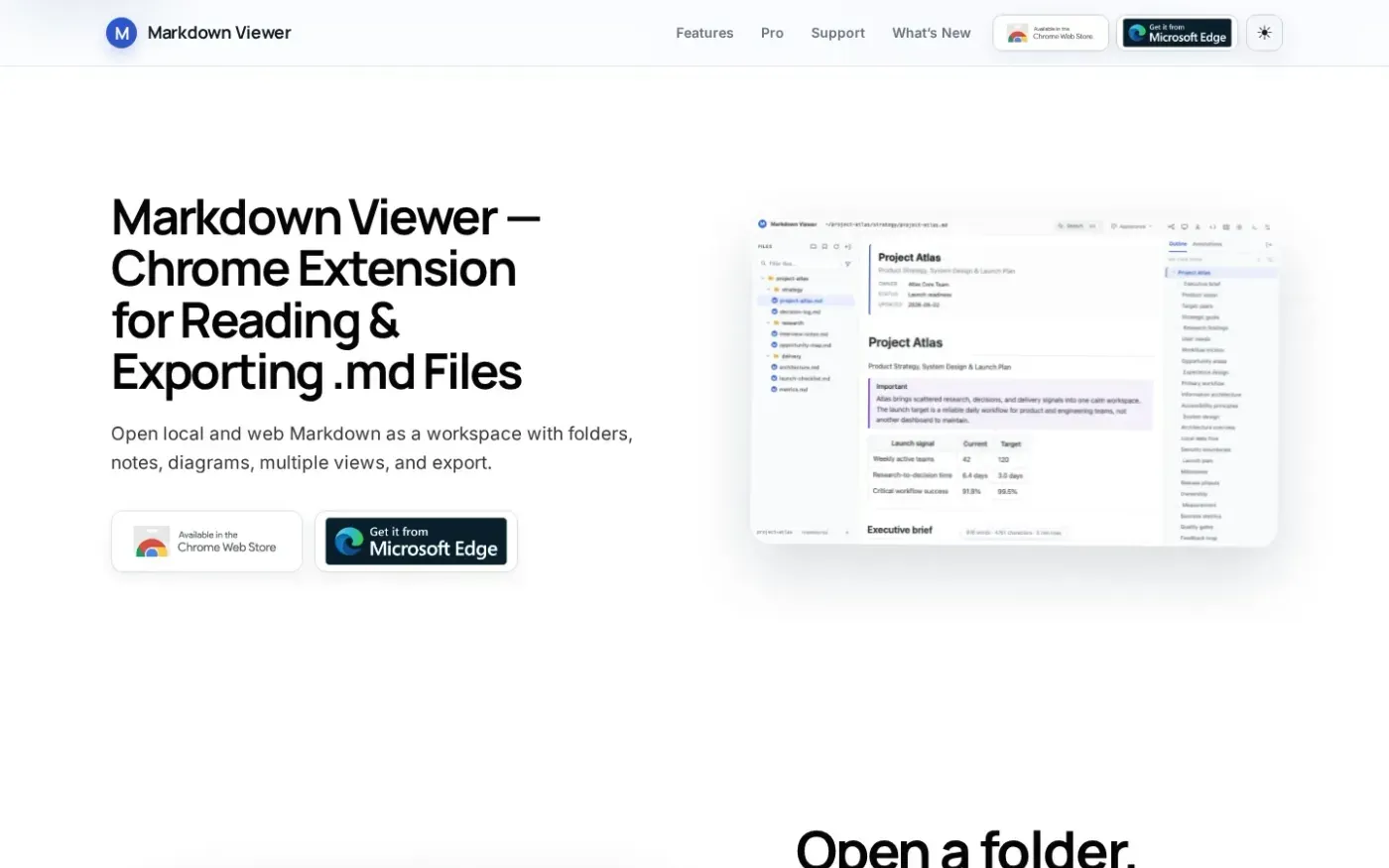
Markdownviewerextension screenshot 1 of 2: Home
markdownviewerextension.com