SiteList review score
A clear free-credit entry point and concrete one-time packs make image editing easy to price. Mobile usability, visual execution, and self-serve help need focused work.
Reviewed on Oct 27, 2026
ezremove.ai
Unclaimed listingWhat it does
Ezremove is an online AI image-editing service that removes image backgrounds, creates transparent PNGs, and provides photo-editing tools.
SiteList review score
A clear free-credit entry point and concrete one-time packs make image editing easy to price. Mobile usability, visual execution, and self-serve help need focused work.
Reviewed on Oct 27, 2026
Verified user rating
—
No verified reviews yet — the evidence locker is empty.
Captured during our latest review on Oct 27, 2026
Free plan provides 10 credits per day. Paid one-time credit packs shown include 70 credits for $7 through 9000 credits for $166; monthly access is also offered with credits refreshing every month. Billed usage. free plan · 10 credits per day; free credits reset at 00:00 (UTC).
| Plan | Price | Details |
|---|---|---|
| Free Plan | $0 10 credits/day | Free plan with daily credits. 10 credits/day · Free credits reset at 00:00 (UTC) View source |
| 70 Credits | $7 one time per 70 credits | One-time credit pack. View source |
| 300 Credits | $15 one time per 300 credits | One-time credit pack. View source |
| 700 Credits | $28.9 one time per 700 credits | One-time credit pack with a displayed discount. View source |
| 2000 Credits | $58.9 one time per 2000 credits | One-time credit pack with a displayed discount. View source |
| 3000 Credits | $78.9 one time per 3000 credits | One-time credit pack with a displayed discount. View source |
| 5000 Credits | $100 one time per 5000 credits | One-time credit pack with a displayed discount. View source |
| 9000 Credits | $166 one time per 9000 credits | One-time credit pack with a displayed discount. View source |
| Monthly Plan | monthly per credits | Monthly access with credits refreshing every month. Cancel anytime View source |
Background Remover
Background editing
Background removal tool.
Batch Background Remover
Background editing
Batch background-removal tool.
Background Changer
Background editing
Background-changing tool.
Magic Eraser
Image editing
Magic eraser image-editing tool.
Object Remover
Image editing
Object-removal tool.
Text Remover
Image editing
Text-removal tool.
Image Upscaler
Image enhancement
Image-upscaling tool.
AI Photo Editor
AI photo editing
AI-powered photo editing with simple prompts.
E-commerce photo editing
An explicitly listed solution area for e-commerce photo editing.
AI photo editing
An explicitly listed solution area for AI photo editing.
Background editing
An explicitly listed solution area for background tools.
Image enhancement and restoration
An explicitly listed solution area for image enhancement and restoration.
Video and GIF editing
An explicitly listed solution area for video and GIF editing.
Photo editing for creators, brands, and teams
The AI Photo Editor is explicitly presented for creators, brands, and teams.
EzRemove is a multi-tool AI image-editing suite with background removal, batch background removal, background changing, object and text removal, image upscaling, and AI photo editing.
A free plan provides 10 credits per day. The supplied pricing shows one-time credit packs from $7 for 70 credits to $166 for 9000 credits, plus monthly access with credits refreshing every month.
The site profile positions EzRemove for designers, photographers, creators, brands, and ecommerce operators seeking browser-based image editing.
The usability score is 49.2/100, and the design audit reports 81 small tap targets, a 14 px input, and a failing contrast audit. Those findings make mobile execution the clearest usability concern in the supplied evidence.
The supplied review evidence does not verify public help documentation.
Answers are based on SiteList's latest evidence review. Read the full review.
EzRemove scores 58/100, with strong crawlability and technical SEO (90.3/100) supporting a broad image-editing suite. The most material weakness is execution for real users: design execution is 20.7/100, with mobile tap-target, input-size, and contrast findings, while public self-serve help scores 20/100.
58/100: useful tools, rough experience
No reviews yet. The evidence locker is empty.
Reviews from verified users appear here once approved.
Reviews are from the SiteList community. Some reviewers received incentives — disclosed in the review, always. The verdict is never for sale.
Home
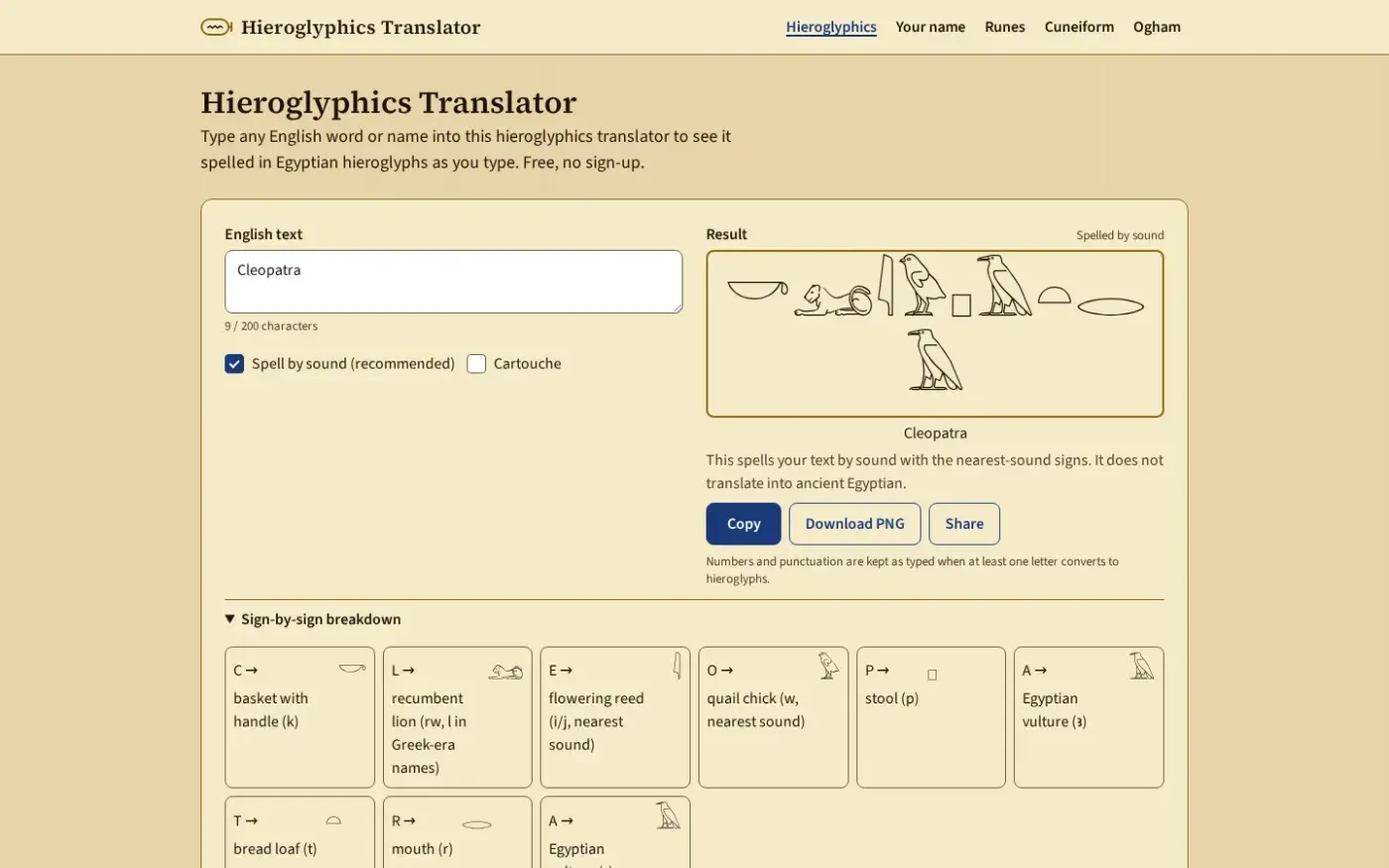
Hieroglyphics Translator screenshot 1 of 2: Home
hieroglyphics-translator.net
A free set of browser-based tools for spelling English words and names with ancient signs, including Egyptian hieroglyphs, using sound-based mappings and providing copy or image-saving output.
Home
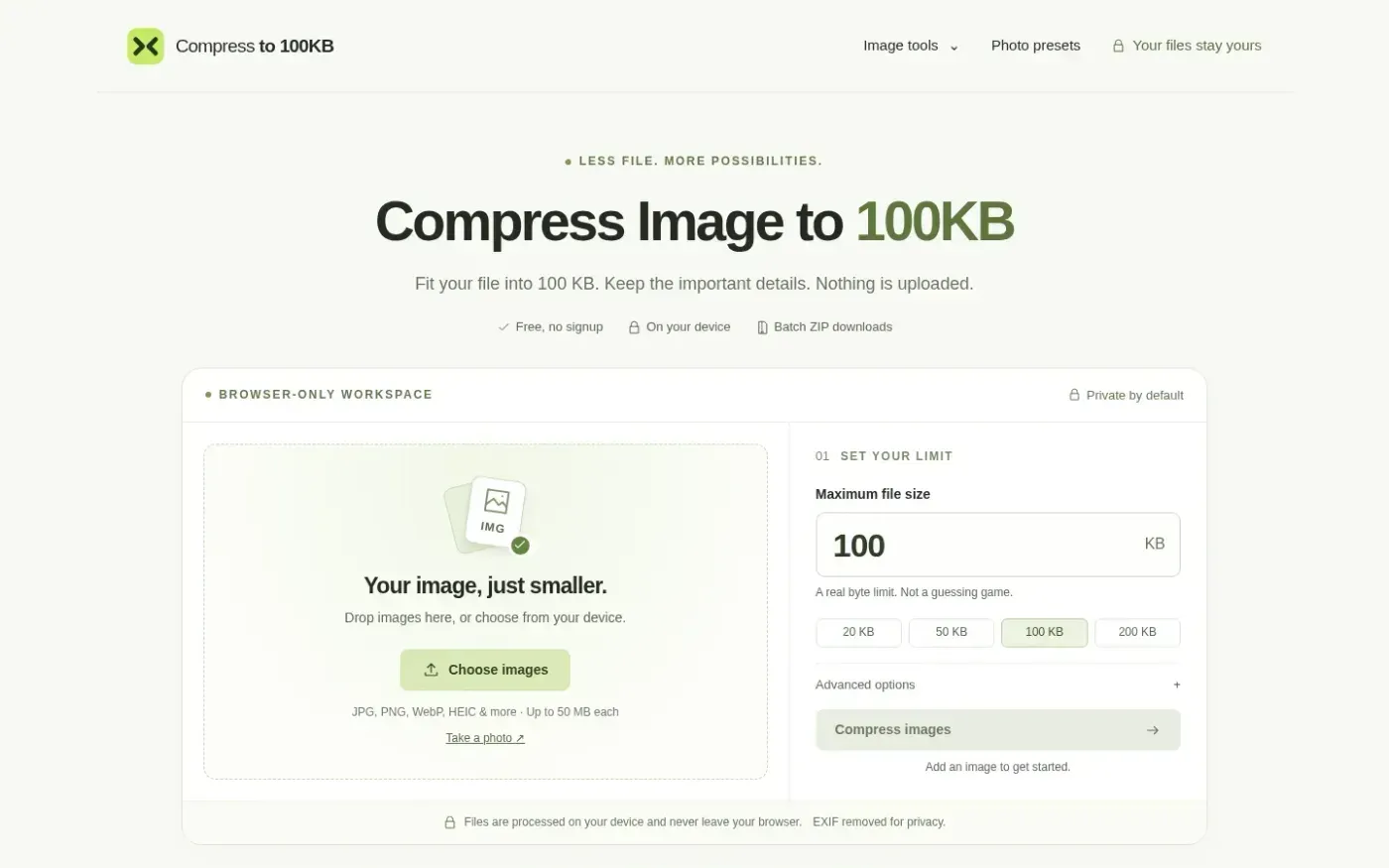
Compressto100kb screenshot 1 of 4: Home
compressto100kb.com
Compressto100kb is a browser-based image compression tool that reduces files to specific kilobyte limits (e.g., 100KB, 50KB). It processes images locally on the user's device without server uploads, supporting JPG, PNG, WebP, and HEIC formats. The tool includes features for batch processing, EXIF metadata removal, and custom pixel dimension adjustments. It provides presets for specific requirements such as IBPS exams and US visa applications.
Home
Spotmp3 screenshot 1 of 4: Home
spotmp3.net
Spotmp3 is a web-based Spotify downloader that enables users to convert Spotify tracks, playlists, albums, and podcasts into 320 kbps MP3 files. The service automatically embeds ID3 tags, cover art, and .lrc lyrics into the downloads. It operates as a free service with a daily limit of 300 tracks, while a one-time 'Supporter' payment unlocks unlimited batch downloads and ZIP exports without requiring an account or software installation.
Home
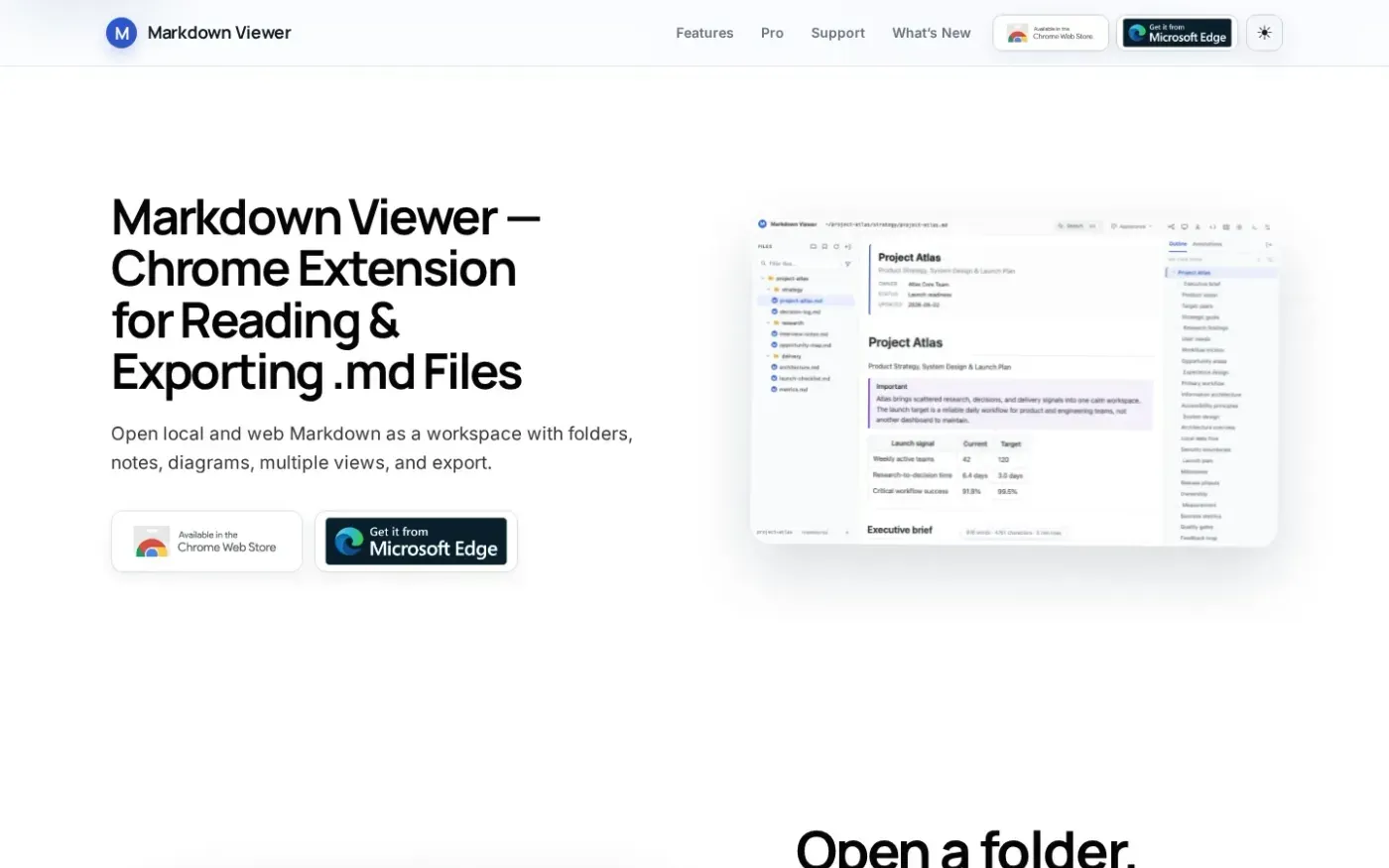
Markdownviewerextension screenshot 1 of 2: Home
markdownviewerextension.com