SiteList review score
Clear upload flow and strong accessibility make the core task easy to start. Sharpen the audience and answer comparative, failure-oriented questions more directly.
Reviewed on Oct 27, 2026
bgeraser.com
Unclaimed listingWhat it does
Remove image backgrounds online for free with BgEraser. Process up to 20 photos at once and download transparent PNGs. No sign-up required.
SiteList review score
Clear upload flow and strong accessibility make the core task easy to start. Sharpen the audience and answer comparative, failure-oriented questions more directly.
Reviewed on Oct 27, 2026
Verified user rating
—
No verified reviews yet — the evidence locker is empty.
Captured during our latest review on Oct 27, 2026
Free online background removal with no sign-up or usage limits.
View sourceBgEraser is a free online background eraser that removes backgrounds from images and turns them into clean transparent PNG results.
Yes. BgEraser supports batch background removal, so you can upload multiple images in one session and download the processed results together as a ZIP file.
BgEraser supports JPG, PNG, and WebP uploads. Processed images are downloaded as PNG files so transparent backgrounds are preserved.
No. You can use BgEraser without signing up, logging in, or installing software.
Uploaded images and generated results are removed within 2 hours. This helps keep your background removal work private and reduces long-term file storage.
BgEraser works well for product photos, portraits, logos, profile pictures, ecommerce images, social posts, and many other subject-focused images.
BgEraser is designed to handle many complex backgrounds and preserve subject edges. Higher-resolution images with a clear subject usually produce the best results.
Yes. You can keep the transparent background or apply a solid background color before downloading.
Yes. You can use processed images for product listings, marketing assets, presentations, and other commercial projects, provided you have the right to edit and use the original images.
Product FAQ information · View source
BgEraser scores 81/100, with exceptional accessibility at 99/100 and a clear, low-friction upload workflow. Its most material weakness is positioning: first impressions score 62/100 because the audience is broad rather than a named priority segment.
81/100: strong utility, sharper focus needed
No reviews yet. The evidence locker is empty.
Reviews from verified users appear here once approved.
Reviews are from the SiteList community. Some reviewers received incentives — disclosed in the review, always. The verdict is never for sale.
Home
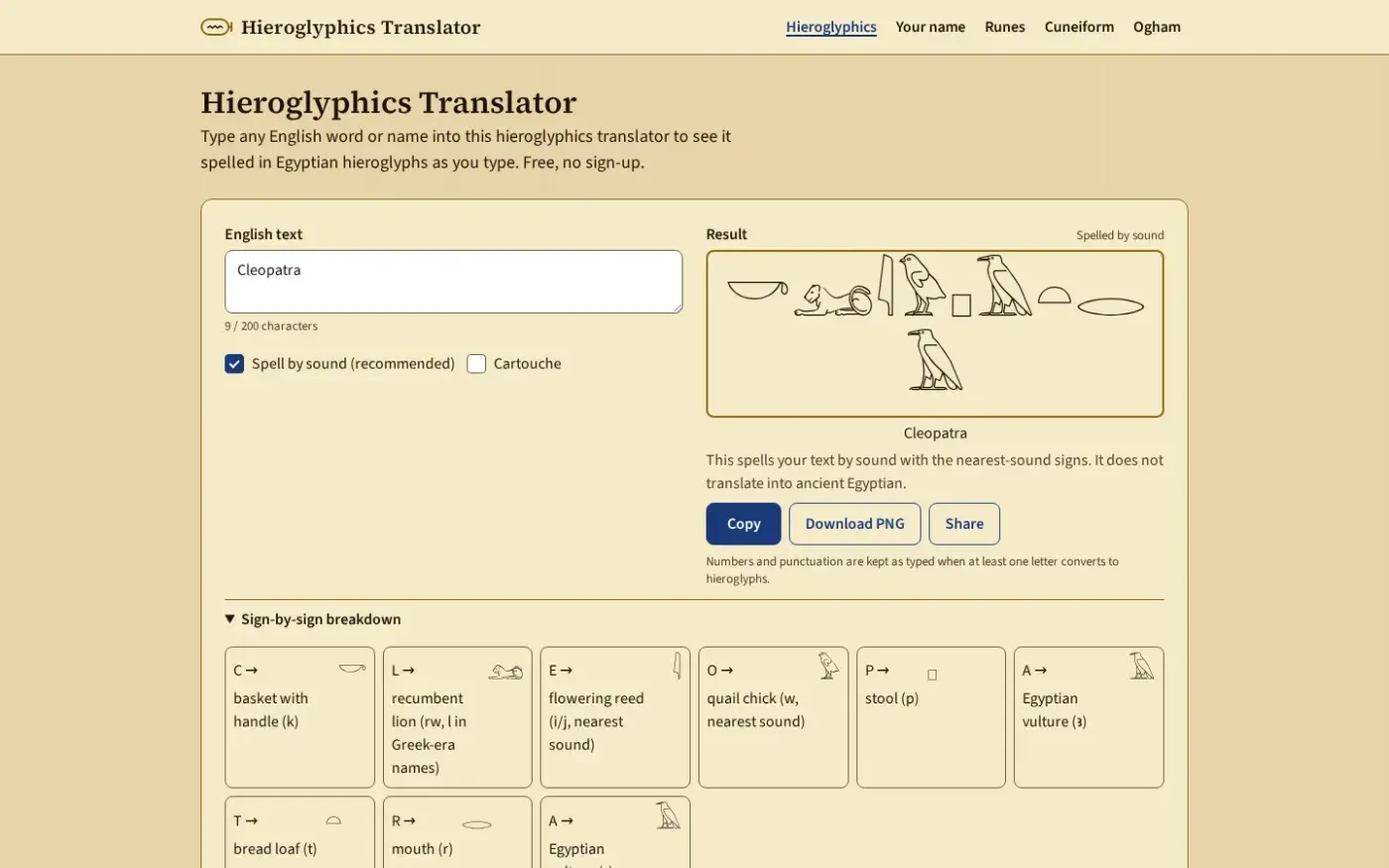
Hieroglyphics Translator screenshot 1 of 2: Home
hieroglyphics-translator.net
A free set of browser-based tools for spelling English words and names with ancient signs, including Egyptian hieroglyphs, using sound-based mappings and providing copy or image-saving output.
Home
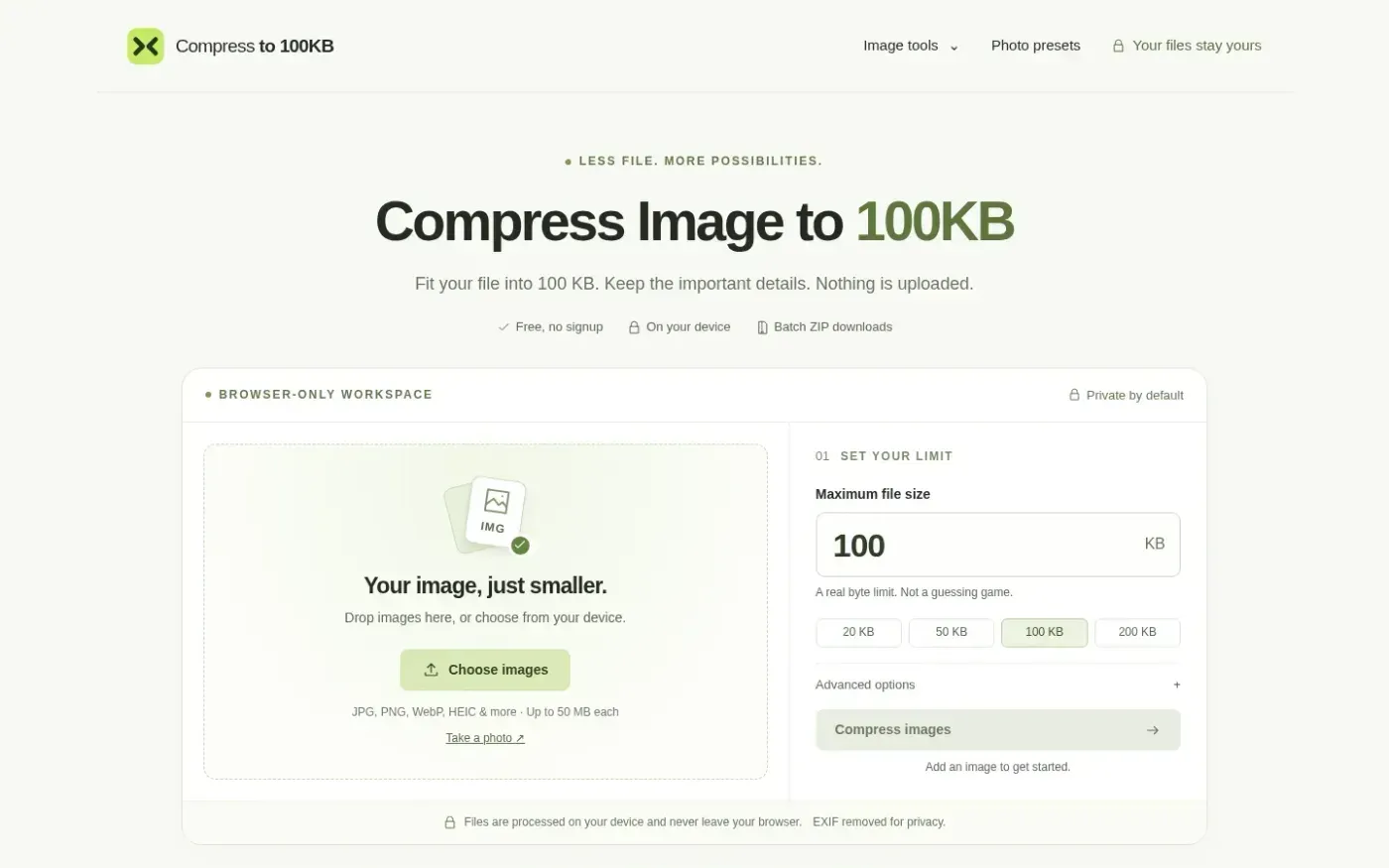
Compressto100kb screenshot 1 of 4: Home
compressto100kb.com
Compressto100kb is a browser-based image compression tool that reduces files to specific kilobyte limits (e.g., 100KB, 50KB). It processes images locally on the user's device without server uploads, supporting JPG, PNG, WebP, and HEIC formats. The tool includes features for batch processing, EXIF metadata removal, and custom pixel dimension adjustments. It provides presets for specific requirements such as IBPS exams and US visa applications.
Home
Spotmp3 screenshot 1 of 4: Home
spotmp3.net
Spotmp3 is a web-based Spotify downloader that enables users to convert Spotify tracks, playlists, albums, and podcasts into 320 kbps MP3 files. The service automatically embeds ID3 tags, cover art, and .lrc lyrics into the downloads. It operates as a free service with a daily limit of 300 tracks, while a one-time 'Supporter' payment unlocks unlimited batch downloads and ZIP exports without requiring an account or software installation.
Home
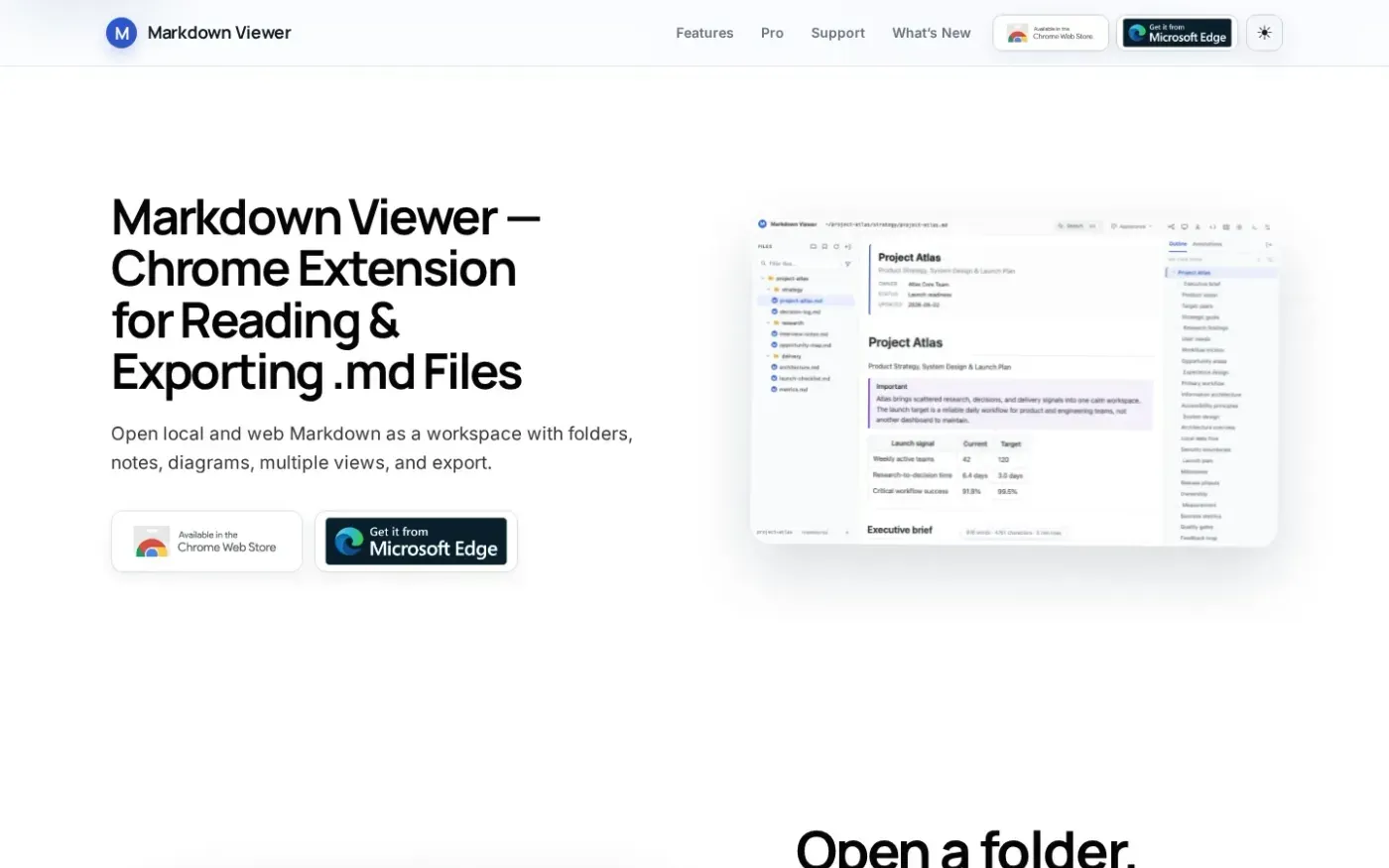
Markdownviewerextension screenshot 1 of 2: Home
markdownviewerextension.com