SiteList review score
Strong structural accessibility fundamentals and clear PDF workflows. Access barriers, heavy mobile delivery, and missing visible self-serve help need attention.
Reviewed on Nov 7, 2026
adobe.com
Unclaimed listingWhat it does
Adobe provides software for creativity and design, content creation, PDF and document tools, and business customer-experience workflows. Its Acrobat offering includes tools to create, edit, share, and sign documents, with AI-assisted edits and answers.
SiteList review score
Strong structural accessibility fundamentals and clear PDF workflows. Access barriers, heavy mobile delivery, and missing visible self-serve help need attention.
Reviewed on Nov 7, 2026
Verified user rating
—
No verified reviews yet — the evidence locker is empty.
Captured during our latest review on Nov 7, 2026
Education pricing shown: regularly US$69.99/mo; alternatively US$19.99/mo for the first year (annual, billed monthly). Billed monthly. free trial · The page links to a free-trial offer, but does not state a duration.
| Plan | Price | Details |
|---|---|---|
| Creative Cloud Pro for students and teachers | $19.99 annual per month, billed monthly | Introductory education price for the first year; regular price is US$69.99/mo. View source |
Document creation, sharing, and signing
PDF and document tools
Acrobat provides tools to create, edit, share, and sign documents.
The crawl presents Acrobat as a PDF and document tool for creating, editing, sharing, signing, and AI-assisted edits and answers.
The reviewed surface targets individuals, students, and business teams choosing PDF creation, editing, signing, and AI-assisted document tools.
Adobe is presented as paid. The supplied range is US$19.99–69.99; the evidence specifies an education price of US$19.99 per month for the first year, regularly US$69.99 per month, billed monthly on an annual cadence.
The accessibility score is 89/100. Sampled pages expose header, main, and footer landmarks, and the DOM samples report no missing image alt attributes or unlabeled inputs.
Adobe should prioritize the lowest reported dimensions: Docs & self-serve help at 3/100 and Technical SEO at 15/100.
Answers are based on SiteList's latest evidence review. Read the full review.
Adobe scores 43/100, with accessibility as its strongest sampled result at 89/100. The clearest weaknesses in the supplied review are Docs & self-serve help at 3/100 and Technical SEO at 15/100.
43/100: clear PDF scope, serious access gaps
No reviews yet. The evidence locker is empty.
Reviews from verified users appear here once approved.
Reviews are from the SiteList community. Some reviewers received incentives — disclosed in the review, always. The verdict is never for sale.
Home
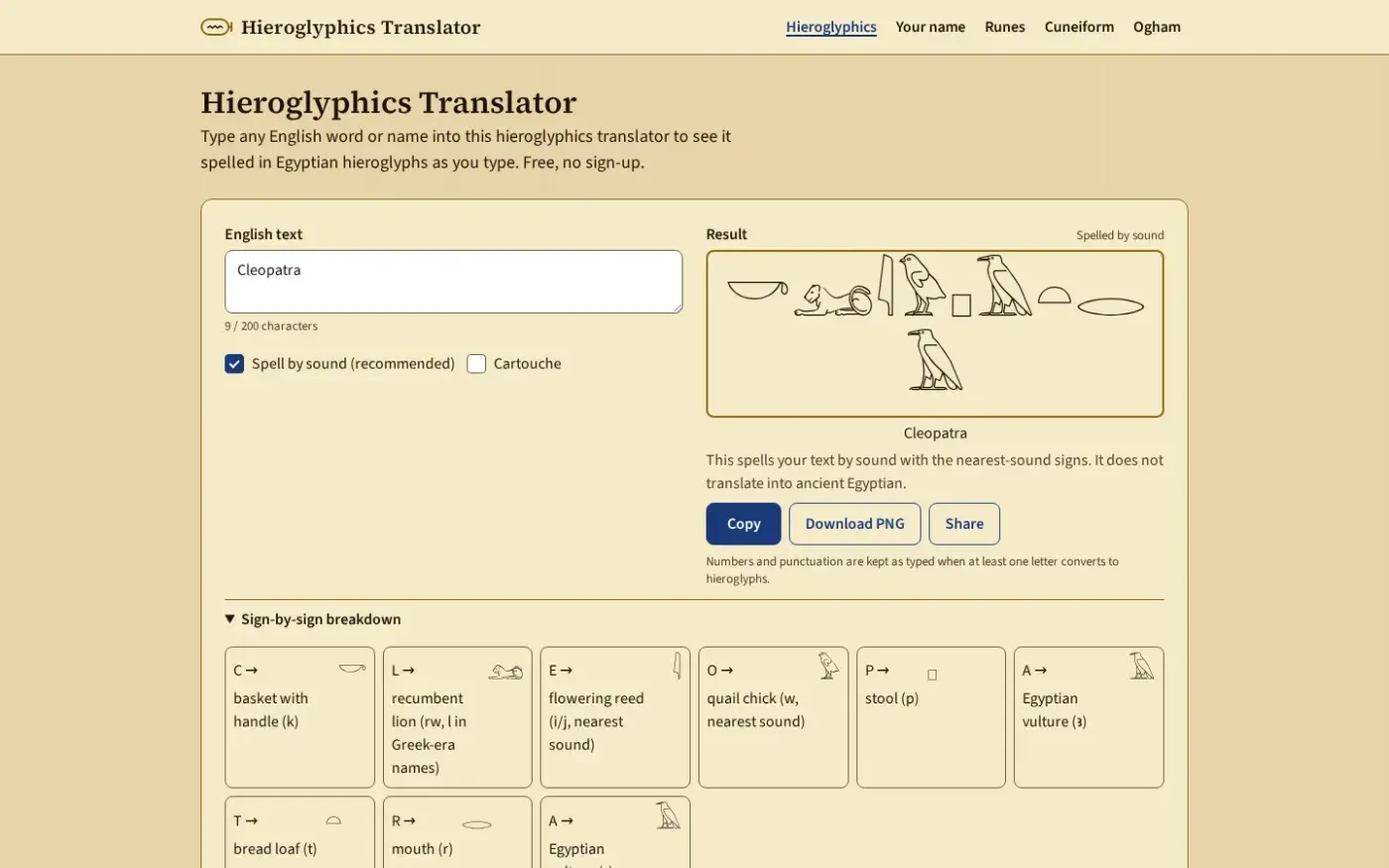
Hieroglyphics Translator screenshot 1 of 2: Home
hieroglyphics-translator.net
A free set of browser-based tools for spelling English words and names with ancient signs, including Egyptian hieroglyphs, using sound-based mappings and providing copy or image-saving output.
Home
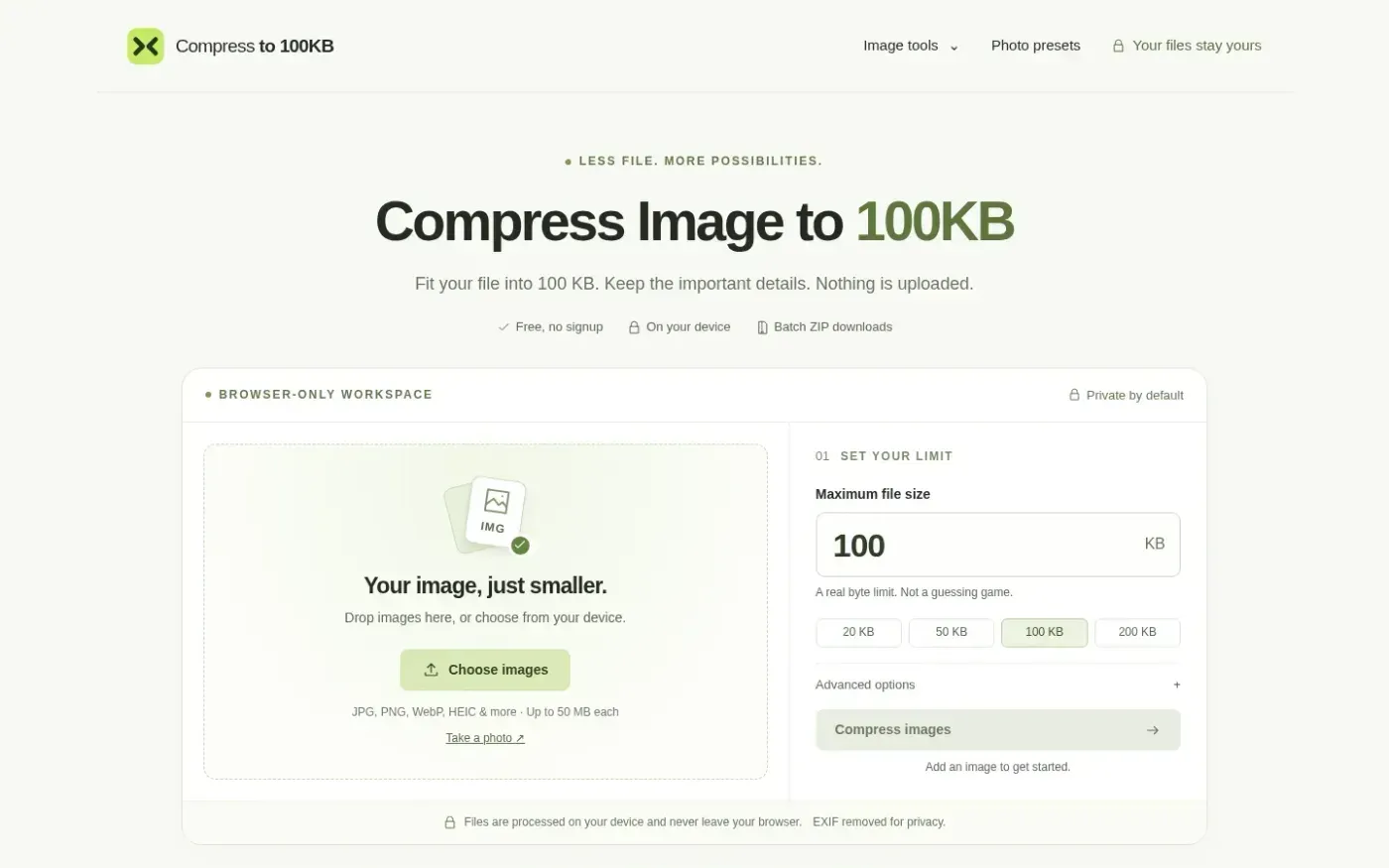
Compressto100kb screenshot 1 of 4: Home
compressto100kb.com
Compressto100kb is a browser-based image compression tool that reduces files to specific kilobyte limits (e.g., 100KB, 50KB). It processes images locally on the user's device without server uploads, supporting JPG, PNG, WebP, and HEIC formats. The tool includes features for batch processing, EXIF metadata removal, and custom pixel dimension adjustments. It provides presets for specific requirements such as IBPS exams and US visa applications.
Home
Spotmp3 screenshot 1 of 4: Home
spotmp3.net
Spotmp3 is a web-based Spotify downloader that enables users to convert Spotify tracks, playlists, albums, and podcasts into 320 kbps MP3 files. The service automatically embeds ID3 tags, cover art, and .lrc lyrics into the downloads. It operates as a free service with a daily limit of 300 tracks, while a one-time 'Supporter' payment unlocks unlimited batch downloads and ZIP exports without requiring an account or software installation.
Home
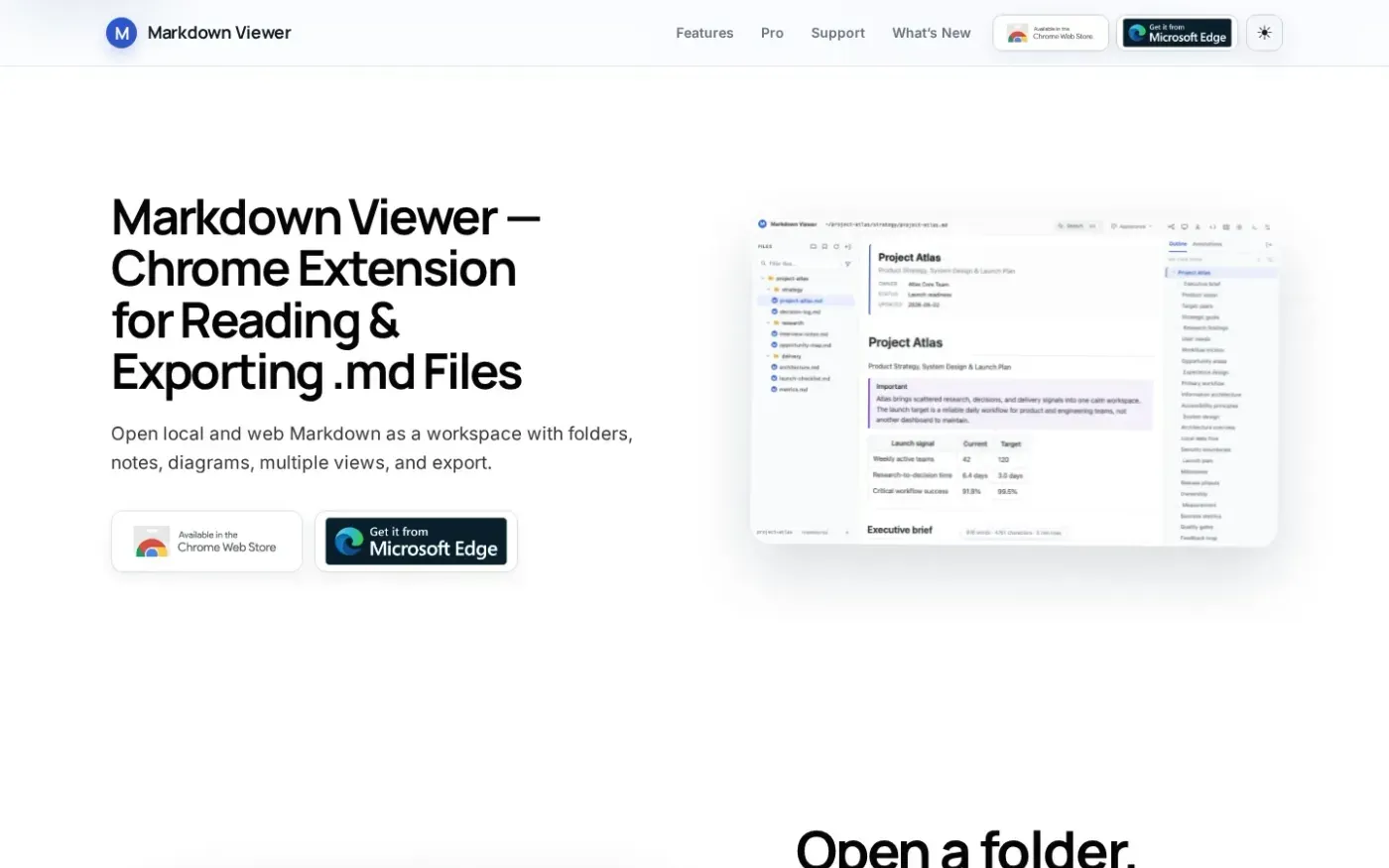
Markdownviewerextension screenshot 1 of 2: Home
markdownviewerextension.com