SiteList review score
Exceptional terminal foundation and AI architecture. Suffers from near-total lack of content depth and commercial keyword coverage.
Reviewed on Aug 11, 2026
whop.sh
Unclaimed listingWhat it does
The Whop CLI gives developers, creators, and automation agents command-line access to Whop API resources.
SiteList review score
Exceptional terminal foundation and AI architecture. Suffers from near-total lack of content depth and commercial keyword coverage.
Reviewed on Aug 11, 2026
Verified user rating
—
No verified reviews yet — the evidence locker is empty.
Captured during our latest review on Aug 24, 2026
Single-binary CLI installation
Terminal AI Agent
Yes, the site prioritizes utility by placing the installation command front-and-center in a simulated terminal interface, reducing time-to-conversion for developers.
The platform is highly accessible to AI agents through server-side rendering and a dedicated `llms.txt` file, which serves as a machine-readable tutorial.
While it uses semantic HTML5, the retro-OS aesthetic creates significant contrast risks and lacks standard navigation features like skip-links.
Currently, the site lacks comparison data or commercial content, ceding topical authority to established competitors in the developer tool market.
Yes, the landing page is highly optimized for speed, utilizing Vercel's edge network with a lean total payload of approximately under 1MB.
Answers are based on SiteList's latest evidence review. Read the full review.
Whop CLI earns a 82/100 for its exceptional technical foundation and AI-ready architecture. While the site is highly optimized for performance, it suffers from a near-total lack of content depth and commercial keyword coverage.
82/100: technically elite shell requiring significant content expansion
No reviews yet. The evidence locker is empty.
Reviews from verified users appear here once approved.
Reviews are from the SiteList community. Some reviewers received incentives — disclosed in the review, always. The verdict is never for sale.
Home
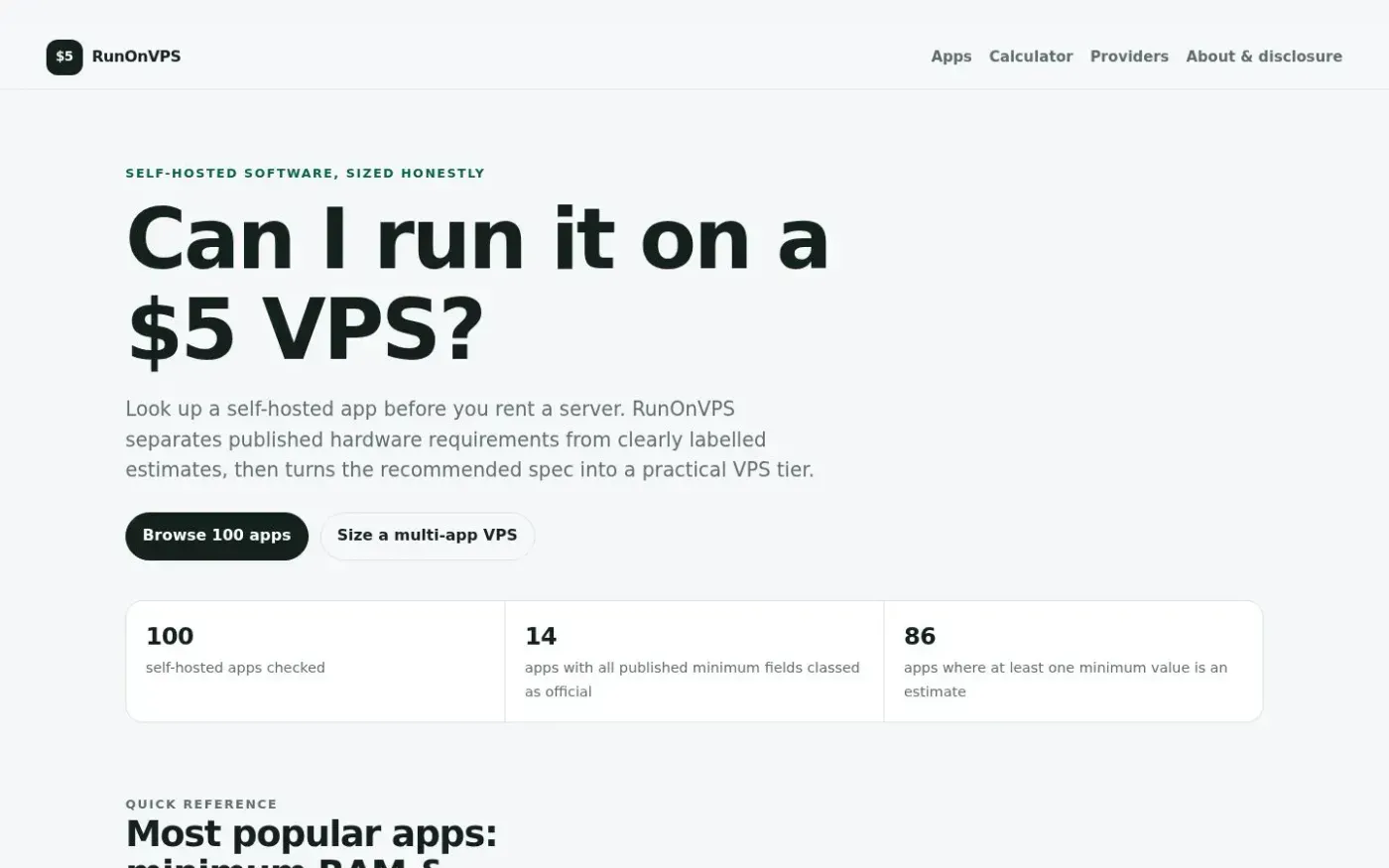
Runonvps screenshot 1 of 4: Home
runonvps.com
Home
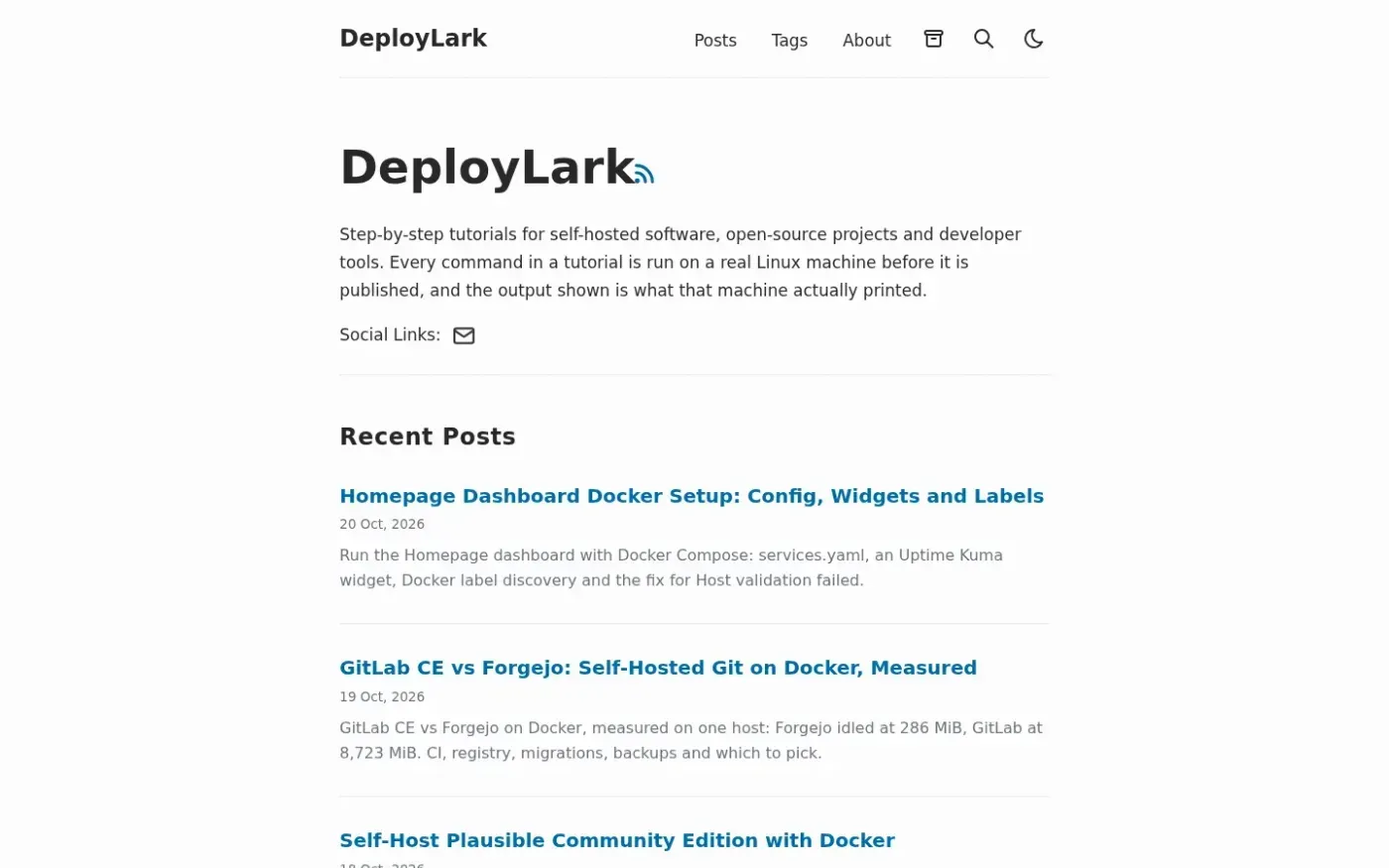
Deploylark screenshot 1 of 4: Home
deploylark.com
DeployLark publishes step-by-step tutorials for self-hosted software, open-source projects, and developer tools, including Docker Compose guides and error fixes. It says each tutorial command is run on a real Linux machine before publication, with the machine's output shown.
Home
CodeBurn — See where your AI coding spend actually goes screenshot 1 of 4: Home
codeburn.app
CodeBurn is a free, open-source, local-first tool that tracks AI coding token usage and cost across dozens of developer tools. It breaks down spend by model, project, and task using session files already on the user's disk, with no data uploaded.
Home
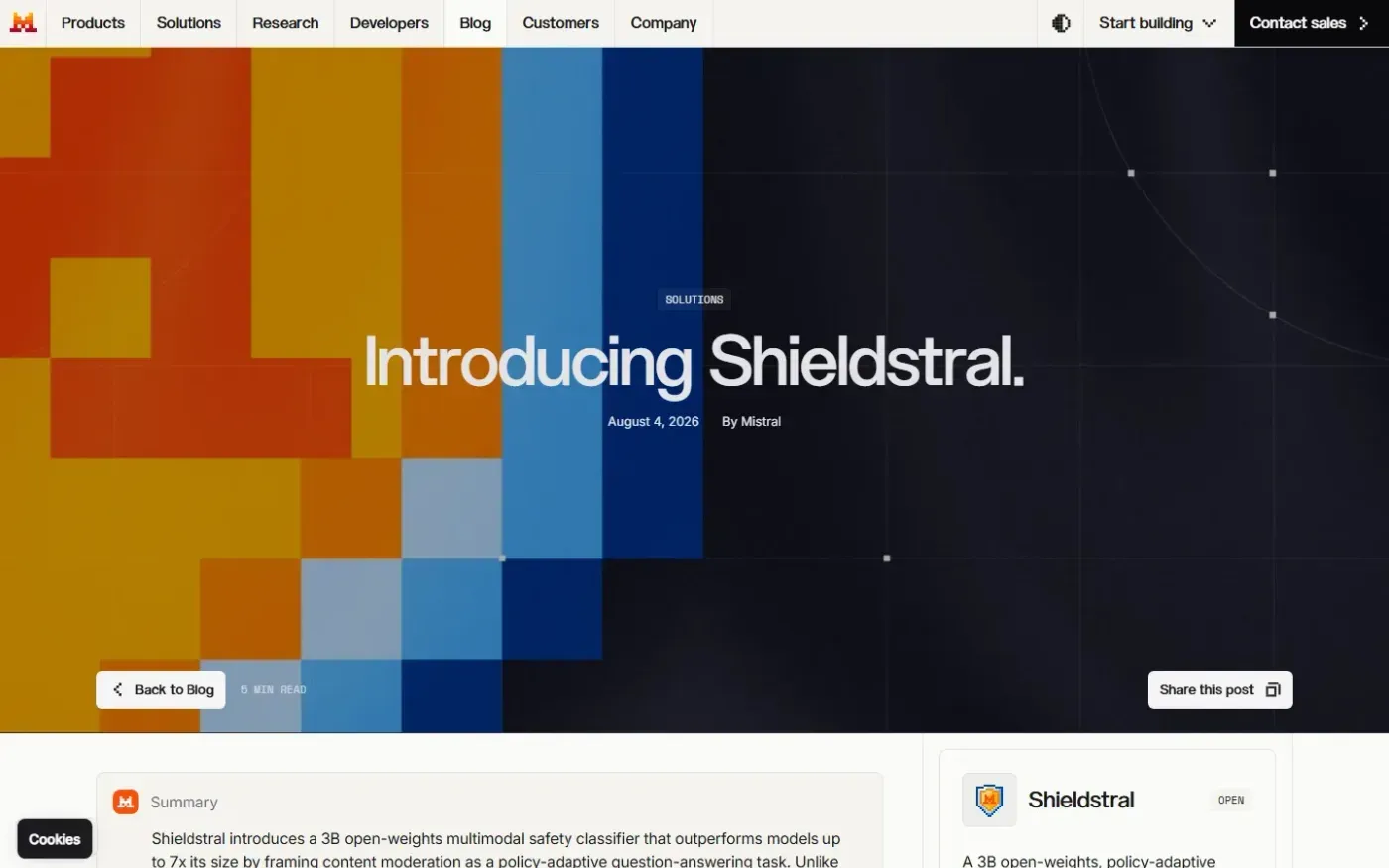
Shieldstral — Define safety at runtime for text and images screenshot 1 of 4: Home
mistral.ai
Shieldstral introduces a 3B open-weights multimodal safety classifier that outperforms models up to 7x its size.