SiteList review score
Clear screen-recording-to-guide workflow with useful sharing and export options. Public help, design polish, accessibility, and mobile speed need focused fixes.
Reviewed on Nov 11, 2026
video2docs.com
Unclaimed listingWhat it does
Turn screen recordings into step-by-step guides with screenshots. Upload a walkthrough video; video2docs writes the steps and picks the screenshots. No narration, extensions or installs needed.
SiteList review score
Clear screen-recording-to-guide workflow with useful sharing and export options. Public help, design polish, accessibility, and mobile speed need focused fixes.
Reviewed on Nov 11, 2026
Verified user rating
—
No verified reviews yet — the evidence locker is empty.
Captured during our latest review on Nov 11, 2026
Yes. The screen is the main signal; narration helps but is never required. The example on this page has no narration.
Structured Markdown with numbered steps, embedded screenshots and short descriptions. Edit it in the browser, translate it into 35 languages, and export it as Markdown, HTML or PDF, or share it as a hosted page.
MP4, MOV, AVI or WebM, up to 10 minutes and 250 MB. You can also record your screen in the browser, with no extension or install.
No. Every account starts with 10 free credits and a finished example project, so you can see a result before you upload anything.
Pay-as-you-go credit packs: Starter $7, Basic $12, Pro $20 and Plus $35. Credits never expire. The cost of a guide depends on the video length and the model you choose, plus 1 credit when screenshots are included, and it is shown before you start.
Personal accounts use individual credits that never expire. Team workspaces have a shared credit pool, role-based permissions, mandatory MFA and per-member analytics. You can switch workspaces at any time, and the same email can own a personal account and belong to several teams.
Videos and documents are encrypted in transit and at rest, on EU infrastructure. Source videos are deleted as soon as processing finishes, unless you choose to keep them. To write your guide, video frames are sent to the AI model you pick through OpenRouter, narration audio is transcribed by OpenAI, and translations are done by DeepL. We don't sell your content or share it with anyone else.
Eight models in five groups: Recommended (Claude Sonnet 5.5), Best value (Gemini 3.8 Flash), Fast & affordable (Claude Haiku 5.5, GPT-5.4, GPT-6 Sol) and Maximum quality (Claude Opus 5, which uses significantly more credits). You pick one per project.
Purchased credits never expire, so credit packs aren't refunded; use your 10 free credits to check the quality first. If a video fails to process, its credits are returned automatically. Team plan subscriptions can be cancelled at the end of the current billing cycle.
Yes. Every completed project can be published as a hosted page with its own link, and readers don't need an account. Choose unlisted (only people with the link, hidden from search engines) or public (search engines can index it). Translations are available on the same page, and you can switch sharing off at any time.
Product FAQ information · View source
Video2docs earns 77/100 for turning screen recordings into clear, editable, screenshot-led guides. Its strongest asset is an easy-to-follow product path, while its most material weakness is the thin public self-serve help surface, scored 50.1/100.
77/100: strong product, fixable gaps
No reviews yet. The evidence locker is empty.
Reviews from verified users appear here once approved.
Reviews are from the SiteList community. Some reviewers received incentives — disclosed in the review, always. The verdict is never for sale.
Home
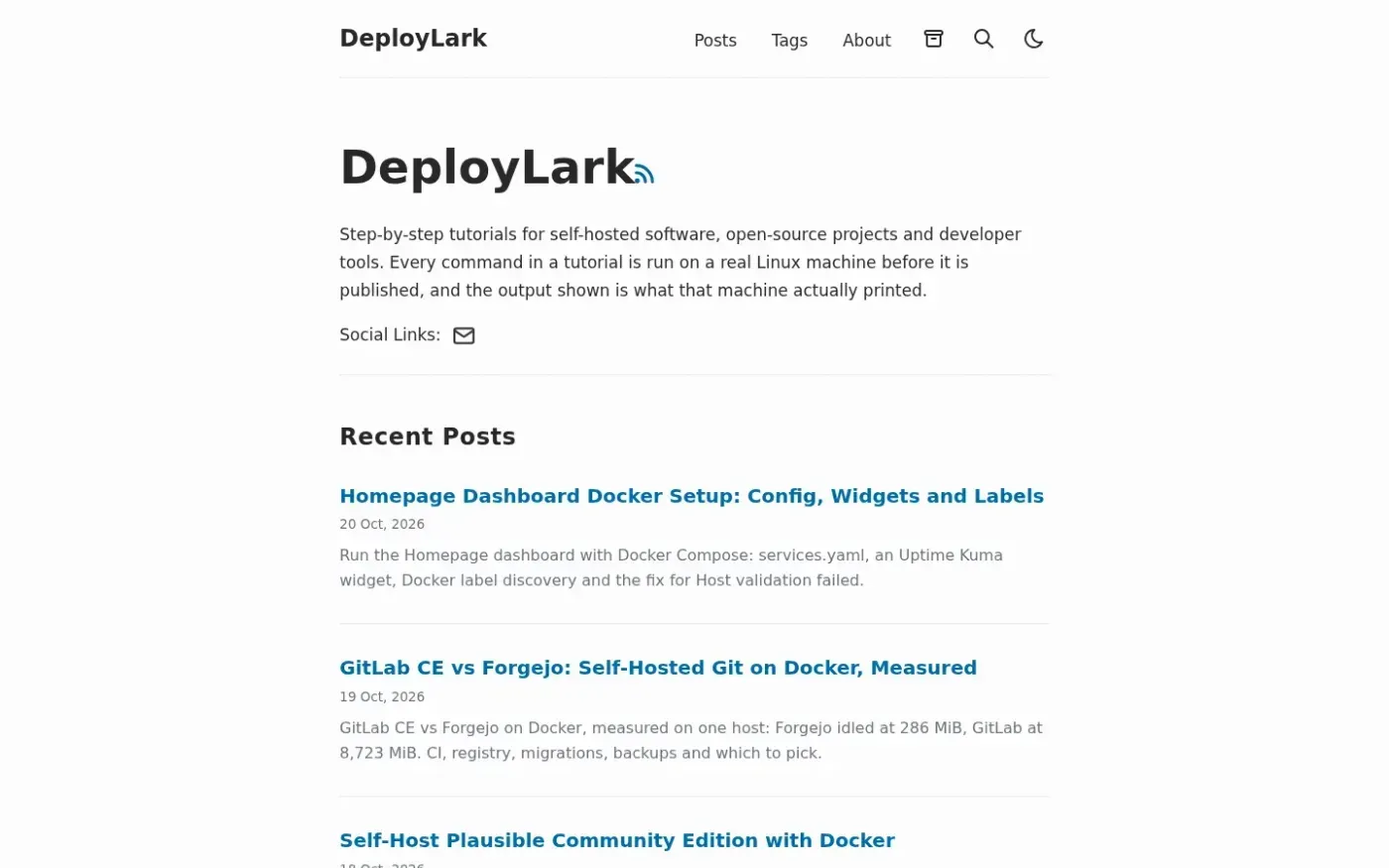
Deploylark screenshot 1 of 4: Home
deploylark.com
DeployLark publishes step-by-step tutorials for self-hosted software, open-source projects, and developer tools, including Docker Compose guides and error fixes. It says each tutorial command is run on a real Linux machine before publication, with the machine's output shown.
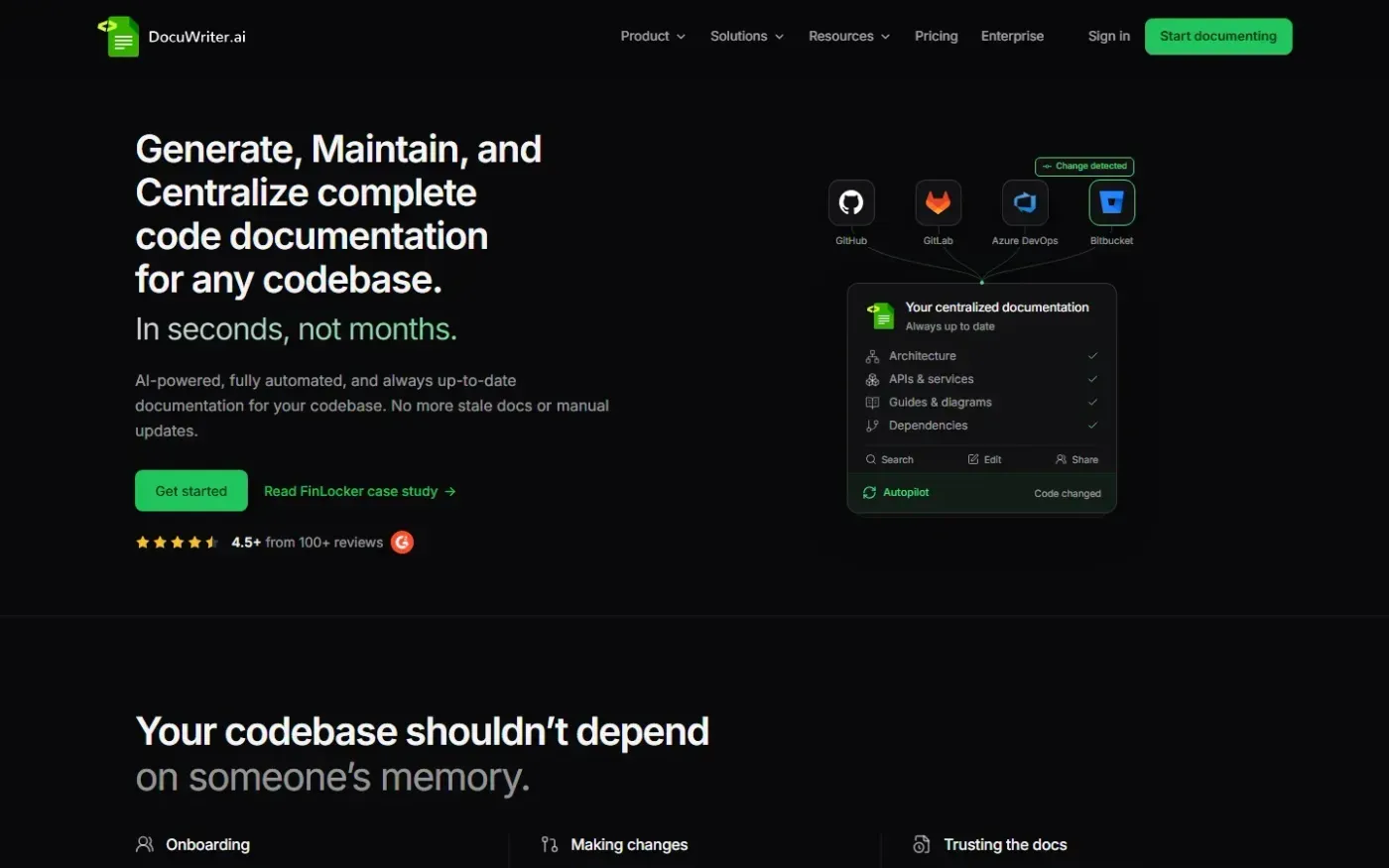
docuwriter.ai
DocuWriter is an AI-powered platform for creating and managing complete, structured documentation for entire codebases. It turns connected repositories into one centralized documentation system.
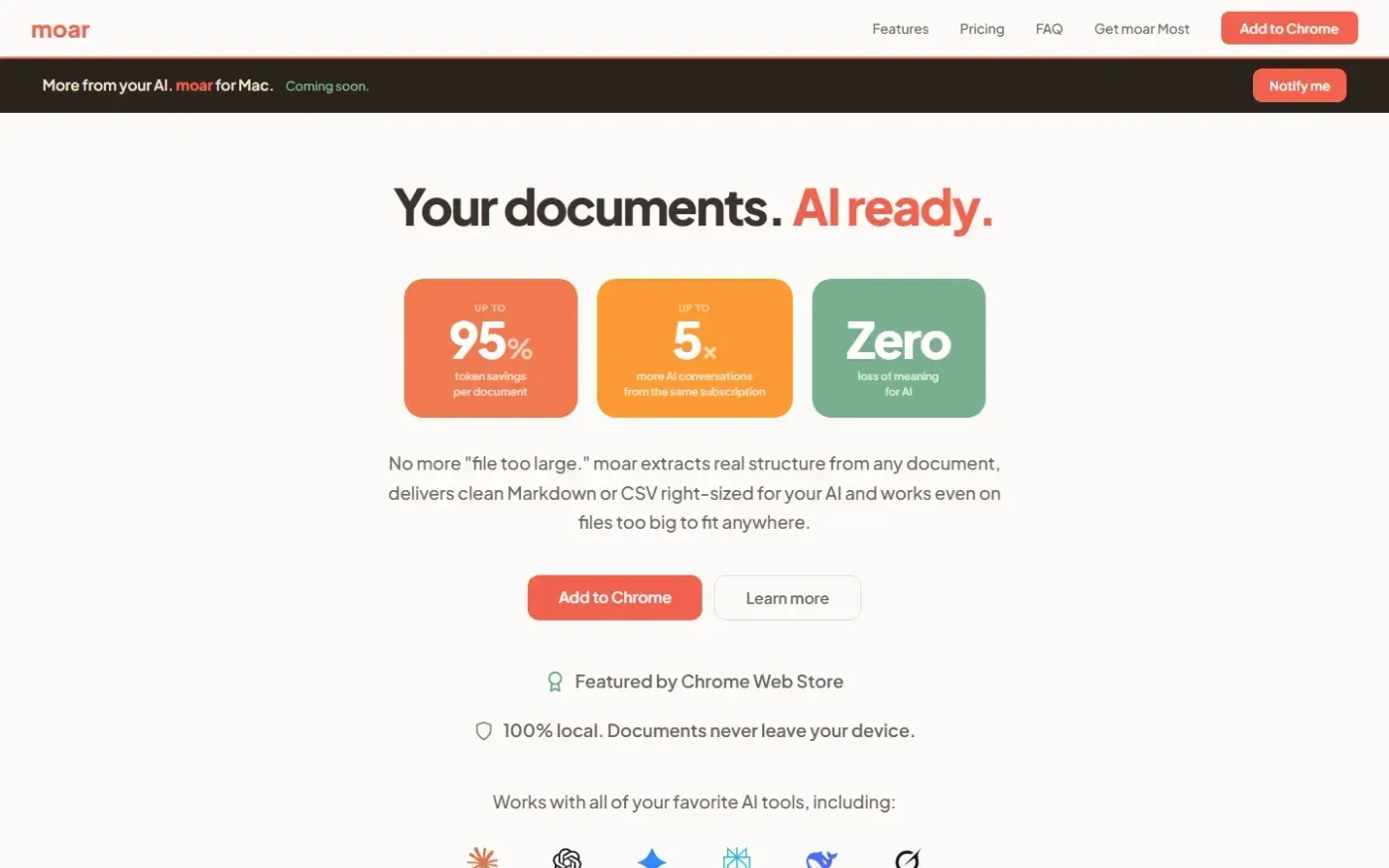
getmoar.ai
moar is a Chrome extension that extracts structure from documents and delivers clean, right-sized Markdown or CSV to AI tools with up to 95% token savings. It runs 100% locally in the browser.
Home
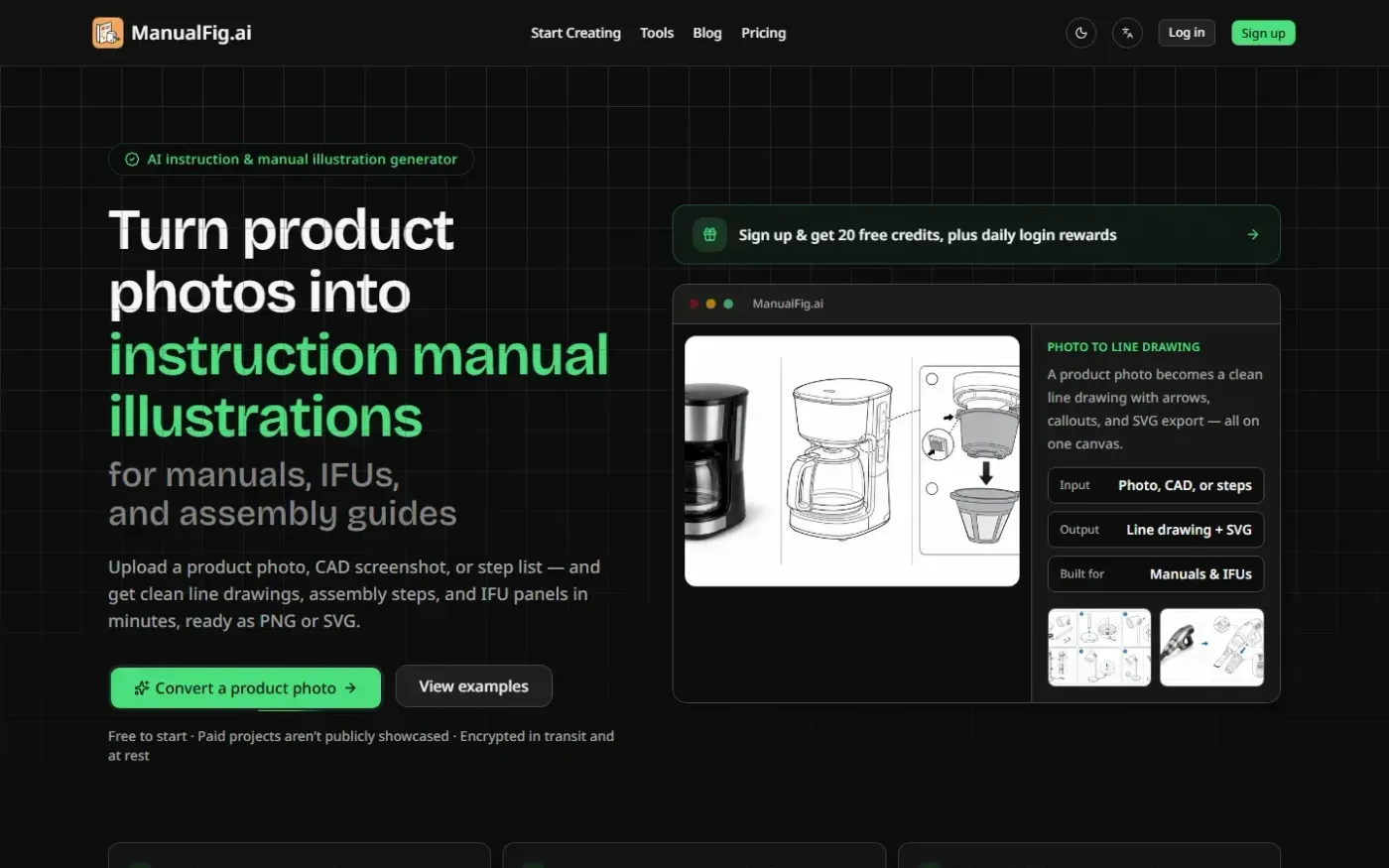
Manualfig screenshot 1 of 4: Home
manualfig.ai
ManualFig is a web-based AI tool that turns product photos, CAD screenshots, sketches, or procedure text into instruction-manual illustrations such as line drawings, assembly steps, IFU panels, and editable SVG figures, with PNG and SVG export.