SiteList review score
Exceptionally focused Mac-native usability path. Total absence of technical documentation and poor mobile performance metrics.
Reviewed on Aug 27, 2026
treebar.net
Unclaimed listingWhat it does
Treebar is a macOS desktop application that provides a read-only, local-first view of active Git worktrees directly from the Mac notch. It groups work by project, displays branch changes and diffs on demand, and controls folder access without modifying repositories or reading prompts.
SiteList review score
Exceptionally focused Mac-native usability path. Total absence of technical documentation and poor mobile performance metrics.
Reviewed on Aug 27, 2026
Verified user rating
—
No verified reviews yet — the evidence locker is empty.
Captured during our latest review on Aug 27, 2026
Available via Mac App Store download; no explicit pricing or tier breakdown is stated on the site. Billed one time.
View sourceRead-only worktree view
Interface control
Displays active Git worktrees and branch changes without switching branches or staging files.
Local-first metadata scanning
Privacy & security
Reads only folder metadata to locate active worktrees; never accesses prompts, messages, or transcripts.
On-demand diff inspection
Git workflow
Allows users to move from a worktree to a changed file and read its diff directly in the interface.
Parallel Codex development on macOS
Provides a single glance view for developers managing multiple active worktrees and parallel tasks on Mac without leaving their desktop environment.
Treebar is highly specialized for Mac developers using Codex, earning a 92/100 usability score. The interface is optimized for worktree monitoring, though the current lack of technical documentation means users must rely on their own intuition for advanced setup.
Mobile performance is a significant weakness, scoring 45/100. The homepage Largest Contentful Paint (LCP) is hindered by large, unoptimized hero assets that block rendering.
Pricing details are currently unknown as the site lacks a dedicated pricing page. The primary conversion path leads directly to an App Store download, but cost transparency is a noted deficiency in the current messaging.
While the visual aesthetic is high-fidelity, the site uses 11px paragraph text, which is well below the 16px industry standard for legibility. This contributes to a design execution score of 57/100.
Answers are based on SiteList's latest evidence review. Read the full review.
Treebar scores 66/100, providing a focused user experience for Mac developers. The product's primary limitations are a total lack of technical documentation and poor mobile performance.
66/100: focused Mac utility with critical documentation gaps.
No reviews yet. The evidence locker is empty.
Reviews from verified users appear here once approved.
Reviews are from the SiteList community. Some reviewers received incentives — disclosed in the review, always. The verdict is never for sale.
Home
Murmell — Cloud canvas where your team and AI agents works together screenshot 1 of 4: Home
murmell.com
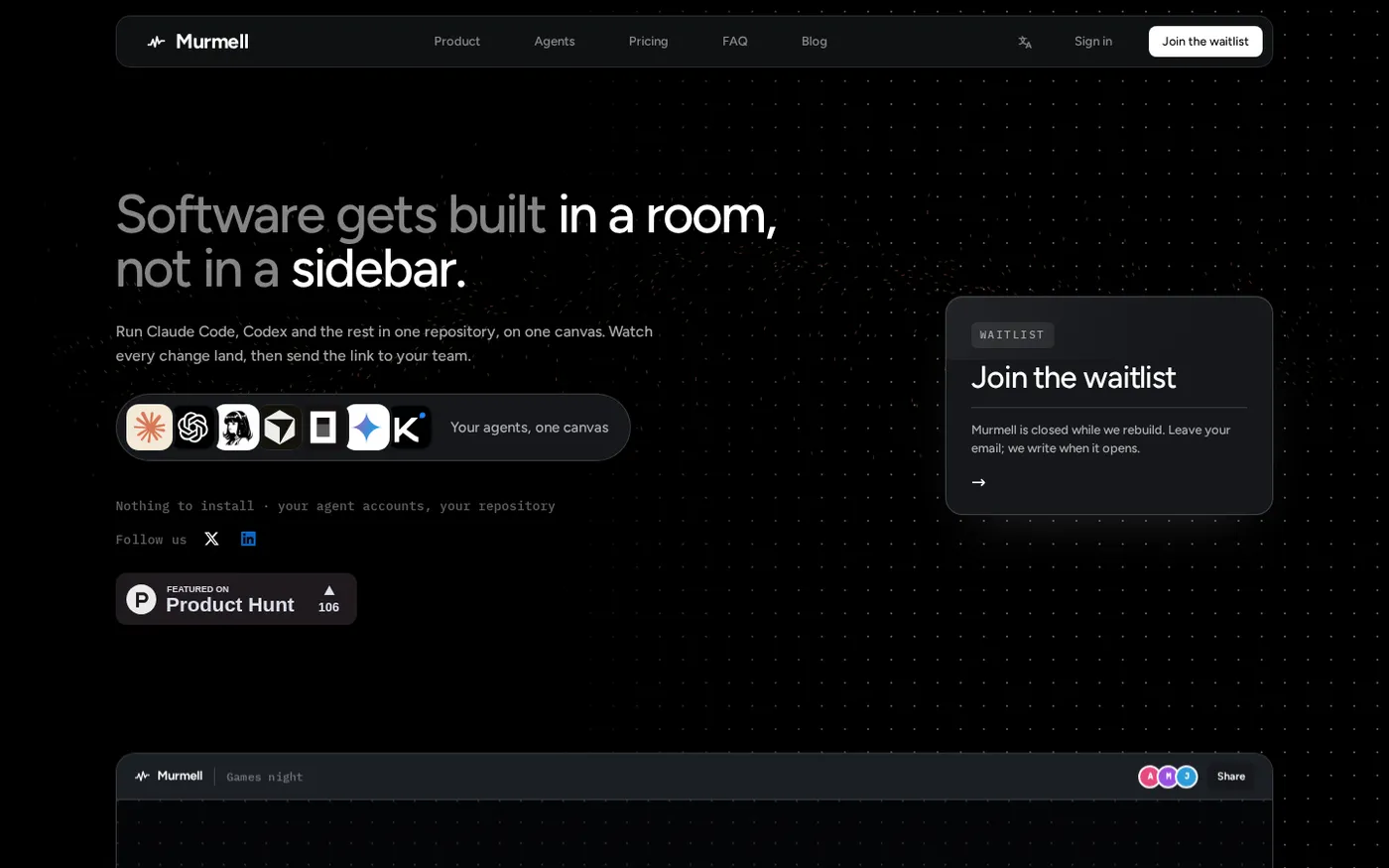
Murmell is a browser canvas where several AI coding agents run on a cloud machine and share one project directory. An agent claims a file before it writes to it, so multiple agents and people can work simultaneously without overwriting each other.
Home
Ito — AI code review that runs your code screenshot 1 of 4: Home
ito.ai
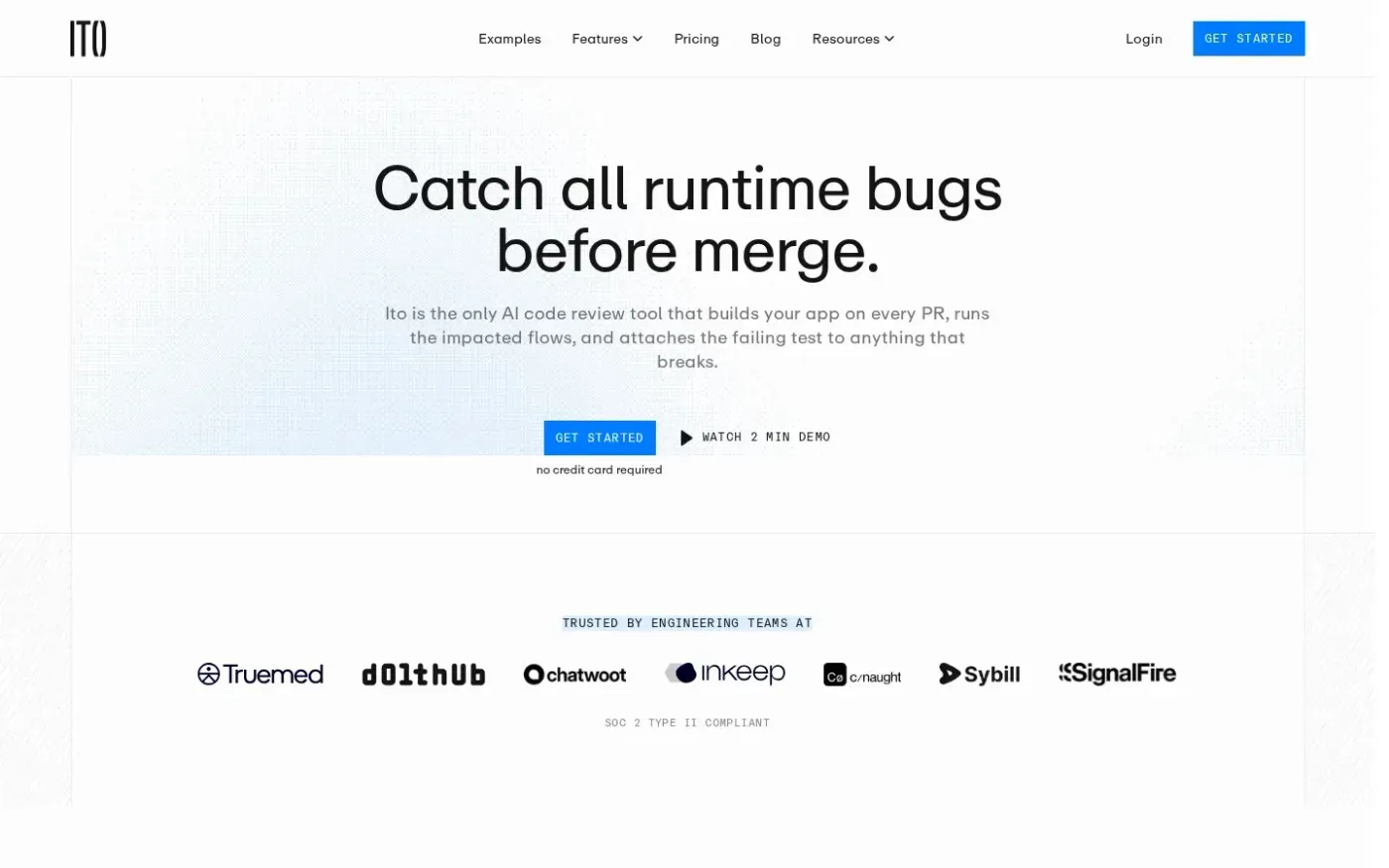
AI-powered code review tool that builds applications on every pull request, runs impacted user flows in isolated environments, and posts video evidence and bug reports directly to the PR.
Home
KiHub — Hardware review platform for KiCad projects screenshot 1 of 4: Home
kihub.dev
Review KiCad project changes from pull requests, branches, tags, or commits with visual diffs, checks, design discussions, and a traceable decision.
Home
Greptile screenshot 1 of 4: Home
greptile.com
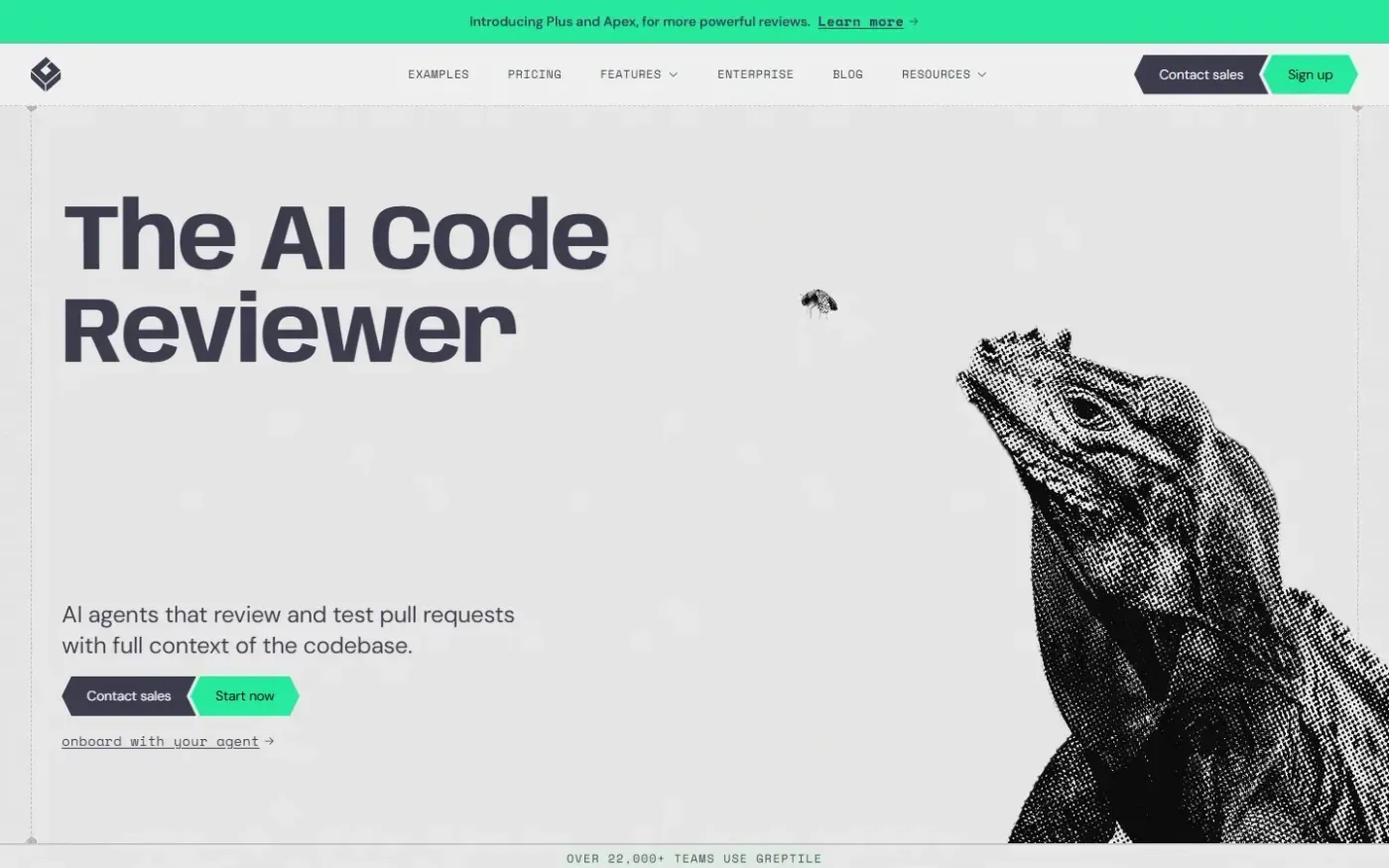
AI-powered code review agent that analyzes pull requests with full repository context, posts findings as PR comments with suggested fixes, and integrates with coding agents for one-click resolution.