SiteList review score
Disciplined local-first macOS workflow capture for AI training. Critical robots.txt misconfiguration completely blocks search engines.
Reviewed on Aug 1, 2026
screencap.sh
Unclaimed listingWhat it does
A local-first macOS screen recorder that captures workflows, automatically segments them into labeled tasks using an on-device model, and scrubs sensitive data before sharing.
SiteList review score
Disciplined local-first macOS workflow capture for AI training. Critical robots.txt misconfiguration completely blocks search engines.
Reviewed on Aug 1, 2026
Verified user rating
—
No verified reviews yet — the evidence locker is empty.
Captured during our latest review on Aug 24, 2026
Free for personal use; $9/mo for business after a 7-day trial. Billed monthly.
| Plan | Price | Details |
|---|---|---|
| Business | $9 monthly per seat | Includes 7-day trial before billing begins. View source |
On-device task segmentation
AI / automation
An on-device model automatically splits recordings into labeled tasks and indexes spoken words for search.
Capture-time privacy enforcement
Privacy / Security
Password managers and banking apps are cut before recording; email and chat are masked. All shared files are scrubbed of PII.
Local-first storage
Storage
Recordings are stored locally at ~/.screencap on the Mac and nowhere else unless a cloud plan is chosen.
Team onboarding
Demonstrates actual workflows to new teammates through searchable, labeled recordings.
Workflow documentation and search
Captures daily tasks, automatically segments them, and indexes content for future retrieval.
AI training data contribution
Donates reviewed, scrubbed real-work recordings to train open computer-use models (opt-in per recording).
MCP servers
developer tools
Queries connected MCP servers during recording to attach live contextual data to the video file on-device.
No. A critical error in the robots.txt file serves a noindex directive, signaling search engines to ignore the site. This must be corrected to plain text to allow indexing.
It occupies a high-privacy, 'local-first' niche for macOS users, specifically targeting AI developers who need to turn workflows into training data without cloud exposure.
While desktop spacing is excellent, the implementation suffers from loading inefficiencies, including 50 font-face rules that delay rendering. Mobile-specific technical discipline is currently lacking.
Currently, no. The site lacks a help center, setup guides, or technical explanations, which is a significant gap for its developer-centric audience.
Answers are based on SiteList's latest evidence review. Read the full review.
Screencap earns a 66/100, distinguishing itself with a disciplined 'local-first' positioning for macOS-based AI training. However, a critical robots.txt misconfiguration currently renders the site invisible to search engines and AI crawlers.
66/100: technically sound UI, fundamentally broken for SEO
No reviews yet. The evidence locker is empty.
Reviews from verified users appear here once approved.
Reviews are from the SiteList community. Some reviewers received incentives — disclosed in the review, always. The verdict is never for sale.
Home
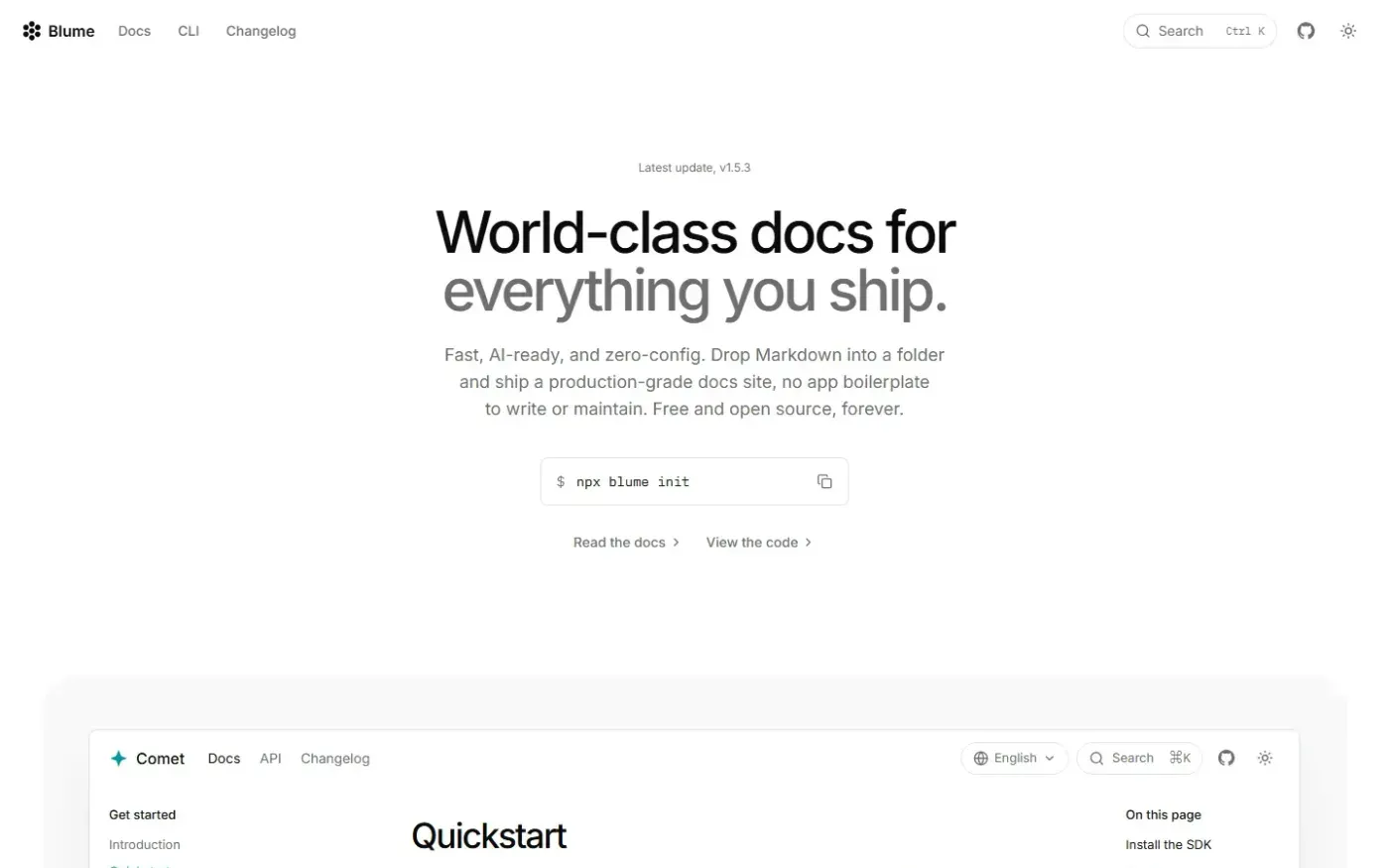
Blume — AI-ready, Markdown-first documentation framework screenshot 1 of 4: Home
useblume.dev
Open-source, markdown-first documentation framework built on Astro and Vite. Generates production-grade docs sites from plain Markdown folders with zero-config setup, including search, theming, SEO, i18n, and AI readiness.
Home
Muse — Al Visual Bookmark Manager for Mac screenshot 1 of 4: Home
theodorehq.com
Native Mac app that collects links, images, video, screenshots, GIFs, and text notes into a single private library with on-device AI tagging and organization. No subscription or cloud storage required.
Home
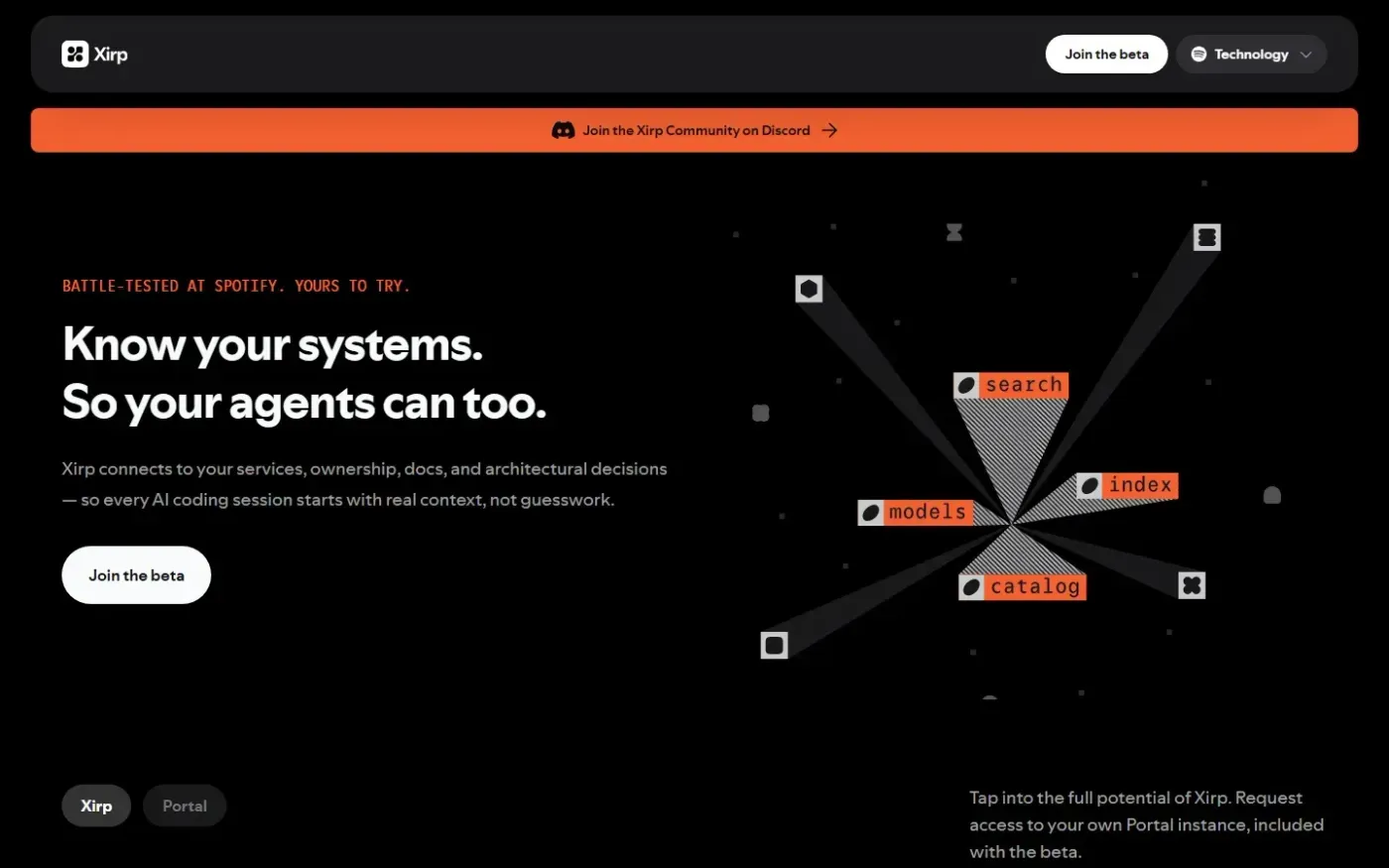
Xirp — The agentic development environment built by Spotify screenshot 1 of 4: Home
spotify.com
Xirp is an agentic development environment that indexes services, documentation, and architectural decisions to provide institutional context for AI coding sessions.
Home
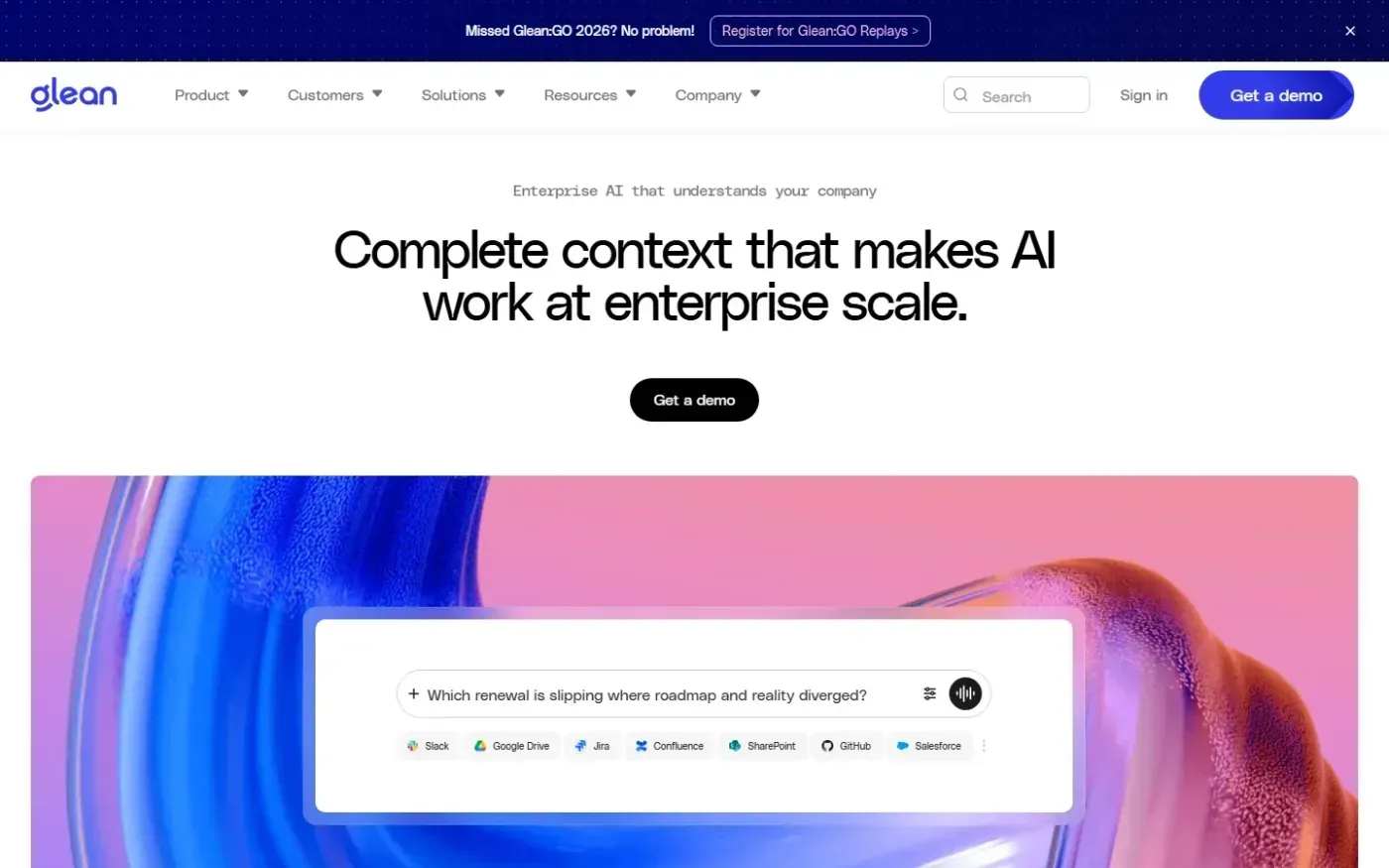
Glean screenshot 1 of 2: Home
glean.com
Enterprise AI platform that unifies search, assistants, and agents across company data to automate workflows and improve productivity.