SiteList review score
Clear inbox-assistant paths and useful prioritization features. Replace the conflicting homepage H1 and reduce the slow mobile experience.
Reviewed on Oct 14, 2026
pullsy.com
Unclaimed listingWhat it does
Pullsy is an AI-powered inbox management tool that connects Gmail and Microsoft 365, organizes messages, surfaces priorities, and drafts replies in the user's chosen tone for review before sending.
SiteList review score
Clear inbox-assistant paths and useful prioritization features. Replace the conflicting homepage H1 and reduce the slow mobile experience.
Reviewed on Oct 14, 2026
Verified user rating
—
No verified reviews yet — the evidence locker is empty.
Captured during our latest review on Oct 14, 2026
free trial (14 days) · The site states that Pullsy offers a free 14-day trial and that users can cancel at any time.
View sourceSmart AI Drafts
AI replies
Generates context-aware email replies based on the conversation and lets the user review them before sending.
Context-aware suggestions
AI replies
Identifies questions, tasks, follow-ups, scheduling needs, and requested documents in email context.
Multiple tone options
AI replies
Lets users choose a writing tone such as Professional, Friendly, Quick, Direct, or Detailed for generated drafts.
Adaptive writing style learning
AI replies
Learns patterns including sentence length, word choice, punctuation, formality, and sign-off style.
One-click sending
Email workflow
Lets users review, edit, approve, and send an AI-generated reply with one click.
Inbox organization
Inbox management
Organizes messages and surfaces priorities in a unified inbox view.
Meeting reminders
Calendar
Uses calendar events and related emails to show upcoming meetings, key threads, and important attachments.
Managing a busy inbox
Organize inbox messages and reduce email noise.
Drafting email replies
Generate and review replies that match the user's preferred tone.
Handling follow-ups and scheduling
Identify follow-up and scheduling needs from email conversations and propose actions.
Preparing for meetings
Review calendar events, related emails, key threads, and attachments before meetings.
Gmail
communication
Pullsy connects to Gmail for inbox management and AI-assisted replies.
Microsoft 365
communication
Pullsy connects to Microsoft 365 for inbox management and AI-assisted replies.
Calendar
productivity
Pullsy connects calendar context and events with related email activity.
Slack
communication
The site lists Slack among the tools Pullsy connects with, while homepage FAQ wording says it is coming soon in one place.
communication
The contact page lists LinkedIn among the tools Pullsy connects with.
Pullsy is an AI-powered inbox management tool that connects Gmail, Outlook, your calendar and very soon Slack. Once you connect your accounts, Pullsy automatically organizes messages, highlights what’s important, and suggests replies so you can clear your inbox faster with less mental load.
Pullsy says it uses encryption in transit and at rest, follows SOC 2 and GDPR-aligned practices, limits access to only the data needed to power the inbox experience, allows integrations to be disconnected, and does not sell user data.
Pullsy states that it includes a 14-day free trial, that users can see when they will be charged, and that they can cancel before the trial ends to avoid billing.
Yes. Pullsy’s Smart AI Drafts read the conversation thread and context, generate suggested replies, support tone choices such as Professional, Friendly, or Quick, and require user review before sending.
The FAQ says Pullsy connects with Gmail, Outlook, a calendar, Zoom, and more to come, with multiple or unlimited inboxes and channels depending on the plan.
Yes. Pullsy uses calendar events and related emails to show upcoming meetings, key threads, and important attachments.
Product FAQ information · View source
Pullsy scores 62/100, with clear inbox-assistant paths for Gmail and Microsoft 365 and useful prioritization and drafting claims. Its most material weaknesses are a conflicting homepage H1, uneven editorial hierarchy, and slow mobile lab performance.
62/100: fair product, uneven presentation and speed
No reviews yet. The evidence locker is empty.
Reviews from verified users appear here once approved.
Reviews are from the SiteList community. Some reviewers received incentives — disclosed in the review, always. The verdict is never for sale.
Home
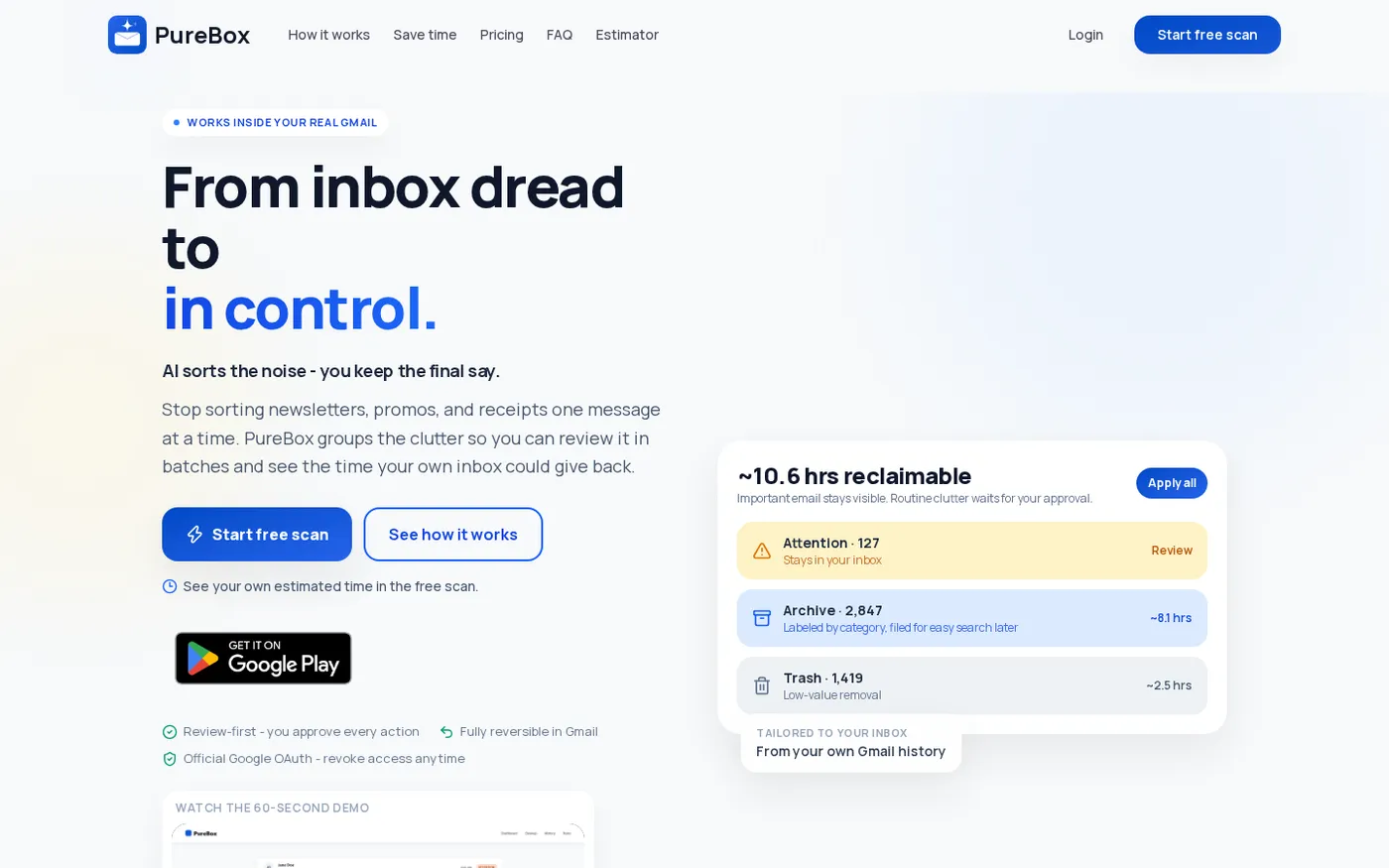
PureBox.ai — Review-first AI cleanup for your real Gmail inbox. screenshot 1 of 3: Home
purebox.ai
AI Gmail cleanup tool that finds what matters, archives what doesn't, and gives you back hours of inbox time - with every action reviewable and reversible.
Home
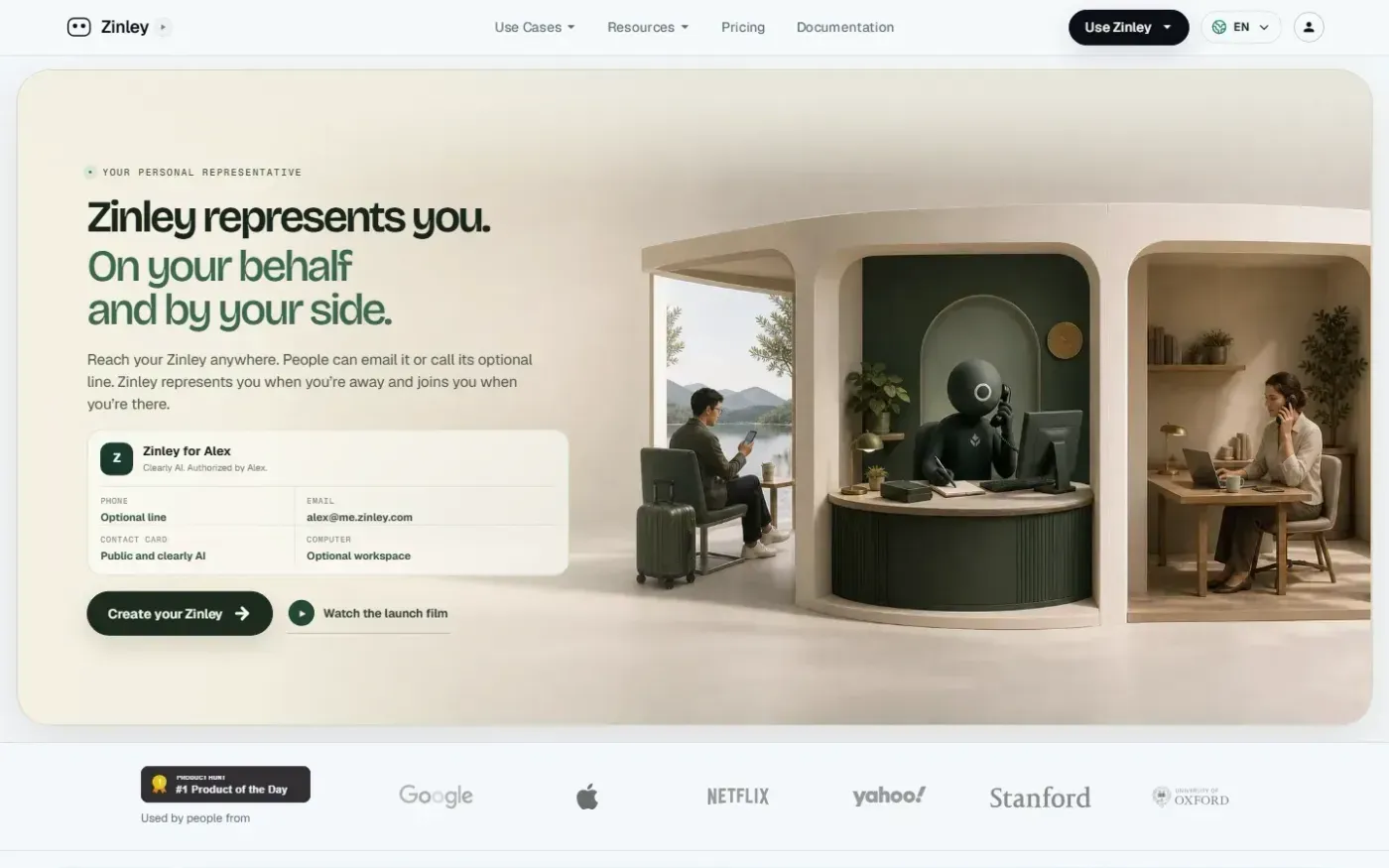
Zinley — Your Personal AI Representative for calls, email, and tasks screenshot 1 of 4: Home
zinley.com
Zinley is an AI personal representative that operates with its own email, public contact card, and private memory. It handles tasks on a user's behalf, joins meetings and interviews, manages missed calls via an optional phone line, and coordinates across web, desktop, iMessage, Telegram, and voice.
Home
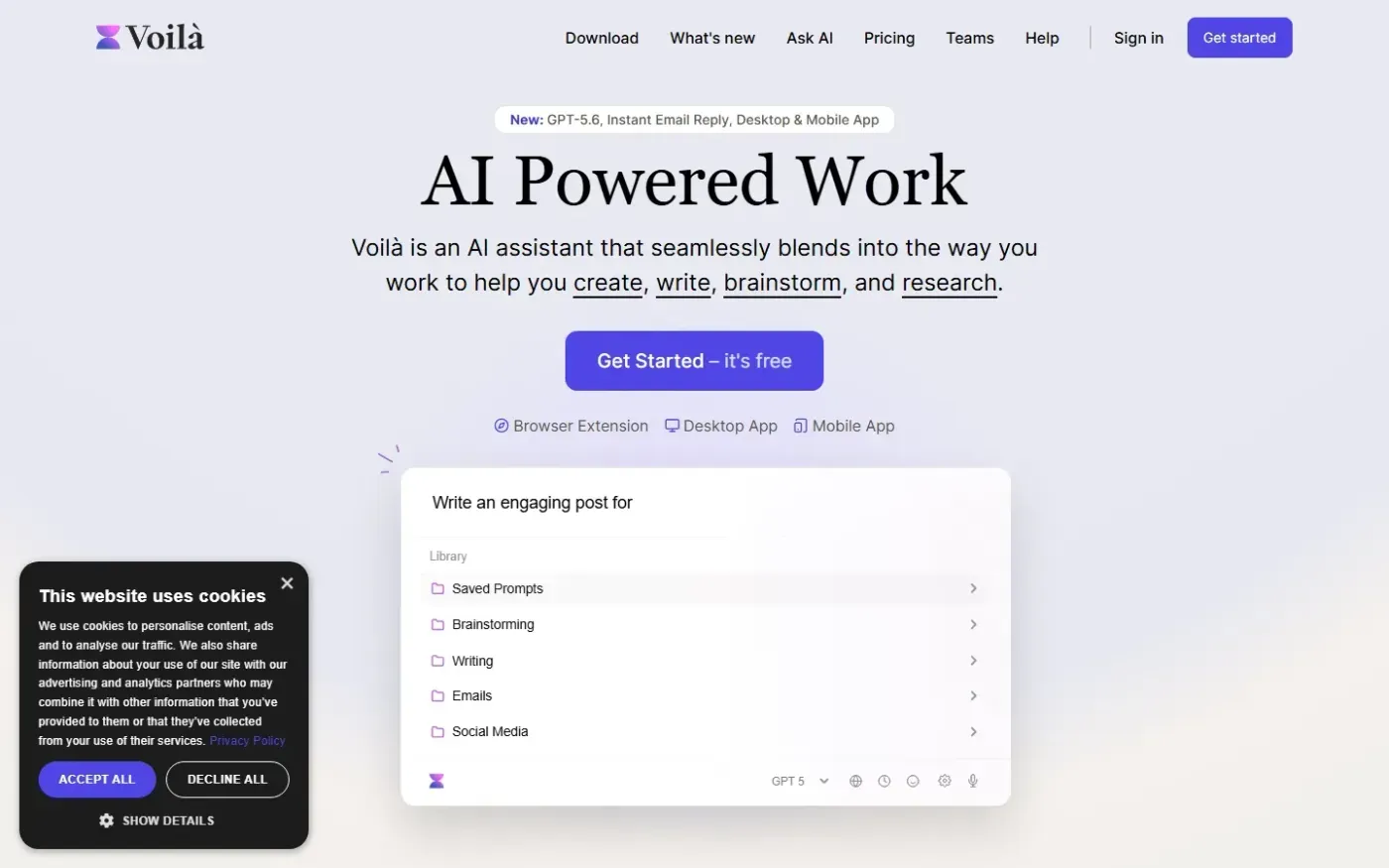
Getvoila screenshot 1 of 4: Home
getvoila.ai
Voilà is an AI assistant available in a browser and on desktop and mobile that helps users create, write, brainstorm, research, summarize web content, and automate tasks with AI.
Home
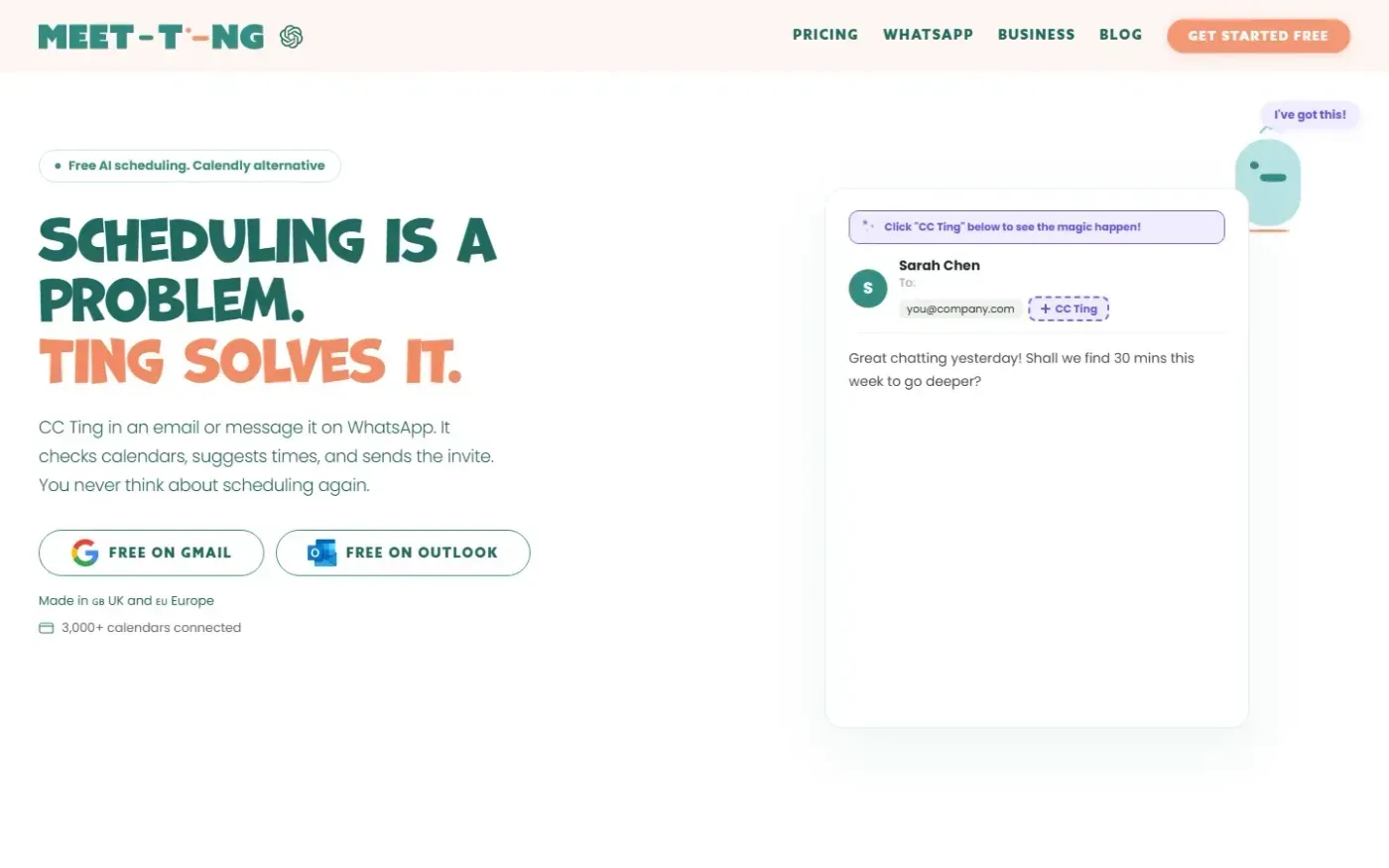
Meet-ting screenshot 1 of 4: Home
meet-ting.com
AI scheduling assistant that books meetings via email or WhatsApp by checking calendars, suggesting times, and sending invites automatically without requiring users to open an app or share links.