SiteList review score
Editable presentations, strong accessibility, and a clear path from idea to deck. Public help focuses more on releases than task-by-task guidance.
Reviewed on Oct 24, 2026
powerpresent.ai
Unclaimed listingWhat it does
PowerPresent creates clear, professional presentations from a prompt, document, or template with AI. It lets users edit every slide, present online, and export to PowerPoint.
SiteList review score
Editable presentations, strong accessibility, and a clear path from idea to deck. Public help focuses more on releases than task-by-task guidance.
Reviewed on Oct 24, 2026
Verified user rating
—
No verified reviews yet — the evidence locker is empty.
Captured during our latest review on Oct 24, 2026
Pitch decks
Create investor-ready pitch decks with AI.
Sales presentations and proposals
Create sales presentations and proposals from a brief or Word document.
Lesson slides
Create editable classroom presentations from a topic or reading.
Marketing and campaign decks
Create marketing presentations and campaign decks from a brief.
Student presentations and assignments
Create editable student presentations from notes, a topic, or a PDF.
Yes — with no usage limits. Create, edit, and present as many presentations as you like, and download them as PDFs with a watermark. Upgrading unlocks .pptx download and document upload.
On paid plans, one click gives you a real .pptx with editable text, native charts, and your fonts intact. The free plan exports PDF with a watermark.
Yes — upload an existing PowerPoint template and PowerPresent uses its layouts, fonts, and colors for new presentations, so everything comes out on-brand.
Yes — present straight from your browser on any plan, or export the deck and present offline.
Yes — cancel your subscription anytime from the billing page. Pay-as-you-go purchases and Lifetime access never renew.
Product FAQ information · View source
PowerPresent scores 80/100, with strong accessibility and an easy-to-follow path from its homepage to core commercial pages. Its most material weakness is self-serve help: the public surface explains what shipped more clearly than how users complete tasks, while mobile lab performance remains a diagnostic concern.
80/100: strong product, clear gaps
No reviews yet. The evidence locker is empty.
Reviews from verified users appear here once approved.
Reviews are from the SiteList community. Some reviewers received incentives — disclosed in the review, always. The verdict is never for sale.
Home
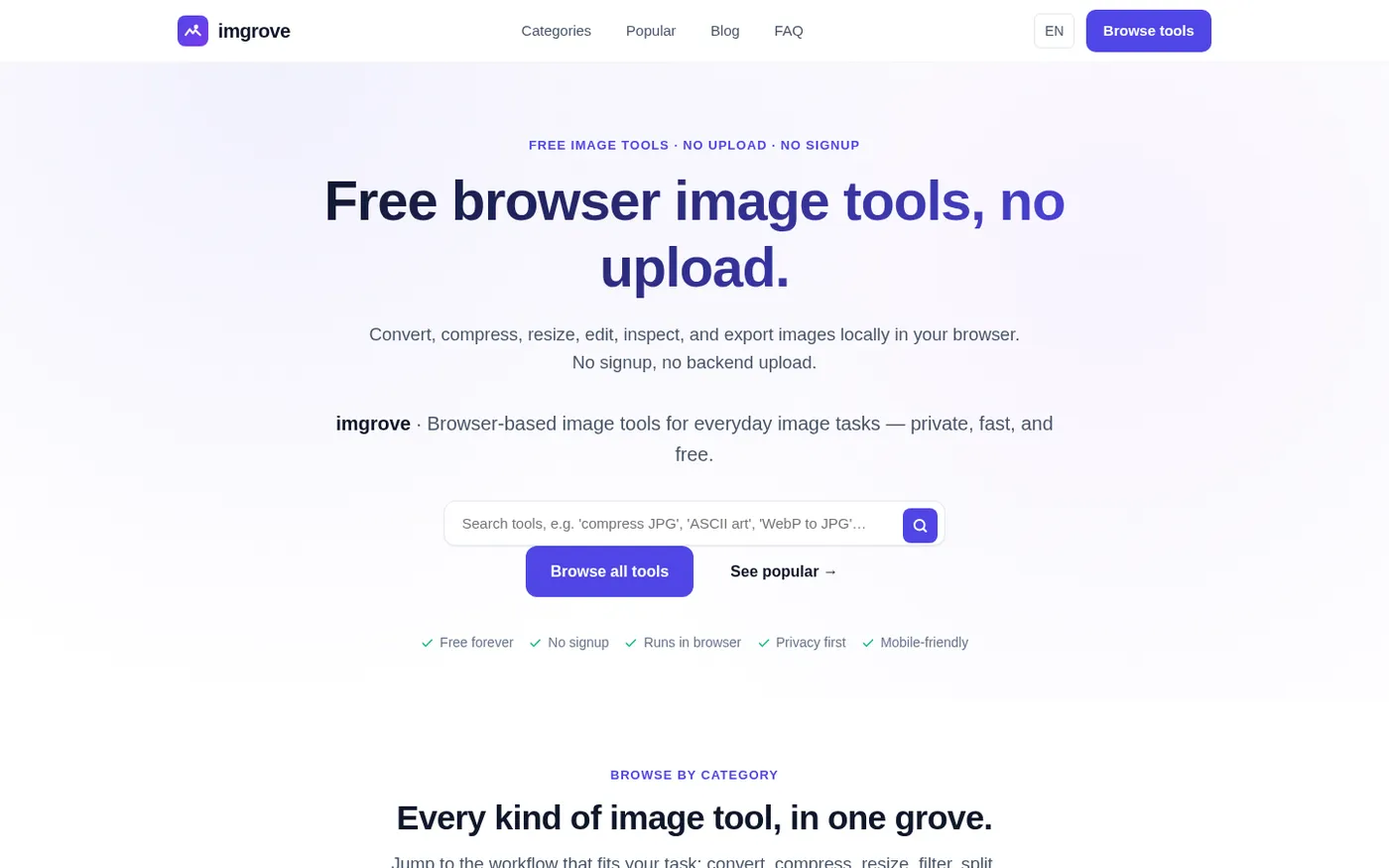
Imgrove screenshot 1 of 4: Home
imgrove.com
imgrove is a free browser-based image tools hub that processes files locally in your browser with no upload, signup, or watermark.
Home
Gardenly screenshot 1 of 4: Home
gardenly.app
Gardenly is an AI-powered garden design tool that generates photorealistic garden redesigns from a single photo, featuring climate-adapted plant recommendations, personalized plant care guides, and seasonal maintenance schedules.
Home
Rendercad screenshot 1 of 4: Home
rendercad.ai
RENDERCAD is an AI-powered visual rendering platform that turns CAD screenshots, real photos, and hand drawings into product images in 60 seconds.
Home
Muse — Al Visual Bookmark Manager for Mac screenshot 1 of 4: Home
theodorehq.com
Native Mac app that collects links, images, video, screenshots, GIFs, and text notes into a single private library with on-device AI tagging and organization. No subscription or cloud storage required.