SiteList review score
Concrete tool guidance and a no-account workflow are clear strengths. Positioning and proof need sharper answers for visitors deciding what to use.
Reviewed on Nov 11, 2026
piccollages.com
Unclaimed listingSiteList review score
Concrete tool guidance and a no-account workflow are clear strengths. Positioning and proof need sharper answers for visitors deciding what to use.
Reviewed on Nov 11, 2026
Verified user rating
—
No verified reviews yet — the evidence locker is empty.
Captured during our latest review on Nov 11, 2026
In color mode, it means three levels for each red, green, and blue channel, allowing up to 27 RGB combinations. In grayscale mode, it means up to three gray tones. Your image may use fewer combinations. This is channel posterization, not a tool for selecting an exact total-size color palette.
A threshold filter makes each pixel black or white. Grayscale posterization can use two tones for a similar high-contrast reference, or more tones to retain middle values. Color posterization keeps red, green, and blue channels and reduces each one separately.
Images within the working limit keep their dimensions. Static PNG, JPG, and WebP files up to 20 MB and 40 megapixels can be opened. If the file exceeds 3,200 pixels on its longest side or 8 megapixels, you are asked before using a smaller working copy. Preview and export dimensions are shown in the tool. Animated images are not supported.
Posterization makes gradual changes visible as steps, so noise, shadows, and compression can become more obvious. Increase the levels to retain more detail, compare the eyes and skin with the original, and start with a cleaner source photo. The effect changes existing pixels; it does not repair or redraw the image.
The image file you choose is decoded, processed, and exported locally in your browser. No account is needed. Continue in Photo Editor transfers the current result through local browser storage to a new design on this device.
Product FAQ information · View source
Piccollages earns 73/100 for a free browser-based photo utility with concrete tool guidance, clear limits, and a no-account workflow. Its main weakness is positioning: the audience is broad, the catalogue is large, and the site does not clearly explain why someone should choose it over a manual workflow or Canva.
73/100: strong tools, weak positioning
No reviews yet. The evidence locker is empty.
Reviews from verified users appear here once approved.
Reviews are from the SiteList community. Some reviewers received incentives — disclosed in the review, always. The verdict is never for sale.
Home
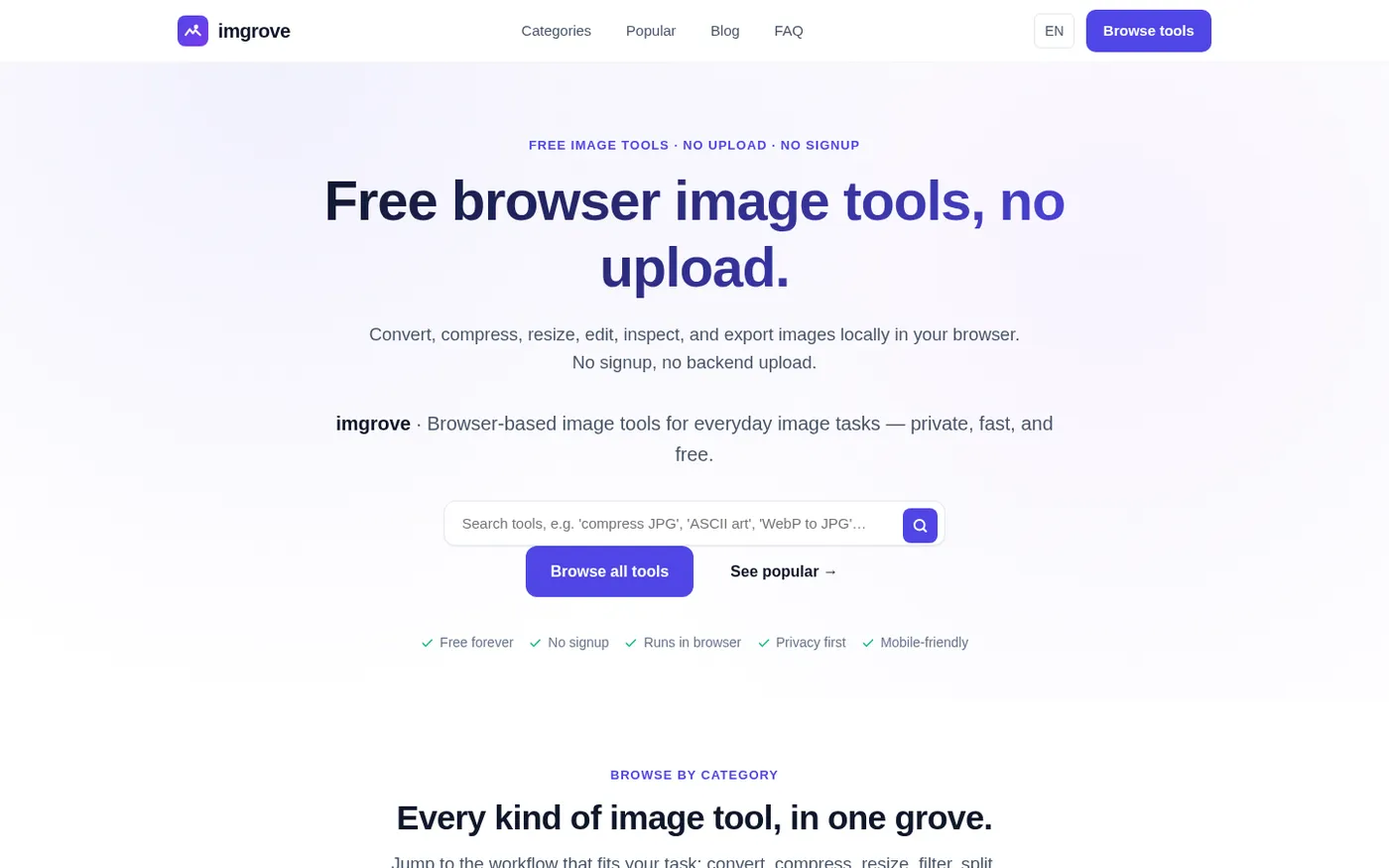
Imgrove screenshot 1 of 4: Home
imgrove.com
imgrove is a free browser-based image tools hub that processes files locally in your browser with no upload, signup, or watermark.
Home
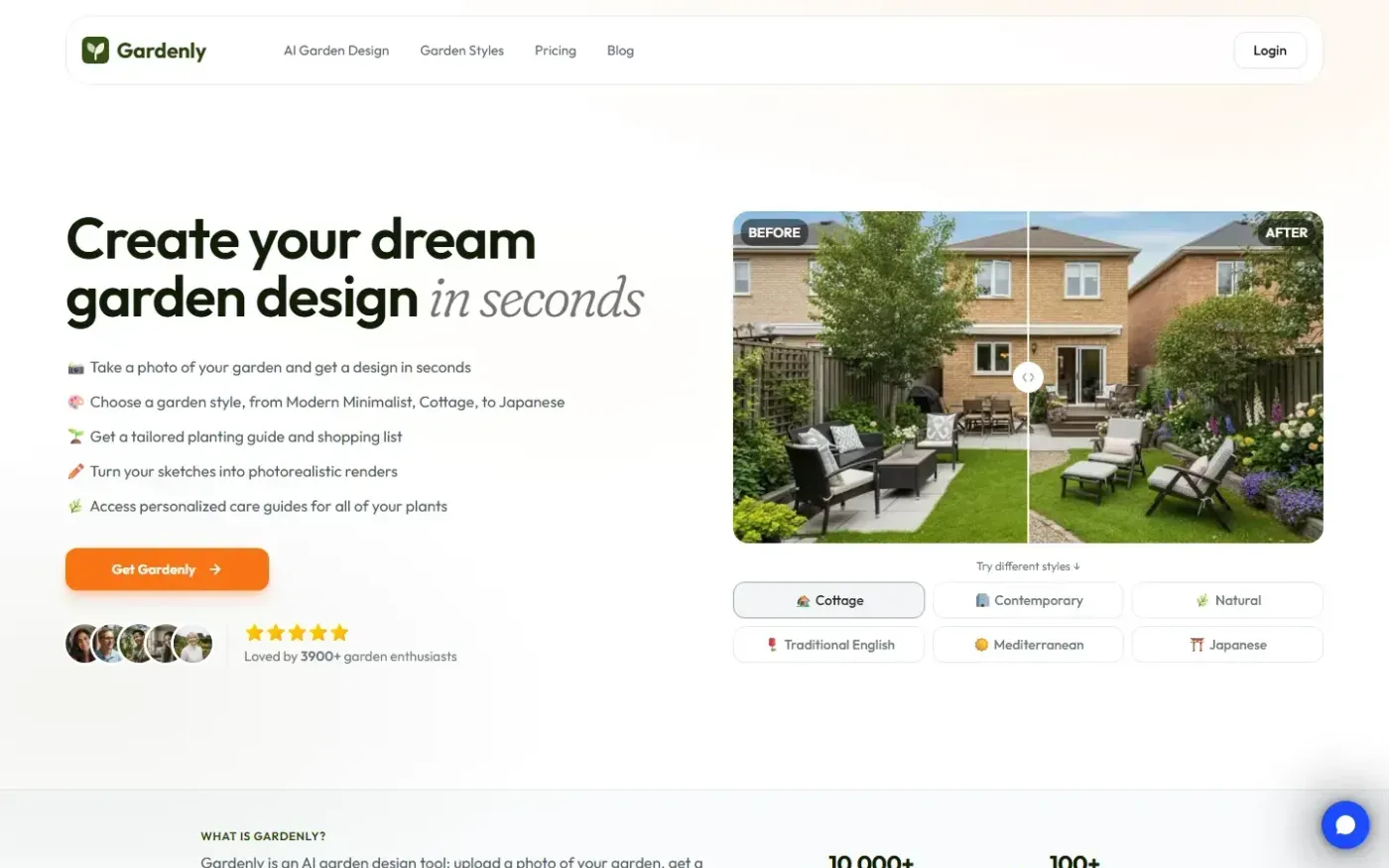
Gardenly screenshot 1 of 4: Home
gardenly.app
Gardenly is an AI-powered garden design tool that generates photorealistic garden redesigns from a single photo, featuring climate-adapted plant recommendations, personalized plant care guides, and seasonal maintenance schedules.
Home
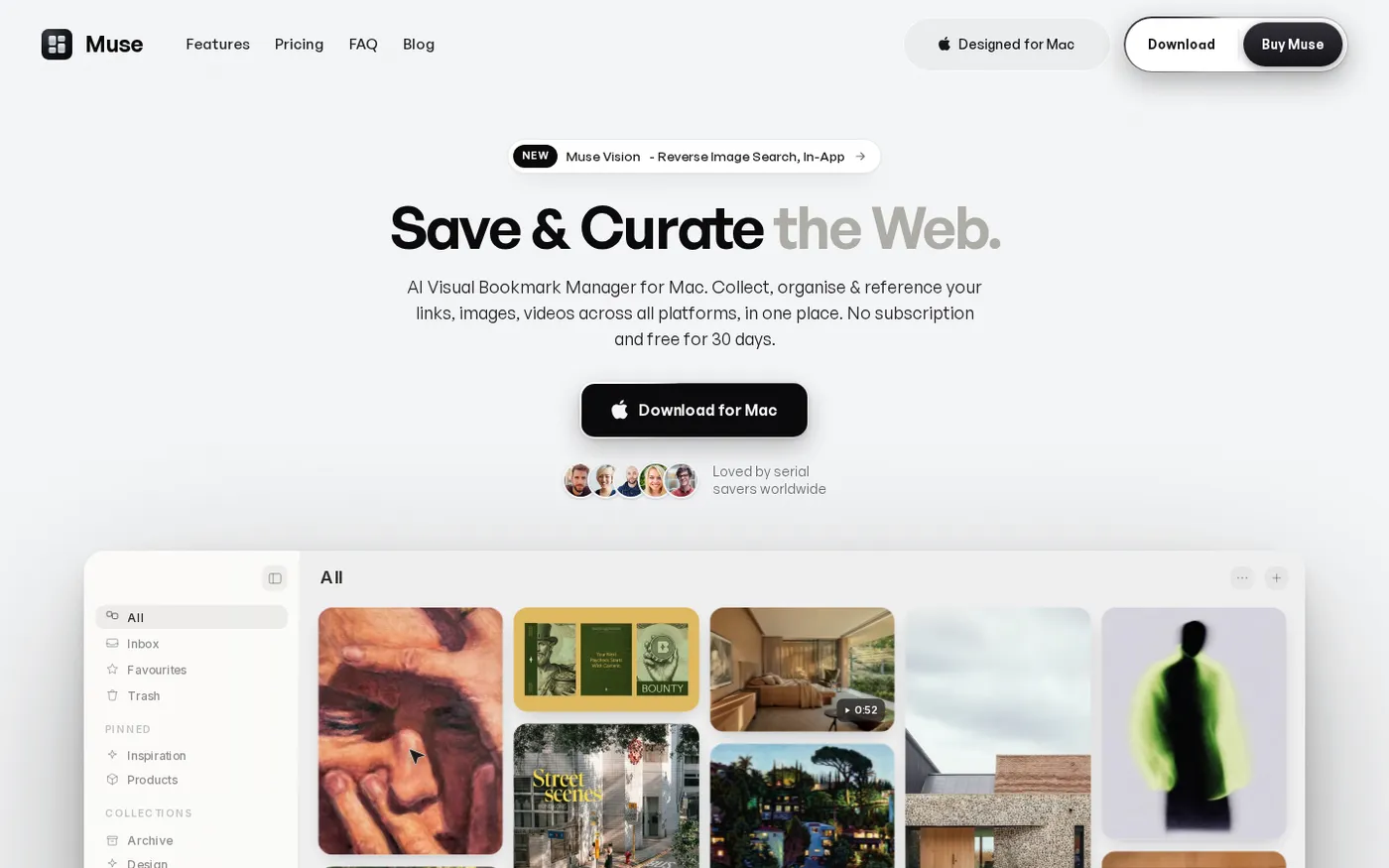
Muse — Al Visual Bookmark Manager for Mac screenshot 1 of 4: Home
theodorehq.com
Native Mac app that collects links, images, video, screenshots, GIFs, and text notes into a single private library with on-device AI tagging and organization. No subscription or cloud storage required.
Home
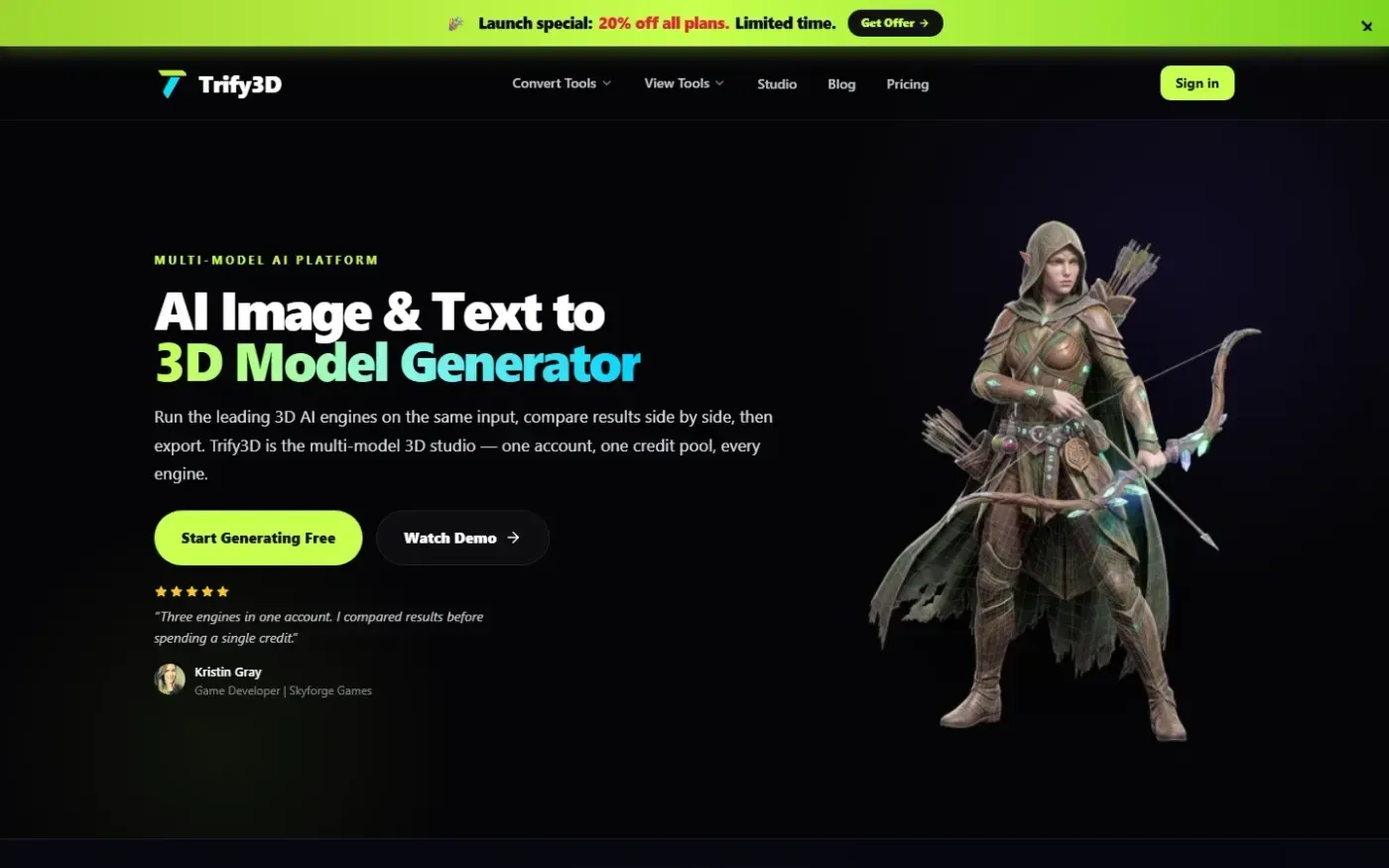
Trify3d screenshot 1 of 4: Home
trify3d.com
Trify3D is an AI-powered platform that generates production-ready 3D models from images and text prompts. It functions as a multi-model studio, allowing users to run leading engines like Tripo3D, Meshy, and Rodin side by side to compare results. The platform supports exports in GLB, glTF, OBJ, and STL formats and includes a suite of 48+ 3D file conversion and viewing tools.