SiteList review score
High-quality technical writing and friction-free Minecraft utility tools. Lacks HTTP-to-HTTPS redirects and suffers from unlabeled form inputs.
Reviewed on Sep 9, 2026
mcskintools.com
Unclaimed listingWhat it does
A collection of free browser-based tools for Minecraft, including an AI skin generator, image-to-skin converter, pixel editor, and model converters for switching between Slim and Classic arm types. The site also provides utilities for server management, resource pack creation, and coordinate calculations.
SiteList review score
High-quality technical writing and friction-free Minecraft utility tools. Lacks HTTP-to-HTTPS redirects and suffers from unlabeled form inputs.
Reviewed on Sep 9, 2026
Verified user rating
—
No verified reviews yet — the evidence locker is empty.
Captured during our latest review on Sep 9, 2026
All tools are free to use in the browser without credits.
View sourceAI Minecraft Skin Generator
Create
Generates a custom 64×64 Minecraft skin from text descriptions using AI.
Image to Minecraft Skin Converter
Create
Turns photos, faces, or outfit images into Minecraft-ready skin PNGs.
Minecraft Skin Editor
Create
Browser-based tool to edit individual pixels on a 64×64 skin with 3D preview.
Slim / Classic Converter
Edit & fix
Remaps arm and sleeve UV coordinates to switch between Slim (3-pixel) and Classic (4-pixel) models.
Skin Viewer
Preview & share
Interactive 3D previewer that allows users to rotate, animate, and add capes to skins.
Minecraft PFP Maker
Preview & share
Converts Minecraft skins into chibi-style profile pictures.
Skin Merger
Edit & fix
Combines specific body parts (head, torso, limbs) from two different skin files.
Minecraft Server Status
Player & server
Checks the online status and player count of Minecraft servers.
Custom Skin Creation
Creating unique Minecraft characters from text prompts or existing images.
Skin Model Repair
Fixing black lines or broken textures caused by using the wrong arm model (Classic vs Slim).
Server Asset Generation
Creating MOTDs, server icons, and resource pack metadata for Minecraft server administrators.
Describe the full character, including clothing, colors, mood, and one or two defining details. The AI skin generator creates the artwork and converts it into a downloadable 64×64 skin PNG.
Classic skins use 4-pixel-wide arms, while Slim skins use 3-pixel-wide arms. Choose the model you use in Minecraft.
No. Pixel editing and PNG export happen locally in your browser.
Upload the Slim 3-pixel-arm skin and the tool remaps both arms and sleeves to the Classic 4-pixel-arm layout. It also converts Classic skins back to Slim.
Product FAQ information · View source
Mcskintools earns a 78/100 for its high-quality technical writing and friction-free utility for Minecraft players. While the toolset is robust, the site is hindered by a lack of HTTP-to-HTTPS redirects and unlabeled form inputs.
78/100: Strong utility hub with specific technical and accessibility gaps
No reviews yet. The evidence locker is empty.
Reviews from verified users appear here once approved.
Reviews are from the SiteList community. Some reviewers received incentives — disclosed in the review, always. The verdict is never for sale.
Home
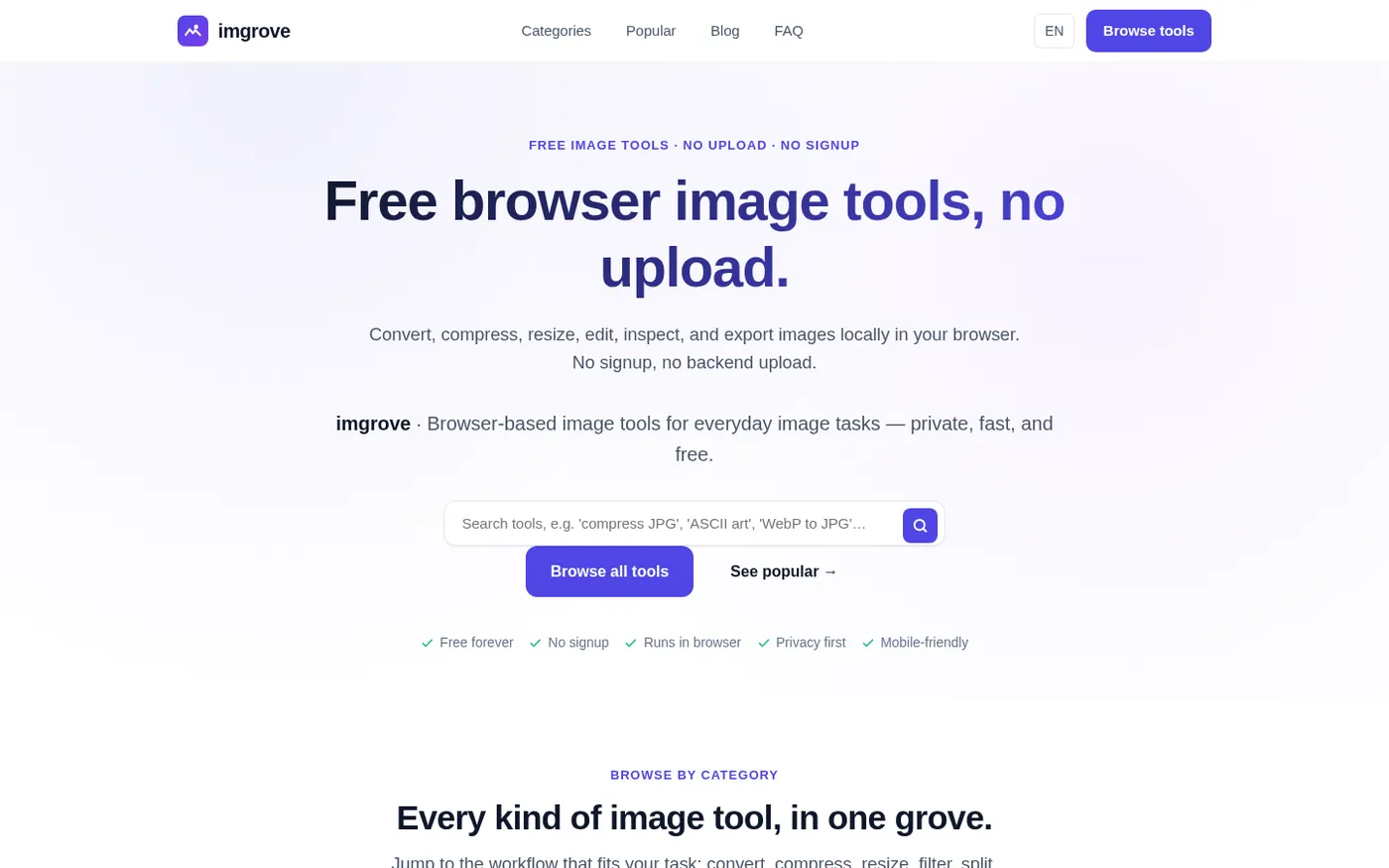
Imgrove screenshot 1 of 4: Home
imgrove.com
imgrove is a free browser-based image tools hub that processes files locally in your browser with no upload, signup, or watermark.
Home
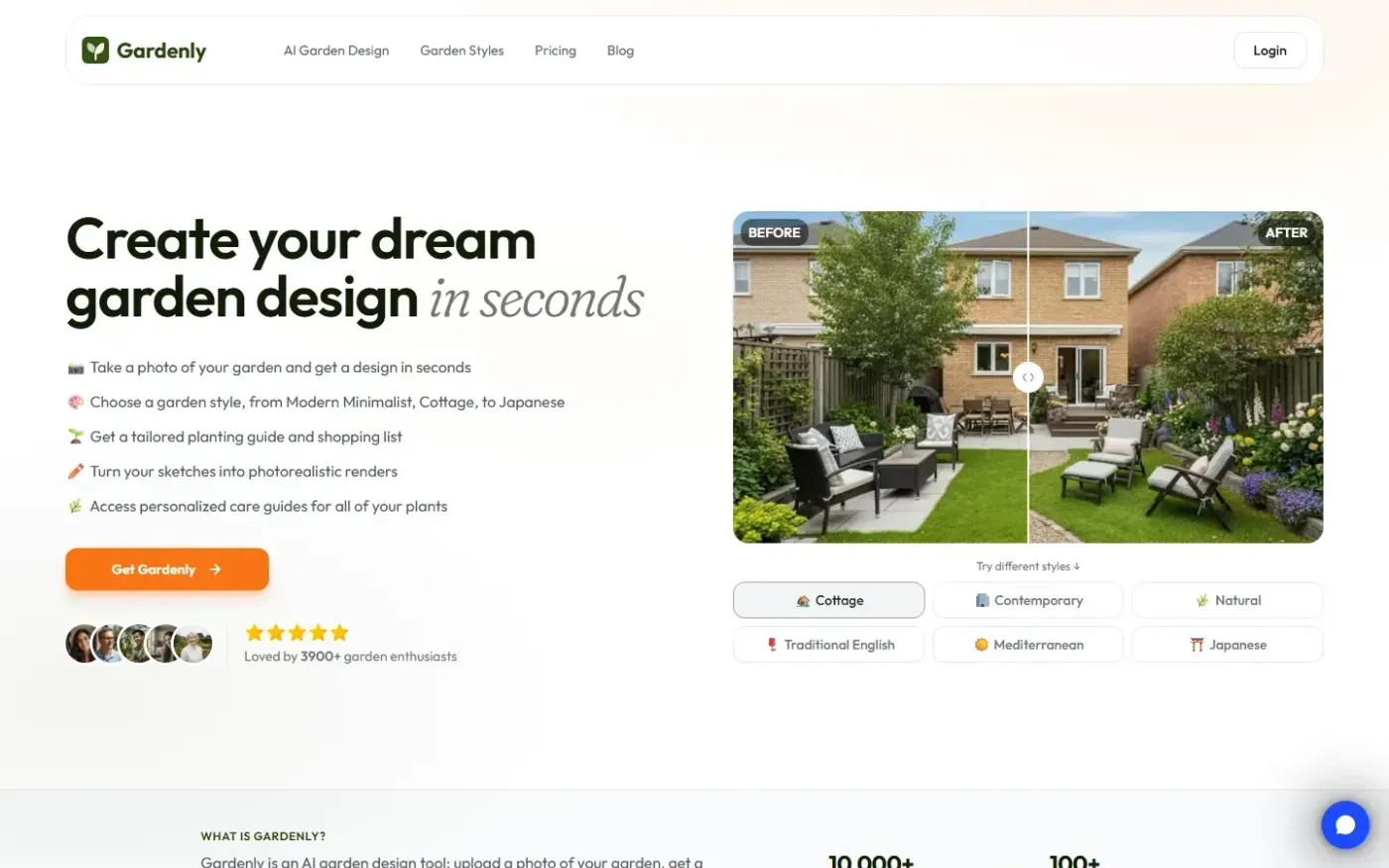
Gardenly screenshot 1 of 4: Home
gardenly.app
Gardenly is an AI-powered garden design tool that generates photorealistic garden redesigns from a single photo, featuring climate-adapted plant recommendations, personalized plant care guides, and seasonal maintenance schedules.
Home
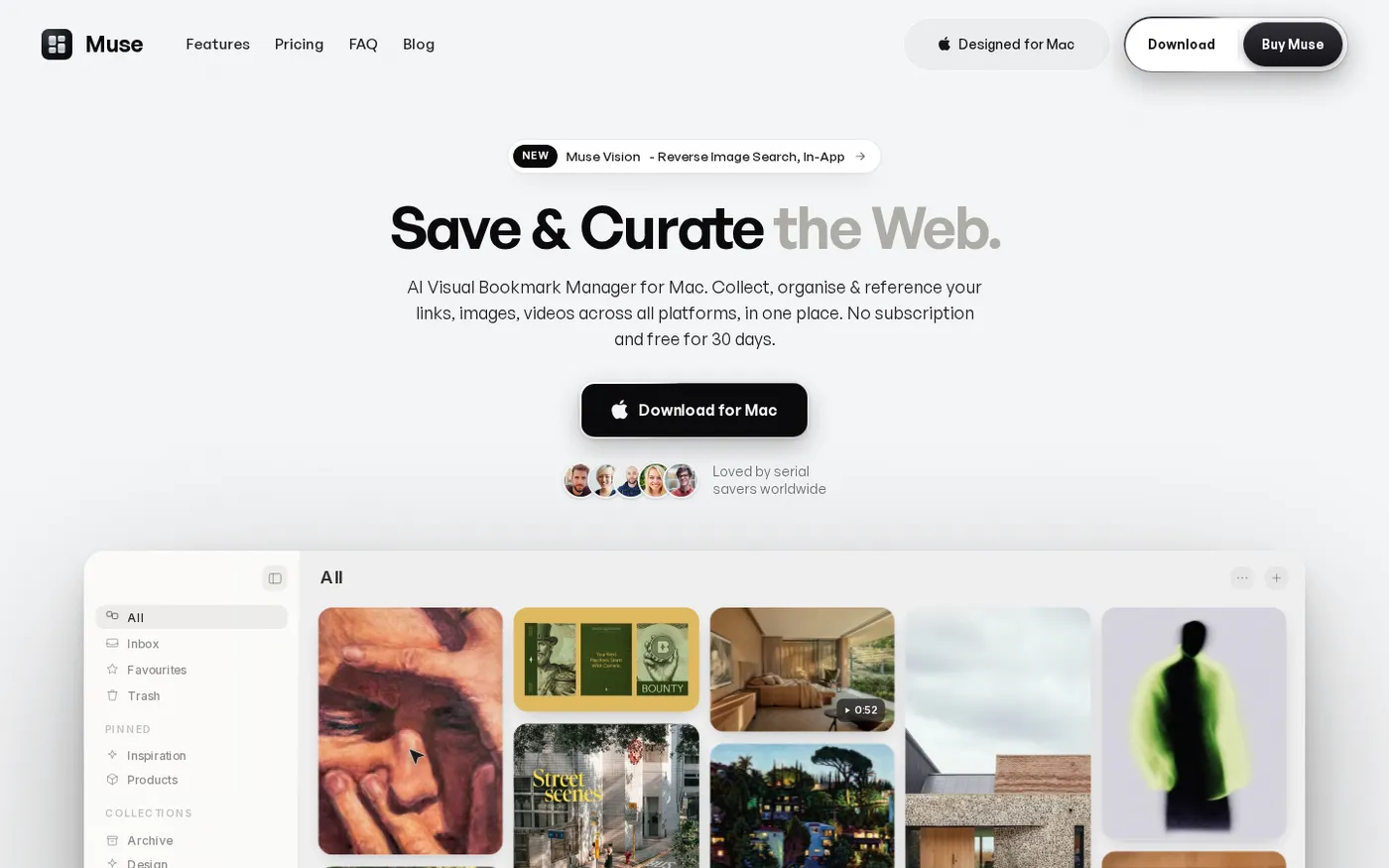
Muse — Al Visual Bookmark Manager for Mac screenshot 1 of 4: Home
theodorehq.com
Native Mac app that collects links, images, video, screenshots, GIFs, and text notes into a single private library with on-device AI tagging and organization. No subscription or cloud storage required.
Home
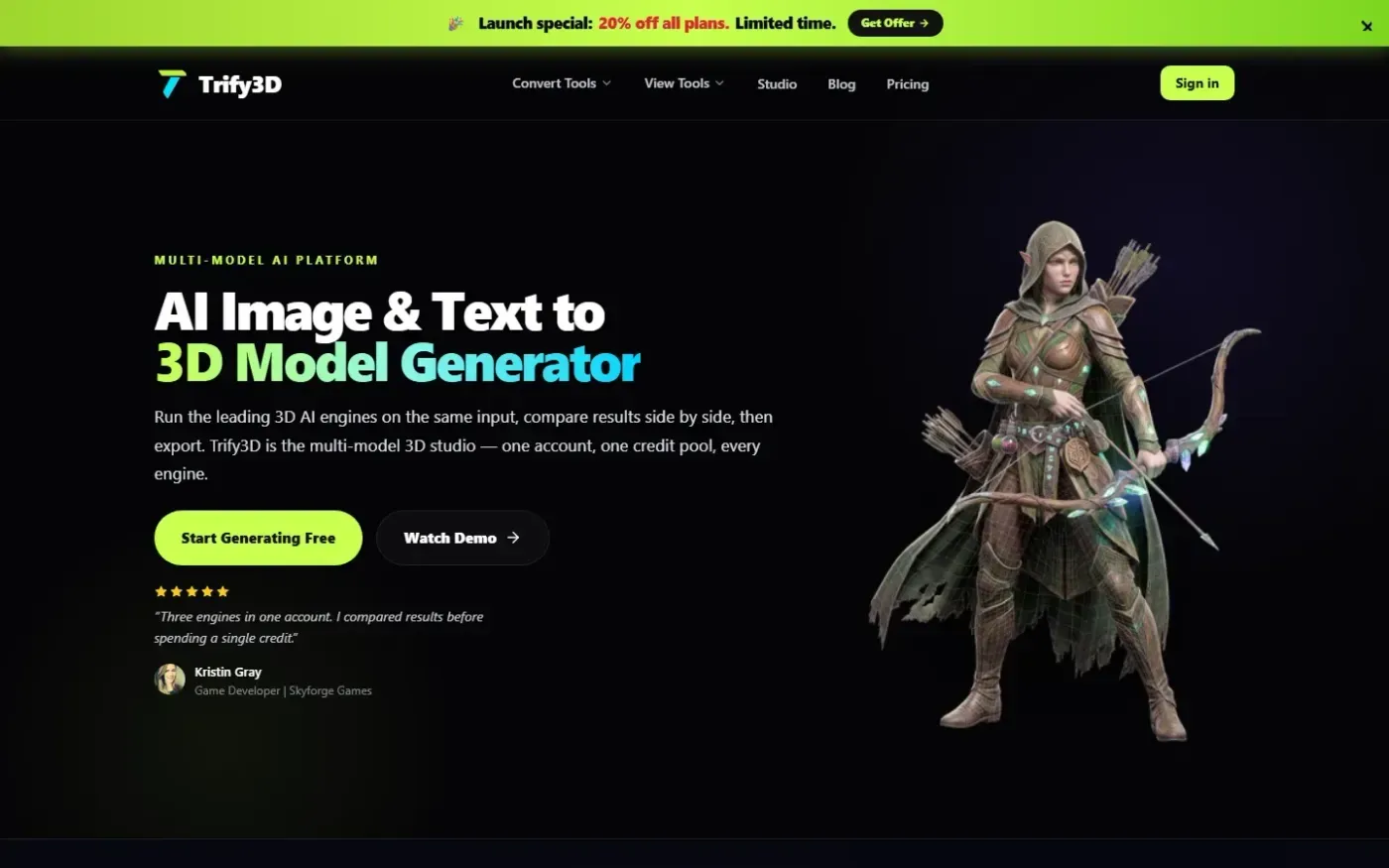
Trify3d screenshot 1 of 4: Home
trify3d.com
Trify3D is an AI-powered platform that generates production-ready 3D models from images and text prompts. It functions as a multi-model studio, allowing users to run leading engines like Tripo3D, Meshy, and Rodin side by side to compare results. The platform supports exports in GLB, glTF, OBJ, and STL formats and includes a suite of 48+ 3D file conversion and viewing tools.