SiteList review score
Clear editable-layer workflows, pricing, privacy, and export rules. Mobile performance and public self-serve help need the clearest fixes.
Reviewed on Nov 21, 2026
imagetolayers.org
Unclaimed listingSiteList review score
Clear editable-layer workflows, pricing, privacy, and export rules. Mobile performance and public self-serve help need the clearest fixes.
Reviewed on Nov 21, 2026
Verified user rating
—
No verified reviews yet — the evidence locker is empty.
Captured during our latest review on Nov 21, 2026
Credit packs shown are 100 credits for $5.00, 600 credits for $9.90, 2,600 credits for $39.00, and 7,000 credits for $99.00; the $5.00 pack is a one-time purchase, and paid credits never expire. Billed usage.
| Plan | Price | Details |
|---|---|---|
| Trial | $5 one time per 100 credits | One-time credit pack. Up to 10 Flash output layers · No subscription or recurring charges · Credits never expire View source |
| Starter | $9.9 one time per 600 credits | Credit pack covering 60 output layers. Covers 60 output layers · Up to 17 layers per image · Credits never expire View source |
| Creator | $39 one time per 2,600 credits | Credit pack covering 260 output layers. Covers 260 output layers · Up to 17 layers per image · Credits never expire View source |
| Studio | $99 one time per 7,000 credits | Credit pack covering 700 output layers. Covers 700 output layers · Best cost per output layer · Credits never expire View source |
Live2D image-layer workflows
Image layer workflows for Live2D projects.
VTuber art layer workflows
Image layer workflows for VTuber art.
Manga character layer workflows
Image layer workflows for manga characters.
2D animation layer workflows
Image layer workflows for 2D animation.
Editable Photoshop layer documents
Creates a layered PSD that can be edited as independent raster layers in Photoshop.
Every layer is a true RGBA image with a real alpha channel. Transparent areas are genuinely transparent. Stack the layers in any editor and they recompose into the original picture.
Choose Flash or Pro and a 1K, 1.5K, or 2K output setting, then select a target from 2 to 17 layers. AI uses the target and your description to guide the plan; the returned count can differ. The target is reserved first, and final billing follows returned layers, so extra layers may make your balance negative.
You keep ownership of your content. Commercial use comes with any paid credit pack or plan, provided you have the rights to the original image.
Upload JPG, PNG, or WebP up to 10 MB. Layers download as transparent PNG by default, with WebP available if you prefer smaller files.
Yes. Uploads and results are private on every account, including free accounts. We do not publish them in a gallery or use them in marketing. You can delete a task and its files from your history.
Yes. Image to Layers runs entirely in your browser. Upload a JPG, PNG, or WebP and the AI separates it into layers online, on any device. Sign in and review the credit cost before starting your split.
The PSD download places every generated raster layer inside one Photoshop document. The ZIP download provides the same generated layers as separate PNG files for other editors and workflows.
Product FAQ information · View source
Imagetolayers scores 75/100, with strong audience messaging and clear pricing, privacy, ownership, and export rules. Its most material weaknesses are poor mobile performance and the absence of public documentation or a help center in the 40-page crawl.
75/100: clear product, weak performance and public help
No reviews yet. The evidence locker is empty.
Reviews from verified users appear here once approved.
Reviews are from the SiteList community. Some reviewers received incentives — disclosed in the review, always. The verdict is never for sale.
Home
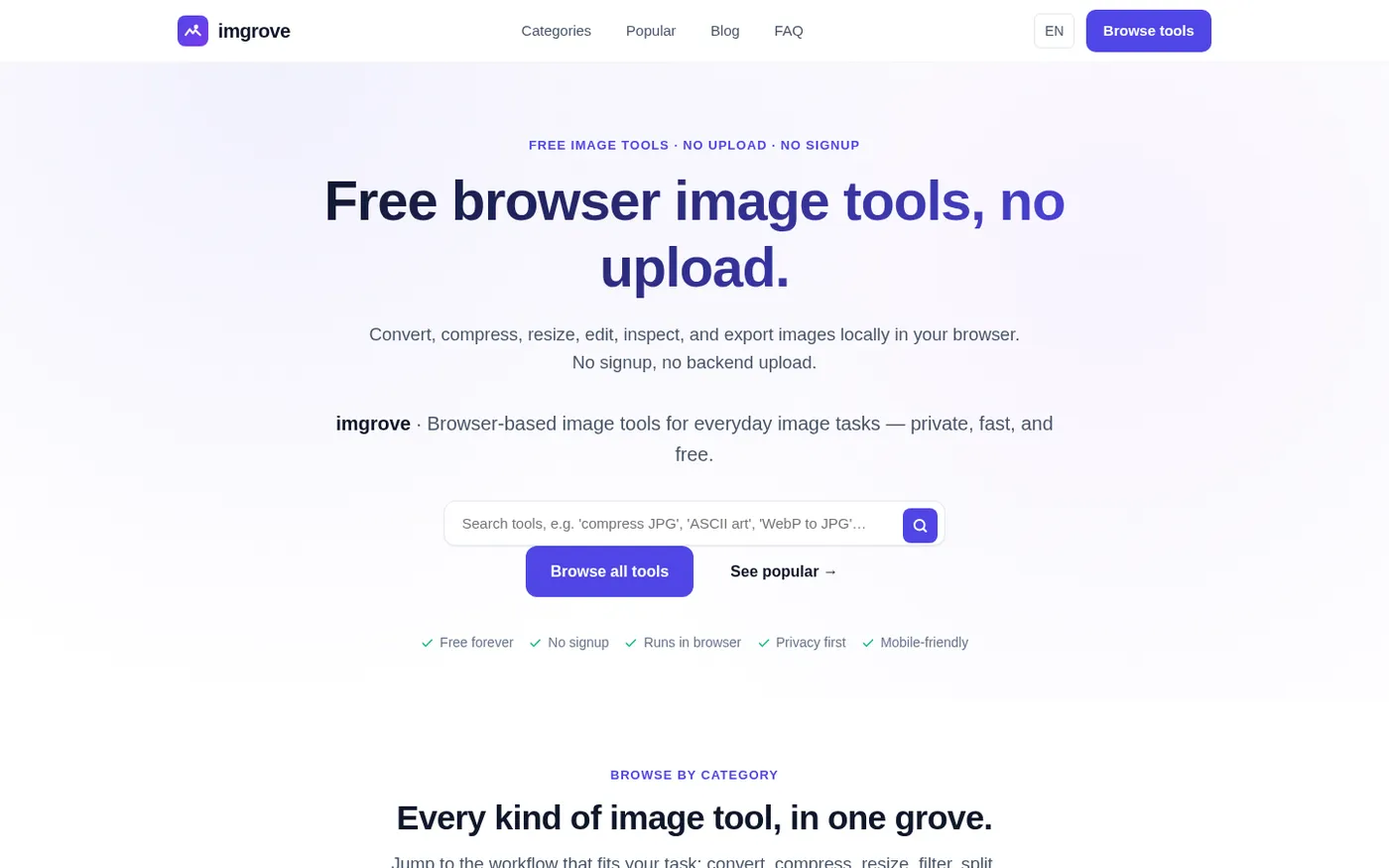
Imgrove screenshot 1 of 4: Home
imgrove.com
imgrove is a free browser-based image tools hub that processes files locally in your browser with no upload, signup, or watermark.
Home
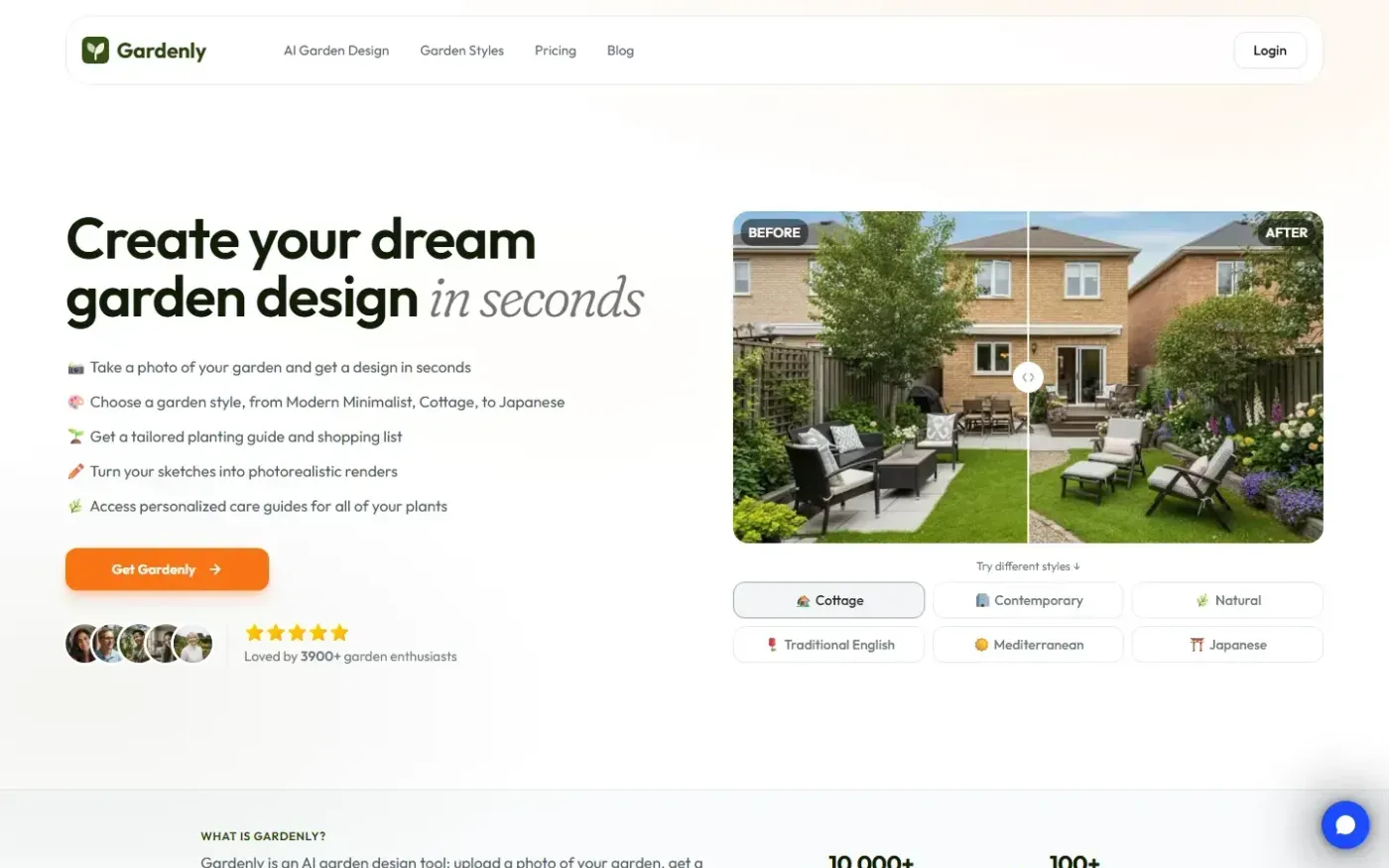
Gardenly screenshot 1 of 4: Home
gardenly.app
Gardenly is an AI-powered garden design tool that generates photorealistic garden redesigns from a single photo, featuring climate-adapted plant recommendations, personalized plant care guides, and seasonal maintenance schedules.
Home
Rendercad screenshot 1 of 4: Home
rendercad.ai
RENDERCAD is an AI-powered visual rendering platform that turns CAD screenshots, real photos, and hand drawings into product images in 60 seconds.
Home
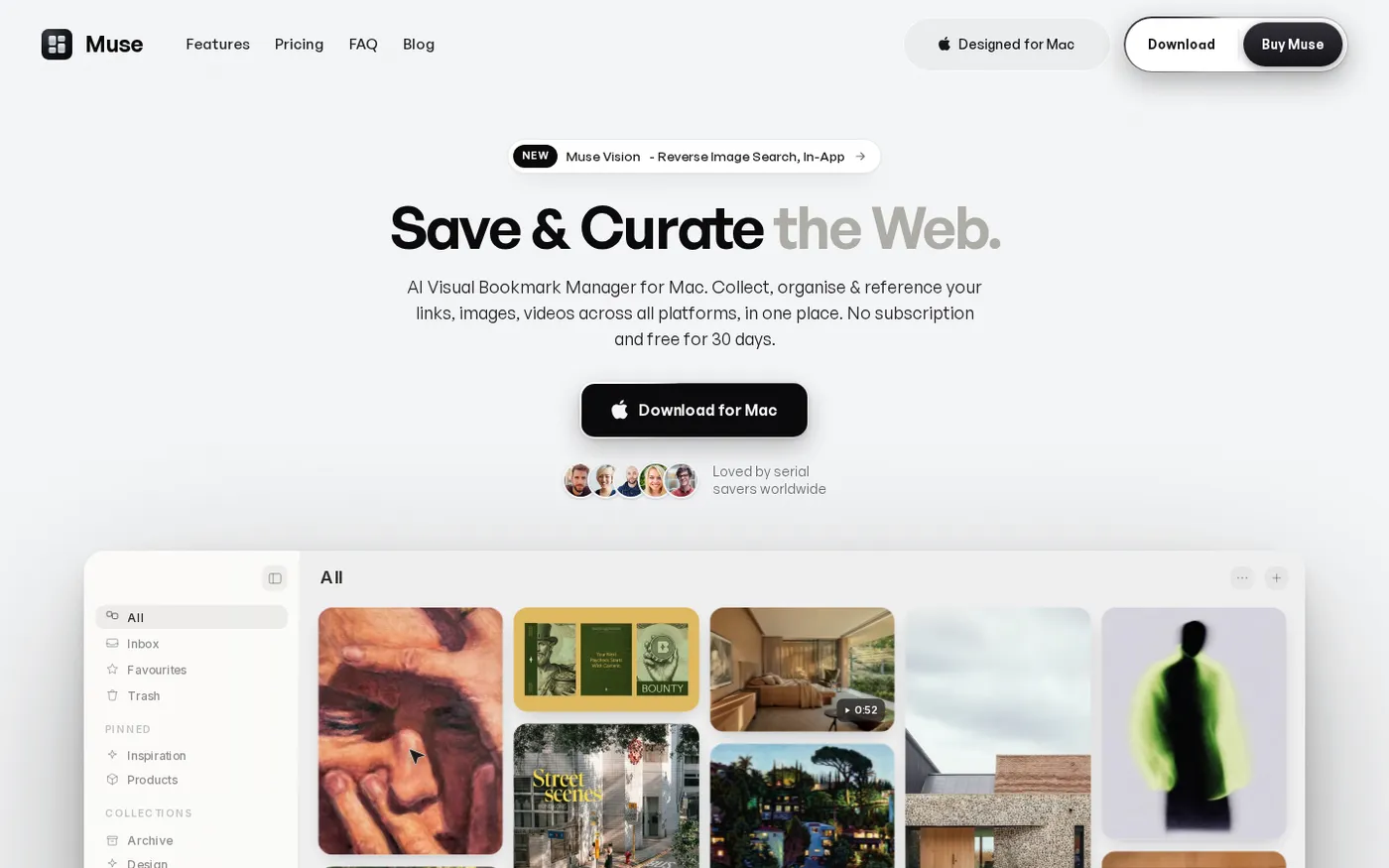
Muse — Al Visual Bookmark Manager for Mac screenshot 1 of 4: Home
theodorehq.com
Native Mac app that collects links, images, video, screenshots, GIFs, and text notes into a single private library with on-device AI tagging and organization. No subscription or cloud storage required.