SiteList review score
Clear conversion paths and strong usability. Sharpen audience guidance, trim repeated copy, and address the mobile performance bottleneck.
Reviewed on Nov 11, 2026
imagetoexcel.io
Unclaimed listingSiteList review score
Clear conversion paths and strong usability. Sharpen audience guidance, trim repeated copy, and address the mobile performance bottleneck.
Reviewed on Nov 11, 2026
Verified user rating
—
No verified reviews yet — the evidence locker is empty.
Captured during our latest review on Nov 11, 2026
Explicit offers include free access, paid credit packs, subscription plans, and lifetime options; credit pack sizes are not stated in the supplied evidence. Billed usage. free plan · The pricing page states that users start with free welcome credits, and the structured data lists a Free offer.
| Plan | Price | Details |
|---|---|---|
| Free | $0 | — View source |
| Quick Credits | $4.99 usage per credits | — View source |
| Standard Credits | $12.99 usage per credits | — View source |
| Bulk Credits | $34.99 usage per credits | — View source |
| Starter | $7.99 | — View source |
| Starter Yearly | $79.9 annual | — View source |
| Pro | $14.99 | — View source |
| Pro Yearly | $149.9 annual | — View source |
| Business | $29.99 | — View source |
| Business Yearly | $299.9 annual | — View source |
| Lifetime Access | $199 one time | — View source |
| Lifetime Plus Access | $349 one time | — View source |
An image to Excel converter uses AI OCR to read tables and text from images, screenshots, or scans, then rebuilds them as editable Excel spreadsheets with rows and columns intact.
Upload a JPG, PNG, WEBP, or scanned image, let AI extract tables and text, then download the Excel file.
Yes. Upload a PDF and ImageToExcel extracts tables and structured data into an Excel spreadsheet you can edit and share.
Yes. The AI OCR engine is built for photos and scanned documents, not only clean digital screenshots.
Accuracy depends on image quality, layout complexity, and document clarity. OCR and AI extraction can make mistakes, so important values should be reviewed before use.
Yes. PDF table extraction preserves rows and columns so you get structured Excel data instead of a flat text dump.
Product FAQ information · View source
Imagetoexcel scores 71/100, with excellent usability and a clear path from image or PDF to editable Excel data. Its most material weaknesses are uneven editorial QA, limited audience guidance, and a 4.5-second mobile homepage LCP.
71/100: capable product, several fixable gaps
No reviews yet. The evidence locker is empty.
Reviews from verified users appear here once approved.
Reviews are from the SiteList community. Some reviewers received incentives — disclosed in the review, always. The verdict is never for sale.
Home
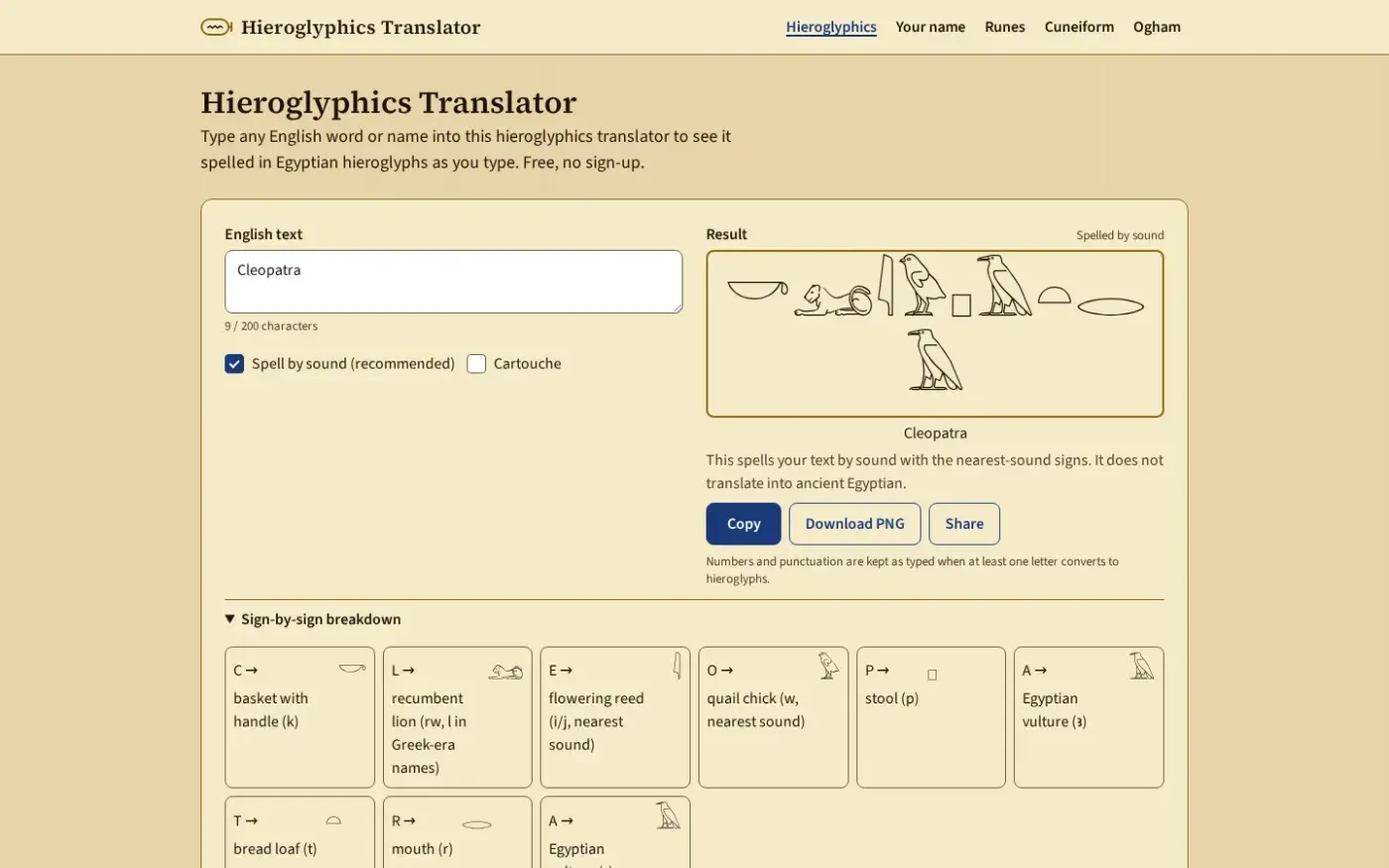
Hieroglyphics Translator screenshot 1 of 2: Home
hieroglyphics-translator.net
A free set of browser-based tools for spelling English words and names with ancient signs, including Egyptian hieroglyphs, using sound-based mappings and providing copy or image-saving output.
Home
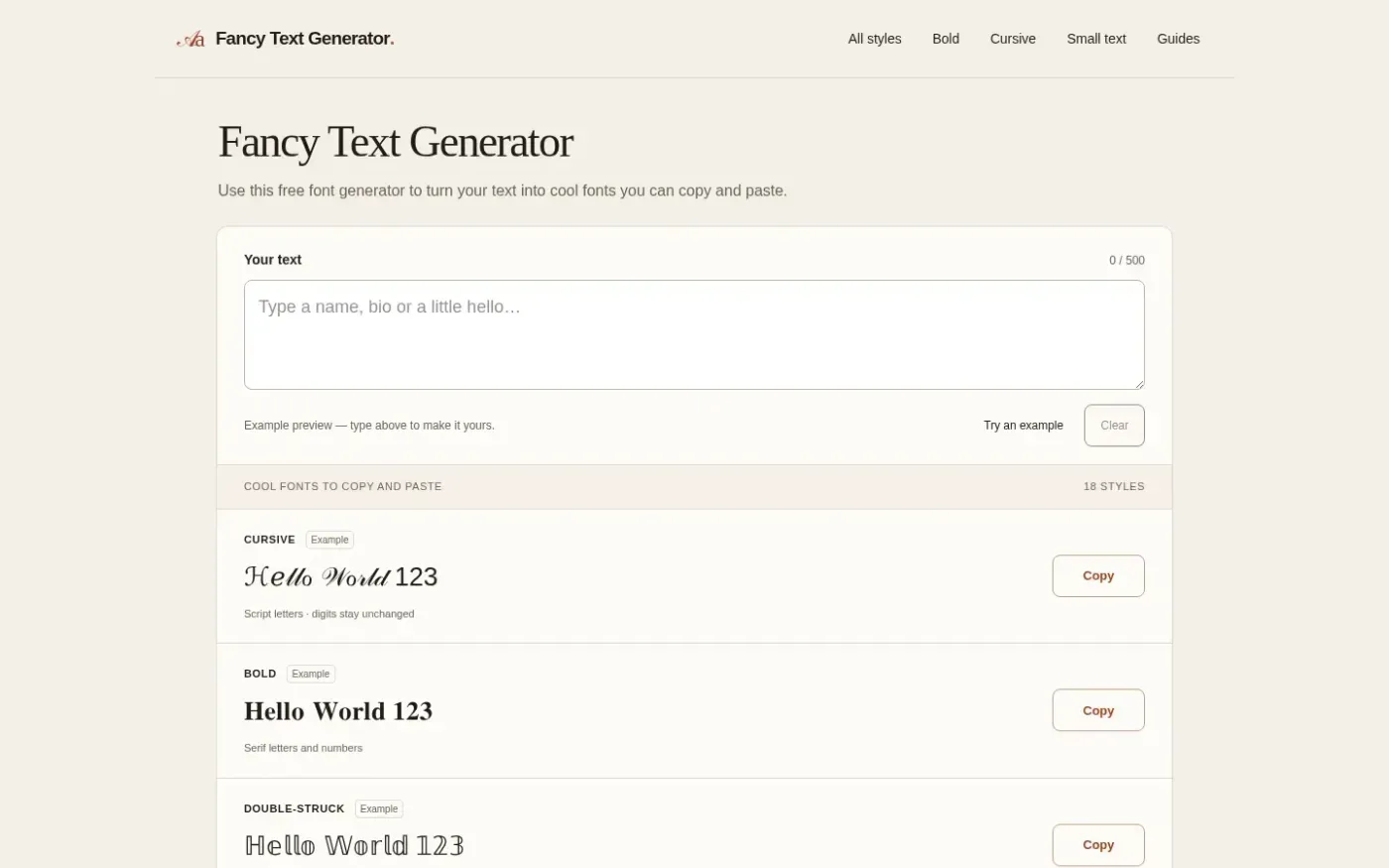
Fancytextgenerator screenshot 1 of 4: Home
fancytextgenerator.dev
Home
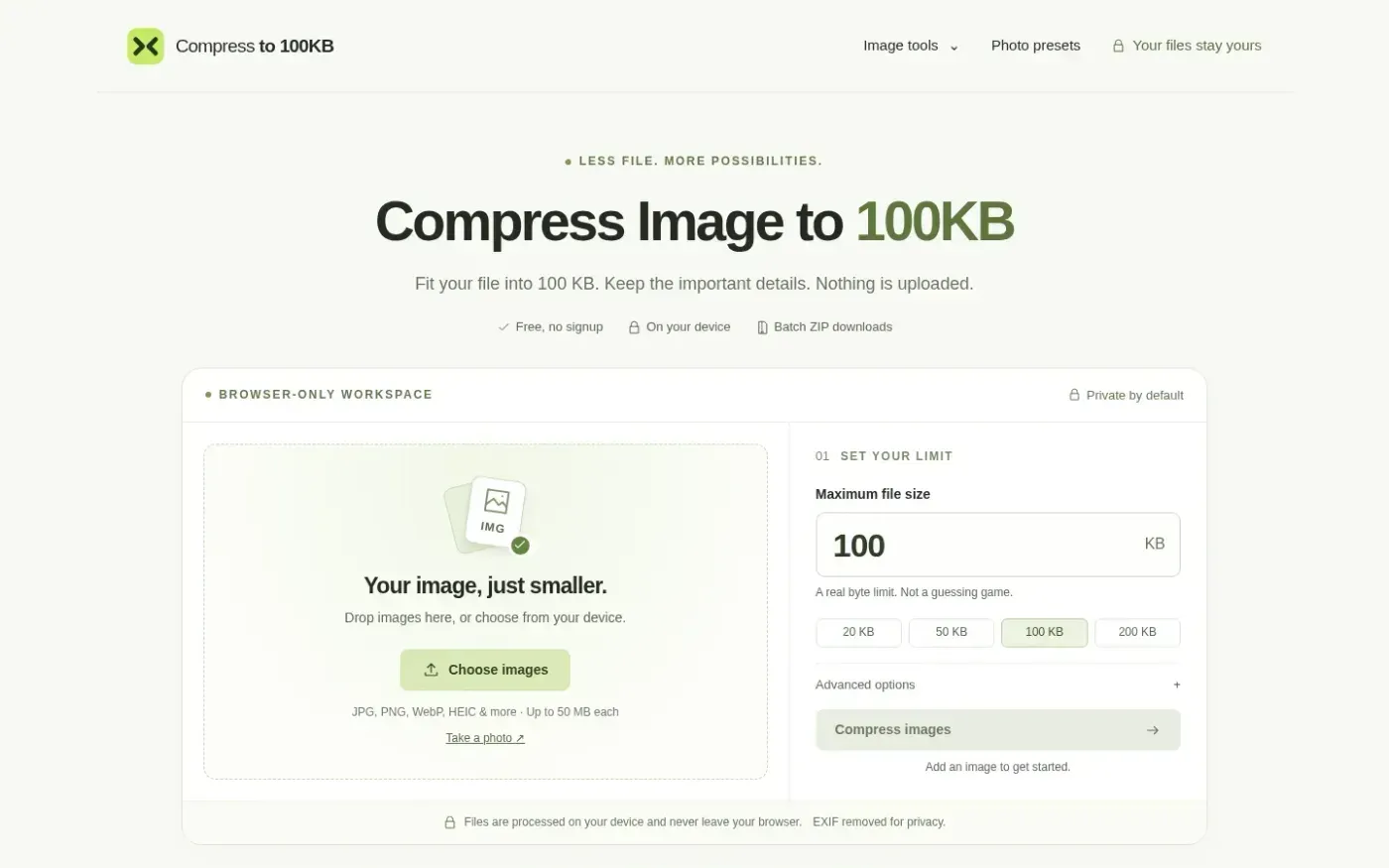
Compressto100kb screenshot 1 of 4: Home
compressto100kb.com
Compressto100kb is a browser-based image compression tool that reduces files to specific kilobyte limits (e.g., 100KB, 50KB). It processes images locally on the user's device without server uploads, supporting JPG, PNG, WebP, and HEIC formats. The tool includes features for batch processing, EXIF metadata removal, and custom pixel dimension adjustments. It provides presets for specific requirements such as IBPS exams and US visa applications.
Home
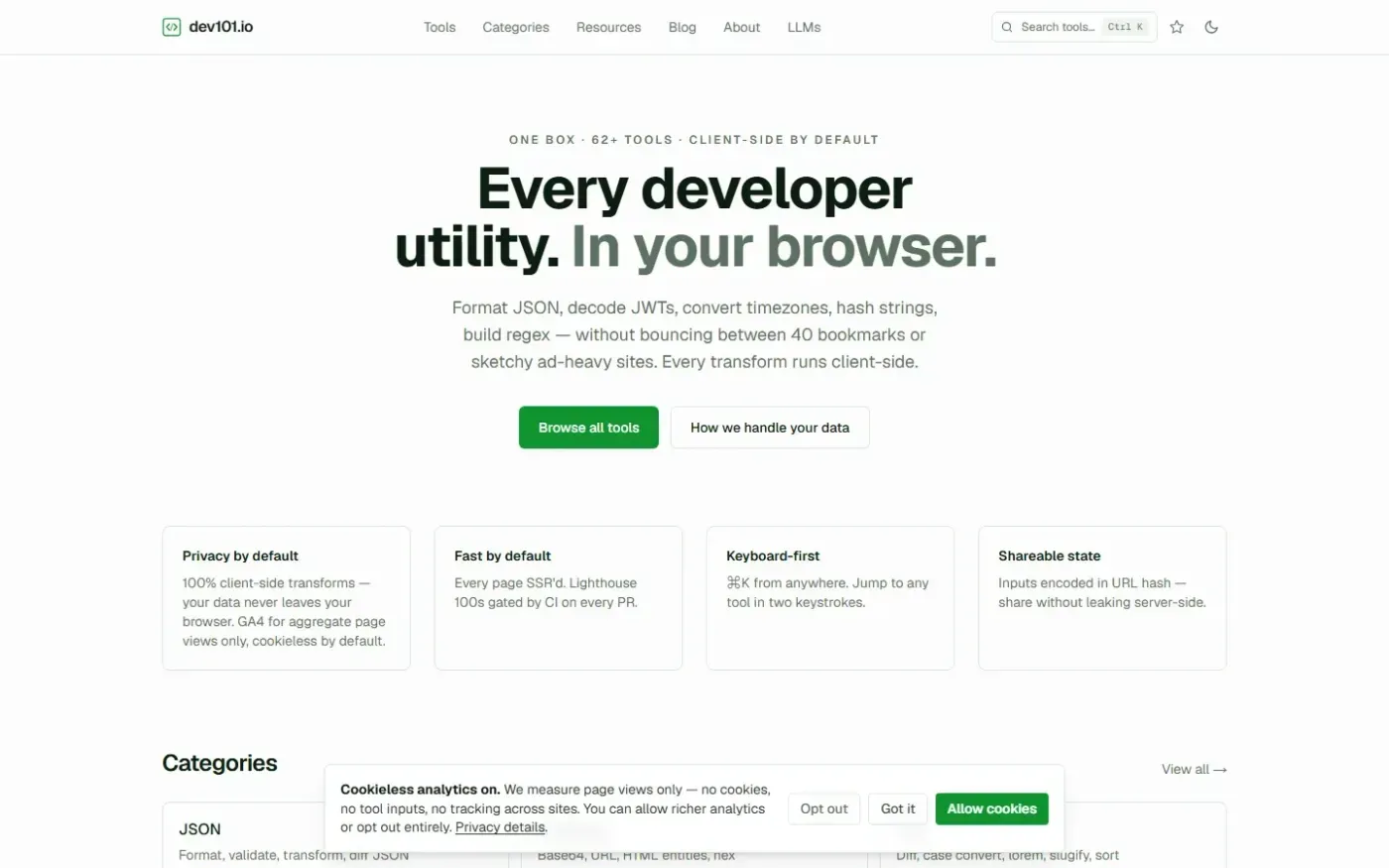
dev101.io — One box for every dev utility — runs in your browser screenshot 1 of 4: Home
dev101.io
Privacy-first, keyboard-driven hub for 60+ developer utilities including JSON formatting, JWT decoding, and cryptographic hashing. All transforms run 100% client-side in the browser, ensuring data never leaves the user's machine.