SiteList review score
Clear product paths and practical pricing make Humata approachable. Fix the mobile pricing overflow, small tap targets, and signup labels to improve access.
Reviewed on Nov 12, 2026
humata.ai
Unclaimed listingWhat it does
An AI agent that turns your documents into a fast, intelligent knowledge base for instant analysis, insights, and answers.
SiteList review score
Clear product paths and practical pricing make Humata approachable. Fix the mobile pricing overflow, small tap targets, and signup labels to improve access.
Reviewed on Nov 12, 2026
Verified user rating
—
No verified reviews yet — the evidence locker is empty.
Captured during our latest review on Nov 12, 2026
Free plan available. Expert is $9.99/month; Team is $49/user/month; Enterprise pricing is custom. Additional pages are priced per page on paid plans. Billed monthly. free plan · Free plan includes up to 60 free pages of use.
| Plan | Price | Details |
|---|---|---|
| Free | $0 monthly | Basic features for up to 60 free pages of use. 1 user · 60 free pages monthly View source |
| Expert | $9.99 monthly | Moderate usage for small professional teams up to three people. 3 users · 500 free pages monthly · Additional pages $0.02 per page View source |
| Team | $49 monthly per per user | Generous usage and tight security for teams up to 10 people. 10 users · 5,000 free pages monthly · Additional pages $0.01 per page View source |
| Enterprise | per user | Personalized service and enterprise security for large teams. Unlimited users · Custom free pages · Custom additional-page pricing View source |
Okta
identity and access
Humata says its SSO functionality with Okta is coming soon.
identity and access
Humata says its SSO functionality with Google is coming soon.
SAML
identity and access
Humata says its SSO functionality with SAML is coming soon.
Humata is AI-powered document question answering and knowledge-base software for experts and document-heavy teams that need faster reporting, research, and answers grounded in their files.
Humata has a free plan for up to 60 free pages of use. Expert is $9.99 per month, Team is $49 per user per month, and Enterprise pricing is custom; paid plans also price additional pages per page.
Yes. The current product facts list web and API platforms, and the public site links to API documentation at docs.humata.ai.
The public site gives direct routes to pricing, signup, API documentation, and trust content, but mobile execution needs work. The review records a 390px pricing overflow and 33 small tap targets.
Humata is aimed at experts and document-heavy teams that want faster reporting, research, and file-grounded answers, with a path from free use to individual, team, and custom enterprise plans.
Answers are based on SiteList's latest evidence review. Read the full review.
Humata scores 70/100, with clear product paths, practical pricing, and strong risk and stability evidence. Its most material weakness is uneven mobile and accessibility execution, including a confirmed 390px pricing overflow, small tap targets, and signup inputs without programmatic labels.
70/100: strong product direction, uneven execution
No reviews yet. The evidence locker is empty.
Reviews from verified users appear here once approved.
Reviews are from the SiteList community. Some reviewers received incentives — disclosed in the review, always. The verdict is never for sale.
Home
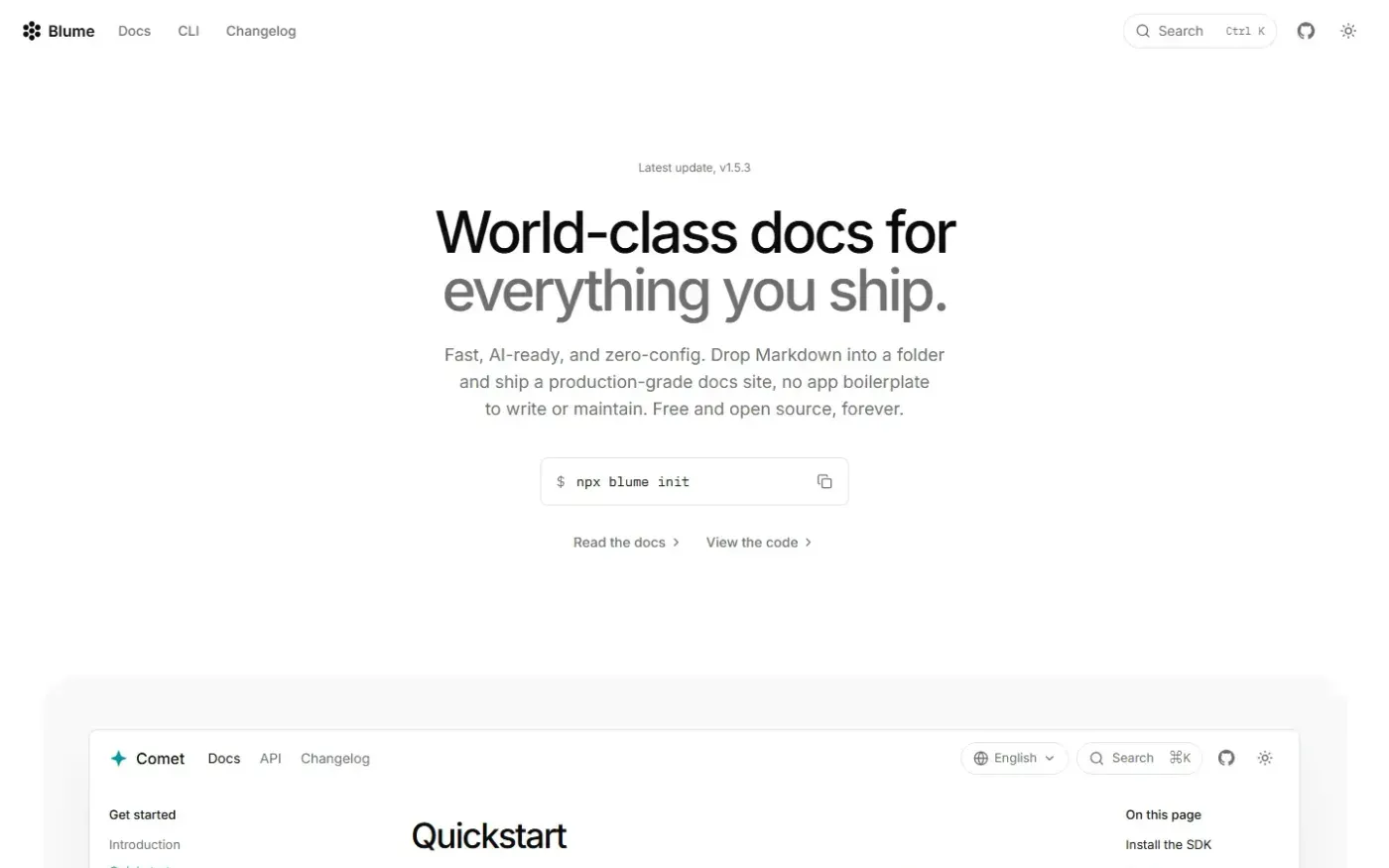
Blume — AI-ready, Markdown-first documentation framework screenshot 1 of 4: Home
useblume.dev
Open-source, markdown-first documentation framework built on Astro and Vite. Generates production-grade docs sites from plain Markdown folders with zero-config setup, including search, theming, SEO, i18n, and AI readiness.
Home
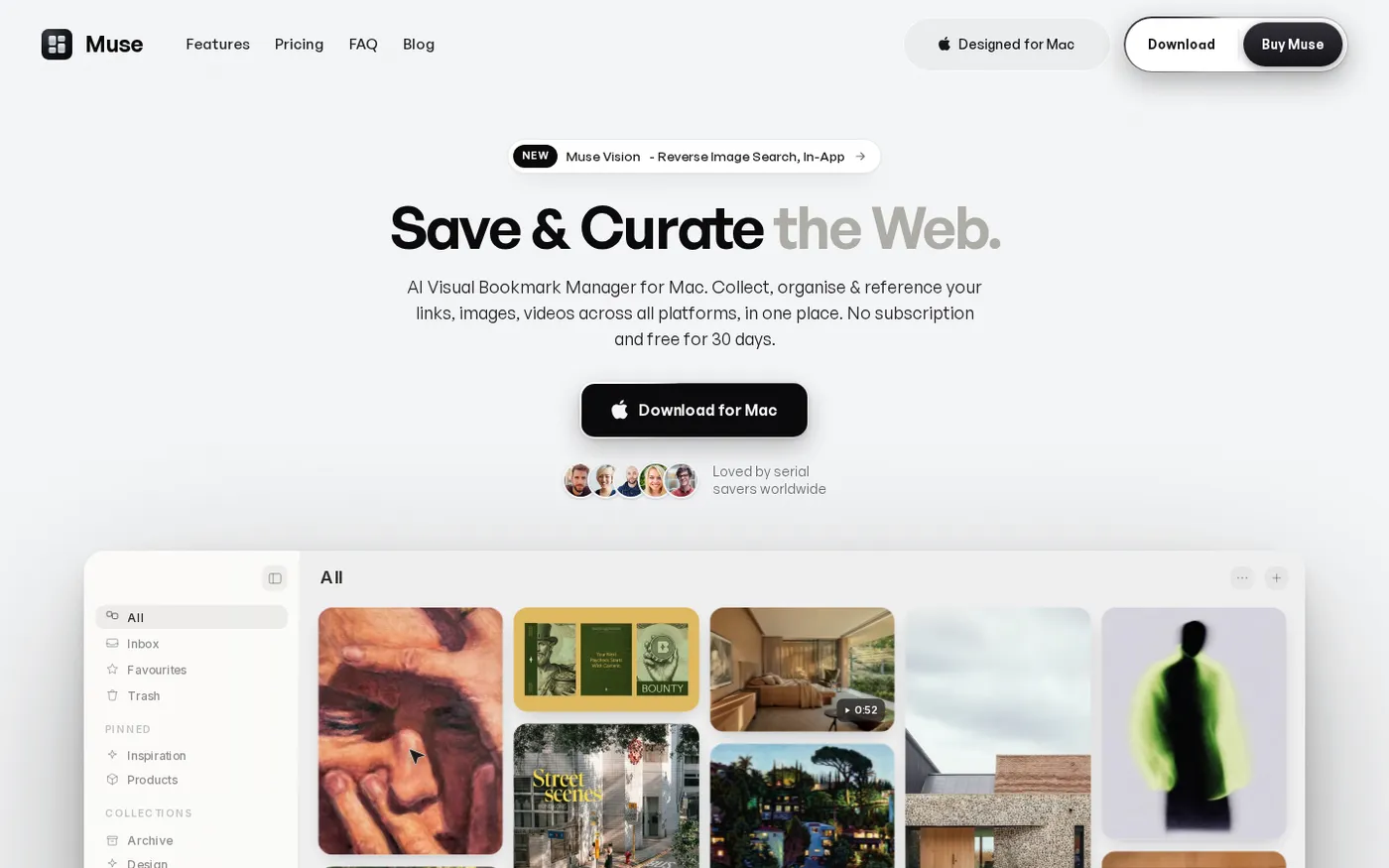
Muse — Al Visual Bookmark Manager for Mac screenshot 1 of 4: Home
theodorehq.com
Native Mac app that collects links, images, video, screenshots, GIFs, and text notes into a single private library with on-device AI tagging and organization. No subscription or cloud storage required.
Home
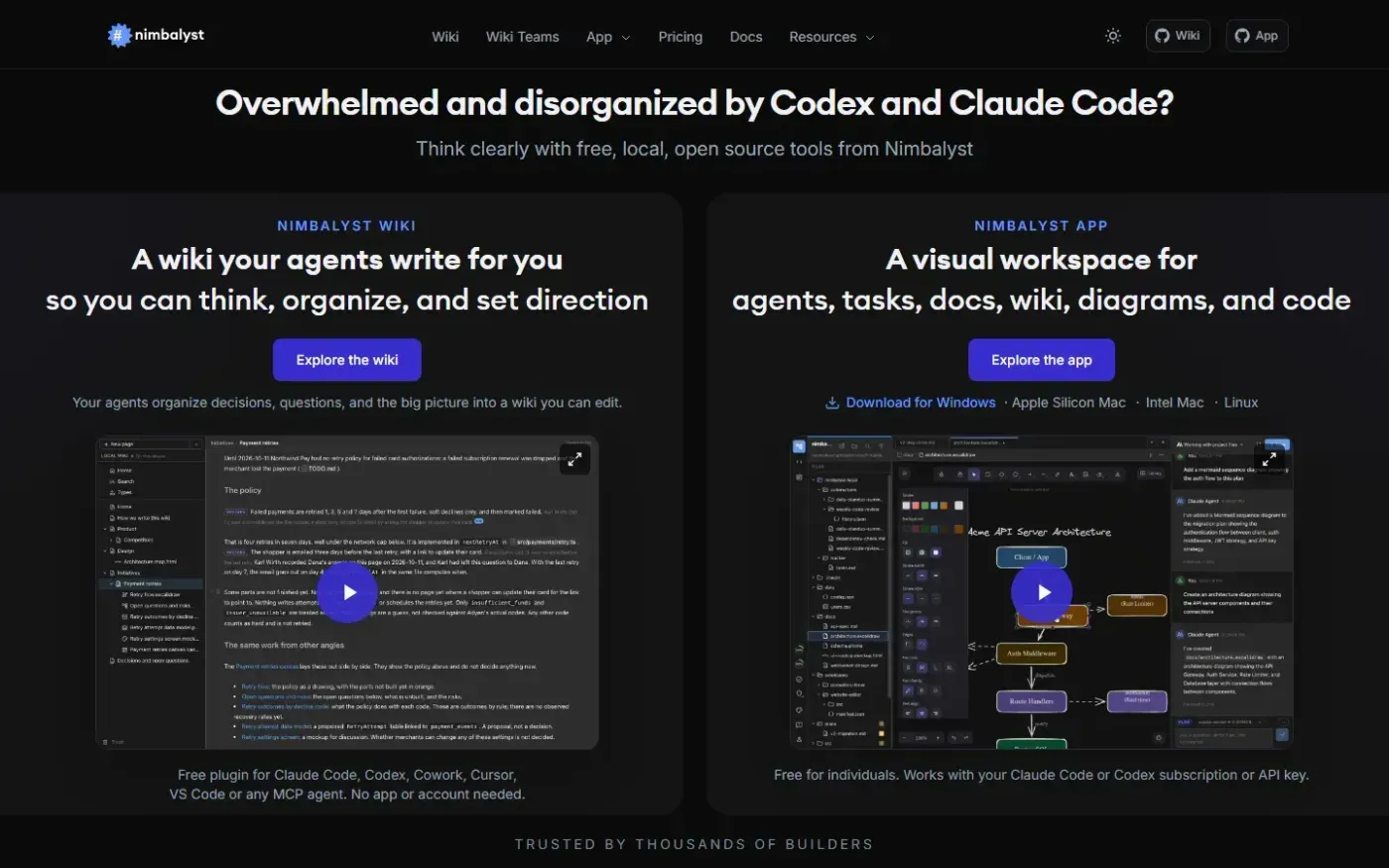
Nimbalyst screenshot 1 of 4: Home
nimbalyst.com
Nimbalyst provides a wiki that coding agents can write to and a visual workspace for working with Claude Code, Codex, and other agents.
Home
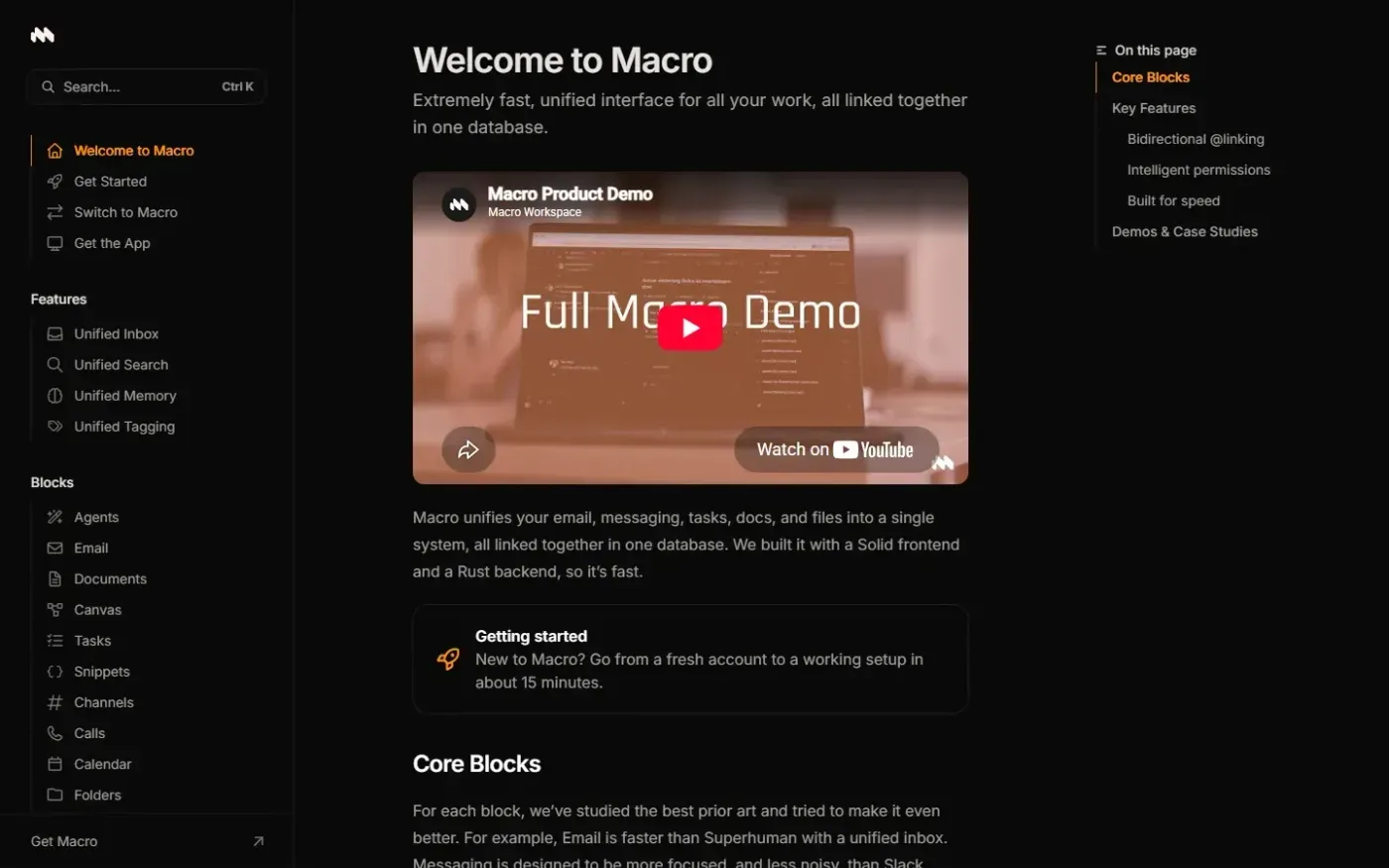
Macro screenshot 1 of 4: Home
macro.com
Email, messages, tasks, and agents in one inbox. CRDT documents with live agent edits, workspace search and memory, and a CRM built from your email.