SiteList review score
Clear Gmail workflow and useful product routes. Slow mobile performance and uneven content detail need focused fixes.
Reviewed on Oct 14, 2026
heyhelp.ai
Unclaimed listingWhat it does
HeyHelp is an AI email assistant that works inside Gmail to sort, tag, archive, draft, and follow up on emails, learn from a user's writing and workflows, and create draft calendar events.
SiteList review score
Clear Gmail workflow and useful product routes. Slow mobile performance and uneven content detail need focused fixes.
Reviewed on Oct 14, 2026
Verified user rating
—
No verified reviews yet — the evidence locker is empty.
Captured during our latest review on Oct 14, 2026
Pro is $12 per user/month billed yearly or $20 per user/month billed monthly. Connect is a $199 one-off payment for lifetime access and requires the buyer's own API key; provider usage is paid separately. Billed custom. free trial (7 days) · 7-day free trial; no credit card required.
| Plan | Price | Details |
|---|---|---|
| Pro (yearly) | $12 annual per user / month | AI email assistant with all-inclusive usage and no API key required. No API quota limit · Gemini, Anthropic and OpenAI integration View source |
| Pro (monthly) | $20 monthly per user / month | AI email assistant with all-inclusive usage and no API key required. No API quota limit · Gemini, Anthropic and OpenAI integration View source |
| Connect | $199 one time per lifetime access | Lifetime access plan using the buyer's own API key; provider usage is paid directly to the provider. Bring your API key · Only pay for what you use · Gemini, Anthropic and OpenAI integration View source |
AI email sorting
Email organization
Filters and organizes inbox email into actionable labels.
Email tagging and archiving
Email organization
Tags and archives emails as part of inbox organization.
AI email drafts
Email assistance
Drafts email replies in the user's voice for review before sending.
AI self-learning
Personalization
Adapts to the user's writing style, workflows, and priorities.
AI follow-ups
Email assistance
Handles follow-ups to keep email conversations progressing.
AI scheduling
Calendar
Uses email context to create draft calendar events with a title, description, and attendees.
AI knowledge base
Knowledge management
Provides an AI knowledge base feature in the Pro and Connect plans.
Gmail integration
Email platform
Works natively inside Gmail without requiring a separate app workflow.
Inbox organization
Filter, tag, archive, and organize Gmail messages.
Email reply drafting
Prepare replies in the user's voice for review and sending.
Conversation follow-up
Follow up on conversations so they do not stall.
Calendar event preparation
Create draft calendar events from email context.
Gemini
AI providers
Supported AI provider integration.
Anthropic
AI providers
Supported AI provider integration.
OpenAI
AI providers
Supported AI provider integration.
HeyHelp is aimed at people who rely on Gmail for daily work and want AI-assisted inbox organisation, drafting, and follow-ups.
The evidenced prices are Pro at $15 per month and Connect at $199 lifetime access. The business model includes a free trial, monthly and yearly plans, and a lifetime Connect option.
The site makes its Gmail assistant proposition legible within five seconds and explains drafting, inbox organisation, and follow-ups in concrete terms.
The clearest priorities are mobile performance, where homepage LCP is 4.0 s, and editorial and decision-support consistency across pricing and comparison surfaces.
Answers are based on SiteList's latest evidence review. Read the full review.
HeyHelp scores 62/100 as an AI email assistant for Gmail, with clear workflow positioning and useful routes for pricing, help, signup, and demos. Its most material weaknesses are slow mobile performance and uneven editorial and decision-support detail.
62/100: capable product, meaningful performance and content gaps
No reviews yet. The evidence locker is empty.
Reviews from verified users appear here once approved.
Reviews are from the SiteList community. Some reviewers received incentives — disclosed in the review, always. The verdict is never for sale.
Home
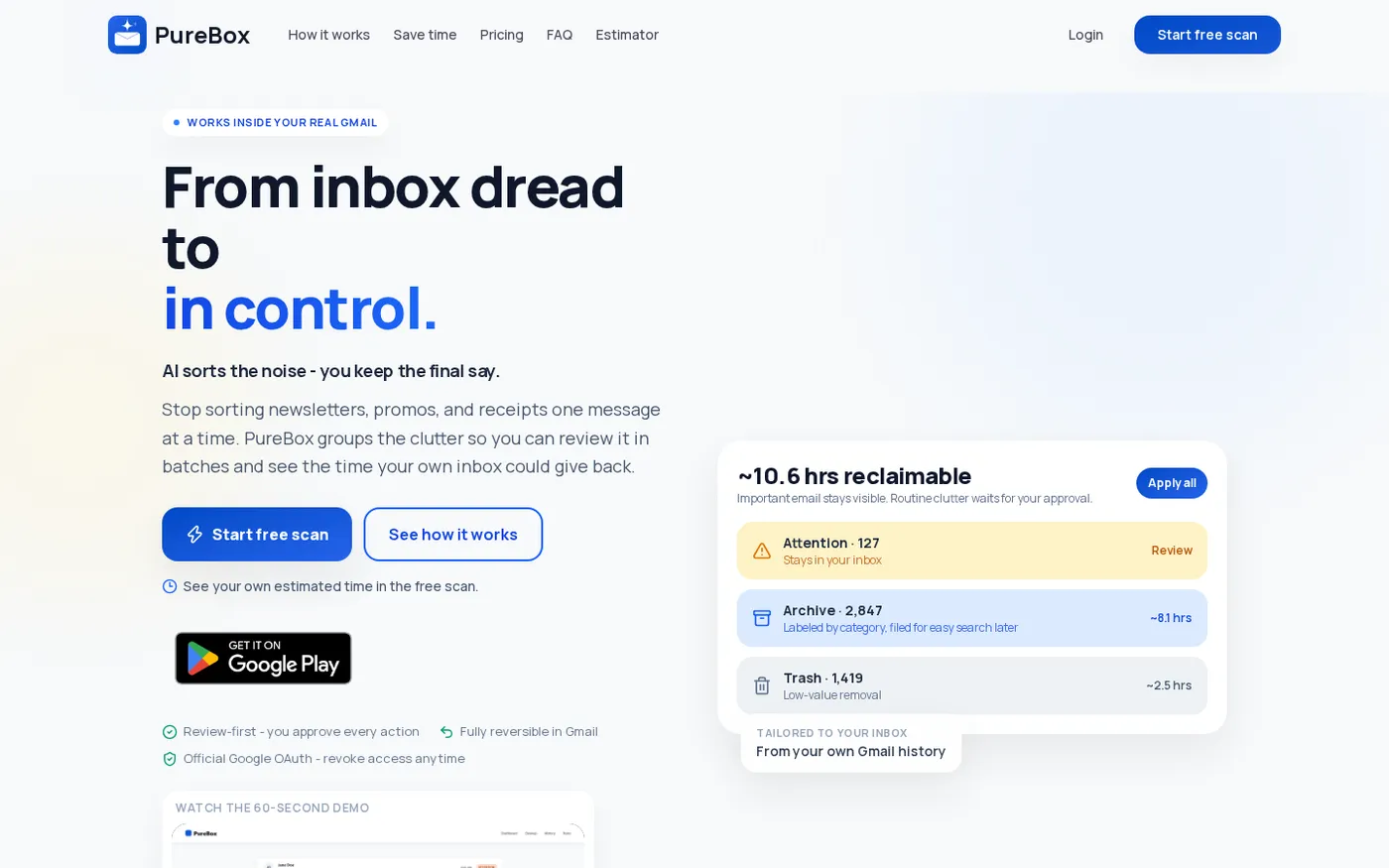
PureBox.ai — Review-first AI cleanup for your real Gmail inbox. screenshot 1 of 3: Home
purebox.ai
AI Gmail cleanup tool that finds what matters, archives what doesn't, and gives you back hours of inbox time - with every action reviewable and reversible.
Home
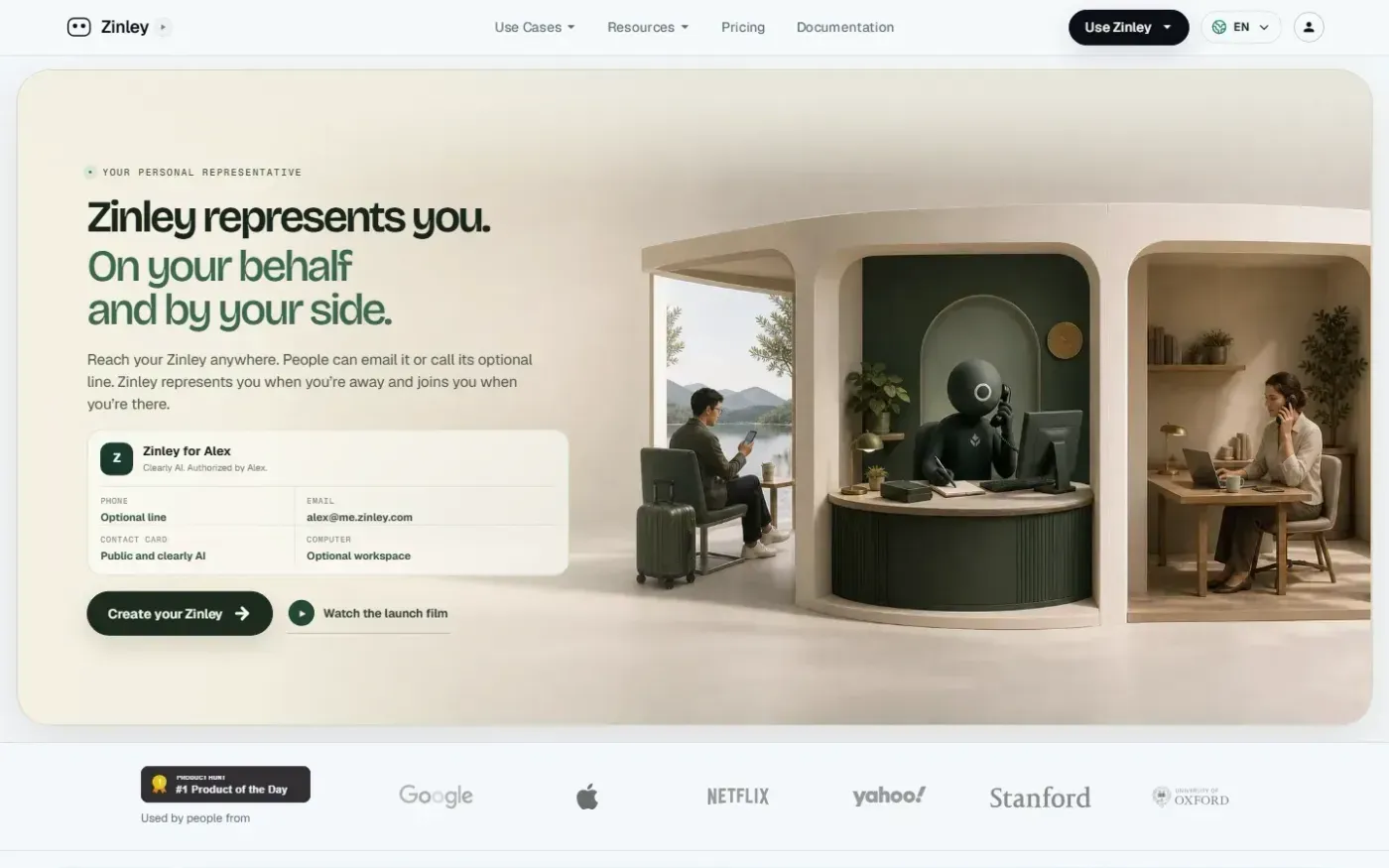
Zinley — Your Personal AI Representative for calls, email, and tasks screenshot 1 of 4: Home
zinley.com
Zinley is an AI personal representative that operates with its own email, public contact card, and private memory. It handles tasks on a user's behalf, joins meetings and interviews, manages missed calls via an optional phone line, and coordinates across web, desktop, iMessage, Telegram, and voice.
Home
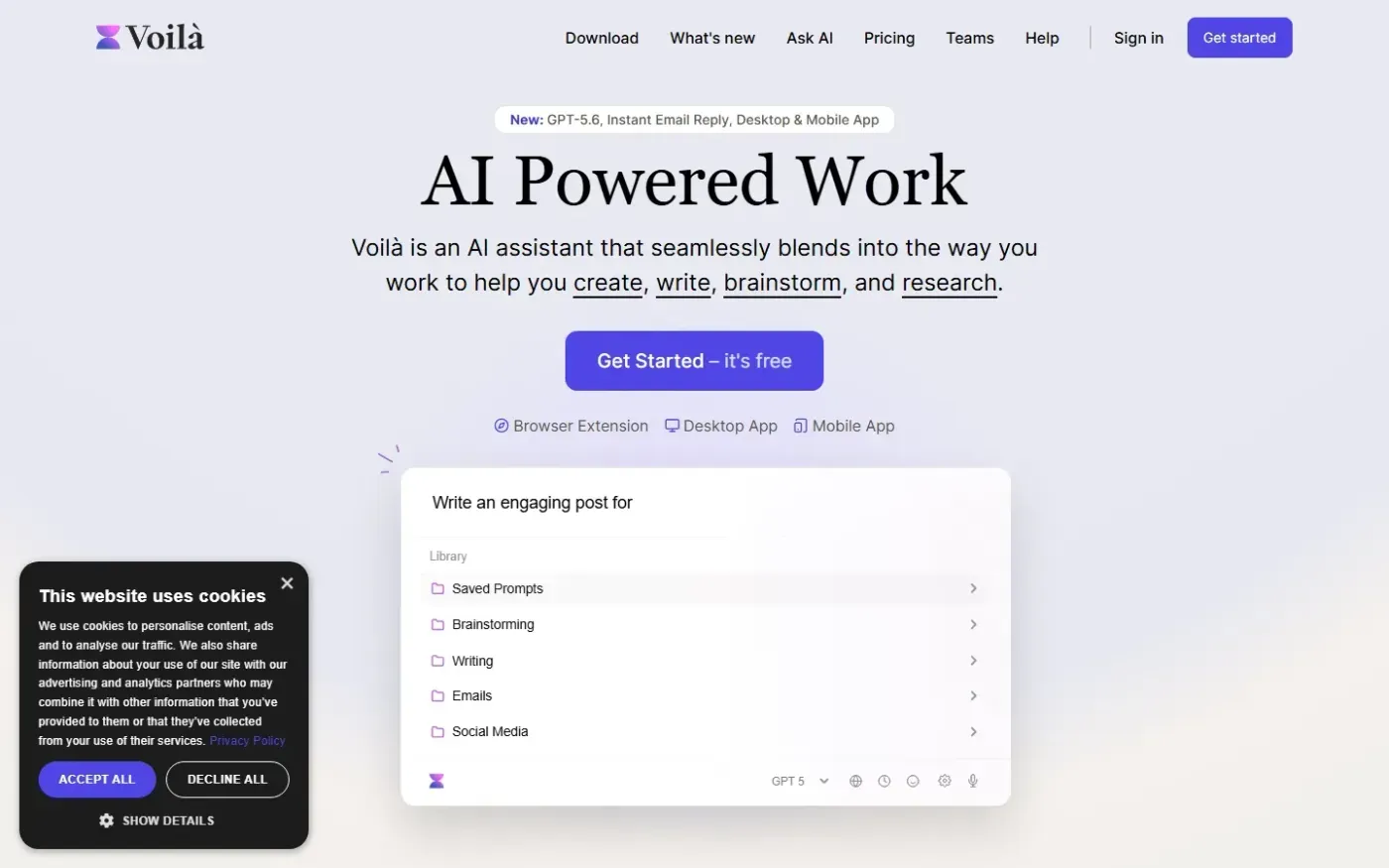
Getvoila screenshot 1 of 4: Home
getvoila.ai
Voilà is an AI assistant available in a browser and on desktop and mobile that helps users create, write, brainstorm, research, summarize web content, and automate tasks with AI.
Home
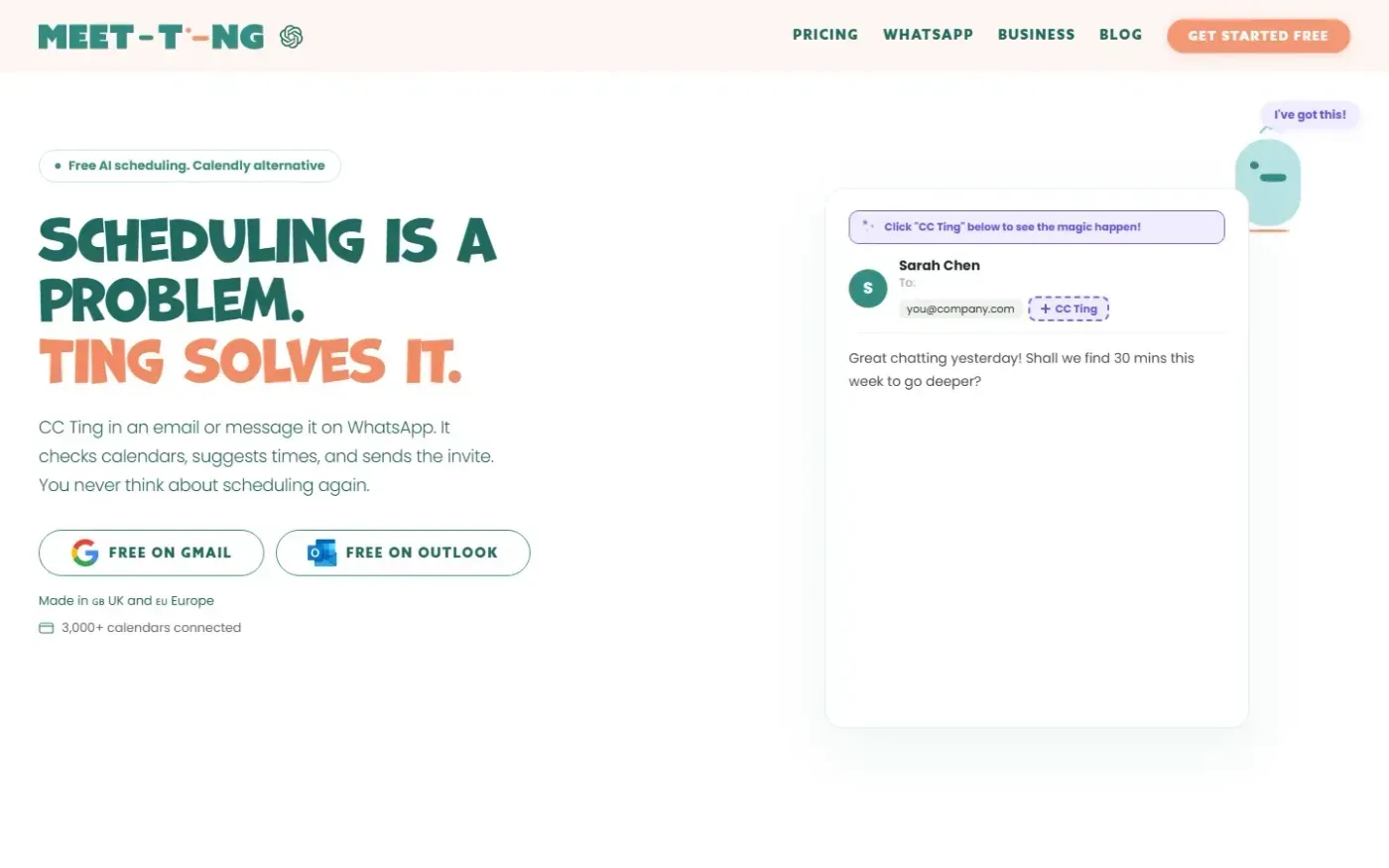
Meet-ting screenshot 1 of 4: Home
meet-ting.com
AI scheduling assistant that books meetings via email or WhatsApp by checking calendars, suggesting times, and sending invites automatically without requiring users to open an app or share links.