SiteList review score
The core copy task is immediately achievable and the site is technically healthy. Choose a primary audience and tighten the visual execution.
Reviewed on Nov 21, 2026
getdotsymbol.com
Unclaimed listingWhat it does
Get Dot Symbol is a website for finding and copying dot characters, including bullet points, middle dots, circles, emoji dots and related symbols. It provides Unicode, HTML, CSS and Alt code references for the symbols.
SiteList review score
The core copy task is immediately achievable and the site is technically healthy. Choose a primary audience and tighten the visual execution.
Reviewed on Nov 21, 2026
Verified user rating
—
No verified reviews yet — the evidence locker is empty.
Captured during our latest review on Nov 21, 2026
Free to use; no sign-up required.
View sourceCopy dot symbols into Word, Instagram, Discord and code
Copy dot symbols for use in Word, Instagram, Discord and code.
Choose bullet points and separators for text
Find bullet point, middle dot and circle characters for lists, separators and status markers.
Look up typing methods by device or app
Use instructions for Mac, Word, iPhone or Android to type or insert dot symbols.
Click any dot symbol card in the grid above — the dot symbol is copied to your clipboard instantly and a small confirmation appears. On desktop you can also click a row in the code table; on mobile, tapping a card is faster than long-pressing. Every dot symbol on this page is free to copy and paste into chats, documents, code and bios.
Option + 8 gives •, Option + Shift + 9 gives ·, and Option + ; gives …. For every other dot symbol, open the Character Viewer with Control + Command + Space and search for the character name, or copy it from this page.
Type the Unicode number, then press Alt + X: 2022 becomes •, 00B7 becomes ·, and 2026 becomes …. Alternatively use Insert → Symbol → More Symbols. To start a bulleted list, type * and press Space.
The stock keyboards have no dot symbol key. The fastest permanent fix is to copy • or · once from this page, then add a Text Replacement on iOS or a shortcut in Gboard's Personal dictionary.
They are three different characters: . (U+002E) ends sentences; · (U+00B7) is the mid-height separator and dot spacer; and • (U+2022) is the thick bullet list marker. Text tools, search engines and screen readers treat them as different characters.
Product FAQ information · View source
Getdotsymbol scores 83/100 as a free dot-symbol copy utility with an immediately achievable core task. Its strongest evidence is 100/100 usability and 98.2/100 technical SEO, while its main weakness is broad positioning alongside fair design execution at 65.8/100.
83/100: strong utility, clear fit
No reviews yet. The evidence locker is empty.
Reviews from verified users appear here once approved.
Reviews are from the SiteList community. Some reviewers received incentives — disclosed in the review, always. The verdict is never for sale.
Home
Hieroglyphics Translator screenshot 1 of 2: Home
hieroglyphics-translator.net
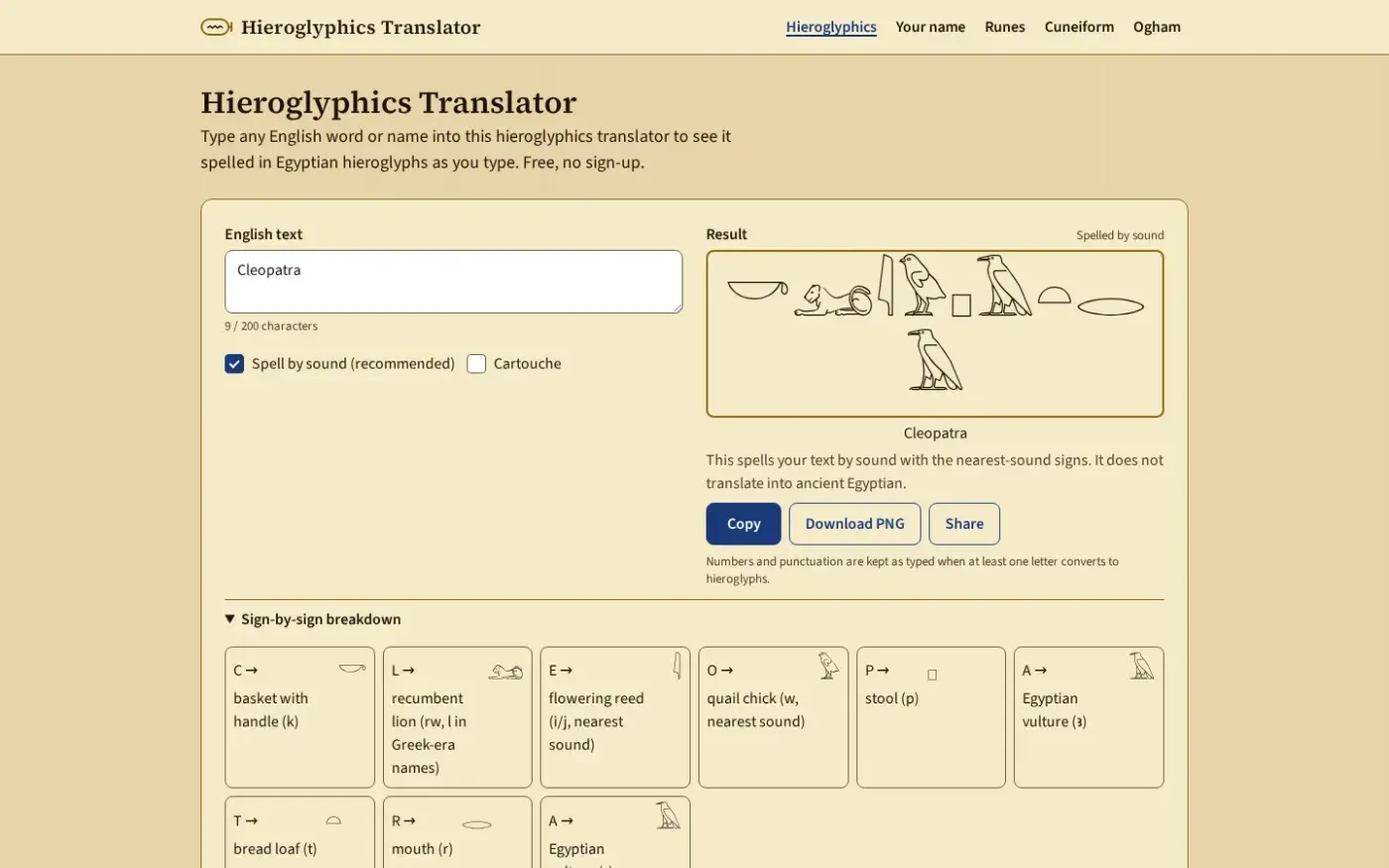
A free set of browser-based tools for spelling English words and names with ancient signs, including Egyptian hieroglyphs, using sound-based mappings and providing copy or image-saving output.
Home
Fancytextgenerator screenshot 1 of 4: Home
fancytextgenerator.dev
Home
Compressto100kb screenshot 1 of 4: Home
compressto100kb.com
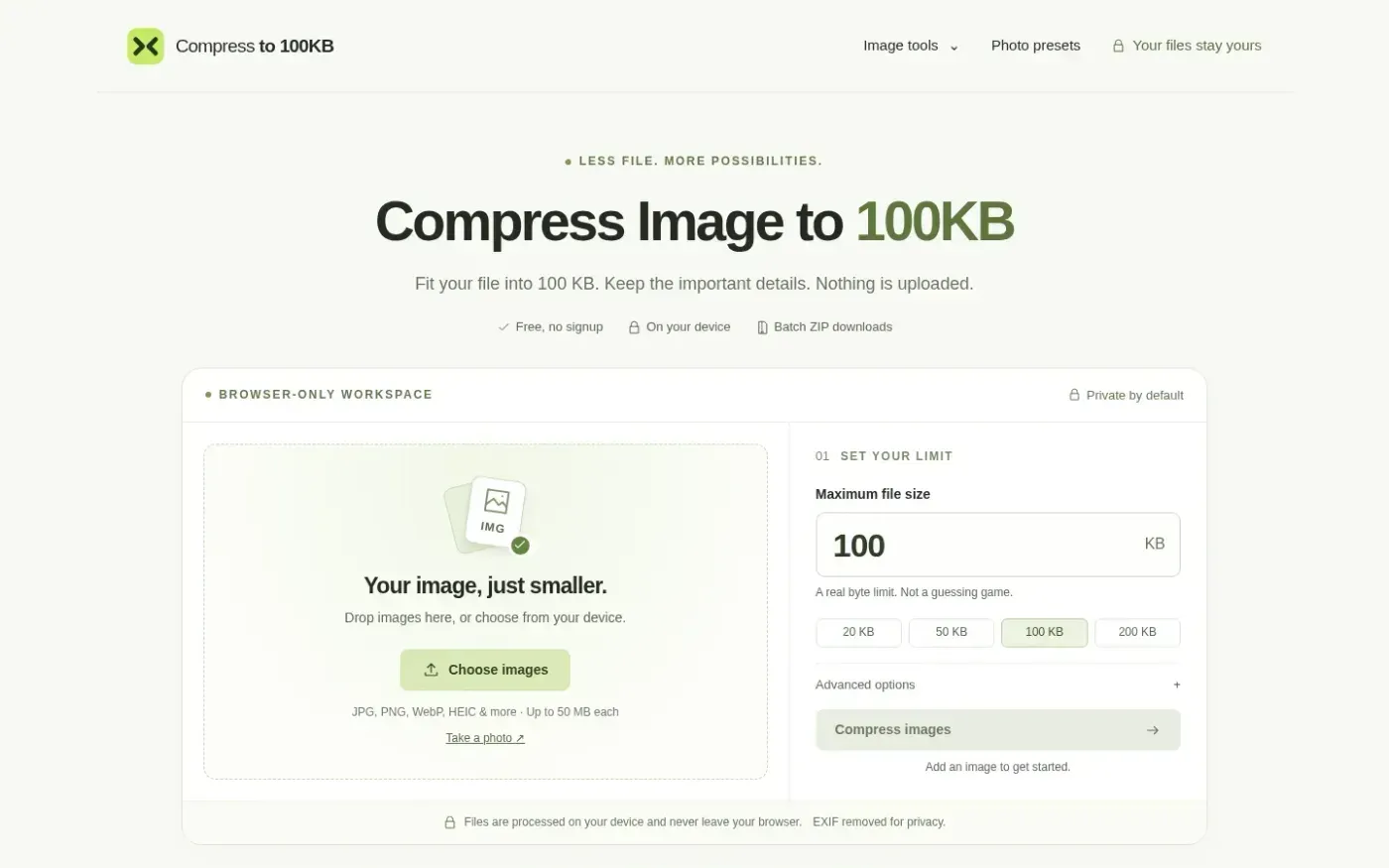
Compressto100kb is a browser-based image compression tool that reduces files to specific kilobyte limits (e.g., 100KB, 50KB). It processes images locally on the user's device without server uploads, supporting JPG, PNG, WebP, and HEIC formats. The tool includes features for batch processing, EXIF metadata removal, and custom pixel dimension adjustments. It provides presets for specific requirements such as IBPS exams and US visa applications.
Home
dev101.io — One box for every dev utility — runs in your browser screenshot 1 of 4: Home
dev101.io
Privacy-first, keyboard-driven hub for 60+ developer utilities including JSON formatting, JWT decoding, and cryptographic hashing. All transforms run 100% client-side in the browser, ensuring data never leaves the user's machine.