SiteList review score
Focused palette tools and clear audience fit. Improve mobile performance, pricing clarity, and heading hygiene.
Reviewed on Sep 24, 2026
coolors.co
Unclaimed listingIs this your site?
Claim itWhat it does
Coolors provides tools for creating, browsing, and working with color palettes, including a palette generator, palette discovery, image color extraction, contrast checking, palette visualization, color picking, Tailwind color tools, and an AI color bot.
SiteList review score
Focused palette tools and clear audience fit. Improve mobile performance, pricing clarity, and heading hygiene.
Reviewed on Sep 24, 2026
Verified user rating
—
No verified reviews yet — the evidence locker is empty.
Captured during our latest review on Sep 24, 2026
Palette Generator
palette tools
Create color palettes.
Explore Palettes
palette discovery
Discover color palettes by topic, style, and color.
Image Picker
image tools
Extract colors from an image.
Contrast Checker
accessibility tools
Check color contrast for accessibility.
Palette Visualizer
palette tools
Preview colors on real designs.
Color Picker
color tools
Get information about a color, including meaning, variations, and accessibility.
Tailwind Colors
palette tools
Create and preview Tailwind palettes on real user interfaces.
Color Bot
AI color tools
Get color suggestions from an AI-powered bot.
Create color palettes
Create palettes for designs.
Discover color schemes
Browse color palettes by topic, style, and color.
Extract colors from images
Use an image to obtain colors.
Check accessibility contrast
Check whether color combinations meet accessibility needs.
Preview palettes on designs
Visualize colors on real designs.
Get color suggestions
Get color suggestions from the Color Bot.
Figma Plugin
design tools
A Figma plugin is available for Coolors.
Chrome Extension
browser tools
A Chrome extension is available for Coolors.
Coolors is built for designers and creators seeking color palette generation and visual harmony.
The homepage records a 7.4-second mobile LCP and more than 800ms TTFB. The review attributes the weakness to a large hero image and heavy JavaScript.
The pricing surface exists, but the crawl artifacts did not capture its plan grid, feature axes, or recommendation guidance. Pricing decision support therefore remains unassessed in the supplied crawl.
Coolors is broadly crawlable across the 38-page partial crawl, and raw and rendered word counts show no material JavaScript-only rendering gap. Status semantics and many branded URLs remain the main technical risks.
Answers are based on SiteList's latest evidence review. Read the full review.
Coolors scores 68/100 for a focused palette generator with strong positioning and usability. Its material weaknesses are a 7.4-second mobile LCP, incomplete pricing evidence, and weak editorial and technical SEO hygiene.
68/100: strong utility, weak technical hygiene
No reviews yet. The evidence locker is empty.
Reviews from verified users appear here once approved.
Reviews are from the SiteList community. Some reviewers received incentives — disclosed in the review, always. The verdict is never for sale.
Home
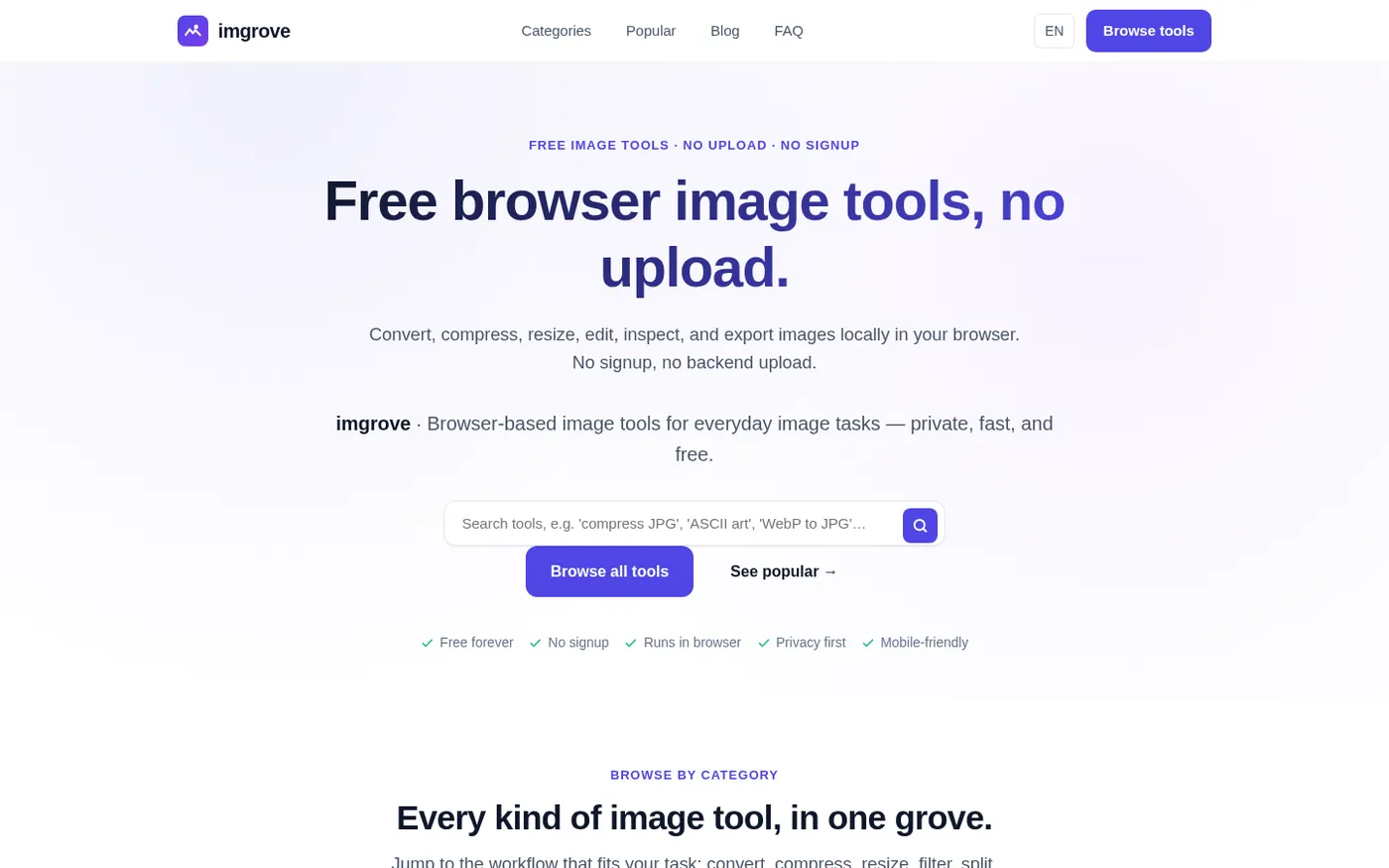
Imgrove screenshot 1 of 4: Home
imgrove.com
imgrove is a free browser-based image tools hub that processes files locally in your browser with no upload, signup, or watermark.
Home
Gardenly screenshot 1 of 4: Home
gardenly.app
Gardenly is an AI-powered garden design tool that generates photorealistic garden redesigns from a single photo, featuring climate-adapted plant recommendations, personalized plant care guides, and seasonal maintenance schedules.
Home
Muse — Al Visual Bookmark Manager for Mac screenshot 1 of 4: Home
theodorehq.com
Native Mac app that collects links, images, video, screenshots, GIFs, and text notes into a single private library with on-device AI tagging and organization. No subscription or cloud storage required.
Home
Trify3d screenshot 1 of 4: Home
trify3d.com
Trify3D is an AI-powered platform that generates production-ready 3D models from images and text prompts. It functions as a multi-model studio, allowing users to run leading engines like Tripo3D, Meshy, and Rodin side by side to compare results. The platform supports exports in GLB, glTF, OBJ, and STL formats and includes a suite of 48+ 3D file conversion and viewing tools.