SiteList review score
Measured performance is excellent, with fast response and a stable layout. Mobile tap targets and repeated page copy need refinement.
Reviewed on Nov 26, 2026
convertok.com
Unclaimed listingSiteList review score
Measured performance is excellent, with fast response and a stable layout. Mobile tap targets and repeated page copy need refinement.
Reviewed on Nov 26, 2026
Verified user rating
—
No verified reviews yet — the evidence locker is empty.
Captured during our latest review on Nov 26, 2026
Online tools are free to use without an account. free plan · Online tools are free to use without an account.
View sourcePDF conversion
Document conversion
Converts PDFs to Word, Excel, PowerPoint, JPG, PNG, text, EPUB, HTML, TIFF, MOBI, DWG, CSV, SVG, and other listed formats.
Image conversion
Image conversion
Converts JPG to formats including PNG, PDF, WebP, GIF, SVG, ICO, BMP, TIFF, JPEG, PSD, DOC, PPT, AI, and DXF.
PDF compression
Compression
Compresses one PDF of up to 100 MB using selectable compression levels.
PDF merging and splitting
PDF tools
Provides tools to merge and split PDF files.
Convertok’s online tools are free to use without an account. File-size limits and available options depend on the tool you choose.
No. Open Convertok in your browser on a computer or phone and choose the tool for your task.
Convertok has tools for PDFs, Office documents, images, e-books and supported camera formats. Browse the document tools or image tools to find the formats and operations you need.
The main uploader accepts supported files up to 100 MB each. Check the tool’s upload area for any additional limits on file count or processing.
Convertok deletes uploads and results from its servers two hours after conversion. Download links expire after one hour. Download your result when it is ready.
It depends on the tool and the source file. Compression can affect image detail, and document conversion can change complex layouts. AI image tools can also change faces, small text and fine patterns. Check the downloaded result before publishing or sharing it.
Product FAQ information · View source
Convertok scores 77/100 in this 13-dimension review, with excellent measured performance and strong accessibility as its clearest strengths. Its most material weaknesses are mobile interaction density and repetitive, lightly differentiated copy across the tool directory.
77/100: strong utility, weak copy
No reviews yet. The evidence locker is empty.
Reviews from verified users appear here once approved.
Reviews are from the SiteList community. Some reviewers received incentives — disclosed in the review, always. The verdict is never for sale.
Home
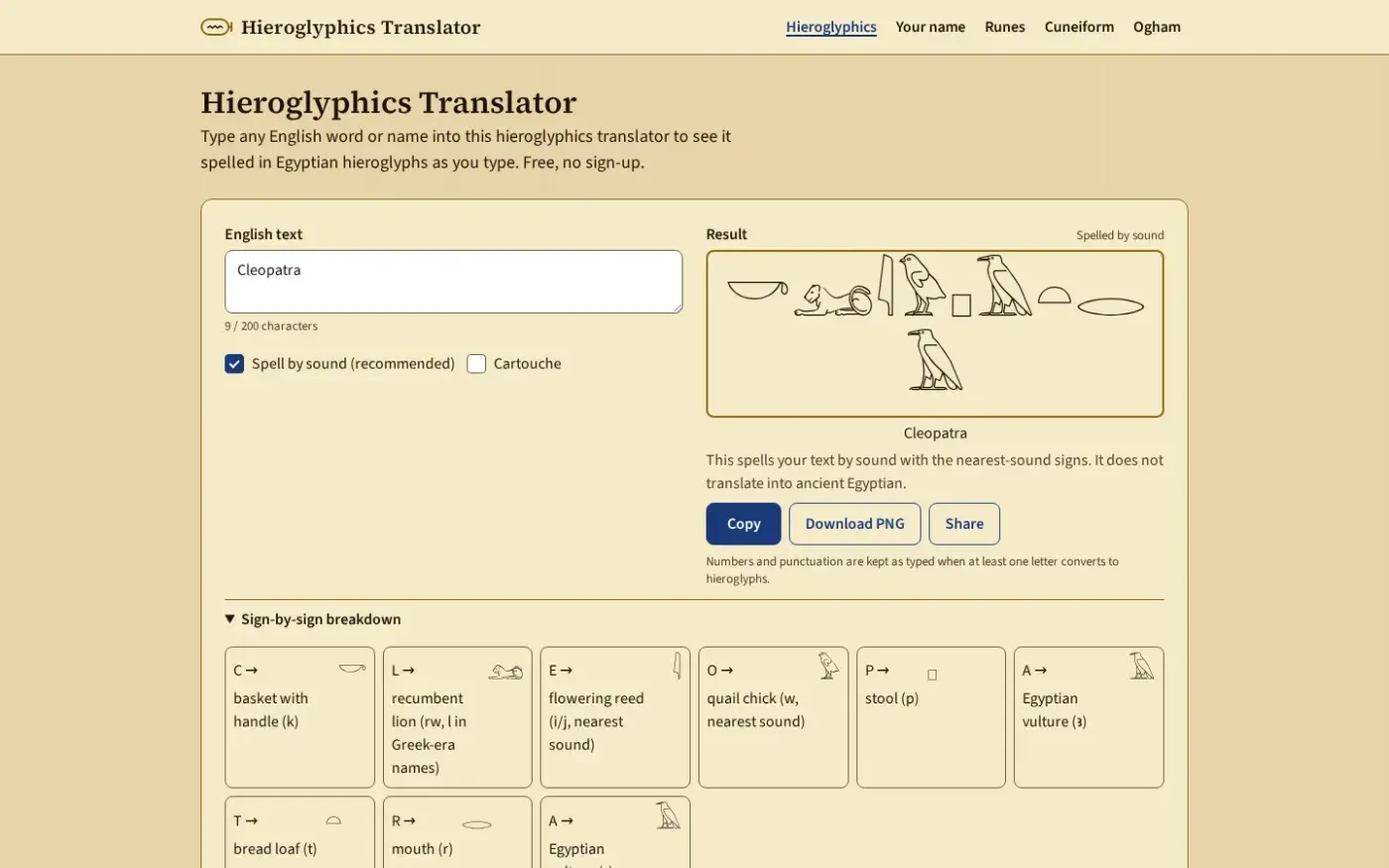
Hieroglyphics Translator screenshot 1 of 2: Home
hieroglyphics-translator.net
A free set of browser-based tools for spelling English words and names with ancient signs, including Egyptian hieroglyphs, using sound-based mappings and providing copy or image-saving output.
Home
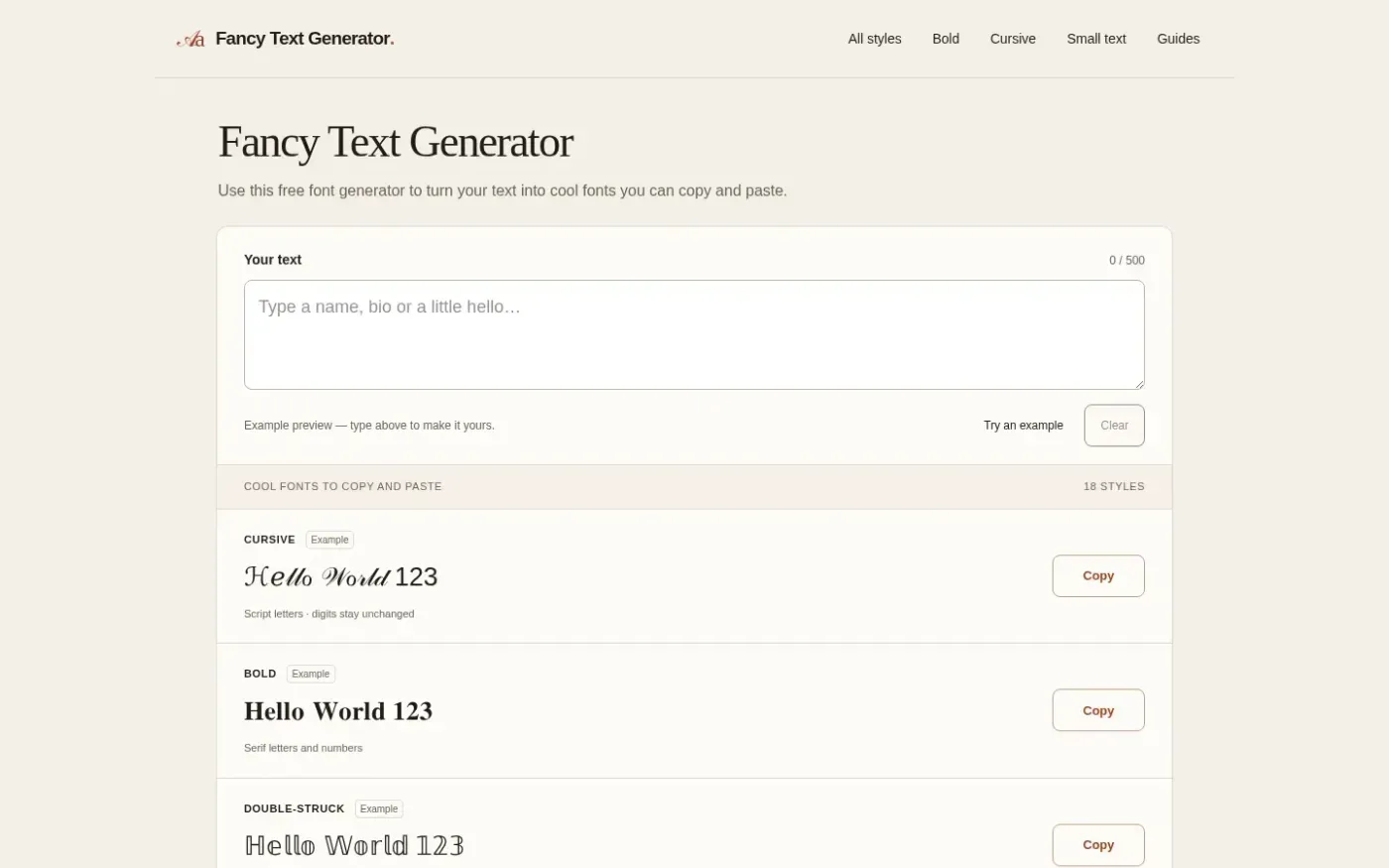
Fancytextgenerator screenshot 1 of 4: Home
fancytextgenerator.dev
Home
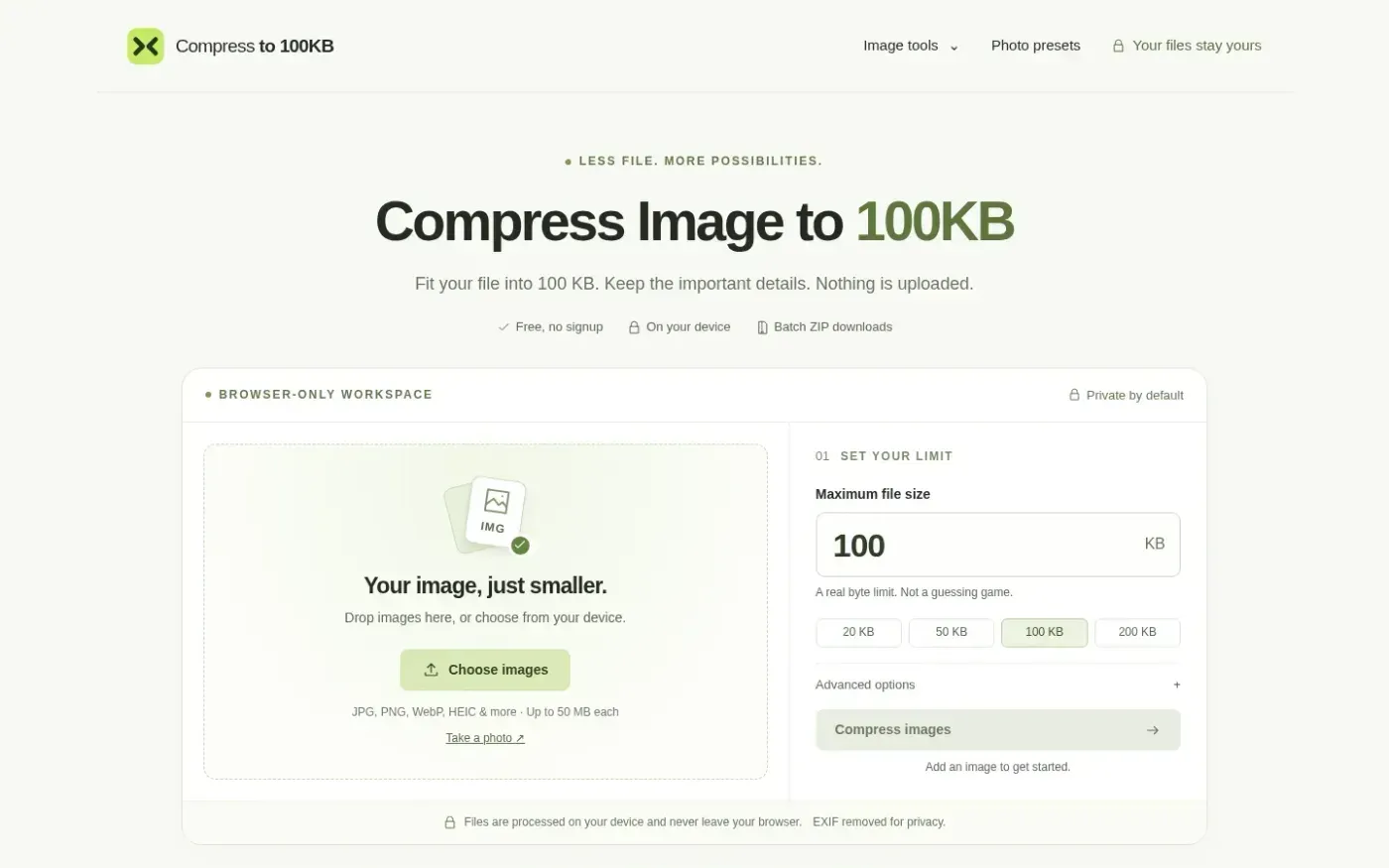
Compressto100kb screenshot 1 of 4: Home
compressto100kb.com
Compressto100kb is a browser-based image compression tool that reduces files to specific kilobyte limits (e.g., 100KB, 50KB). It processes images locally on the user's device without server uploads, supporting JPG, PNG, WebP, and HEIC formats. The tool includes features for batch processing, EXIF metadata removal, and custom pixel dimension adjustments. It provides presets for specific requirements such as IBPS exams and US visa applications.
Home
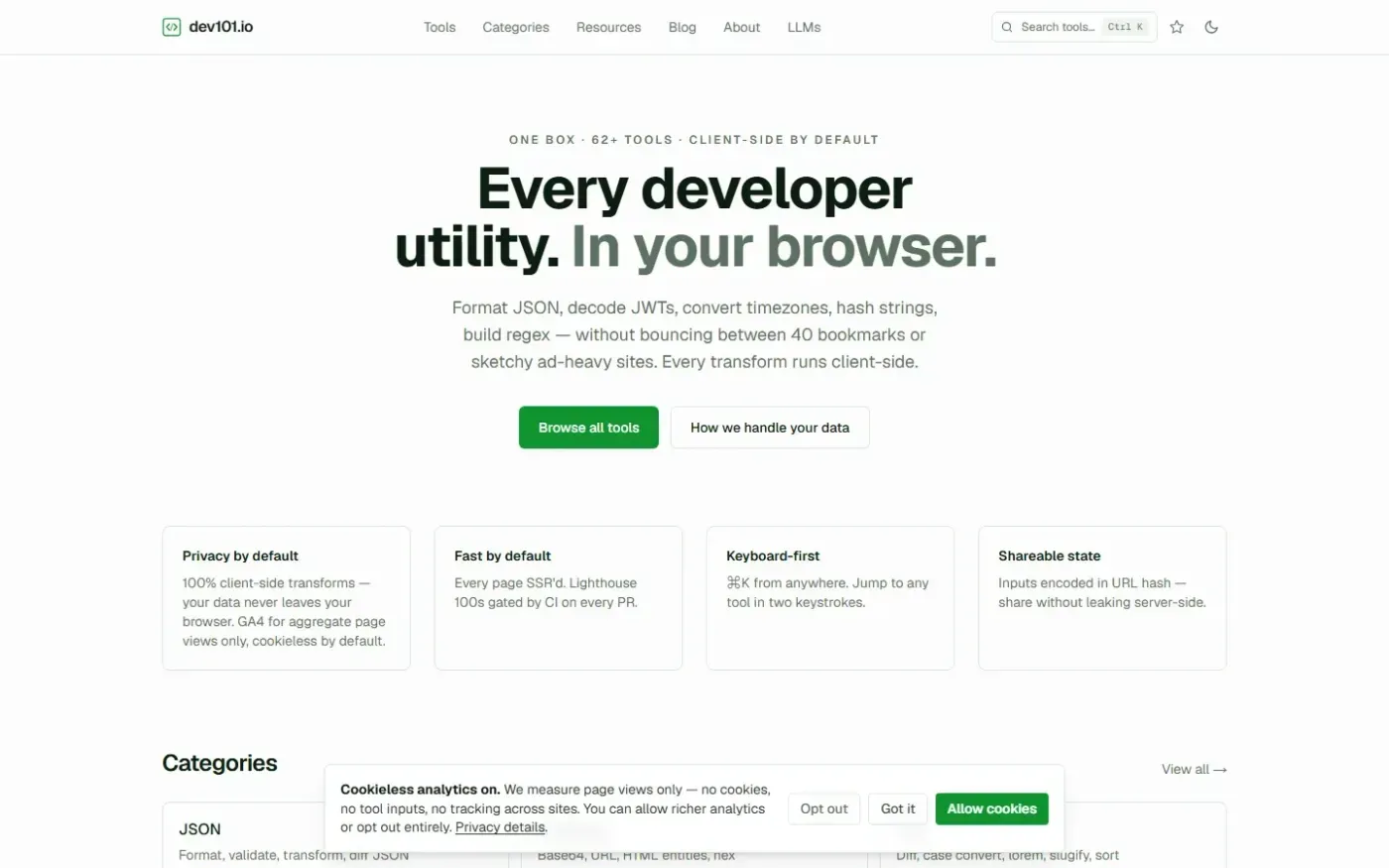
dev101.io — One box for every dev utility — runs in your browser screenshot 1 of 4: Home
dev101.io
Privacy-first, keyboard-driven hub for 60+ developer utilities including JSON formatting, JWT decoding, and cryptographic hashing. All transforms run 100% client-side in the browser, ensuring data never leaves the user's machine.