SiteList review score
Clear, editable diagramming with concrete examples and pricing. Improve mobile speed and tighten the visual system to make the experience easier to use.
Reviewed on Oct 9, 2026
chatdiagram.com
Unclaimed listingWhat it does
ChatDiagram is a web-based diagramming service that generates editable professional diagrams from plain-language descriptions, code, photos, or PDFs, with support for multiple diagram types and exports to SVG, PNG, and PDF.
SiteList review score
Clear, editable diagramming with concrete examples and pricing. Improve mobile speed and tighten the visual system to make the experience easier to use.
Reviewed on Oct 9, 2026
Verified user rating
—
No verified reviews yet — the evidence locker is empty.
Captured during our latest review on Oct 9, 2026
Free tier includes 10 AI credits per month; Pro includes 500 AI credits per month and Max includes 5,000 AI credits per month. Paid plans are billed monthly; credit use depends on the selected model. Billed monthly. free trial (7 days) · Eligible annual plans start with a 7-day free trial; the offer and billing schedule are shown at checkout.
| Plan | Price | Details |
|---|---|---|
| Free | $0 one time per per account | Free tier with the full engine catalogue. 10 AI credits each month · No card needed View source |
| Pro | $15.9 monthly per per account | Plan for engineers, PMs, and analysts. 500 AI credits each month · Billed monthly View source |
| Max | $49.9 monthly per per account | Plan for power users and teams. 5,000 AI credits each month · Billed monthly View source |
Natural-language diagram generation
Diagram generation
Generates diagrams from a plain-language description.
Code and pseudocode input
Diagram generation
Accepts code or pseudocode and turns it into a flowchart with loops and conditional branches.
Photo and PDF input
Input
Allows users to start from a photo or PDF.
Editable diagrams
Editing
Produces editable diagrams that users can change by describing what should be different or by editing the drawing.
SVG, PNG, and PDF export
Export
Exports diagrams in SVG, PNG, and PDF formats.
Share links and embeds
Sharing
Provides share links and embeds for diagrams.
Version history
Collaboration
Includes version history on the listed plans.
Electrical engineering and solar installation
Creating single-line diagrams, circuits, PV systems, and PLC ladder logic.
Software and systems design
Creating sequence, state, class, ER, and network diagrams for design documentation and operations.
Process and plant engineering
Creating P&IDs, fault trees, and bow-tie diagrams for safety cases.
Clinical genetics and social work
Creating genograms, pedigrees, and ecomaps.
Architecture, planning, and events
Creating measurable floor plans, site plans, evacuation plans, and stage plots.
Analysis, product management, and operations
Creating BPMN diagrams, organization charts, PERT and Gantt schedules, and matrices.
Describe the process in ordinary sentences, including the steps, decisions, and what happens on each answer. The flowchart is drawn for you, and you can change it by saying what is different.
Yes. Paste the code or pseudocode and ask for a flowchart. Loops and conditions become decisions with their branches.
It uses rounded terminals to start and end, rectangles for steps, diamonds for decisions, and parallelograms for input and output.
No. Layout, spacing, and arrows are handled for you; you only describe the process.
Product FAQ information · View source
ChatDiagram earns 74/100 for making conversational, editable diagramming clear across a broad set of audiences and use cases. Its strongest foundations are messaging, usability, and technical SEO, while mobile performance and design execution are the most material weaknesses.
74/100: capable product, slow mobile experience
No reviews yet. The evidence locker is empty.
Reviews from verified users appear here once approved.
Reviews are from the SiteList community. Some reviewers received incentives — disclosed in the review, always. The verdict is never for sale.
Home
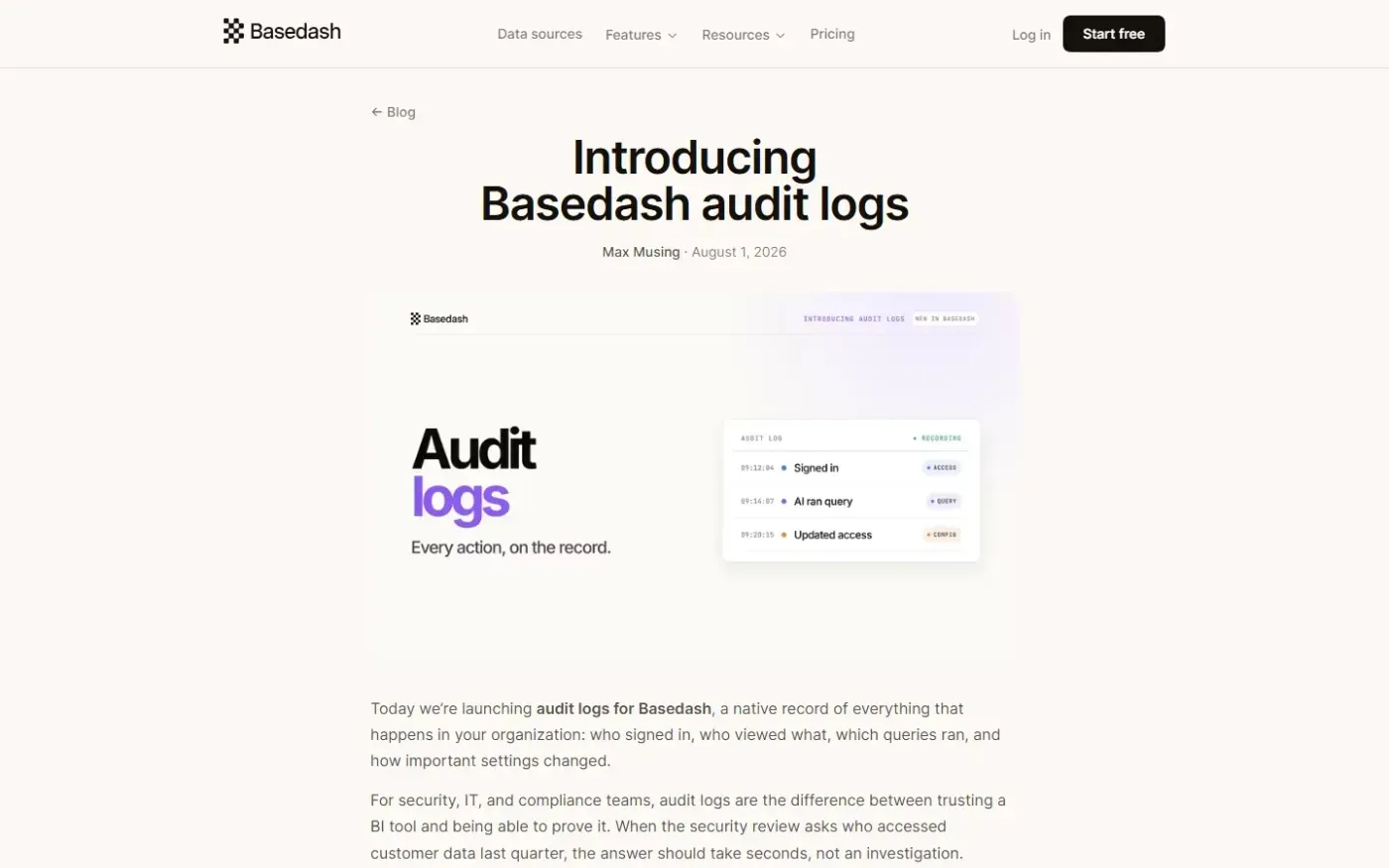
Basedash Audit Logs — Every action in your BI tool, on the record. screenshot 1 of 4: Home
basedash.com
Basedash is an AI-native business intelligence platform that provides natural language querying, dashboards, and reporting workflows without heavy BI setup.
Home
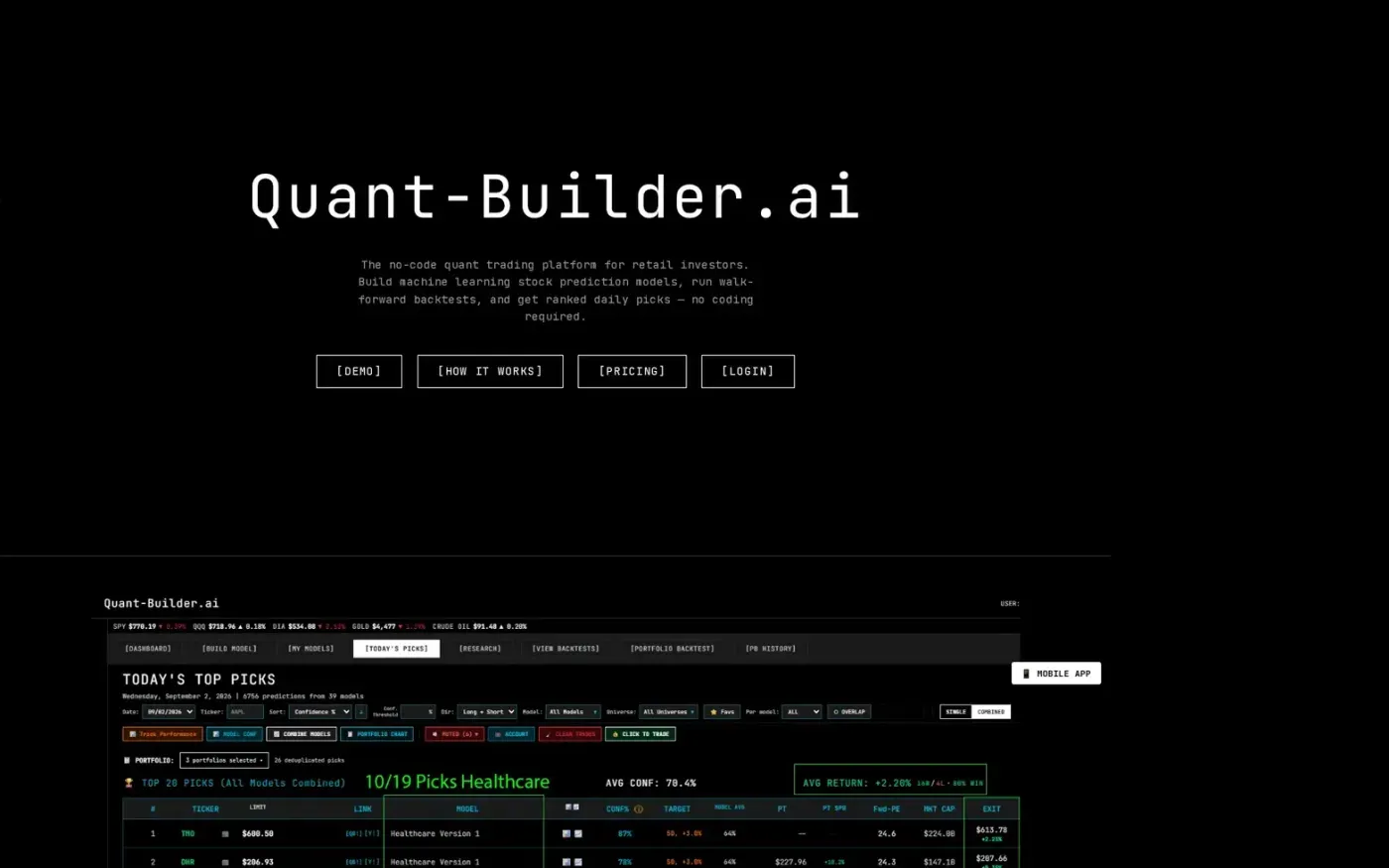
Quant-Builder.ai screenshot 1 of 4: Home
quant-builder.ai
Quant-Builder.ai is a no-code quant trading platform for retail investors to build, backtest, and automate machine learning stock prediction models. It offers 30 years of point-in-time data, 750+ features, and daily confidence-ranked stock picks without requiring coding knowledge.
Home
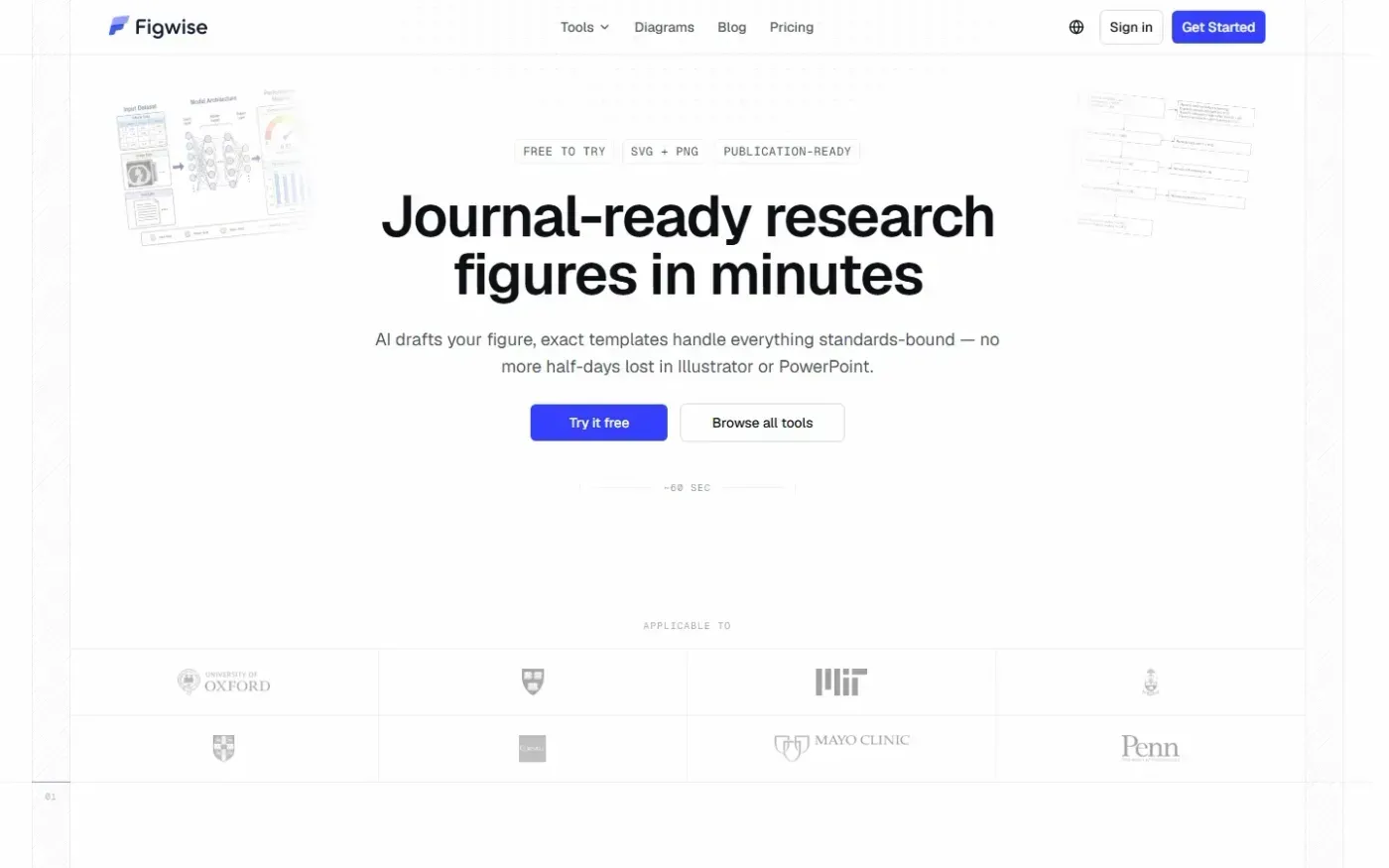
Figwise screenshot 1 of 4: Home
figwise.app
Figwise is an AI-powered scientific figure generator that creates publication-ready research figures, graphical abstracts, flow diagrams, and statistical charts with export support in SVG and PNG formats.
Home
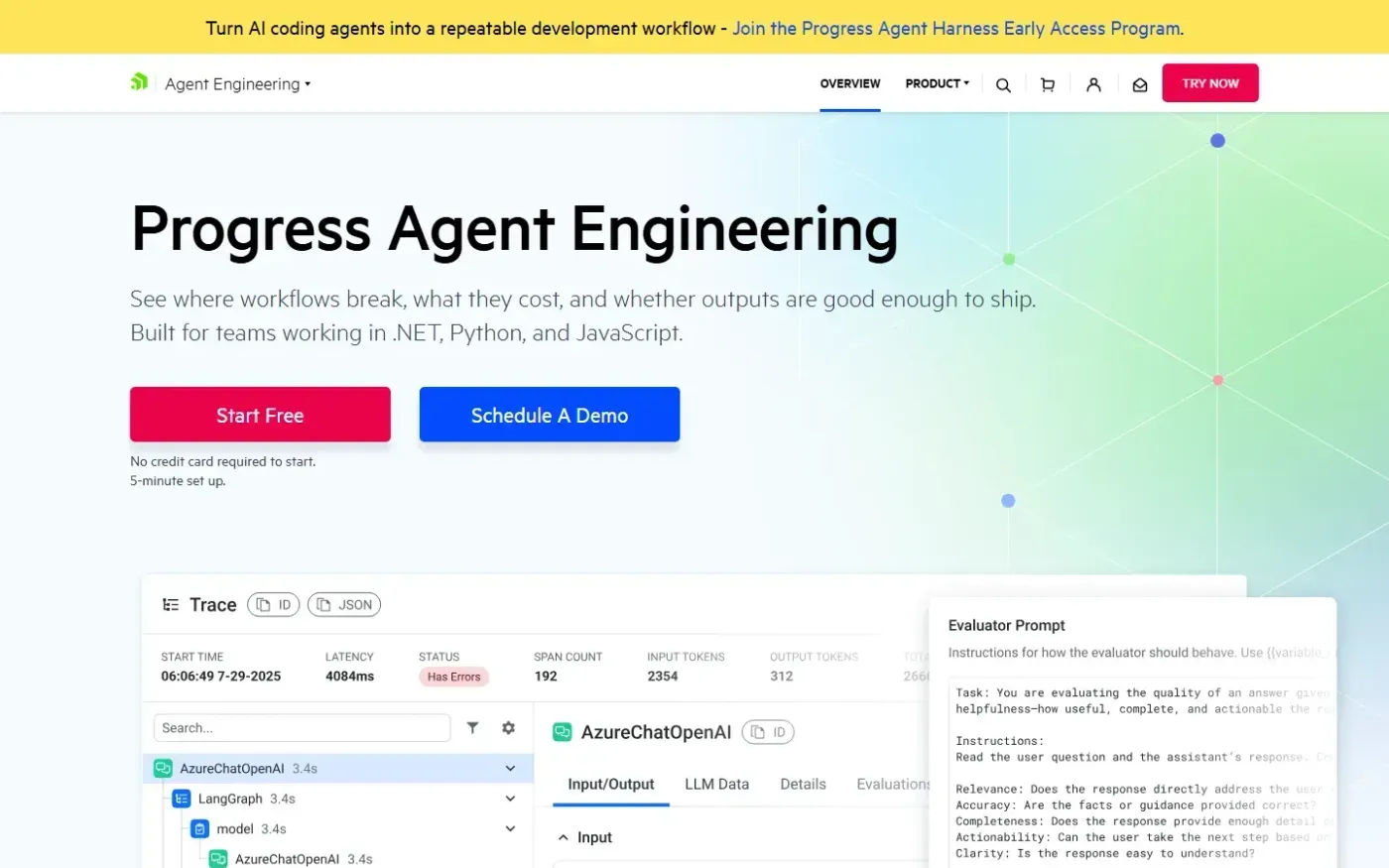
Progress AI Observability — Trace, evaluate, and improve AI agents in production screenshot 1 of 4: Home
telerik.com
The Progress Agent Engineering Platform captures trace-level data from AI agents and LLM applications, including prompts, responses, model calls, retrieval steps, tool use, latency, token usage, and cost signals. It enables teams to debug failures, monitor production costs, evaluate output quality, and optimize workflows across .NET, Python, and JavaScript.