SiteList review score
The microphone test is clear to start and easy to use. Refine the visual execution and extend the homepage FAQ into fuller self-serve help.
Reviewed on Oct 26, 2026
amictest.com
Unclaimed listingWhat it does
Amictest is an online utility for testing microphones, viewing live input levels, waveforms, and pitch, and recording voice audio directly in the browser.
SiteList review score
The microphone test is clear to start and easy to use. Refine the visual execution and extend the homepage FAQ into fuller self-serve help.
Reviewed on Oct 26, 2026
Verified user rating
—
No verified reviews yet — the evidence locker is empty.
Captured during our latest review on Oct 26, 2026
Start the test and speak. If the waveform moves and the input level meter rises when you talk, your microphone works. Record a short clip and play it back to check the sound quality as well.
The microphone may be muted, blocked in your browser or system privacy settings, or the wrong input may be selected. Check the mute switch, allow microphone access, close apps such as Zoom or Discord that may be using it, and pick another microphone from the list.
Yes. Everything runs locally in your browser. Your audio is never uploaded or stored, and recordings exist only in your open tab until you download them or close the page.
Yes. Put on headphones, start the test and click Hear yourself to monitor your microphone live. Use headphones to avoid feedback from your speakers.
For speech, aim for the level meter to stay mostly in the green, around −35 to −15 dB, with peaks below −6 dB. If the peak reaches 0 dB, the sound is clipping and you should lower the input volume.
Product FAQ information · View source
Amictest scores 85/100 as a free browser microphone utility with exceptionally clear usability and accessibility. Its most material opportunities are visual refinement and a fuller help layer beyond the useful homepage FAQ.
85/100: strong utility, with visual and help gaps
No reviews yet. The evidence locker is empty.
Reviews from verified users appear here once approved.
Reviews are from the SiteList community. Some reviewers received incentives — disclosed in the review, always. The verdict is never for sale.
Home
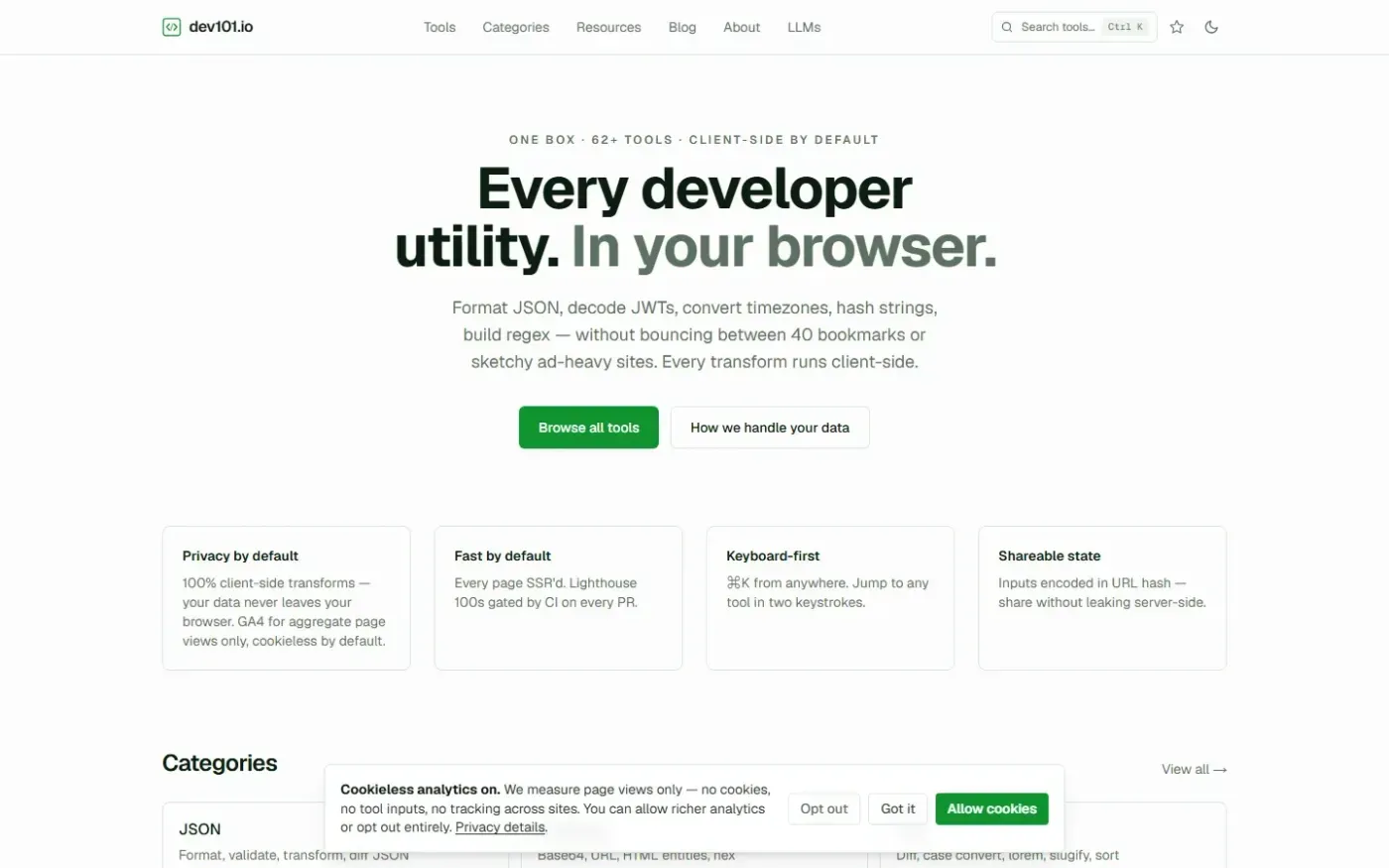
dev101.io — One box for every dev utility — runs in your browser screenshot 1 of 4: Home
dev101.io
Privacy-first, keyboard-driven hub for 60+ developer utilities including JSON formatting, JWT decoding, and cryptographic hashing. All transforms run 100% client-side in the browser, ensuring data never leaves the user's machine.
Home
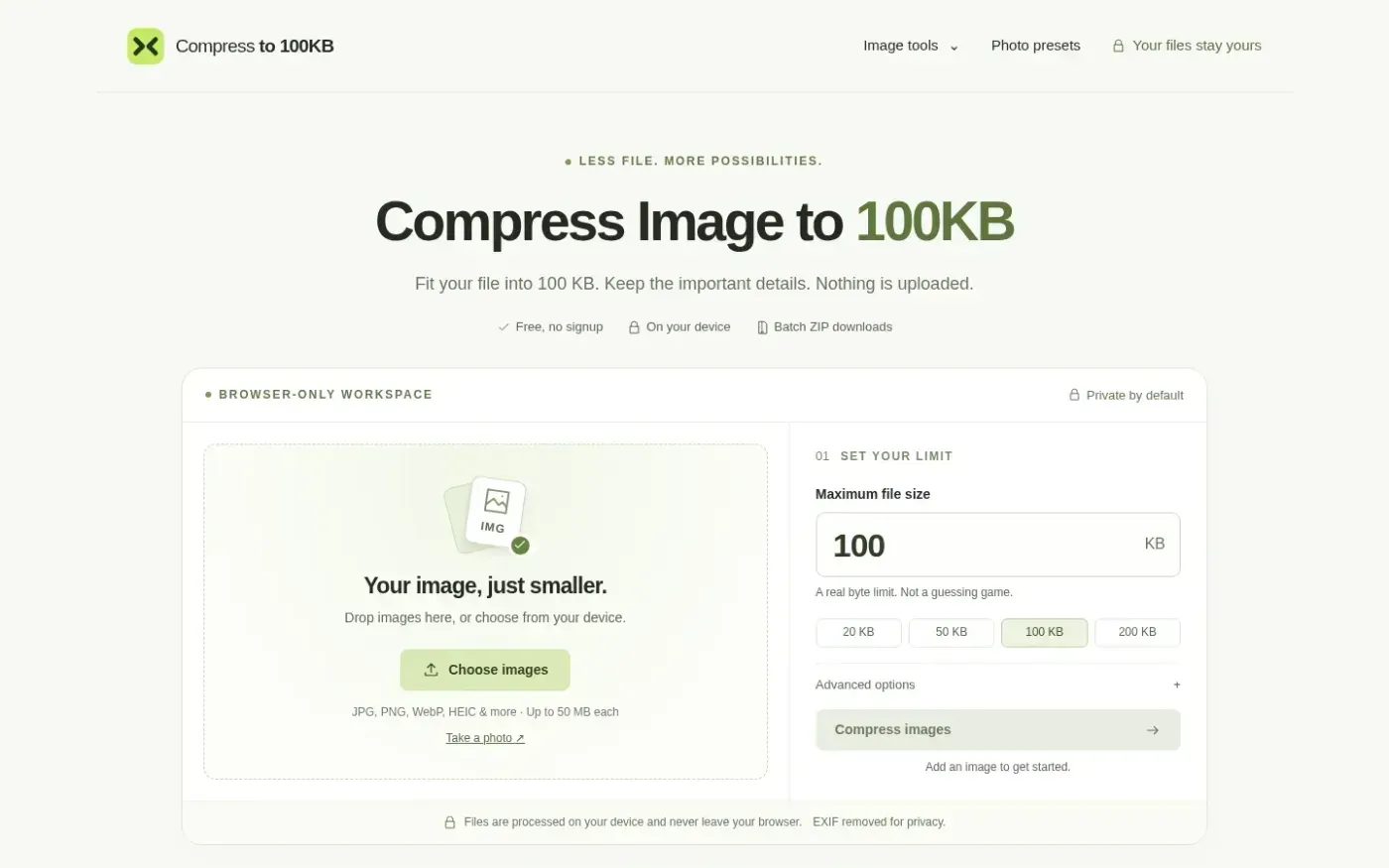
Compressto100kb screenshot 1 of 4: Home
compressto100kb.com
Compressto100kb is a browser-based image compression tool that reduces files to specific kilobyte limits (e.g., 100KB, 50KB). It processes images locally on the user's device without server uploads, supporting JPG, PNG, WebP, and HEIC formats. The tool includes features for batch processing, EXIF metadata removal, and custom pixel dimension adjustments. It provides presets for specific requirements such as IBPS exams and US visa applications.
Home
Spotmp3 screenshot 1 of 4: Home
spotmp3.net
Spotmp3 is a web-based Spotify downloader that enables users to convert Spotify tracks, playlists, albums, and podcasts into 320 kbps MP3 files. The service automatically embeds ID3 tags, cover art, and .lrc lyrics into the downloads. It operates as a free service with a daily limit of 300 tracks, while a one-time 'Supporter' payment unlocks unlimited batch downloads and ZIP exports without requiring an account or software installation.
Home
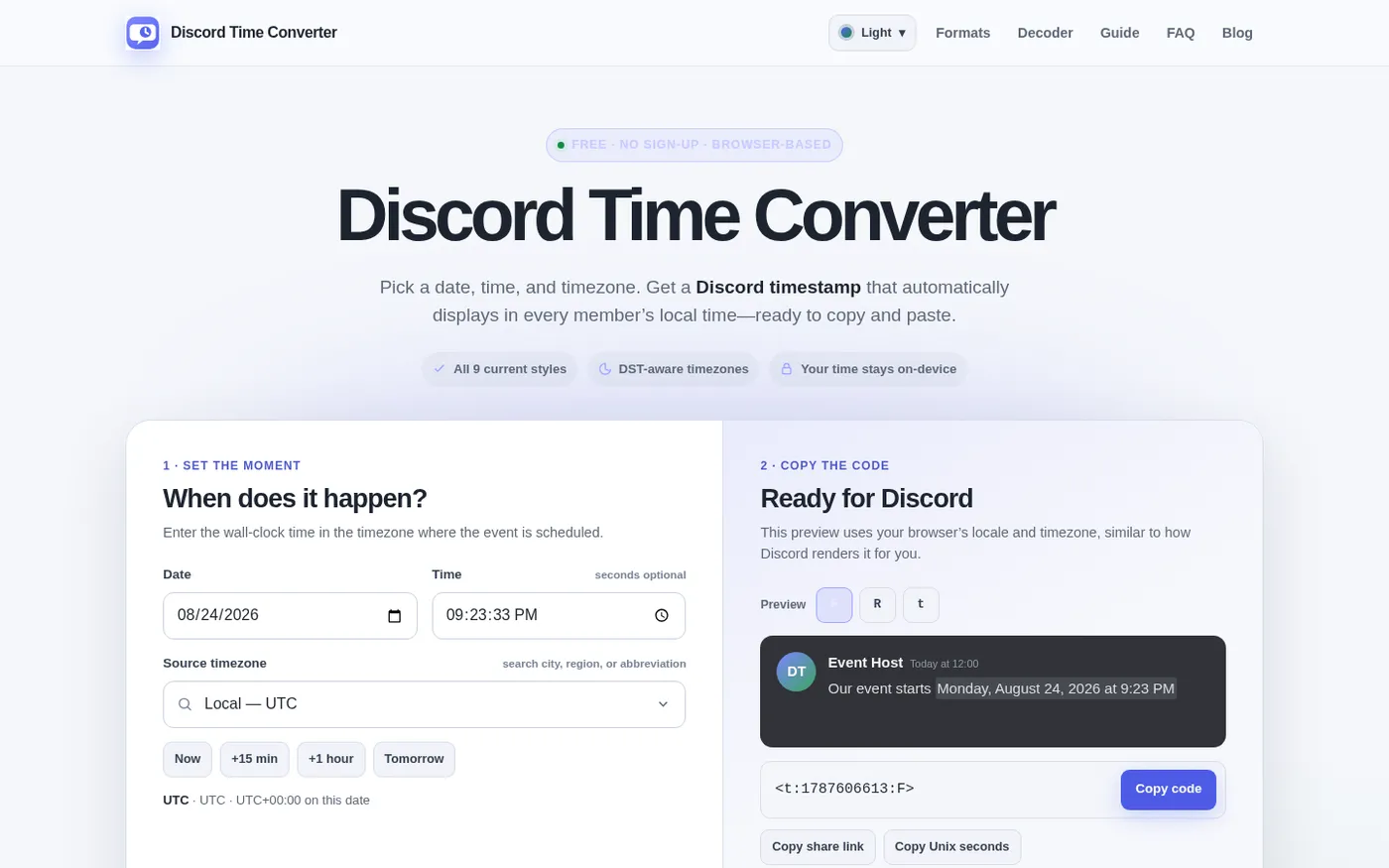
Discordtimeconverter screenshot 1 of 4: Home
discordtimeconverter.org
A web-based tool that converts dates and times into nine Discord timestamp formats, supports decoding existing codes, generates countdowns, and handles IANA timezones with daylight saving time awareness.