SiteList review score
Clear browser-based conversion tools and strong usability. Add discoverable public docs and reduce repetition across the 37-tool surface.
Reviewed on Oct 25, 2026
2markdown.io
Unclaimed listingWhat it does
2markdown is a browser-based Markdown converter and viewer with tools for converting PDFs, Word documents, HTML, links, tables, and Markdown. Core browser tools work without signup, while Pro and Team plans add AI/OCR credits, higher limits, and content workflows.
SiteList review score
Clear browser-based conversion tools and strong usability. Add discoverable public docs and reduce repetition across the 37-tool surface.
Reviewed on Oct 25, 2026
Verified user rating
—
No verified reviews yet — the evidence locker is empty.
Captured during our latest review on Oct 25, 2026
Core browser tools are free without signup; Pro and Team plans add AI/OCR credits, higher limits, and content workflows. Paid plan prices were not directly evidenced in the supplied extract. free plan · Core browser tools are free without signup.
View source2markdown is an online Markdown converter with 37 tools to convert files, links, platform content, and Markdown, plus a live Markdown viewer to read, format, and render Markdown in your browser.
Basic access and core browser-side Markdown tools are free to use without signup. Paid Pro and Team plans add AI/OCR credits, higher content-link limits, ad-free usage, team seats, and support.
Yes. The live Markdown Viewer lets users read, edit, preview, format, and render Markdown in a browser, with GitHub Flavored Markdown, LaTeX math, syntax highlighting, and export to PDF, HTML, or .md.
No. Core conversions run in the browser and files never leave the device. AI-mode conversions require explicit consent before processing and are not retained after conversion.
Yes. Users can convert source documents into Markdown, preview the formatting, and feed the result into a RAG pipeline or paste it into Claude or ChatGPT.
It supports standard CommonMark and GitHub Flavored Markdown by default, with additional extensions such as LaTeX math, footnotes, task lists, and tables in specific tools.
Yes. Conversion results can be opened in the live Markdown Viewer to preview, format, and refine before download, and users can paste Markdown directly into the Viewer.
Product FAQ information · View source
2markdown scores 74/100, with accessibility at 100/100 and usability at 98.5/100 as its clearest strengths. Its performance is serviceable rather than quick: the mobile lab recorded largest content at 3.83 seconds against Google's 2.5-second good threshold.
74/100: clear utility, notable gaps
No reviews yet. The evidence locker is empty.
Reviews from verified users appear here once approved.
Reviews are from the SiteList community. Some reviewers received incentives — disclosed in the review, always. The verdict is never for sale.
Home
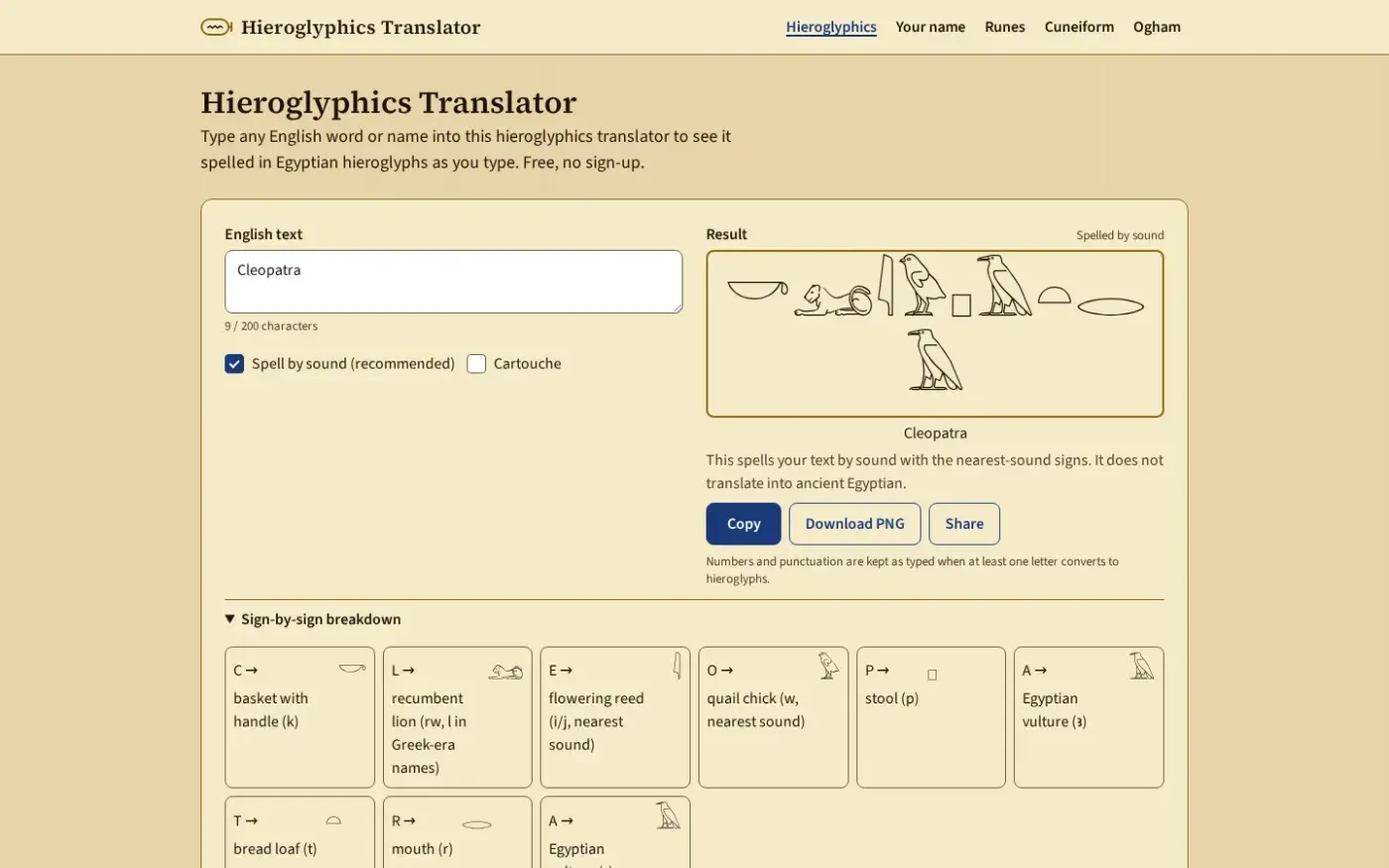
Hieroglyphics Translator screenshot 1 of 2: Home
hieroglyphics-translator.net
A free set of browser-based tools for spelling English words and names with ancient signs, including Egyptian hieroglyphs, using sound-based mappings and providing copy or image-saving output.
Home
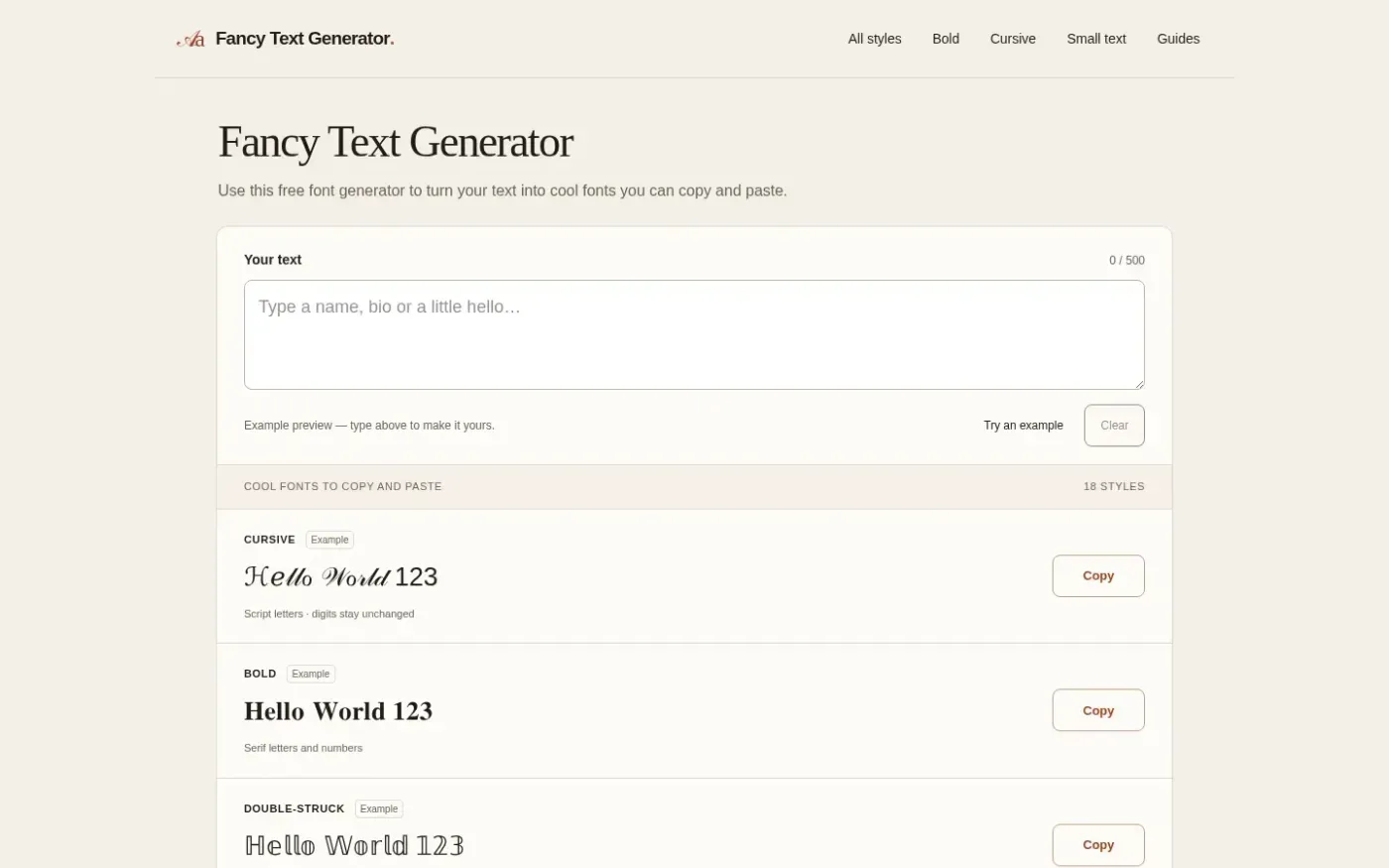
Fancytextgenerator screenshot 1 of 4: Home
fancytextgenerator.dev
Home
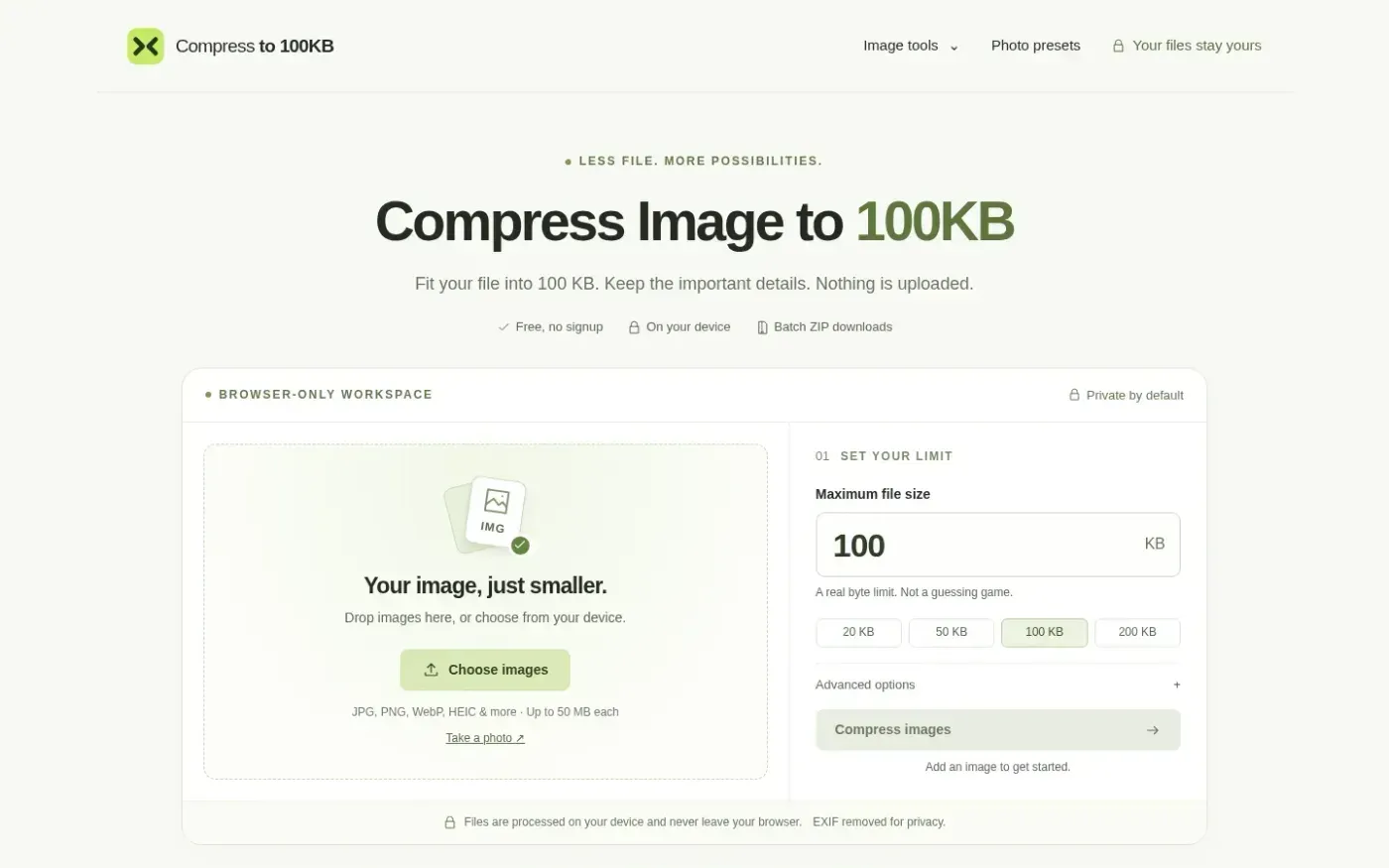
Compressto100kb screenshot 1 of 4: Home
compressto100kb.com
Compressto100kb is a browser-based image compression tool that reduces files to specific kilobyte limits (e.g., 100KB, 50KB). It processes images locally on the user's device without server uploads, supporting JPG, PNG, WebP, and HEIC formats. The tool includes features for batch processing, EXIF metadata removal, and custom pixel dimension adjustments. It provides presets for specific requirements such as IBPS exams and US visa applications.
Home
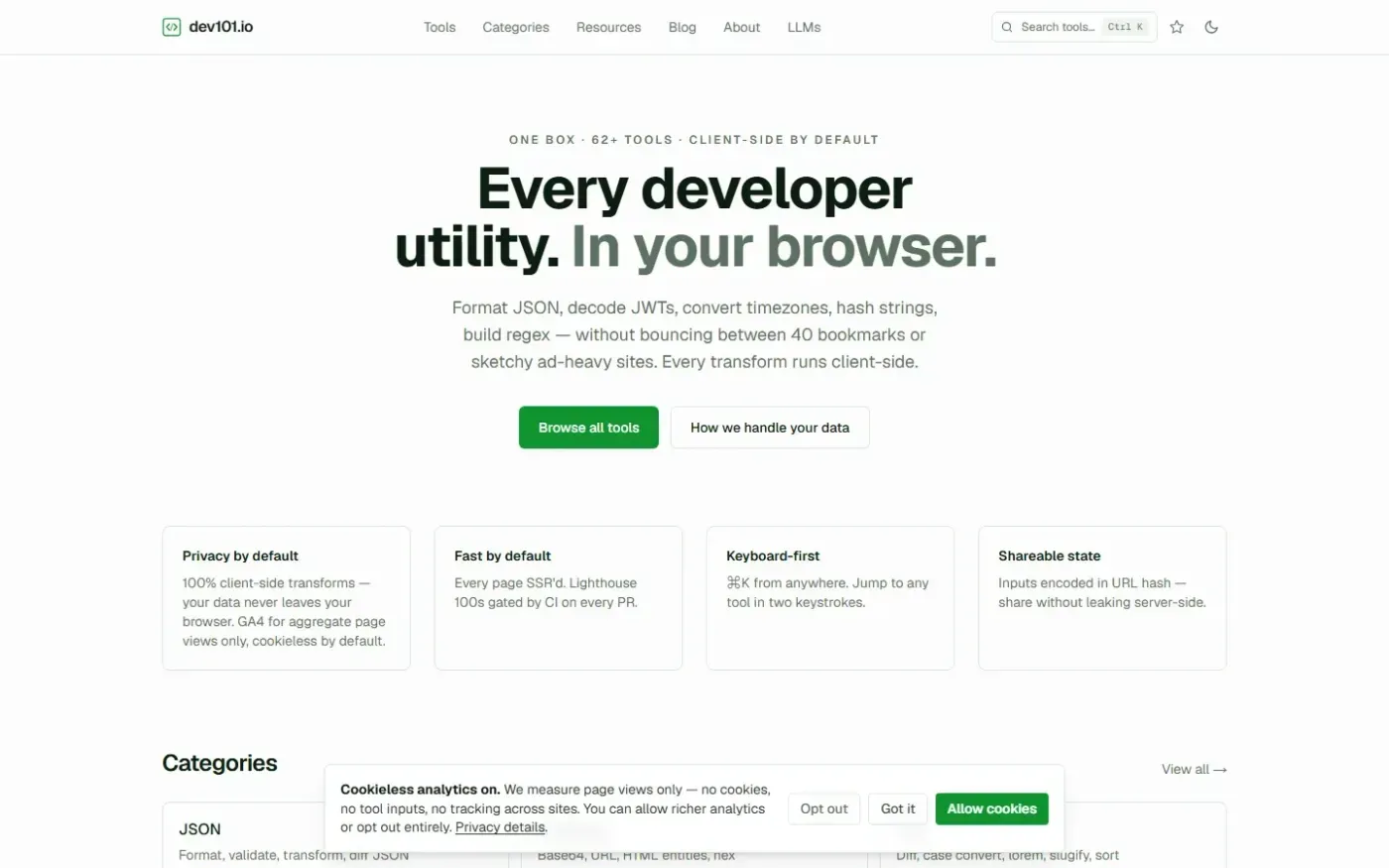
dev101.io — One box for every dev utility — runs in your browser screenshot 1 of 4: Home
dev101.io
Privacy-first, keyboard-driven hub for 60+ developer utilities including JSON formatting, JWT decoding, and cryptographic hashing. All transforms run 100% client-side in the browser, ensuring data never leaves the user's machine.