Skip to content
SiteList

Ping vs Superlist: AI task capture or tasks and notes together?

Last updated (16d ago)

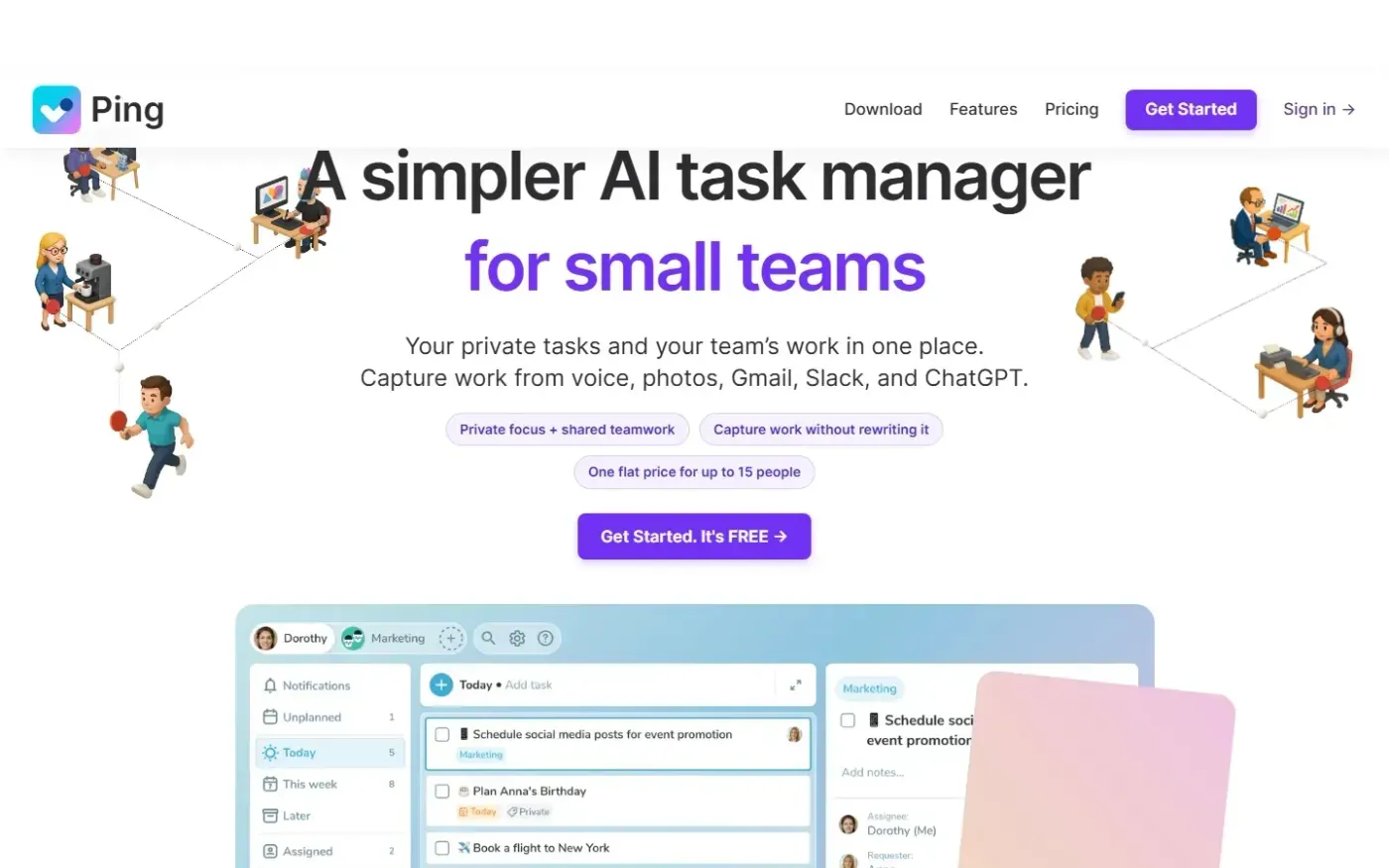
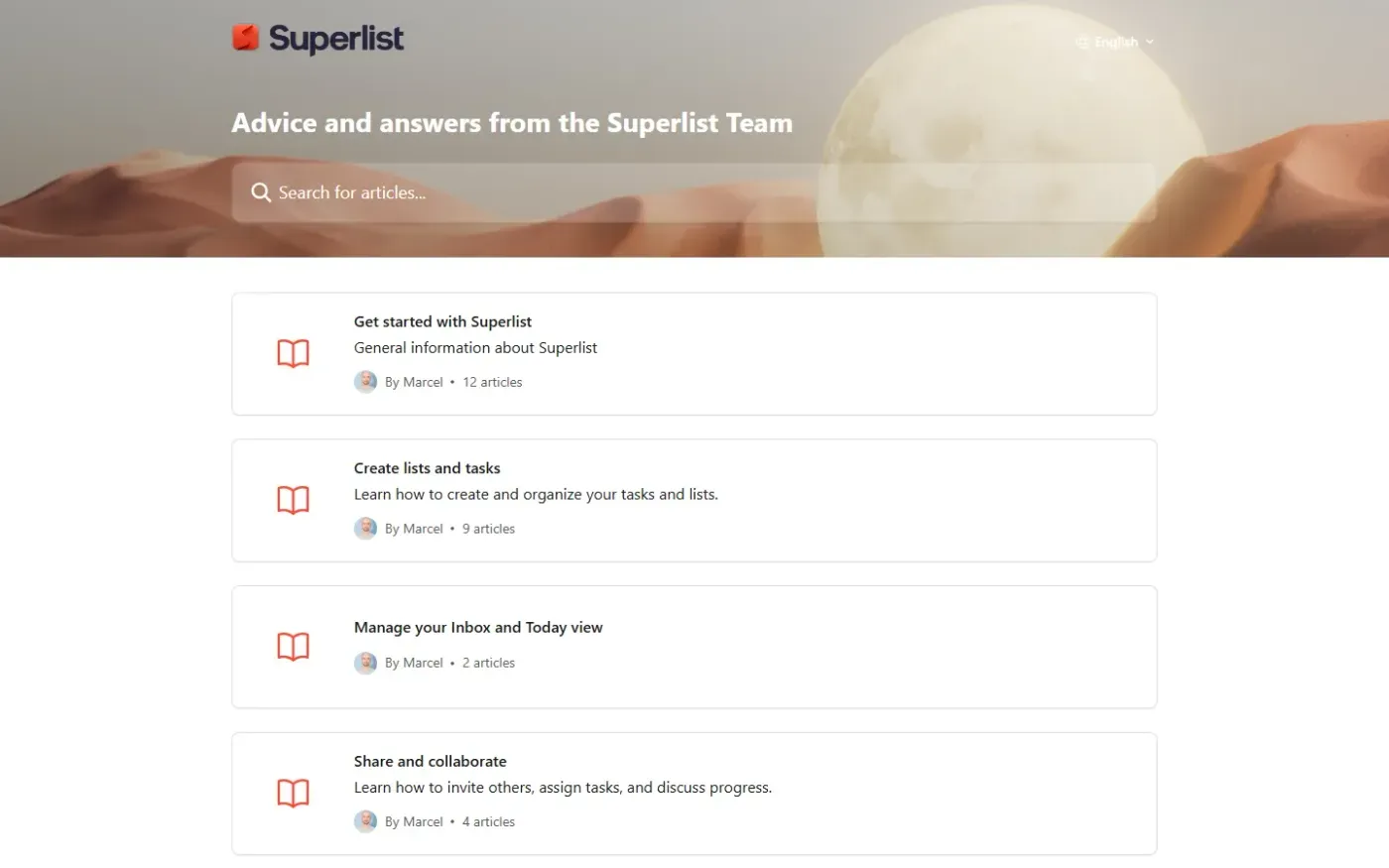
Ping and Superlist are compared using their captured homepages.

Feature comparison

FeaturePingSuperlist
Task managementFoundFound
NotesNot foundFound
Email-to-task captureFoundNot found
Voice-to-task captureFoundNot found
Photo-to-task captureFoundNot found
Shared Kanban boardsFoundNot found
Project dependenciesFoundNot found
AI-assisted meeting notesNot foundFound

✓ found in our review of the product’s site. — not found there, which doesn’t mean it’s missing.

Pricing, sourced

Ping

Free
Not listed
Pro
$3.66/monthbilled annually
Team
$14.99/monthbilled annually

Checked Pricing page

Superlist

No prices listed on its pricing page.

Checked Pricing page

Choose Ping when turning emails, voice and photos into tasks matters most, especially for a small team considering its flat-price plan. Choose Superlist when notes and AI-assisted meeting notes belong alongside everyday tasks. Ping has dated, verified paid prices. Superlist’s review examined its main pricing page, but the separate Nov 10 check reached a missing nested URL and did not reconfirm its paid terms.

Ping is the stronger fit for communication-driven task capture and shared Kanban work. Superlist is the stronger fit for individuals and small teams who want tasks, notes and plans together, including AI-assisted meeting notes. The deciding factors are workflow, plan guidance and how confidently a buyer can establish the paid commitment.

Ping explains the capture-to-team workflow more clearly

Our review found that Ping’s public pages explain how AI capture feeds private personal planning and shared team task views. Email, voice and photo capture, project dependencies and shared Kanban boards are documented. This gives buyers a concrete reason to choose Ping: incoming information can become personal or coordinated work without changing the basic task-management model. These are documented capabilities, rather than results from hands-on testing. Ping product site

Ping also makes evaluation straightforward. Our review found pricing one click from the homepage, with Free, Pro and Team presented together. That helps a small team assess the upgrade path before starting. The limitation is customer proof: the reviewed homepage’s “100k+ doers” claim did not define that measure or provide an attributable customer outcome. Treat the workflow explanation as useful product information, without treating the headline count as evidence of team results. Ping product site

Superlist brings notes into the decision, but offers less help choosing a tier

Superlist’s reviewed positioning combines tasks, notes and plans across work and personal life. AI-assisted meeting notes give it a distinct fit for buyers whose task planning starts with meeting context. Ping’s review does not establish an equivalent notes workflow. That favors Superlist when keeping notes alongside actions is central to the purchase. Superlist product site

Our review found a clear free-signup path and obvious navigation to pricing, help and updates. After that first click, evaluation became less decisive: the reviewed pricing text repeated plan blocks, and a cookie panel partially obscured the Free-tier context in the desktop pricing view. Comparable detail about support, cancellation and failure recovery was also missing from the review. Buyers choosing a paid tier therefore have more unresolved questions than the clean initial presentation suggests. Superlist pricing review source

Mobile website findings warrant care without predicting app speed

Both public sites have mobile presentation weaknesses. Ping’s homepage review recorded 22 small tap targets and a 4,565 KB transfer, with 1,946 KB attributed to unpkg.com. That can make mobile evaluation less comfortable despite otherwise useful navigation and workflow explanations. Ping product site

Painterly homepage-style scene representing the shared function of Ping and Superlist.

Superlist’s reviewed MCP page had 49 small tap targets and 12px body, link and list text. Its mobile lab LCP was 10.3 seconds, while field data showed a much better p75 LCP of 1.535 seconds. The buyer consequence is a potential obstacle when researching through that mobile entry page, rather than evidence that the task app itself is slow. The different pages and measurement conditions do not support declaring either app faster. Superlist MCP page

Match the choice to where your tasks begin

Choose Ping if emails, voice messages and photos regularly become work to organize, or if private tasks must sit alongside shared Kanban coordination. Its documented dependencies also matter when tasks have an order. The constraint is that voice and photo task creation and Kanban boards sit in Pro; the Free plan has three projects. Ping pricing

Choose Superlist if meeting notes and everyday notes need to stay close to tasks and shared plans. Its broader work-and-home positioning supports that use case. The constraint is weaker plan guidance: our review examined Free, Basic and Super on the main pricing page but found limited help choosing between them. The separate dated pricing check did not reconfirm amounts or billing terms, so a paid decision still needs those terms confirmed. Superlist pricing review source, checked pricing URL

Ping verifies a flat team price; Superlist’s dated check leaves paid terms unresolved

Ping’s pricing page, verified Nov 10, 2026, lists a Free tier with unlimited tasks, recurring tasks, reminders and three projects. No numeric amount is displayed for that tier. Pro is $3.66 per month, billed annually, and includes voice and photo task creation, the AI Task Assistant and unlimited projects. Team is $14.99 per month, billed annually, for up to 15 people, with Pro for every member. Team is a flat price within that limit, which makes its billing structure particularly relevant to small groups. These are annual-billing offers; they do not establish monthly-billed prices. Ping pricing

Our review examined Superlist’s main pricing page and its Free, Basic and Super plans. The separate check, verified Nov 10, 2026, instead reached /mcp/pricing and returned “Page not found.” That check verifies no amounts or billing terms. It does not establish that the main pricing page is unavailable, and it does not erase the review’s observations about its plan comparison. A current paid-cost comparison with Ping remains unresolved. Superlist pricing review source, checked Superlist pricing URL

The SiteList scores are close; their evaluation weaknesses differ

Ping’s SiteList AI review score is 77.3/100; Superlist’s is 76/100. Ping’s review emphasizes clear workflow explanations and evaluation paths, alongside design and content QA gaps. Superlist’s review emphasizes clear initial navigation and a strong technical baseline, alongside weaker plan guidance and mobile website issues. Neither product has verified user reviews on SiteList yet.

Questions buyers actually ask

Which fits a small team using shared Kanban boards?

Ping explicitly documents shared Kanban boards, private task planning and project dependencies. Its Team plan includes Pro for up to 15 people at one flat price. Superlist supports shared planning, but shared Kanban boards were not established in our review.

Which should I choose for tasks alongside meeting notes?

Superlist’s reviewed offer includes tasks, notes and AI-assisted meeting notes. That makes it the better documented fit when meeting context belongs alongside actions. Ping’s review establishes communication-to-task capture but does not establish an equivalent notes workflow.

What paid prices were verified?

Ping’s pricing page, verified Nov 10, 2026, lists Pro at $3.66/month and Team at $14.99/month, both billed annually. Team covers up to 15 people. Our review examined Superlist’s main pricing page, but the separate Nov 10 check reached a missing nested URL and did not reconfirm paid terms.

Does “Not listed” mean there is no free plan?

No. Ping’s checked pricing page lists a Free plan with unlimited tasks and three projects but displays no numeric amount. Superlist’s review establishes a free entry point; its separate Nov 10, 2026 pricing check reached a missing page. The price entries reflect what those dated checks could establish.

Does “Not found” mean a product lacks a feature?

No. It means our review did not establish that capability. For example, shared Kanban boards were confirmed for Ping but not established for Superlist. That distinction should guide further questions without being treated as proof of absence.

Do the mobile findings show which app is faster?

No. They concern public website pages, with different pages and measurement conditions. Superlist’s slow mobile lab result also differed substantially from its better real-user field data. These findings do not establish comparative task-app speed.

Read Ping reviewRead Superlist review

Built from SiteList technical reviews; user reviews count once a product has 3 approved. Pricing facts carry their source and date; if something has drifted, use “Report outdated” above to schedule a re-check.