Skip to content
SiteList

Best transcript-based audio and video editors: Rescript vs Descript vs Revoldiv

Last updated (2d ago)

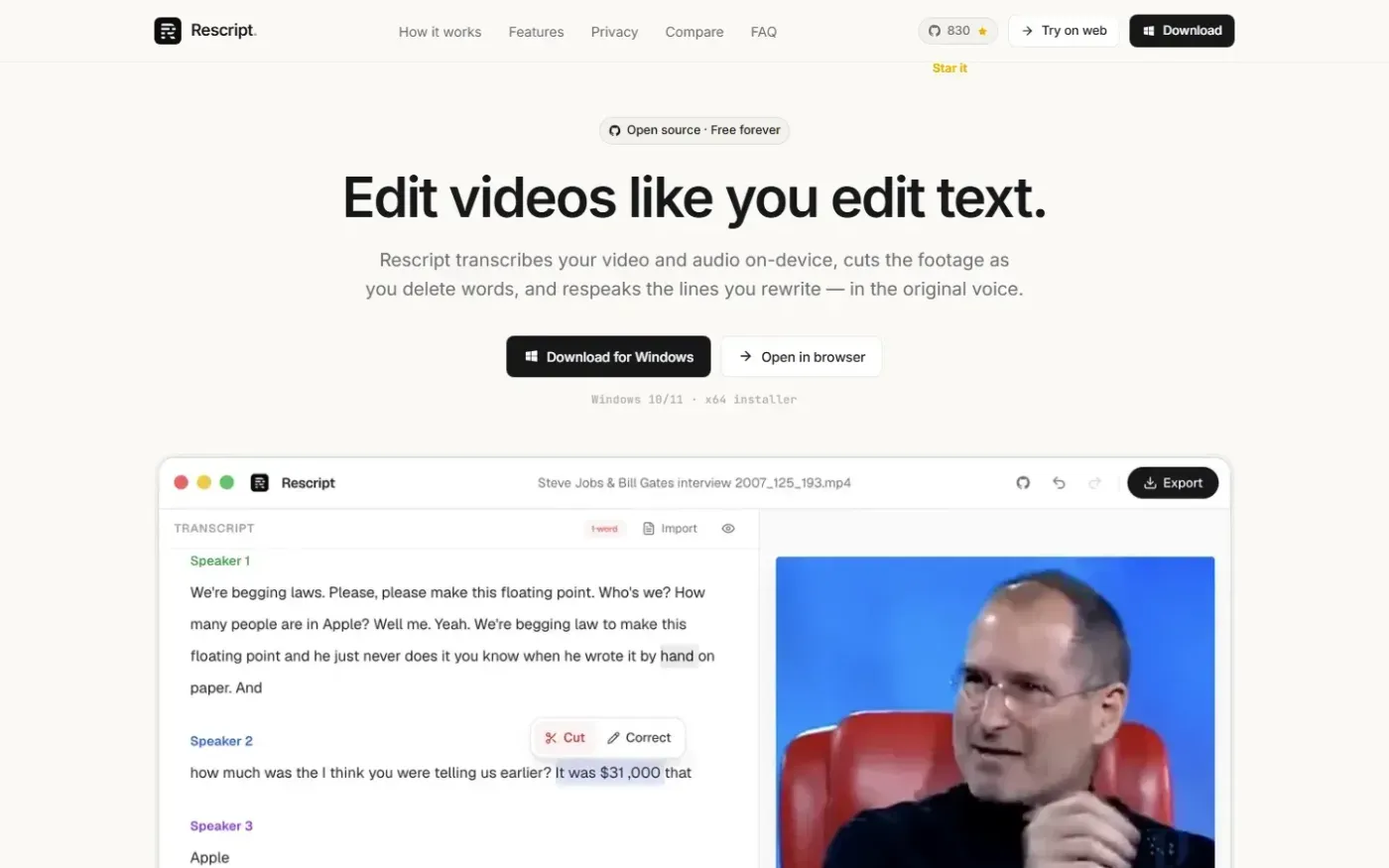
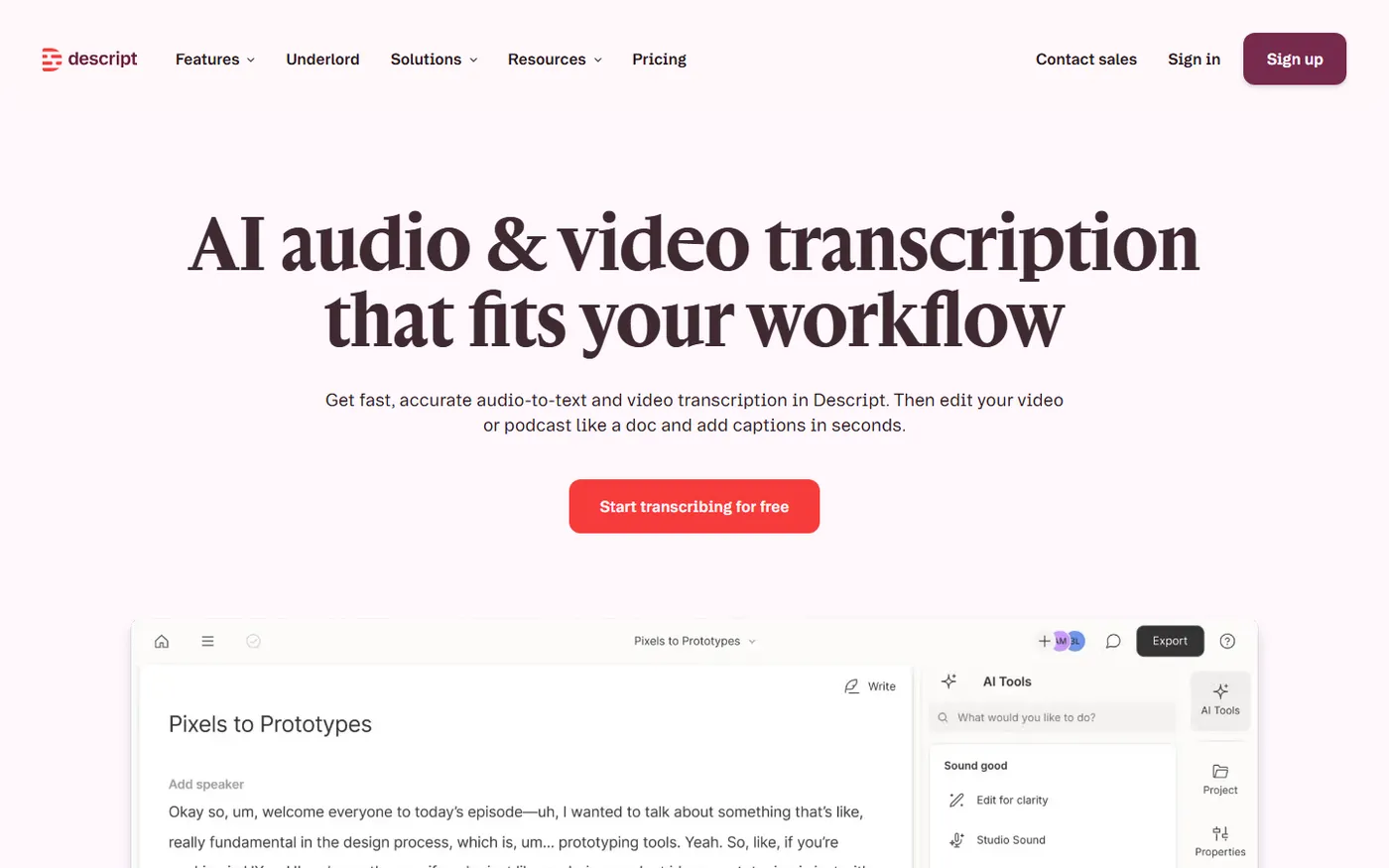
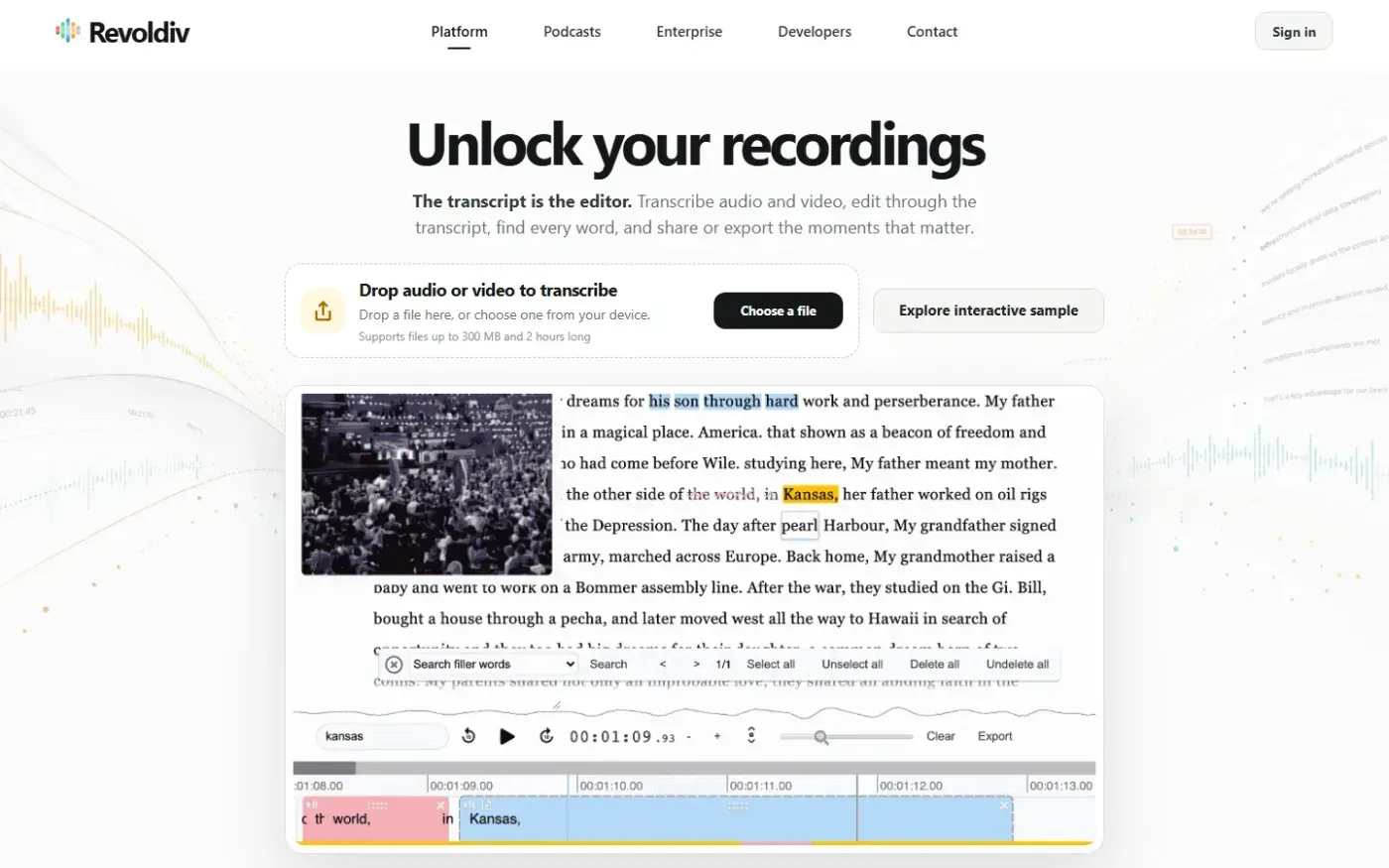
Rescript for Desktop — A free, open source, Descript alternative. Runs on-device., Descript and Revoldiv are compared using their captured homepages.

Feature comparison

FeatureRescript for DesktopDescriptRevoldiv
Transcript-based editingFoundFoundFound
Audio and video transcriptionFoundFoundFound
On-device transcriptionFoundNot assessedNot assessed
Filler-word cleanupNot assessedFoundFound
Speaker diarizationFoundNot assessedNot assessed
Screen recordingNot assessedFoundNot assessed
Audiogram creationNot assessedNot assessedFound
API accessNot assessedNot assessedFound
Voice regeneration or AI speechFoundFoundNot assessed

Pricing, sourced

Rescript for Desktop

No prices listed on its pricing page.

Checked Pricing page

Descript

No prices listed on its pricing page.

Checked Pricing page

Revoldiv

No prices listed on its pricing page.

Checked Pricing page

Rescript ranks first for privacy-conscious creators who want on-device transcription and unusually broad editing features without a conventional SaaS workflow. Descript is the stronger fit for teams needing screen recording, captions, podcasting, and AI production tools. Revoldiv offers a clear transcript-led workflow, flexible exports, and API documentation, but accessibility, technical hygiene, and unresolved operating details reduce confidence.

Rescript wins on privacy and editing depth, with licensing and accessibility caveats

Rescript ranks first. Our review found that its homepage immediately explains a Transcribe, Edit, Export workflow, while its product supports on-device Whisper transcription, text-based editing, speaker diarization, voice regeneration, cleanup, and multi-format export. Local processing materially distinguishes it for creators who do not want recordings sent through a typical cloud workflow. The product's site also speaks directly to subscription fatigue and privacy concerns rather than treating privacy as a generic assurance.

The tradeoffs matter. Rescript's FAQ says commercial use requires a paid license, but the reviewed material does not establish its cost. Its pricing URL returned a 404 on Oct 13, 2026. The application interface also had three of four inputs without accessible names, while the marketing site showed contrast and touch-target failures. Privacy-conscious individuals have the clearest reason to choose it; commercial teams and people relying on assistive technology should resolve those uncertainties first.

Descript has the broadest production workflow but a less focused buying journey

Descript ranks second. Its reviewed capabilities extend beyond transcription into video editing, podcasting, captions, screen recording, and AI speech. That breadth favors media and marketing teams that want recording and downstream production work in one platform rather than a narrowly focused transcript editor.

Breadth is also its constraint. The transcription page addresses media, technology, marketing, sales, and customer-support teams without identifying a primary buyer. Our review found strong task-oriented headings but also four sampled pages that extracted as single wall-of-text paragraphs. The main transcription page recorded an 8.7-second mobile lab LCP and an 8.8-second time to interactive, even though field LCP was 2.2 seconds. The product may cover more workflows than Rescript, but its public journey makes those choices harder to evaluate. Its pricing page did not expose a verifiable amount in the reviewed content on Oct 13, 2026.

Revoldiv makes transcript editing concrete, but leaves basic evaluation questions open

Painterly homepage-style scene representing the shared function of Revoldiv and Descript.

Revoldiv ranks third. Its site presents a coherent sequence: upload media, convert speech to text, edit the text to edit the recording, then share or export the result. Word-level timing, filler-word cleanup, audiogram creation, flexible exports, a Chrome extension, project sharing, podcast transcription, and public developer documentation give it a useful repurposing angle. Files are stated to support up to 300 MB and two hours.

The constraint is not the core workflow; it is confidence around adopting it. Our review found no visible self-serve trial, sign-up, or pricing path in the 14-page public review. API documentation is discoverable, but requesting access routes through a contact form. Cost, privacy, retention, accuracy, and turnaround details were not established. Eleven homepage inputs lacked accessible names, and the mobile viewport restricted zoom. Reported network totals were also very large, although their composition could not be independently attributed and PageSpeed Insights returned no valid measurements.

Match the editor to the constraint you care about most

Choose Rescript when on-device transcription, open-source transparency, and voice regeneration outweigh the need for verified commercial pricing and a more accessible interface. Choose Descript when a team needs the widest evidenced production toolkit, particularly screen recording, captions, podcasting, video editing, and AI speech. Choose Revoldiv when audiograms, podcast discovery, browser capture, project sharing, or a documented API path are central—and you can clarify pricing and operating details directly.

Pricing visibility is the shared weakness

None of the three reviewed pricing pages established a current tier amount. Rescript's pricing URL returned a 404. Descript's pricing-page content described the product and its features but did not show a verifiable amount. Revoldiv's pricing URL rendered its editor and workflow content without a listed price. Rescript is positioned in its review as a free, open-source alternative, but commercial licensing is separately described as paid; buyers should not treat that positioning as a verified commercial quote.

SiteList review summary

Rescript received the strongest SiteList review result at 80.5/100, driven by clear positioning, immediate workflow clarity, and substantive product copy, with application accessibility and licensing ambiguity holding it back. Descript scored 71.2/100: capable and technically sound in several areas, but weakened by mobile delivery, broad audience positioning, and editorial QA. Revoldiv scored 60.8/100: its workflow and developer help are useful, while accessibility, technical hygiene, performance uncertainty, and missing evaluation details reduce confidence. Each product has no verified user reviews yet, so the ranking does not claim user consensus.

Questions buyers actually ask

Which editor is best for keeping recordings on-device?

Rescript’s reviewed features confirm on-device Whisper transcription. Its commercial licensing cost was not established, and its application interface had important accessibility gaps.

Which option has the broadest content-production toolkit?

Descript has the broadest evidenced toolkit, combining transcription with video editing, podcasting, captions, screen recording, and AI speech. Its public transcription journey is less focused, and its mobile lab performance was slow.

Which product is best for audiograms and developer access?

Revoldiv’s reviewed features confirm audiogram creation and API access. Its documentation is public, but obtaining API access routes through contact, and its pricing page did not list an amount.

Do any of these products have verified user reviews on SiteList?

No. Rescript, Descript, and Revoldiv each have no verified user reviews yet, so this ranking is based on SiteList's review findings and the products' published feature and pricing information.

Read Rescript for Desktop reviewRead Descript reviewRead Revoldiv review

Built from SiteList technical reviews; user reviews count once a product has 3 approved. Pricing facts carry their source and date; if something has drifted, use “Report outdated” above to schedule a re-check.