SiteList review score
The page-to-chapter workflow is clear and specific. Mobile performance and self-serve help need practical improvements.
Reviewed on Oct 8, 2026
vividmanga.com
Unclaimed listingWhat it does
VividManga is a web-based AI tool for colorizing black-and-white manga pages, panels, line art, and webtoon frames. Users can test a page, review the result, choose a style, and process additional images in batch workflows.
SiteList review score
The page-to-chapter workflow is clear and specific. Mobile performance and self-serve help need practical improvements.
Reviewed on Oct 8, 2026
Verified user rating
—
No verified reviews yet — the evidence locker is empty.
Captured during our latest review on Oct 8, 2026
Credit-based usage and explicit packs: Starter Pack $4.99, Volume Pass $9.90, Bundle Pack $24.99; creator plans are also listed at $9.90, $19.90, $39.90 monthly and $99, $199, $399 yearly. Billed usage. free plan · 1 page is free without signup and 3 additional free colorizations are available after signup.
| Plan | Price | Details |
|---|---|---|
| Starter Pack | $4.99 one time per credit pack | For trying out the colorization service. View source |
| Volume Pass | $9.9 one time per credit pack | For chapters, short volumes, and batch ZIP uploads. View source |
| Bundle Pack | $24.99 one time per credit pack | For large batch projects and multi-volume collections. View source |
| Creator Lite | $9.9 monthly per monthly plan | For casual creators getting started. View source |
| Pro Creator | $19.9 monthly per monthly plan | For professional content creators. View source |
| Ultra Creator | $39.9 monthly per monthly plan | For studios and high-volume creators. View source |
| Creator Lite Yearly | $99 annual per annual plan | For casual creators. View source |
| Pro Creator Yearly | $199 annual per annual plan | For professional content creators. View source |
| Ultra Creator Yearly | $399 annual per annual plan | For studios and teams. View source |
Batch ZIP/CBZ Processing
batch processing
Processes multiple manga images through ZIP or CBZ batch workflows.
Speech Bubble Protection
colorization
Protects speech bubbles and text-heavy areas during colorization.
High-resolution manga colorization
colorization
Generates high-resolution colorized manga imagery.
CBZ and PDF export
export
Exports colorized results in CBZ and PDF formats.
Multiple colorization styles
style selection
Offers selectable styles including Natural, Dramatic, Vibrant, Cel Shaded, Soft, Flat Color, Pastel, Painterly, Retro, Watercolor, and Sepia.
Single-page manga colorization
Colorize one manga page, cover, panel, scan, or sample before using more credits.
Chapter and volume batch processing
Colorize multiple images for a chapter, short volume, or multi-volume collection.
Webtoon frame colorization
Apply AI colorization to webtoon frames.
Creator and studio workflows
Use monthly or annual creator plans for casual creators, professional content creators, studios, and teams.
A manga colorizer turns black-and-white manga line art into a colored image. VividManga focuses on clean line art, readable speech bubbles, character colors, and export quality.
Use it to test one manga page, cover, panel, scan, or sample before committing more credits and to check style, character tones, shadows, and text readability.
Use a clean, high-resolution black-and-white manga page where line art, screen tones, faces, clothing, and speech bubbles are easy to read.
The single-page tool supports JPG, PNG, WebP, and SVG. Multiple pages can be supplied as images or through a ZIP/CBZ archive.
No. Upload clean black-and-white manga line art and VividManga generates an initial color pass automatically.
Yes. Choose a style, compare results in history, and approve a representative page before using the batch workflow.
VividManga is designed to keep speech bubbles and text-heavy areas readable, but source quality still matters and results should be reviewed.
AI coloring can miss tiny details, misread low-quality scans, or choose colors that do not match an intended canon palette.
VividManga can be tried as a free online AI colorizer for manga pages, with limited free usage before credits are needed.
Product FAQ information · View source
Vividmanga scores 70/100, with a clear page-to-chapter colorization workflow and strong audience messaging. Mobile performance, self-serve documentation, and accessibility and content-quality consistency are the most material weaknesses to fix.
70/100: capable workflow, uneven readiness
No reviews yet. The evidence locker is empty.
Reviews from verified users appear here once approved.
Reviews are from the SiteList community. Some reviewers received incentives — disclosed in the review, always. The verdict is never for sale.
Home
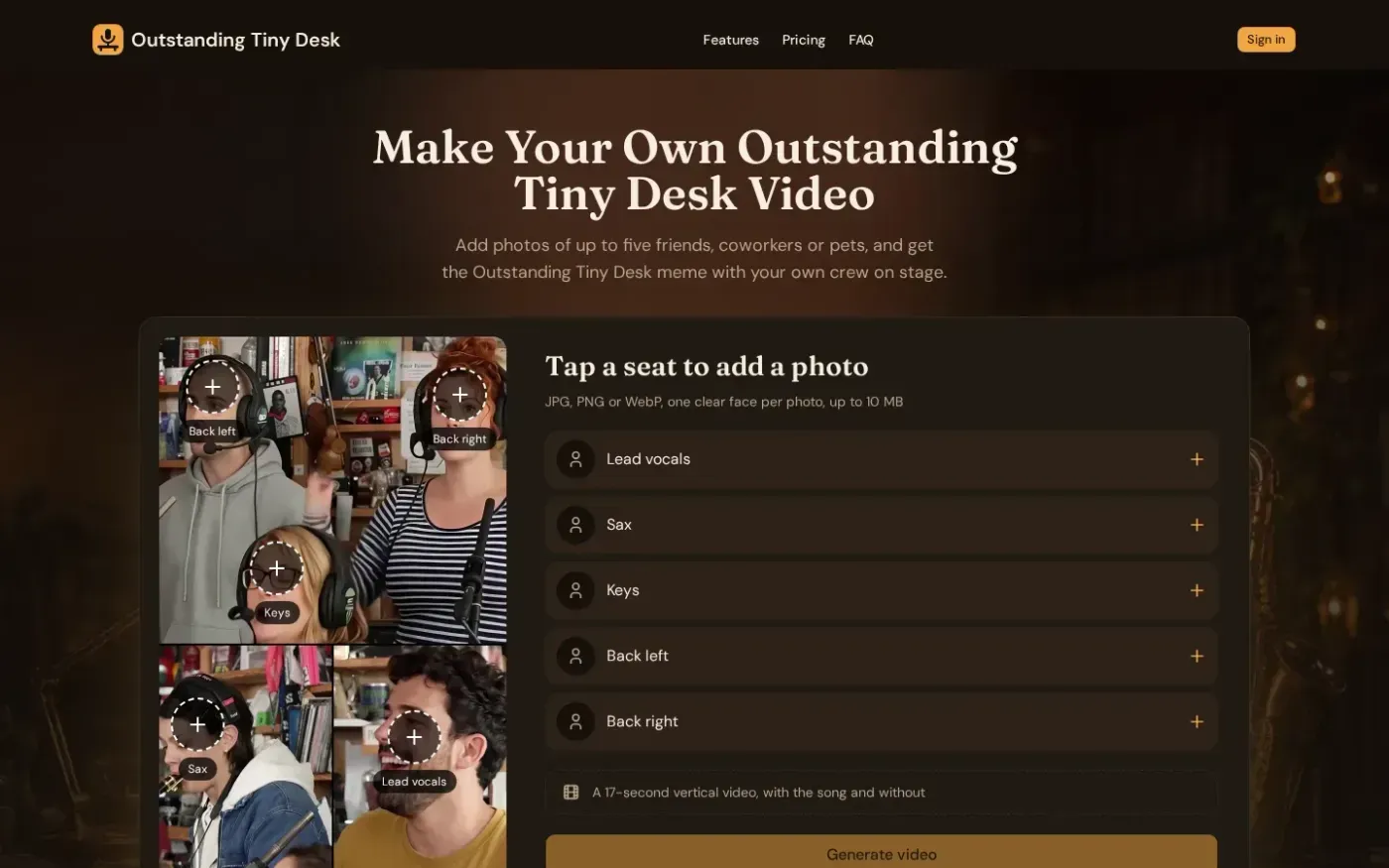
Outstanding Tiny Desk screenshot 1 of 3: Home
outstanding-tiny-desk.app
Outstanding Tiny Desk lets users add photos of up to five friends, coworkers or pets and get a 9:16 clip with the song and a silent copy.
Home
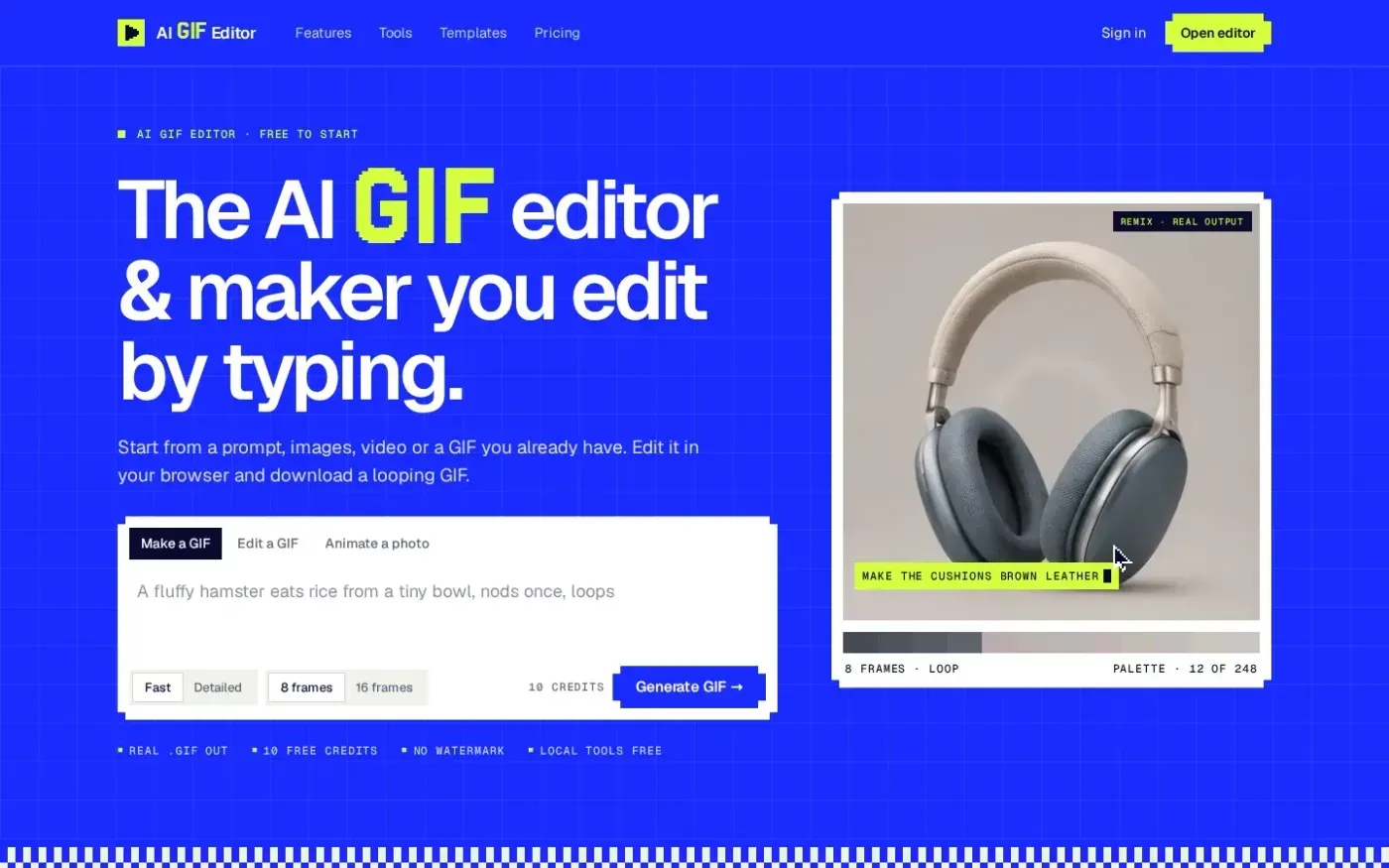
Aigifeditor screenshot 1 of 3: Home
aigifeditor.com
AI GIF Editor is an online tool for converting text prompts, photo sequences, or short videos into animated GIFs, alongside browser-based local tools for editing, cropping, resizing, and compressing GIF files.
Home
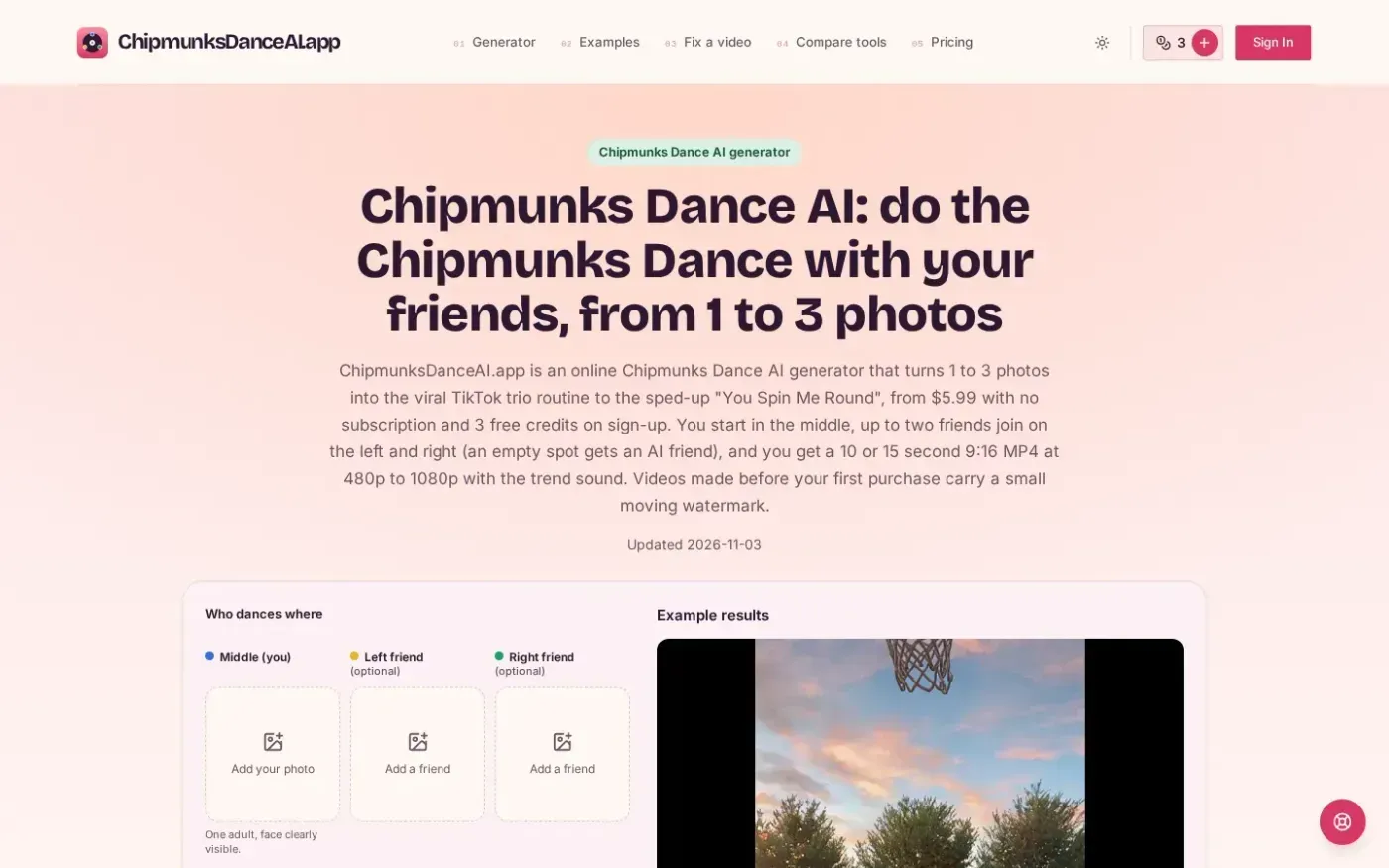
Chipmunksdanceai screenshot 1 of 3: Home
chipmunksdanceai.app
Home
Gardenly screenshot 1 of 4: Home
gardenly.app
Gardenly is an AI-powered garden design tool that generates photorealistic garden redesigns from a single photo, featuring climate-adapted plant recommendations, personalized plant care guides, and seasonal maintenance schedules.