SiteList review score
Clear browser maker with free exports and exact limits. Public help and discoverability need focused work.
Reviewed on Nov 11, 2026
typinggif.com
Unclaimed listingSiteList review score
Clear browser maker with free exports and exact limits. Public help and discoverability need focused work.
Reviewed on Nov 11, 2026
Verified user rating
—
No verified reviews yet — the evidence locker is empty.
Captured during our latest review on Nov 11, 2026
Developer documentation
Create clean animated text for documentation.
Presentations
Create clean animated text for presentations.
Video projects
Create clean animated text for video projects.
GitHub README files
Embed a downloaded GIF in a GitHub README with the provided Markdown.
Prompt-based animated scenes
Create a new scene with motion from a written prompt.
Yes, basic exports are completely free. GIFs can be exported up to 1280 px at 15 fps for up to 15 seconds, or MP4s at 1080p at 30 fps for up to 60 seconds. There are no export limits, account sign-ups, or watermarks.
No, free exports do not have watermarks. You receive the real, clean file immediately.
No. Text rendering and video encoding run locally on your device inside your web browser.
One credit pays for one HD GIF up to 1920 px. MP4 is always free. Credits are purchased by one-time payment, do not expire, and unused credits can be refunded within 7 days.
Use the AI GIF generator for a new scene with motion made from a prompt. Use Photo to GIF when you already have a picture and want a slow pan or zoom; it runs in the browser and uses no credits.
Yes. Punctuation pauses can be toggled on or off; enabled pauses add short holds on commas, colons, and semicolons and longer holds on terminal punctuation.
Product FAQ information · View source
Typinggif scores 71/100, with a clear browser-based maker, 100/100 accessibility, and 90.6/100 usability. Its largest gaps are public self-serve help at 39.5/100 and technical SEO at 25/100, while risk and stability also trails at 45/100.
71/100: strong usability, weak discovery foundations
No reviews yet. The evidence locker is empty.
Reviews from verified users appear here once approved.
Reviews are from the SiteList community. Some reviewers received incentives — disclosed in the review, always. The verdict is never for sale.
Home
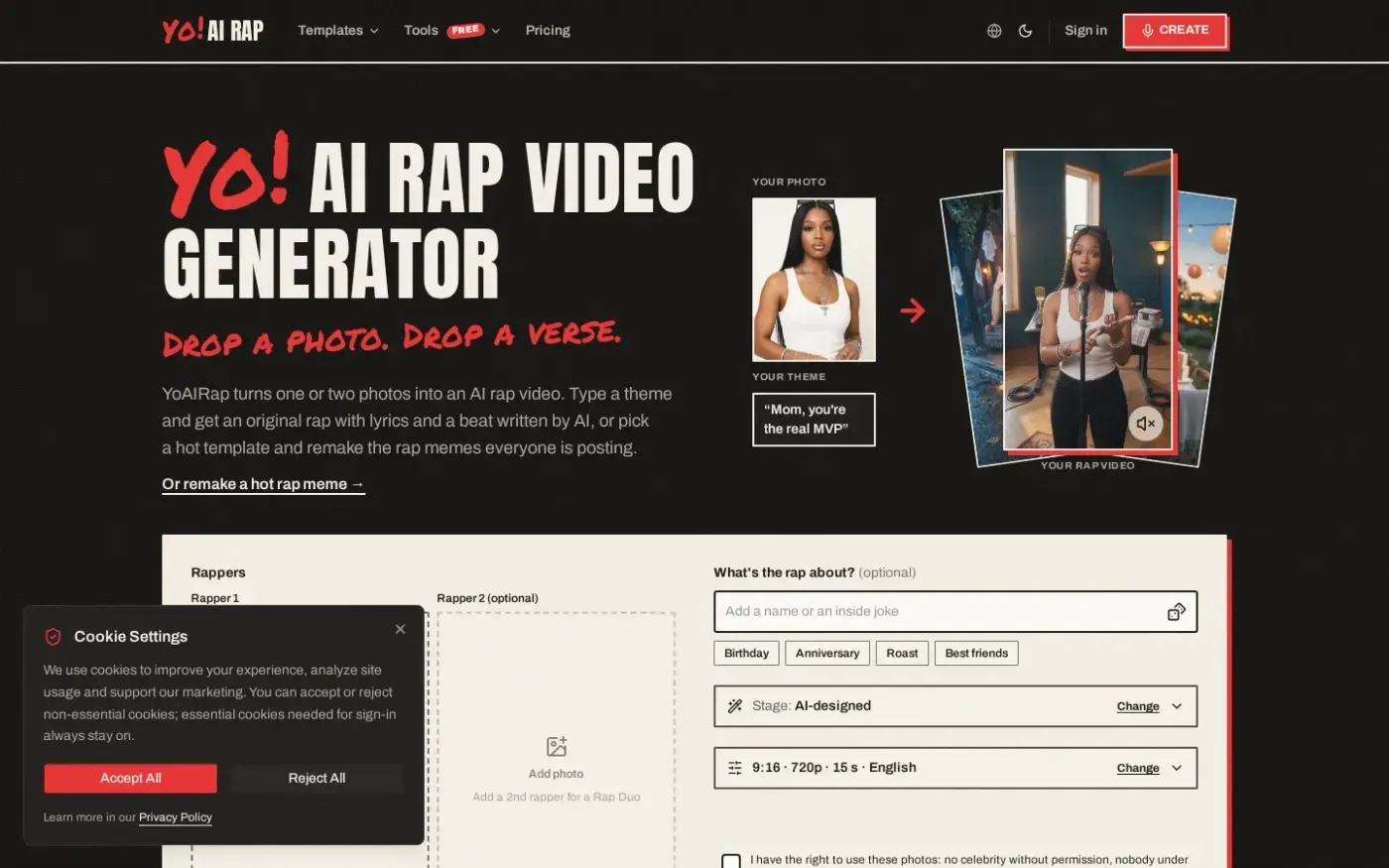
Yoairap screenshot 1 of 2: Home
yoairap.com
Home
Onemoreshot screenshot 1 of 4: Home
onemoreshot.ai
Turn any song into a fully synced music video in minutes. Upload your track, pick a style, and AI handles the visuals, lip-sync and editing. No skills needed.
Home
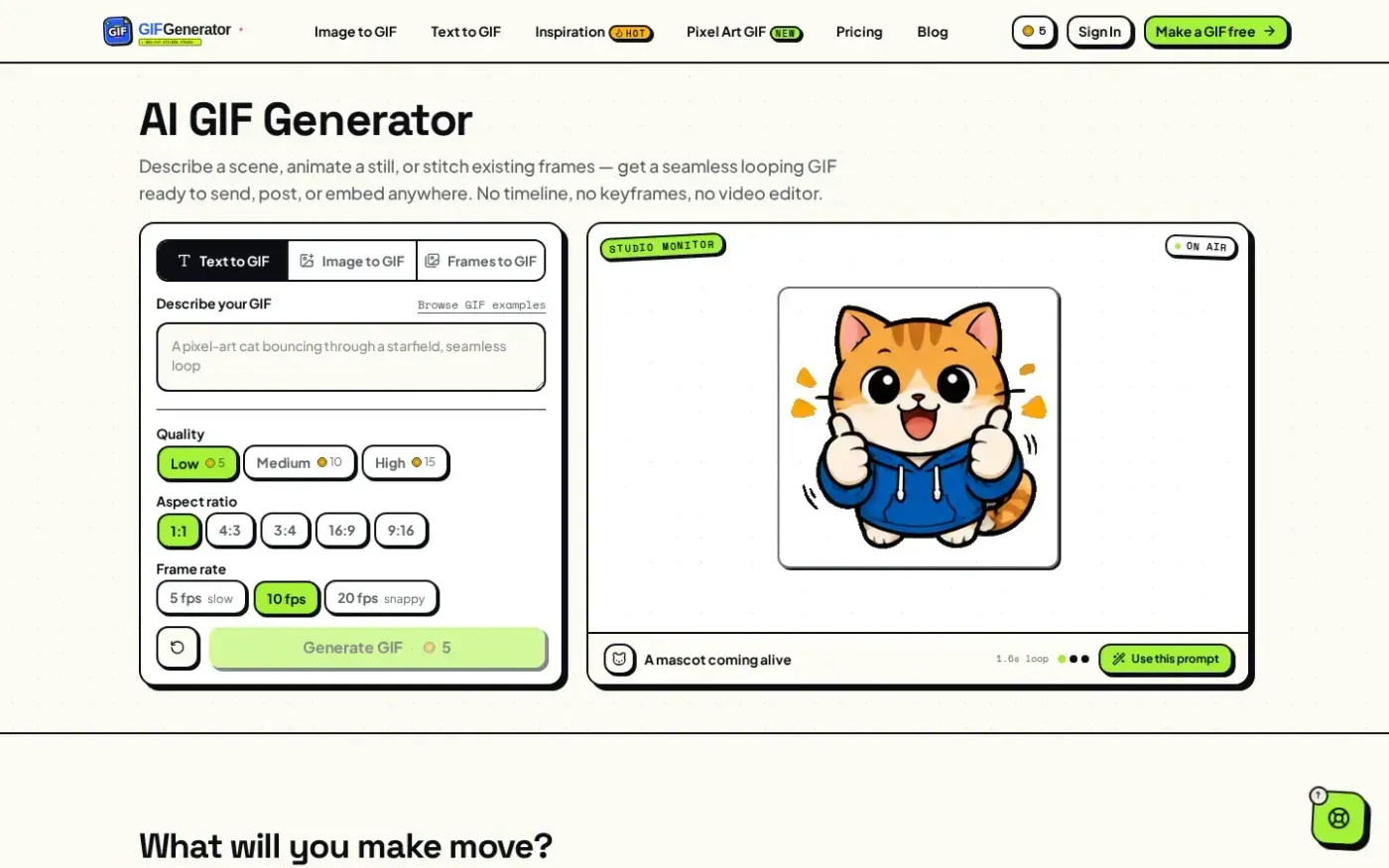
Gifgenerator screenshot 1 of 3: Home
gifgenerator.app
Gifgenerator turns a sentence or photo into a seamless looping GIF and lets you stitch existing frames into a GIF in a browser.
Home
Musicvisualizer screenshot 1 of 4: Home
musicvisualizer.net
Music Visualizer is a browser-based editor for creating audio-reactive videos from music, artwork, text, colors, and presets, with local preview and cloud export.