SiteList review score
Strong accessibility and a clear creation path make Tunenoodle easy to start.
Reviewed on Oct 24, 2026
tunenoodle.com
Unclaimed listingSiteList review score
Strong accessibility and a clear creation path make Tunenoodle easy to start.
Reviewed on Oct 24, 2026
Verified user rating
—
No verified reviews yet — the evidence locker is empty.
Captured during our latest review on Oct 24, 2026
You can preview homepage templates and use free local tools without signing in. Signing in is required to generate songs, upload reference media and save to your private library. Generation shows its credit cost before submission.
Each generation costs the number of credits shown next to the Create button. New accounts receive starter credits, and more credits come either from a one-time pack that never expires or from a membership that grants credits each paid period.
Previewing templates and using browser-local tools is free. Downloading generated songs requires a purchased credit pack or an active membership.
Local speed and pitch changes, slowed reverb and local audio trimming process files in your browser. Using images or audio for AI generation, uploading to the library or saving a trimmed copy requires uploading the relevant media.
2 credits per request. A request can return more than one result, and the number of results is not guaranteed.
Cloud songs download as MP3 or WAV with a purchased credit pack or an active membership. Playing and editing never needs a paid plan.
Finished songs appear in your private library. Extend a track, replace a section or combine two songs in a mashup. AI edits use credits and create new versions while keeping the original.
One audio file up to 50 MB and 8 minutes long. The upload is stored with your account and is not published anywhere.
Product FAQ information · View source
Tunenoodle scores 75/100. Accessibility and usability are especially strong across the supplied samples.
75/100: strong creation flow, clear gaps
No reviews yet. The evidence locker is empty.
Reviews from verified users appear here once approved.
Reviews are from the SiteList community. Some reviewers received incentives — disclosed in the review, always. The verdict is never for sale.
Home
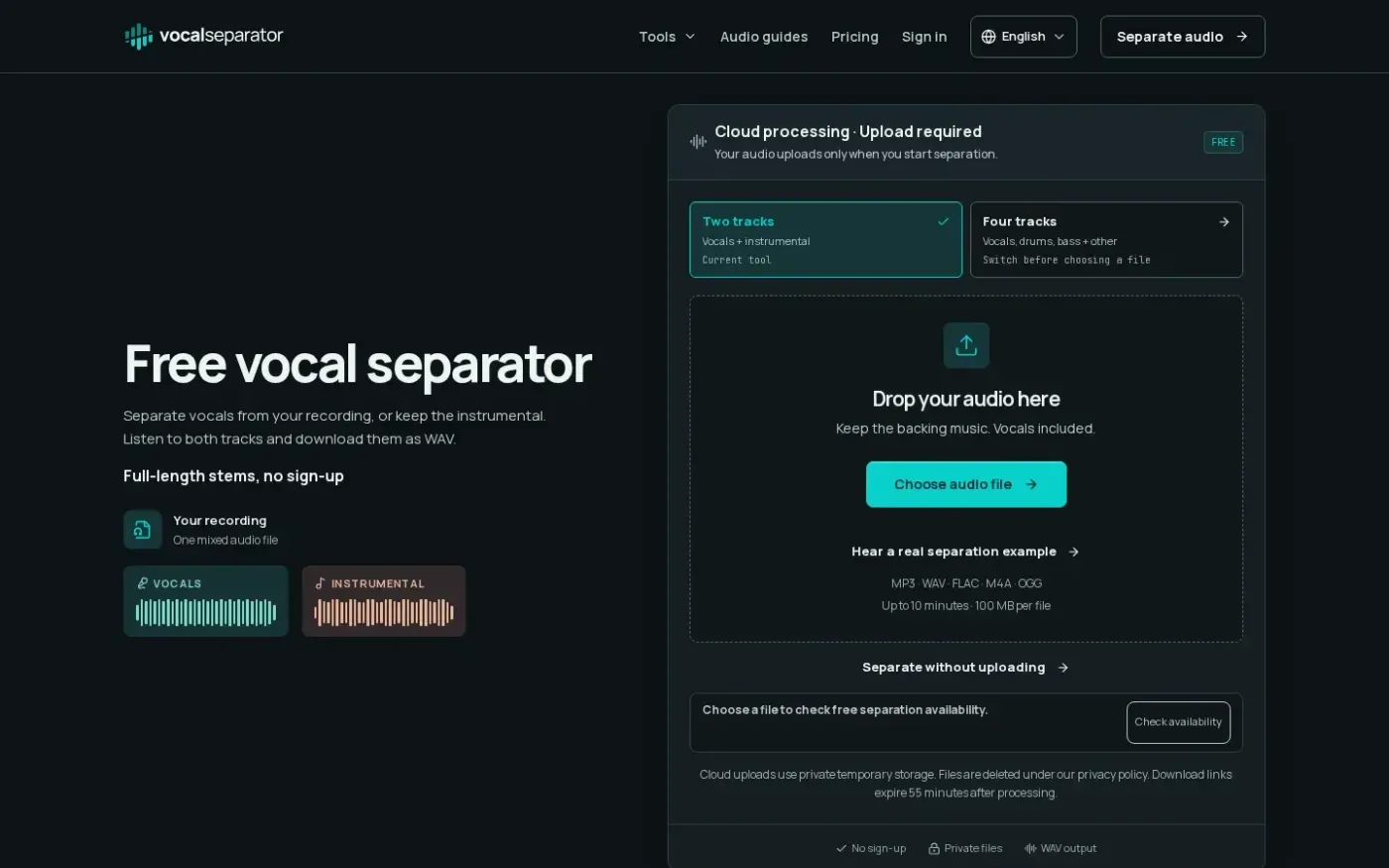
Vocalseparator screenshot 1 of 4: Home
vocalseparator.com
Vocal Separator is an online tool that separates vocals from an audio recording and lets users listen to and download the vocals and instrumental tracks as WAV.
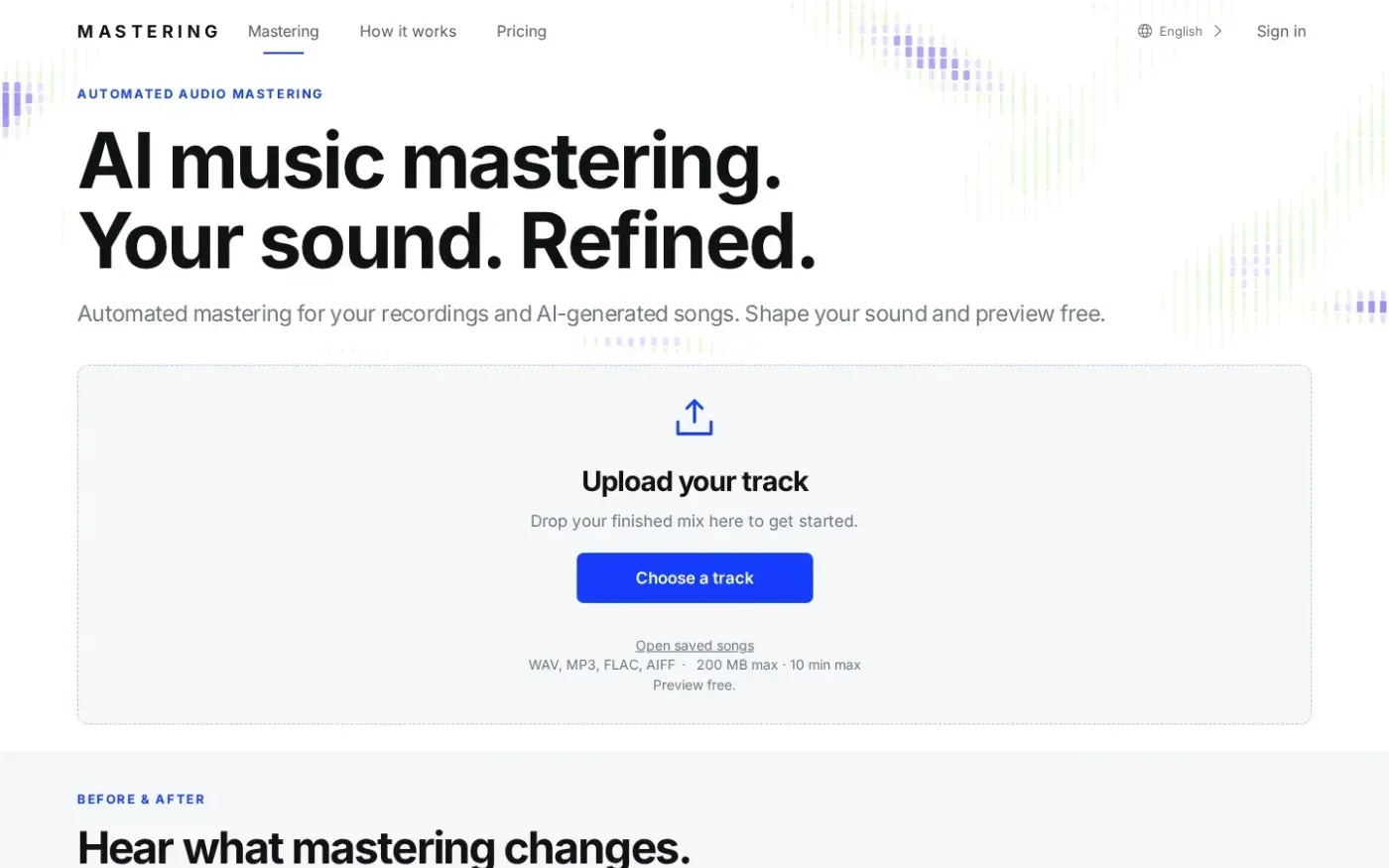
aimusicmastering.app
AI music mastering for recordings and AI-generated songs. Explore eight automated sound profiles, preview free, and download WAV or MP3 with membership.
Home
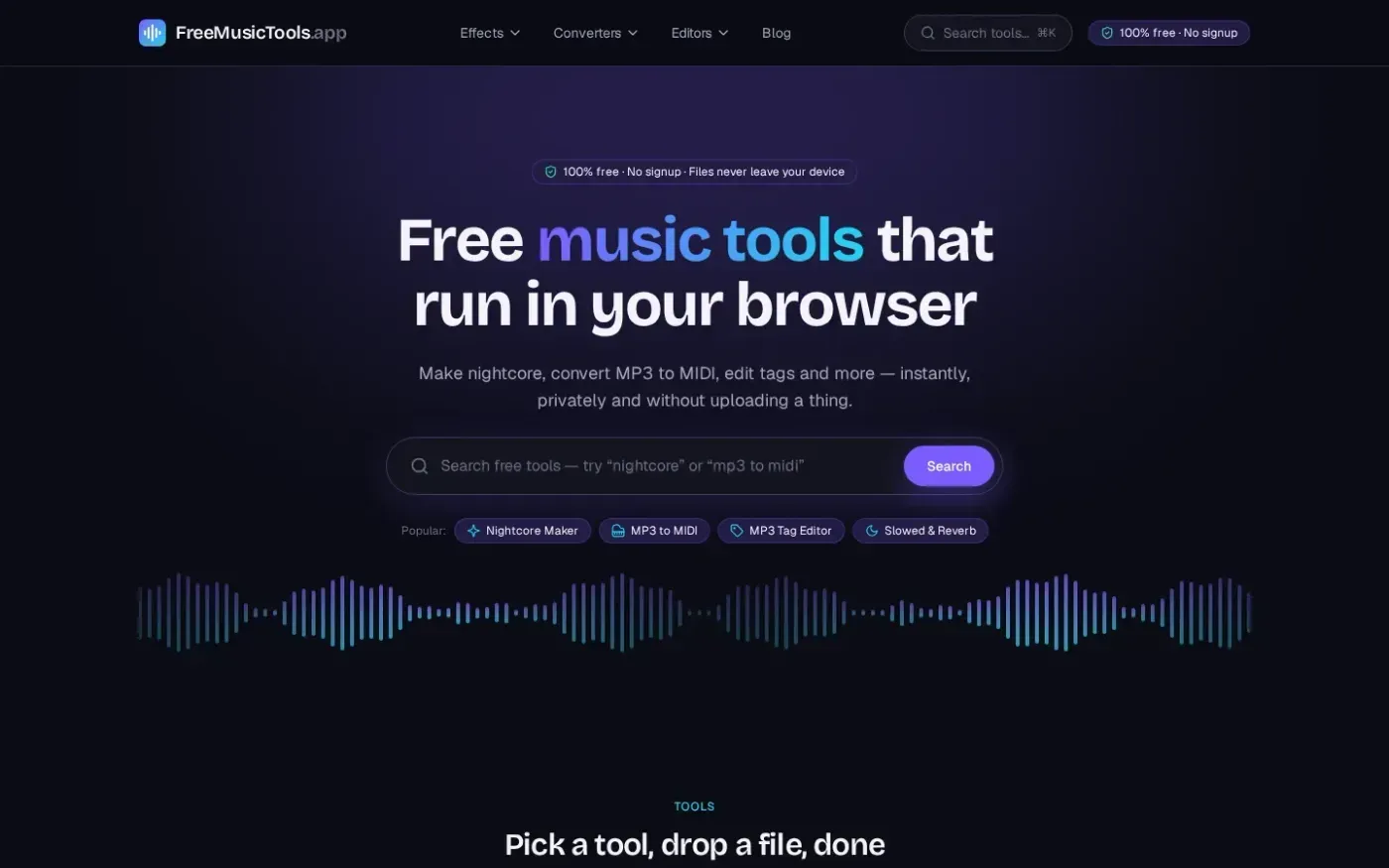
Freemusictools screenshot 1 of 3: Home
freemusictools.app
FreeMusicTools provides free online tools to make nightcore, sped-up, 8D and slowed + reverb songs, convert MP3 to MIDI, and edit MP3 tags, with no signup or uploads.
Home
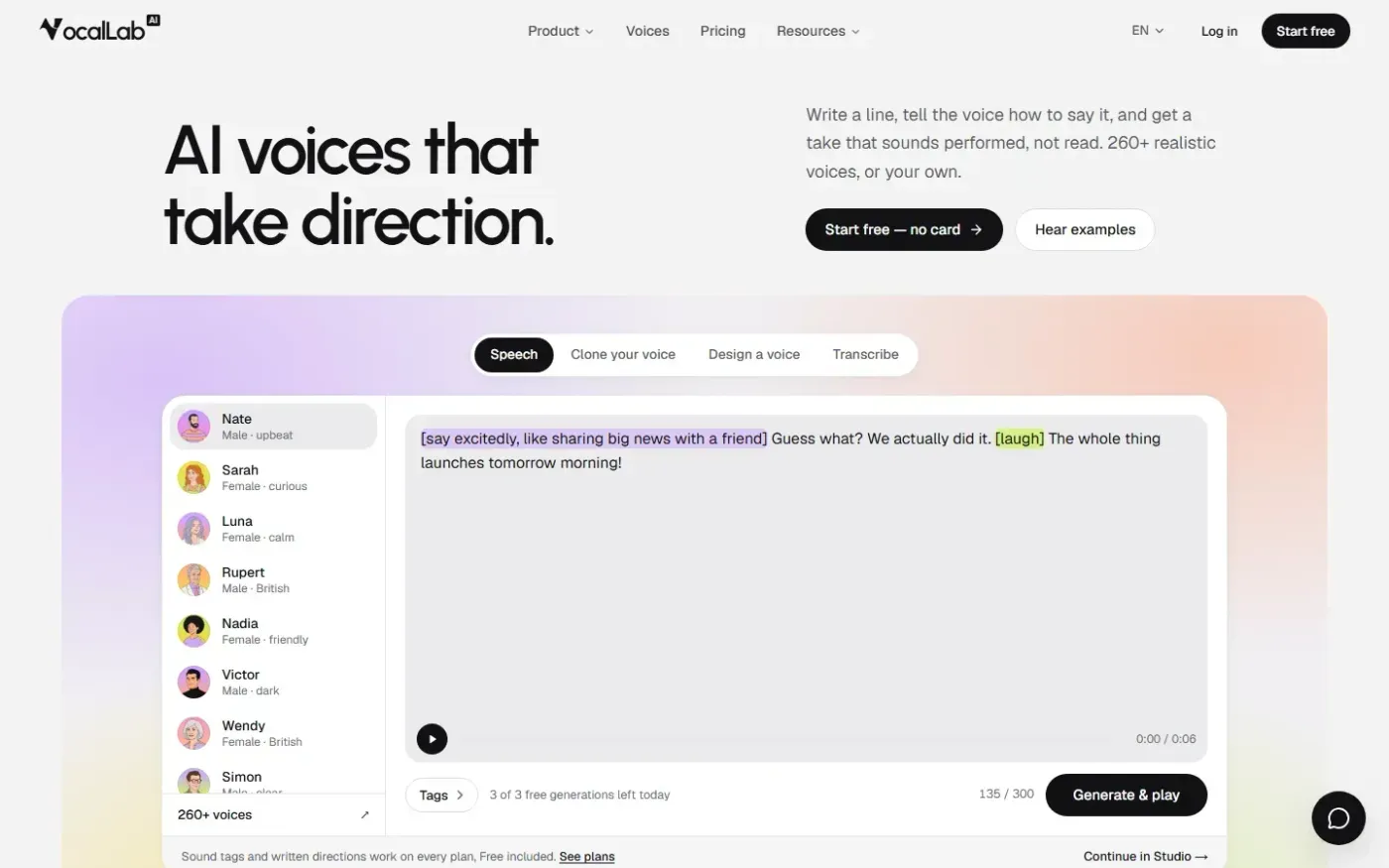
Vocallab screenshot 1 of 4: Home
vocallab.ai
VocalLab is an AI voice platform for text-to-speech, voice cloning, voice design, ebook-to-audiobook conversion, video dubbing, podcast creation, and developer access through an API and MCP server.