SiteList review score
Strong usability and accessibility make the core workflow easy to understand. Self-serve help needs a fuller path from its useful FAQ and product guidance.
Reviewed on Oct 23, 2026
roomlab.app
Unclaimed listingWhat it does
Transform any room with AI. Replace furniture, swap materials, declutter spaces, or virtually stage properties. Photorealistic results in seconds.
SiteList review score
Strong usability and accessibility make the core workflow easy to understand. Self-serve help needs a fuller path from its useful FAQ and product guidance.
Reviewed on Oct 23, 2026
Verified user rating
—
No verified reviews yet — the evidence locker is empty.
Captured during our latest review on Oct 23, 2026
Each image generation uses ~10 credits, and 4K output adds +10 credits.
An image generation takes around 25 seconds. Adding 4K output adds approximately 5 seconds.
You can always purchase a credit refill pack anytime during the month if you need more credits before your next billing cycle.
Credits power every generation. Image generation uses ~10 credits, and 4K adds +10 credits.
Credits don't expire while your subscription is active: unused credits roll over to the next month. Yearly subscribers receive credits monthly, not all at once.
Yes, anytime: open Plan & credits and choose Change plan. You pay only the prorated price difference for the rest of your billing period.
Generated images and history are automatically deleted 1 month after creation (Pro/Ultra) or 3 months (Premium). Unused input images are also deleted after the same period of inactivity.
No, we cannot offer refunds because generation costs are already incurred on our end when you use the service.
Yes, after each payment you receive an email confirmation. From that email, you can request a detailed invoice for your records.
Input photos are the images you upload to transform. For best results, use well-lit photos taken straight-on and aligned with the room.
Your photos are securely stored in our database and remain completely private. We do not share or use your photos for any purpose other than generating your designs.
You keep full access and can use your credits until the end of the period you paid for. After that, your remaining subscription credits are saved and unlock again as soon as you resubscribe.
Product FAQ information · View source
RoomLab earns 77/100 for a clear, usable room-redesign and staging offer, with 90.5/100 usability and 96/100 accessibility as its strongest signals. Its biggest gap is self-serve help, which scores 44.3/100 even though the homepage FAQ and product guidance provide useful raw material.
77/100: strong core, clear fixes
No reviews yet. The evidence locker is empty.
Reviews from verified users appear here once approved.
Reviews are from the SiteList community. Some reviewers received incentives — disclosed in the review, always. The verdict is never for sale.
Home
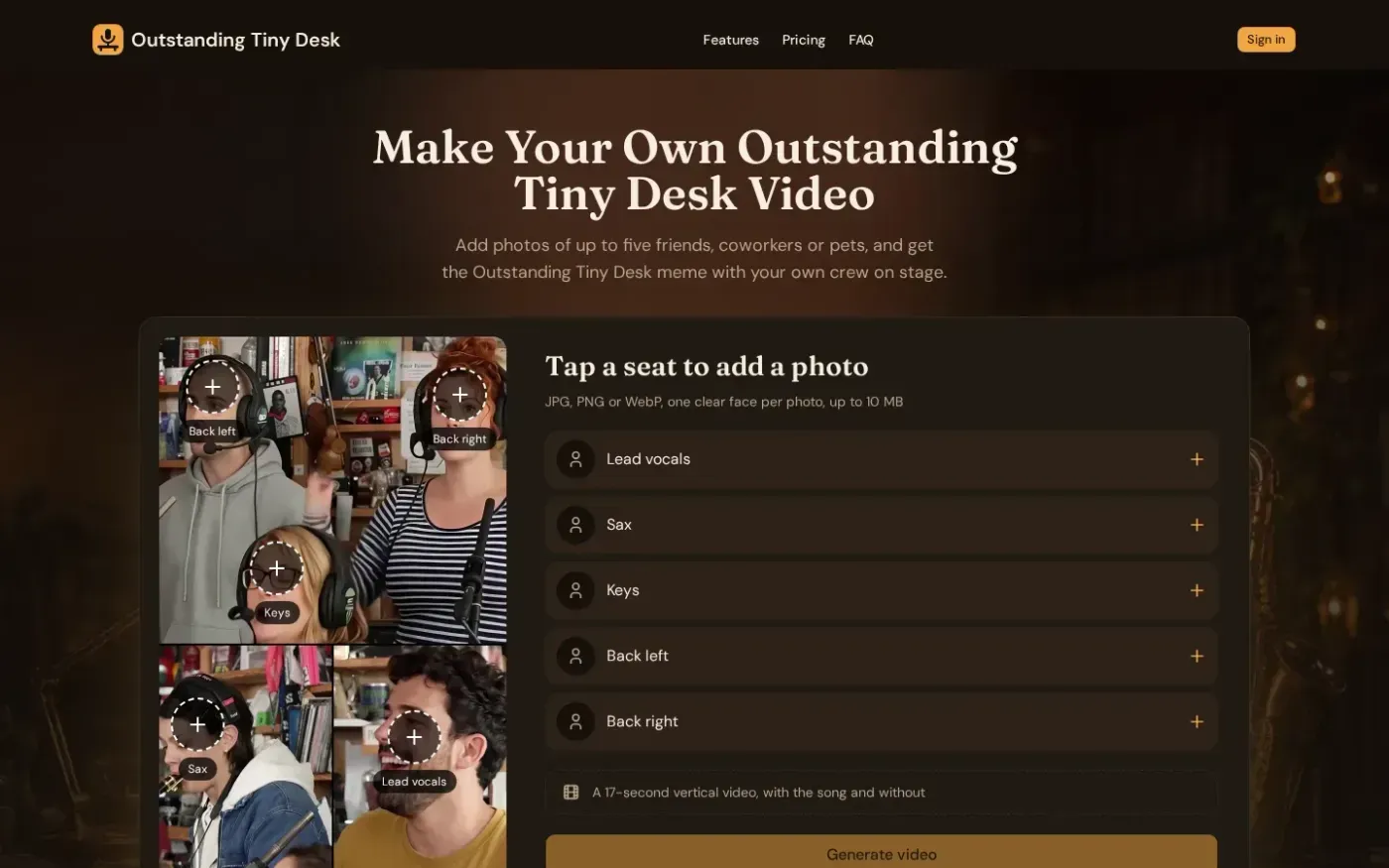
Outstanding Tiny Desk screenshot 1 of 3: Home
outstanding-tiny-desk.app
Outstanding Tiny Desk lets users add photos of up to five friends, coworkers or pets and get a 9:16 clip with the song and a silent copy.
Home
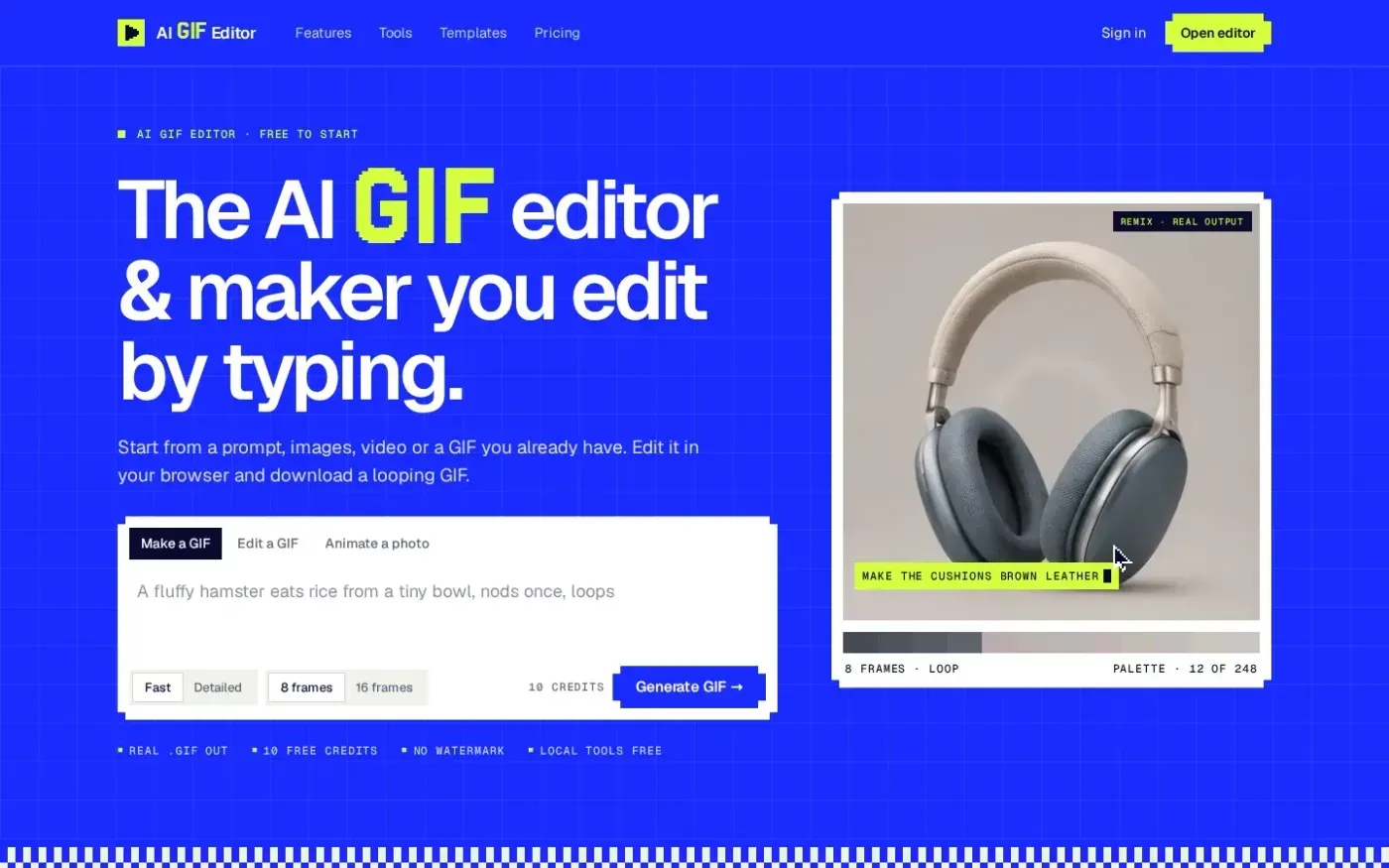
Aigifeditor screenshot 1 of 3: Home
aigifeditor.com
AI GIF Editor is an online tool for converting text prompts, photo sequences, or short videos into animated GIFs, alongside browser-based local tools for editing, cropping, resizing, and compressing GIF files.
Home
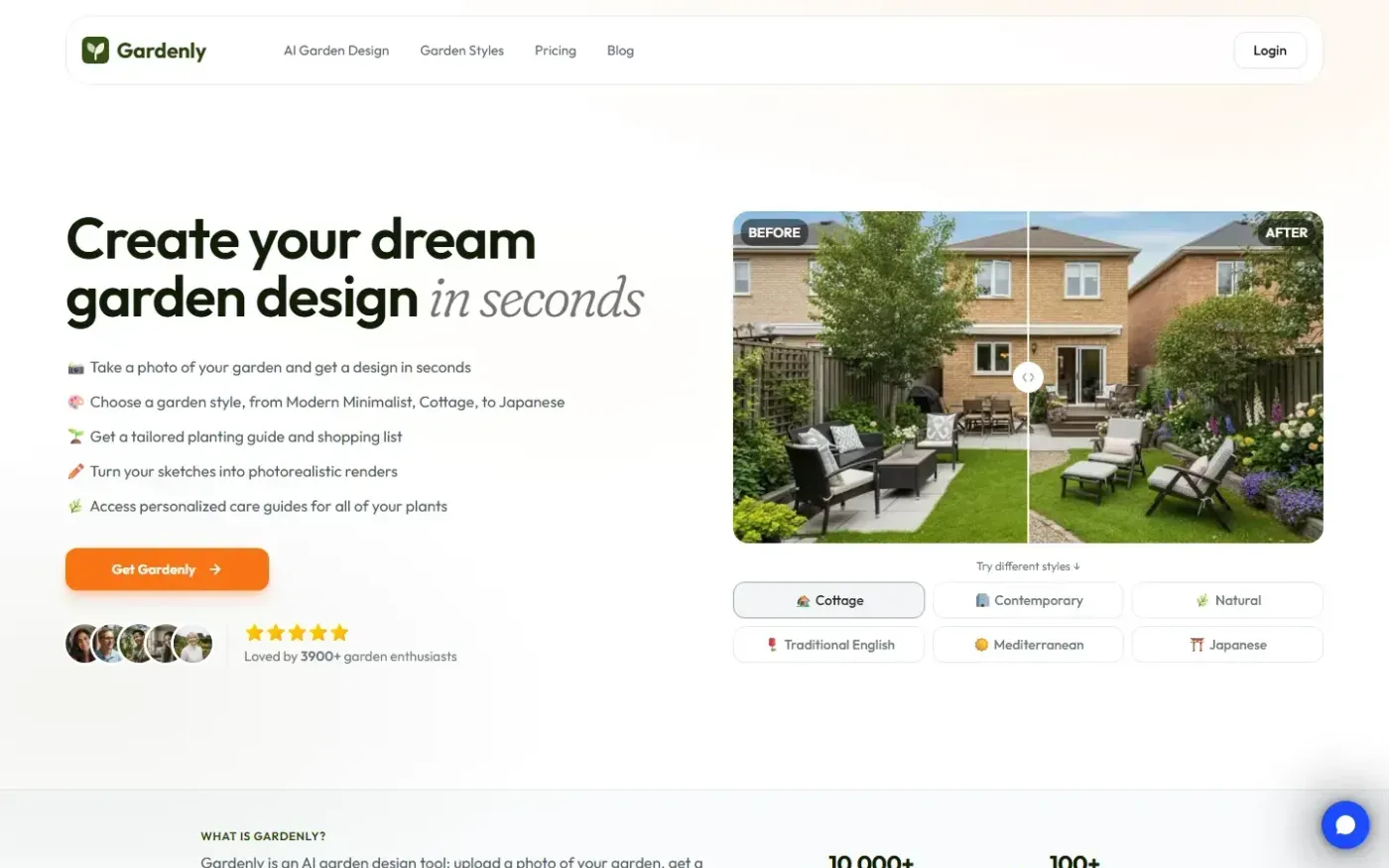
Gardenly screenshot 1 of 4: Home
gardenly.app
Gardenly is an AI-powered garden design tool that generates photorealistic garden redesigns from a single photo, featuring climate-adapted plant recommendations, personalized plant care guides, and seasonal maintenance schedules.
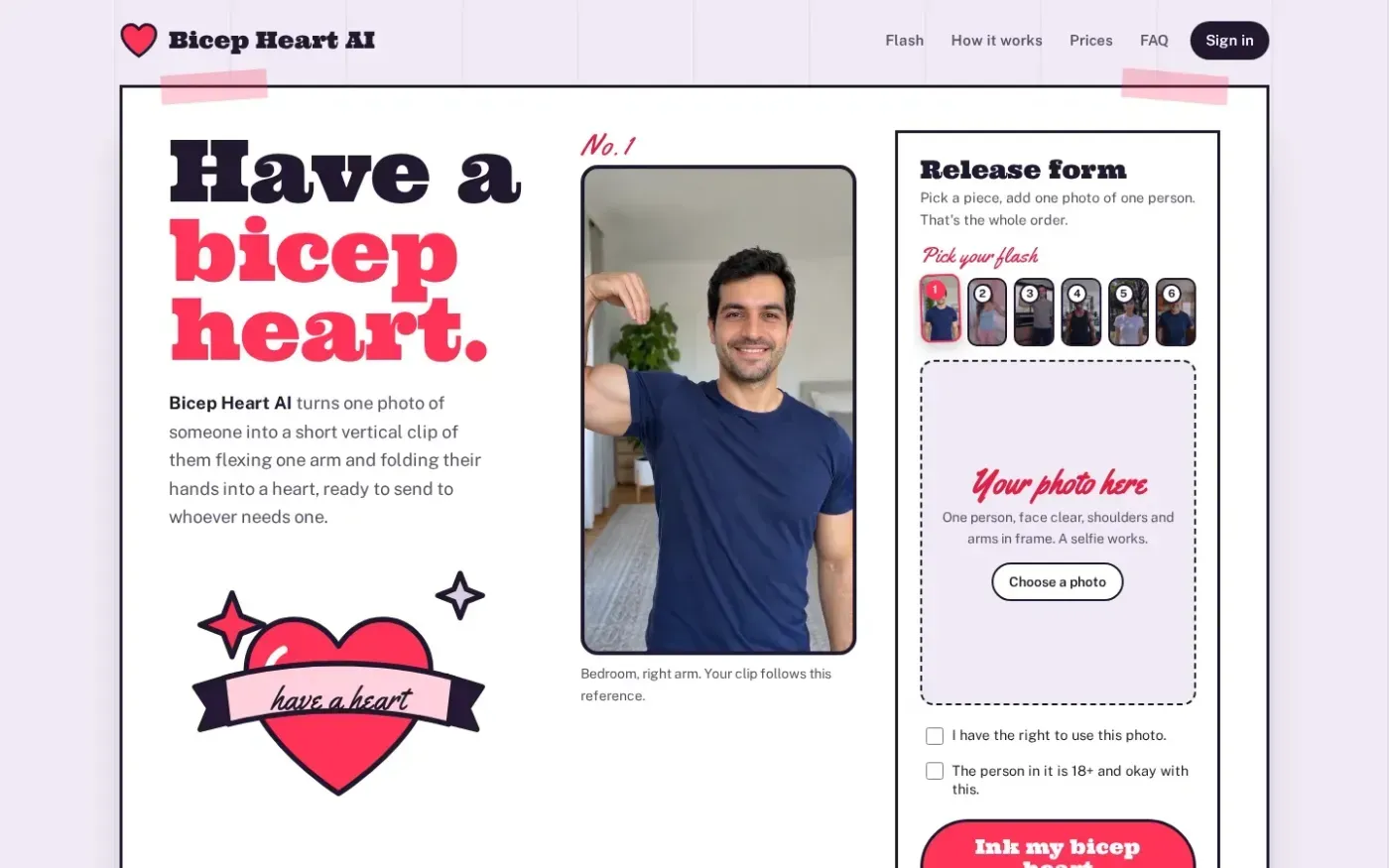
bicepheartgen.com