SiteList review score
Reference-video-plus-photos workflow is clear and easy to follow. Reduce the homepage payload and blocking requests to improve performance.
Reviewed on Oct 28, 2026
reference2video.com
Unclaimed listingWhat it does
Reference2Video lets users create reference-to-video clips from a reference video and photos, preview templates or upload footage, and shape the subject, scene, and final shot in one workspace.
SiteList review score
Reference-video-plus-photos workflow is clear and easy to follow. Reduce the homepage payload and blocking requests to improve performance.
Reviewed on Oct 28, 2026
Verified user rating
—
No verified reviews yet — the evidence locker is empty.
Captured during our latest review on Oct 28, 2026
It is one reference video plus the photos that should appear in a new clip. The reference video guides action, timing, camera movement, and composition. The photos guide the subject. You submit and review that reference to video job in the workspace above.
Yes. The gallery on this page loads a published reference video into the form. Replace the photos, read the prompt, and submit when the quote looks right. The template is the motion source, not a finished customer result.
Seedance 2.0, Seedance 2.0 Fast, and Seedance 2.0 Mini. Switching models keeps your current references when they fit the next model. When they do not, the form explains the limit and leaves the references in place. Other catalog models stay on AI Video or AI Image.
Reference to video uses a moving clip to suggest action and camera timing, together with photos for the subject. Image to video begins with still images and an instruction about how they should move. Open AI Video for the image workflows supported by your chosen model, or use AI Image to prepare a still visual before animating it.
The reference to video request is submitted from this page. My creations shows the wait and, when the result is ready, the clip and its download. Account history keeps available results.
You can read the page, play the examples, and inspect the templates without an account. Submitting a reference to video job, saving a result, and reopening account history require sign-in.
Reference2Video uses credits for supported AI image and video generation workflows. Choose a monthly plan, yearly plan, or available one-time credit package based on how often you generate.
Subscription credits renew with your active plan and expire at the end of each billing period. Credits purchased through a one-time credit package never expire.
Product FAQ information · View source
Reference2Video scores 73/100, with a clear reference-video-plus-photos workflow and strong technical foundations. Its most material weakness is performance: the homepage records 72,691 KB across 203 requests and 51 blocking requests, making payload discipline the clearest fix.
73/100: clear workflow, mixed execution
No reviews yet. The evidence locker is empty.
Reviews from verified users appear here once approved.
Reviews are from the SiteList community. Some reviewers received incentives — disclosed in the review, always. The verdict is never for sale.
Home
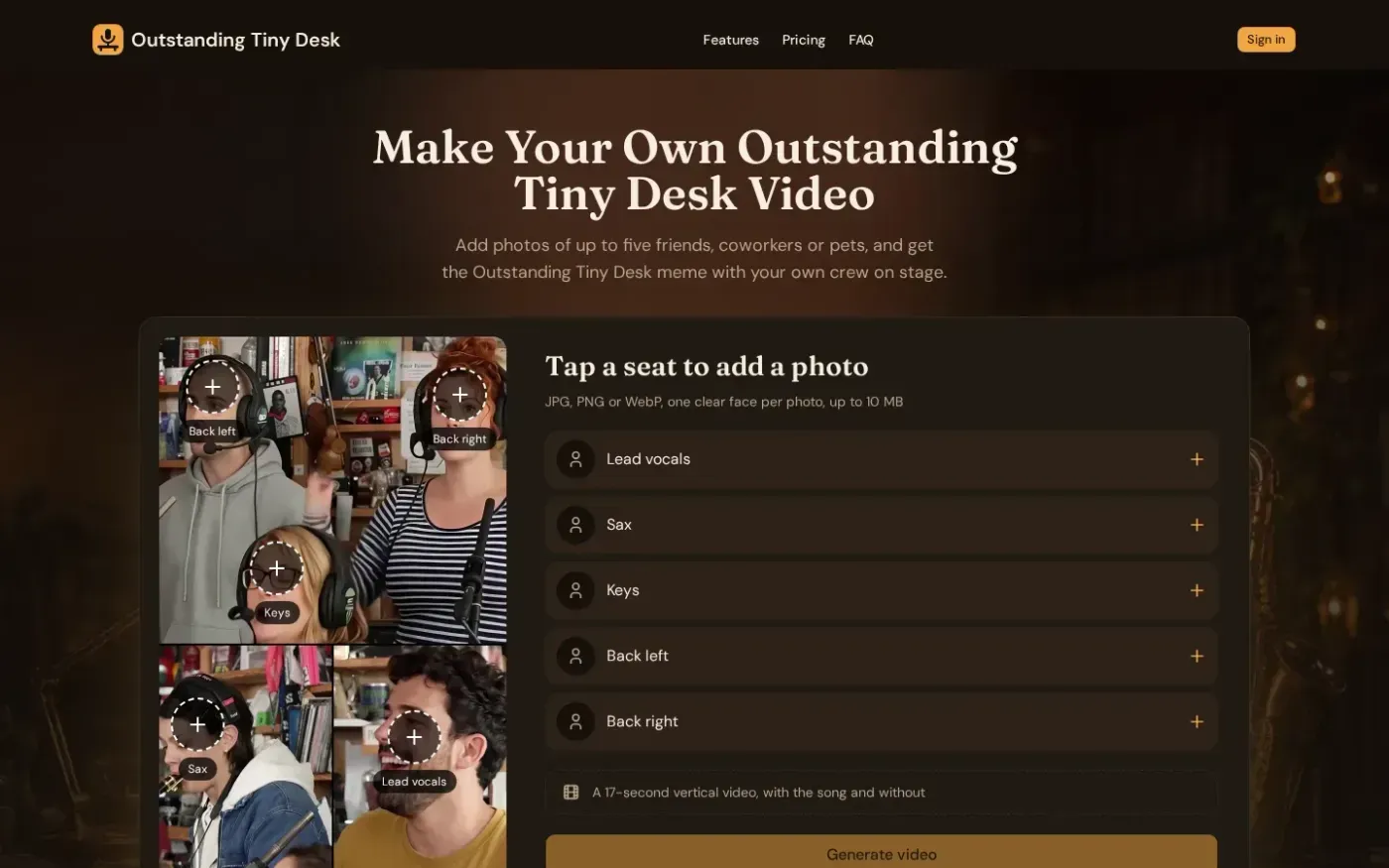
Outstanding Tiny Desk screenshot 1 of 3: Home
outstanding-tiny-desk.app
Outstanding Tiny Desk lets users add photos of up to five friends, coworkers or pets and get a 9:16 clip with the song and a silent copy.
Home
Aigifeditor screenshot 1 of 3: Home
aigifeditor.com
AI GIF Editor is an online tool for converting text prompts, photo sequences, or short videos into animated GIFs, alongside browser-based local tools for editing, cropping, resizing, and compressing GIF files.
Home
Gardenly screenshot 1 of 4: Home
gardenly.app
Gardenly is an AI-powered garden design tool that generates photorealistic garden redesigns from a single photo, featuring climate-adapted plant recommendations, personalized plant care guides, and seasonal maintenance schedules.
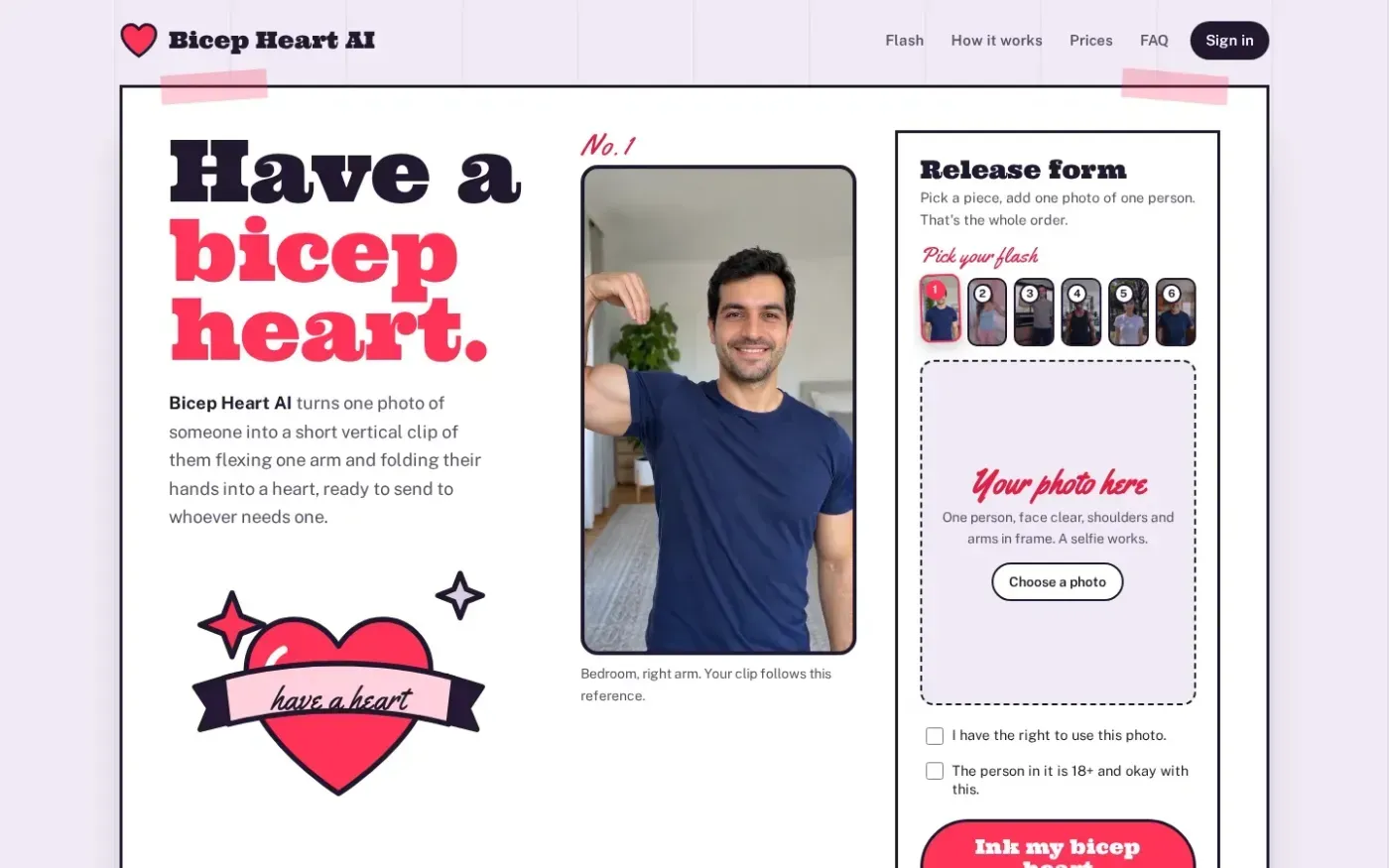
bicepheartgen.com