SiteList review score
The upload-and-prompt workflow is clear, with concrete edit use cases. Self-serve help needs a fuller path beyond the homepage FAQ and llms.txt.
Reviewed on Nov 11, 2026
imagetoimage.org
Unclaimed listingSiteList review score
The upload-and-prompt workflow is clear, with concrete edit use cases. Self-serve help needs a fuller path beyond the homepage FAQ and llms.txt.
Reviewed on Nov 11, 2026
Verified user rating
—
No verified reviews yet — the evidence locker is empty.
Captured during our latest review on Nov 11, 2026
Restyle a photo
Apply a new visual style to an existing photo while keeping useful visual context from the source.
Replace a background
Change the background of an existing photo.
Remove an object
Remove an object from an existing photo as a specific edit.
Preserve visual context while editing
Change style, background, or details while keeping the subject, pose, or composition from the uploaded photo.
Image to image AI starts with an existing image and a text prompt, then creates a new version that follows your requested change. It is also written as img to img.
Text to image starts from only a prompt. Image to image uses your uploaded photo as visual context, so the result can keep the subject, pose, or composition while changing style, background, or details.
You can restyle a photo, replace a background, remove an object, or make other specific edits while keeping useful visual context from the source.
Upload a JPG, PNG, or WebP image, describe the change you want, then select Generate. A human check may be required.
Describe the change clearly, mention what should stay the same, and use one focused request at a time.
Credit packs add a one-time balance and remain valid for 12 months. Monthly and yearly plans provide a new credit allowance every month.
No. Subscription credits refresh every month, including on yearly plans. Unused subscription credits expire at the end of that credit period.
Yearly plans are charged once per year at the listed annual price. Credits are still issued monthly rather than giving the full year's credits upfront.
Yes. You can cancel from Billing and continue using the plan through the end of the period you already paid for. The subscription will not renew after that paid period.
Payment refund requests are reviewed manually. Unused purchased credits may be eligible for a refund, while credits already used for completed generations are generally not refundable. Eligible failed generations return their generation credits automatically.
Product FAQ information · View source
Imagetoimage earns 75/100 for a clear image-to-image workflow that makes uploading, prompting, and generating easy to understand. Its most material weakness is self-serve help: the homepage FAQ and llms.txt provide a starting point, but Docs & self-serve help scores 31.5/100.
75/100: strong core workflow, uneven support
No reviews yet. The evidence locker is empty.
Reviews from verified users appear here once approved.
Reviews are from the SiteList community. Some reviewers received incentives — disclosed in the review, always. The verdict is never for sale.
Home
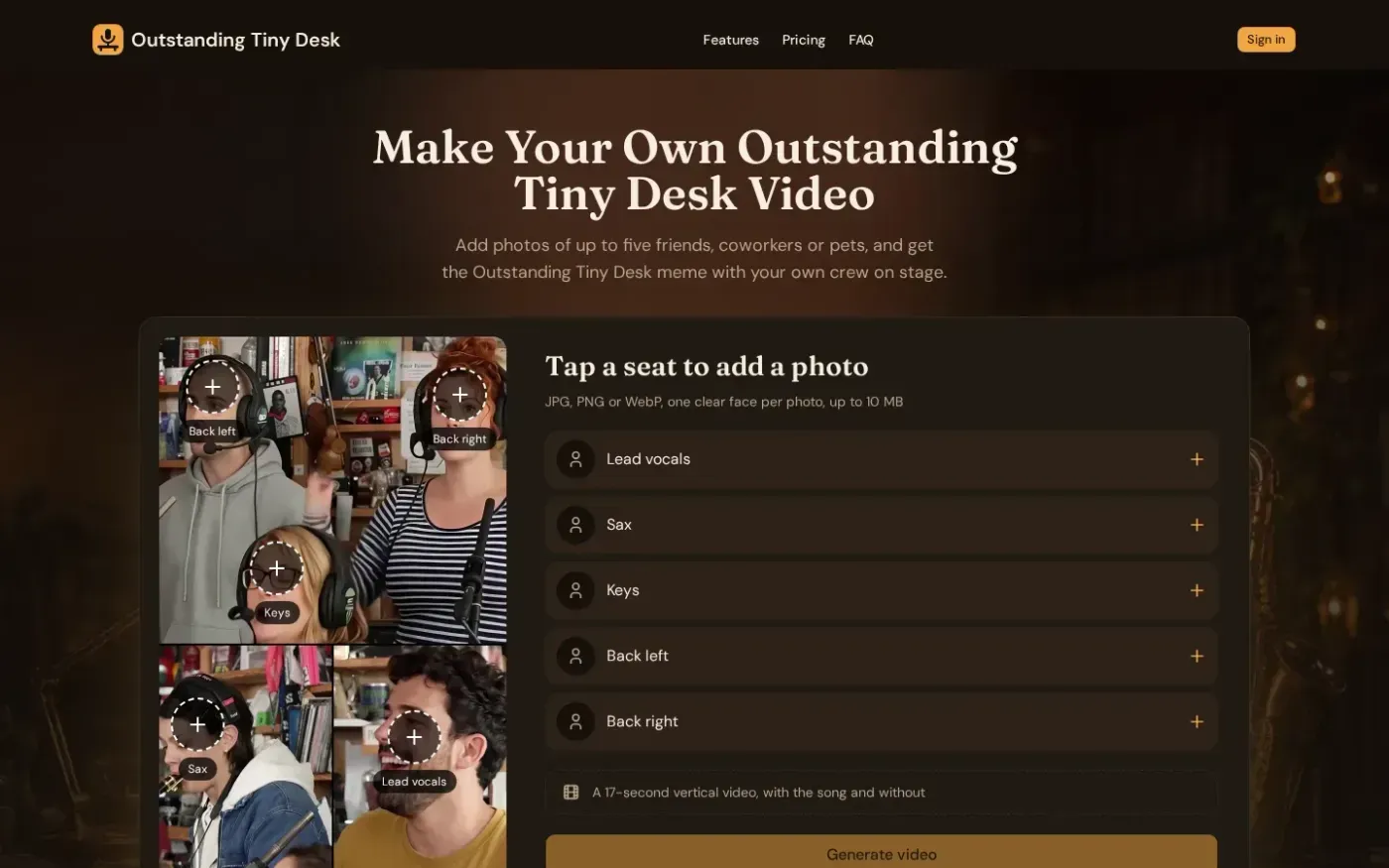
Outstanding Tiny Desk screenshot 1 of 3: Home
outstanding-tiny-desk.app
Outstanding Tiny Desk lets users add photos of up to five friends, coworkers or pets and get a 9:16 clip with the song and a silent copy.
Home
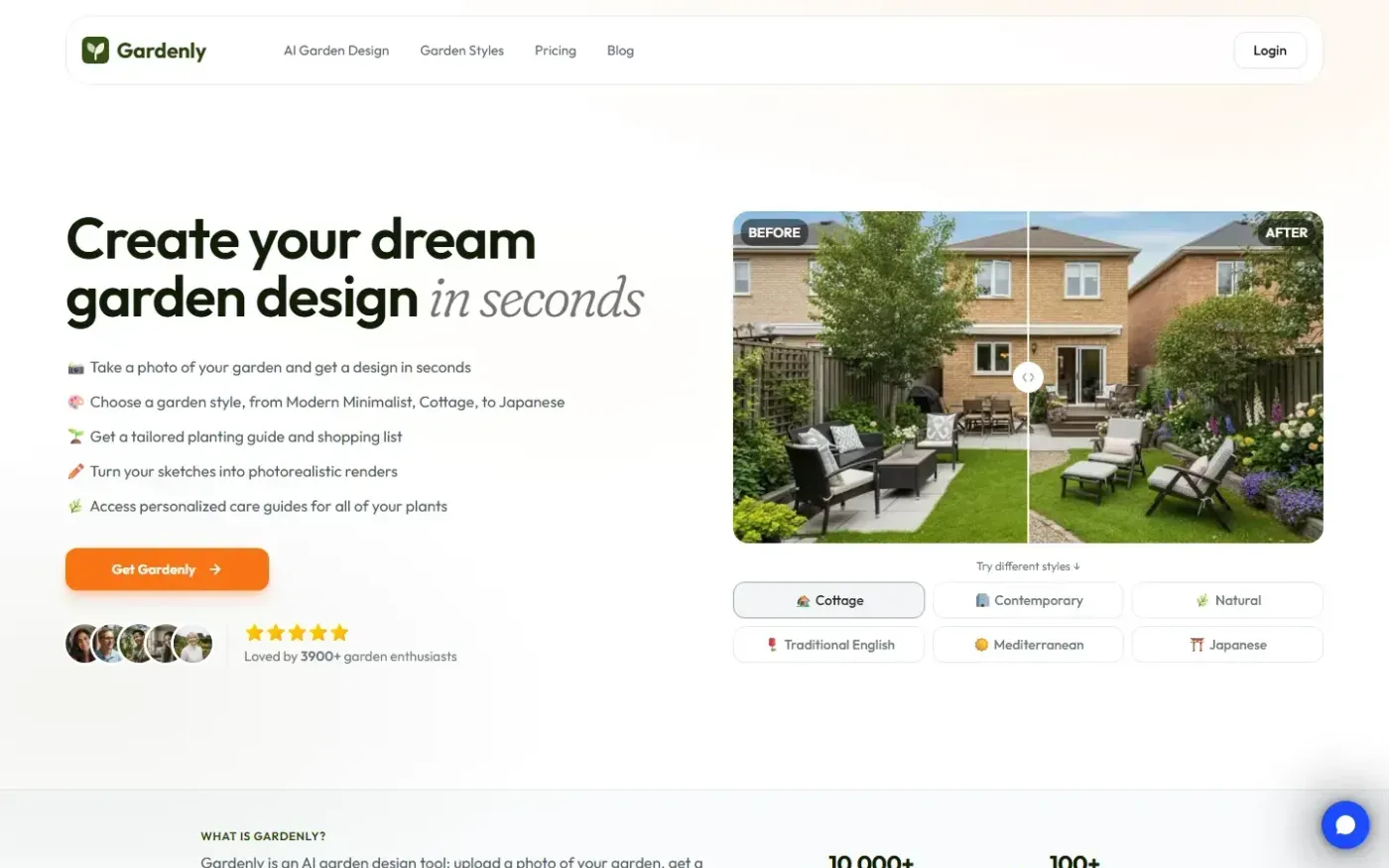
Gardenly screenshot 1 of 4: Home
gardenly.app
Gardenly is an AI-powered garden design tool that generates photorealistic garden redesigns from a single photo, featuring climate-adapted plant recommendations, personalized plant care guides, and seasonal maintenance schedules.
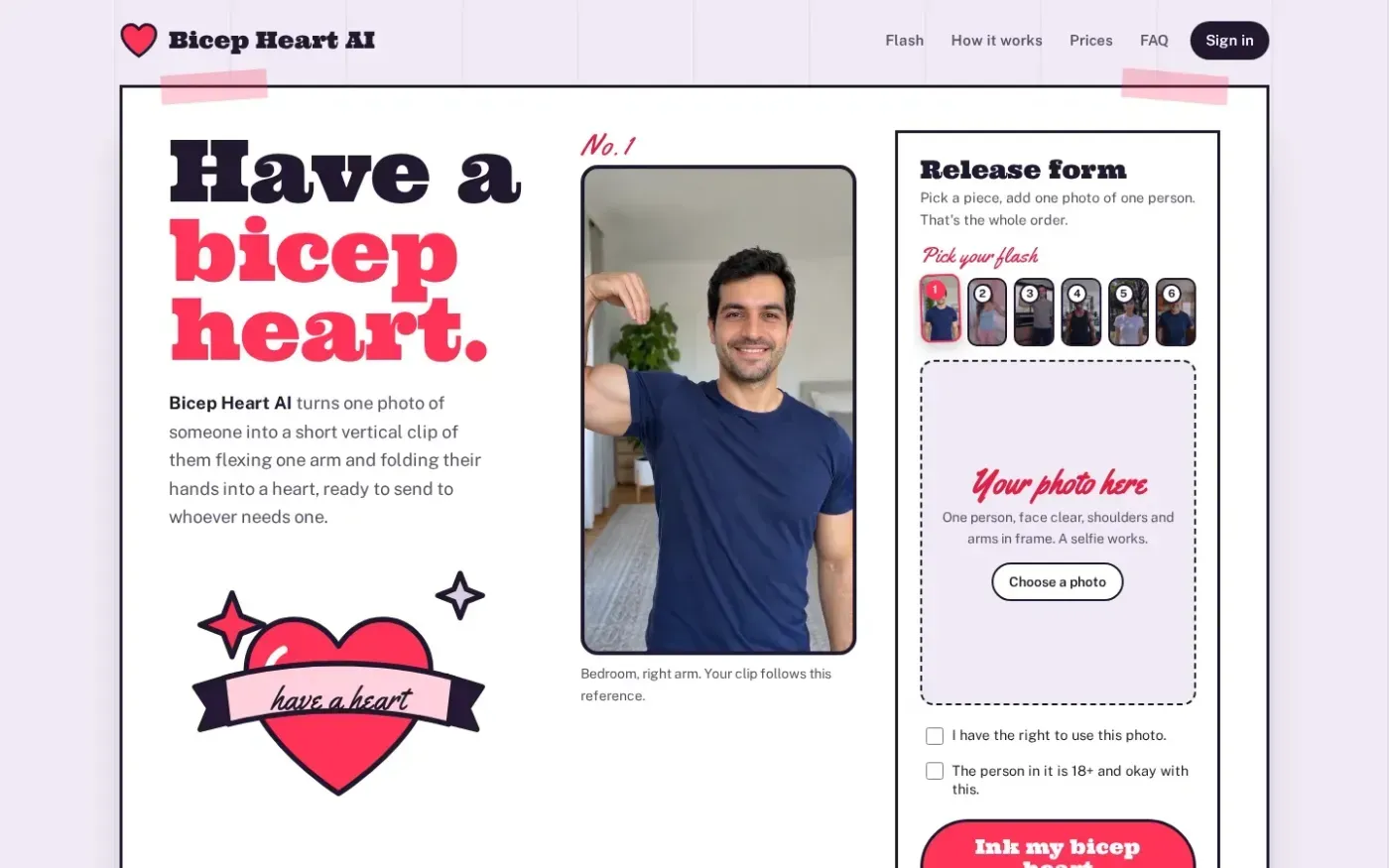
bicepheartgen.com
Home
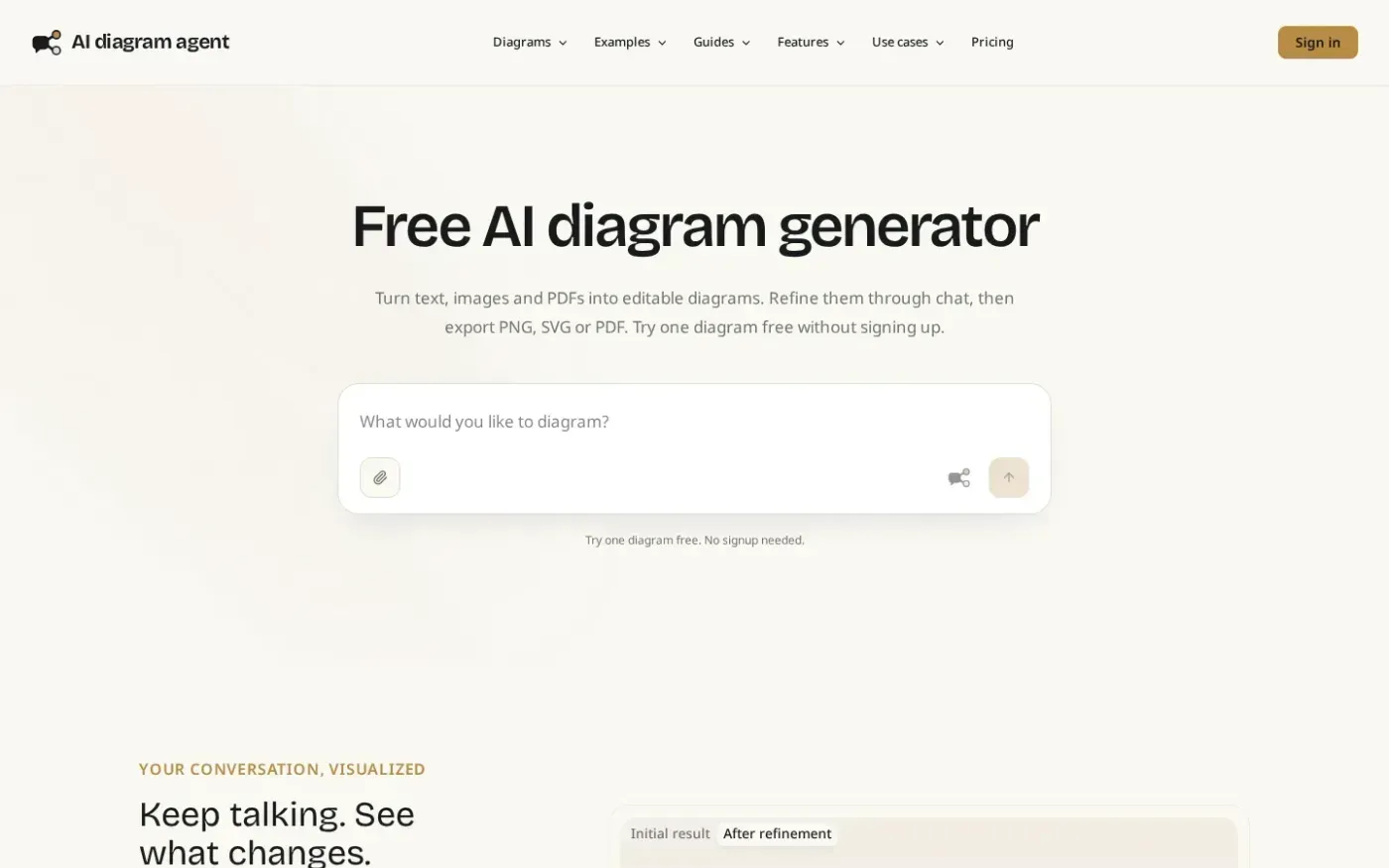
Aidiagramagent screenshot 1 of 4: Home
aidiagramagent.com
AI diagram agent turns text, images and PDFs into editable diagrams that users can refine through conversation, save as versions, export, and share.