SiteList review score
Clear rubric-based grading for teachers, with strong usability and accessibility. Add dedicated documentation so schools can self-serve beyond marketing pages.
Reviewed on Oct 25, 2026
gradingpal.com
Unclaimed listingWhat it does
AI grading tool for teachers and schools. Assesses essays, handwritten math, science, worksheets, exams, presentations and recorded work against your rubric, explains its scores, generates actionable student feedback, and connects approved results to standards mastery and instructional next steps.
SiteList review score
Clear rubric-based grading for teachers, with strong usability and accessibility. Add dedicated documentation so schools can self-serve beyond marketing pages.
Reviewed on Oct 25, 2026
Verified user rating
—
No verified reviews yet — the evidence locker is empty.
Captured during our latest review on Oct 25, 2026
Yes. The free plan includes 50 submissions a month, custom rubrics, and editable scores and feedback. No credit card is required. Paid plans provide additional capacity and features. Compare library, analytics, and sharing access on the pricing page.
GradingPal supports writing, mathematics, science, and other subjects through assessment formats including essays, worksheets, quizzes, exams, problem sets, lab reports, handwriting, slides, art, and spoken content in audio or video. Choose the rubric and grading instructions that fit the assignment. Explore the grading features and worked examples.
Yes. GradingPal reads handwritten math and supported science responses, assesses them against your rubric, and generates scores with explanations and individual feedback. Teachers can review the original work, check the reasoning, and edit results. Explore AI math grading, AI science grading, and handwritten grading.
GradingPal uses your rubric's criteria and performance levels, together with the assignment and grading instructions. It explains suggested scores and provides supporting evidence for review. You can compare the result with the student's response and change it when needed. Our research page explains the scope of the published model benchmark; the grading workflow lets you evaluate results on your own assignments.
Yes. Edit scores and comments directly or ask the in-app AI assistant to propose a change in the current rubric or grading context. Review the proposed edit and accept it when it matches your intention. You also decide when feedback is shared. Learn about Ask GradingPal.
Connect learning standards to rubric criteria or questions, then approve the assessment results. GradingPal uses that evidence to update student mastery under your chosen calculation rules. Open a result to inspect the supporting work and track progress across assignments. Explore the standards mastery gradebook.
GradingPal's standards-aligned assessment coverage spans all 50 states and Washington, D.C., including English language arts, mathematics, science, and social studies. Explore Common Core, NGSS, TEKS, and other state frameworks. The rubric library also contains resources drawn from MCAP, Smarter Balanced, ACAP, KSA, AP, and IB MYP. Visit the standards directory to explore the relevant framework pages.
Yes. Classroom analytics identify strengths, gaps, and patterns in graded work, with suggested instructional next steps. Review the findings and supporting responses to decide what to reteach, which students need further support, and what to assess next. Performance analytics is available on selected plans.
Google Classroom integration is available now for bringing in work and returning reviewed feedback. You can also import files from Google Drive or upload them directly. Canvas and Schoology integrations are available on a school plan; contact our team to discuss your school's setup and rollout. Explore integration options.
Yes. Upload a scanned PDF of the class set and GradingPal separates it into student submissions for grading. Review the original handwriting beside the results and check anything that needs attention. Learn about grading handwritten work.
Yes. Set instructions for the wording and guidance you want, then choose the feedback style, tone, length, and a supported language. You can edit individual comments before sharing them. Explore feedback controls and supported feedback languages.
Yes. Standards tracking is optional. Use your own rubric to score assignments and give feedback without setting up a mastery gradebook. Explore rubric-based AI grading.
Product FAQ information · View source
GradingPal scores 81/100, with excellent usability and accessibility supporting a clear rubric-based grading workflow for teachers.
81/100: strong grading workflow, one clear help gap
No reviews yet. The evidence locker is empty.
Reviews from verified users appear here once approved.
Reviews are from the SiteList community. Some reviewers received incentives — disclosed in the review, always. The verdict is never for sale.
Home
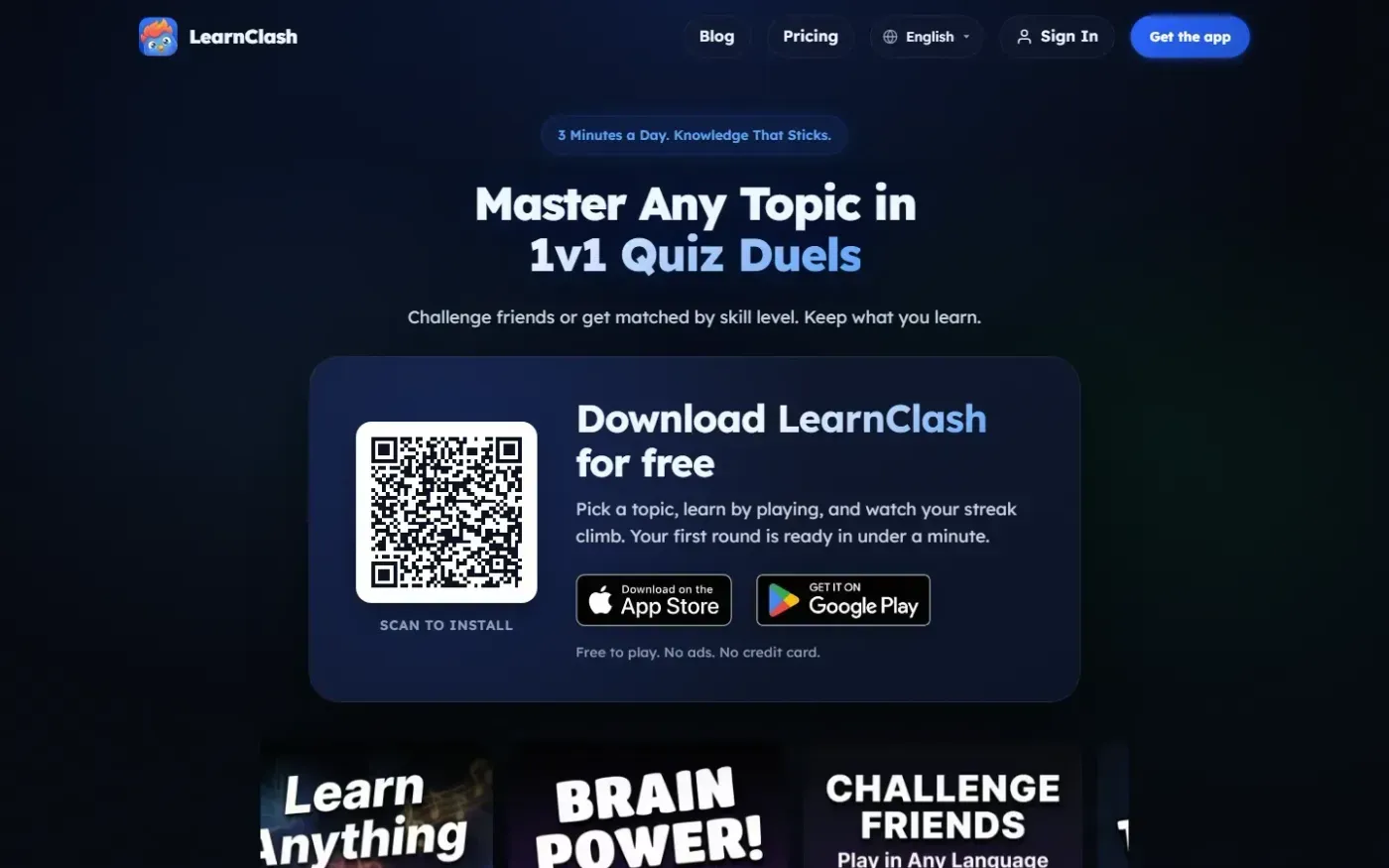
Learnclash screenshot 1 of 4: Home
learnclash.com
LearnClash is a competitive learning app combining turn-based 1v1 quiz duels on any topic with ELO rankings and three-stage spaced repetition. Players choose topics, match with friends or similarly rated opponents, answer questions, and review missed questions over time.
Home
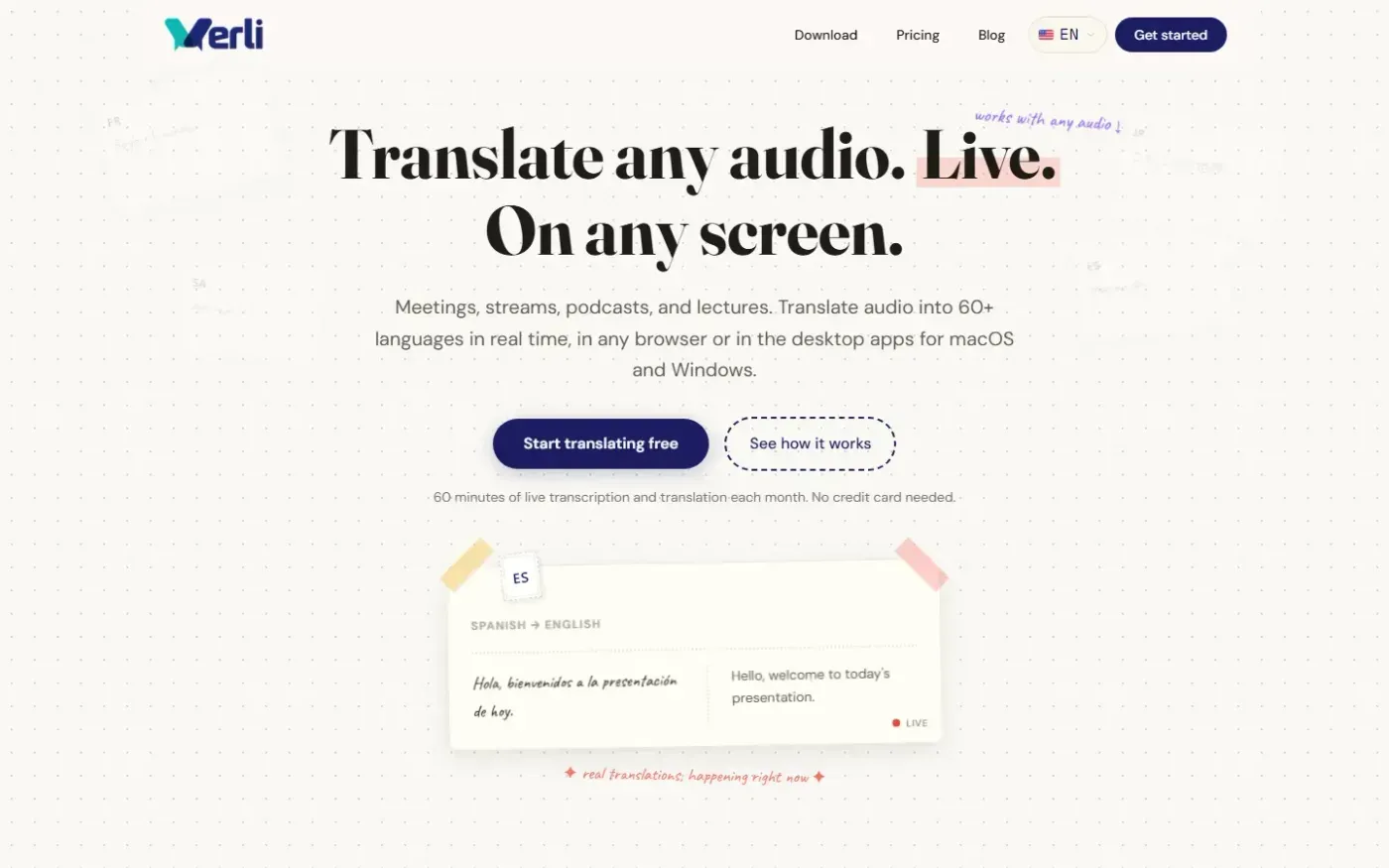
Verli screenshot 1 of 4: Home
verli.app
Verli provides live transcription and two-way translation for shared system audio and microphone input, in modern browsers and desktop apps for macOS and Windows.
Home
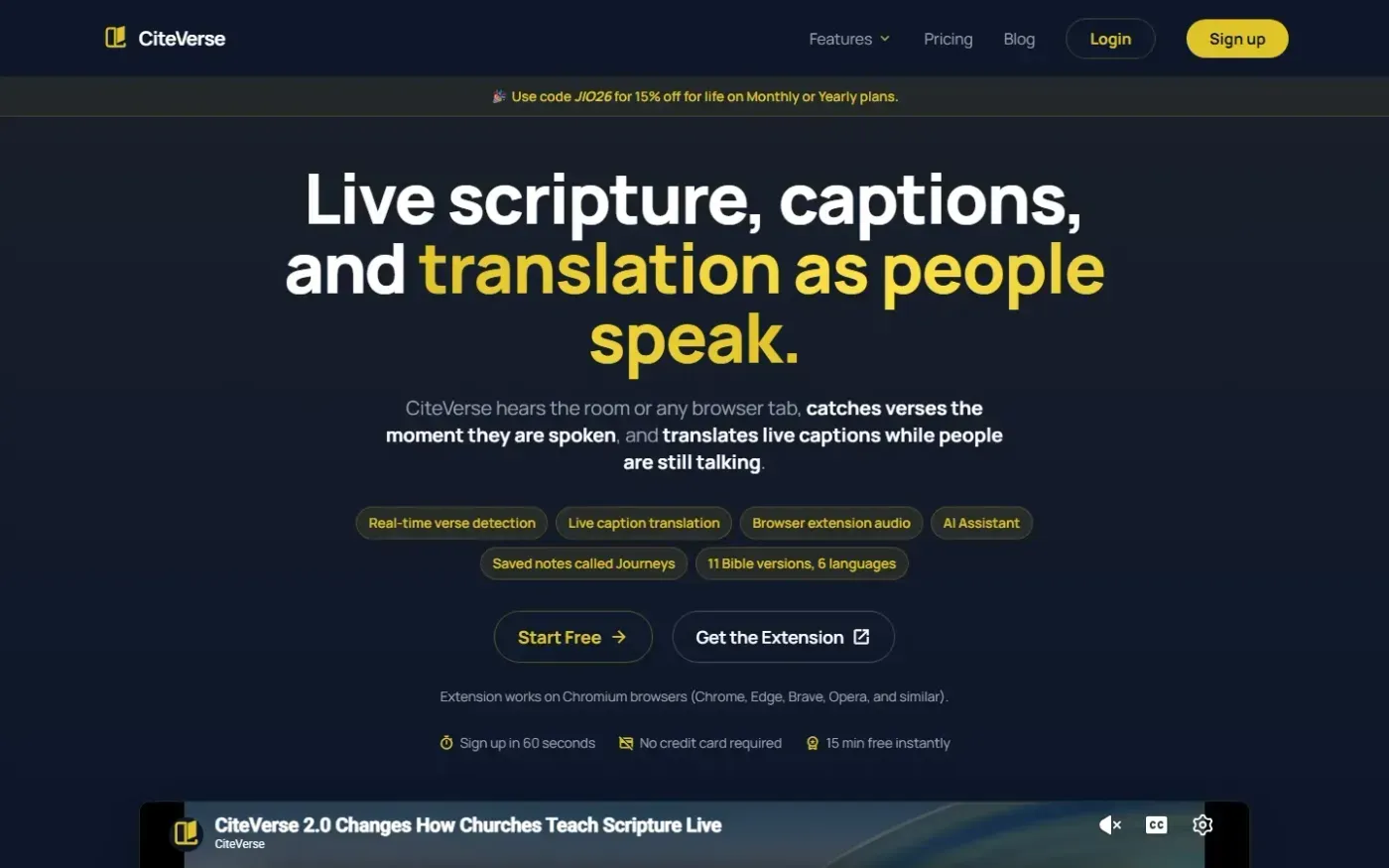
Citeverse screenshot 1 of 4: Home
citeverse.live
CiteVerse is a voice-first Bible platform with real-time transcription, live verse detection, 11 Bible versions, 6 languages, saved Journeys, Live Sessions, and Presenter Mode.
Home
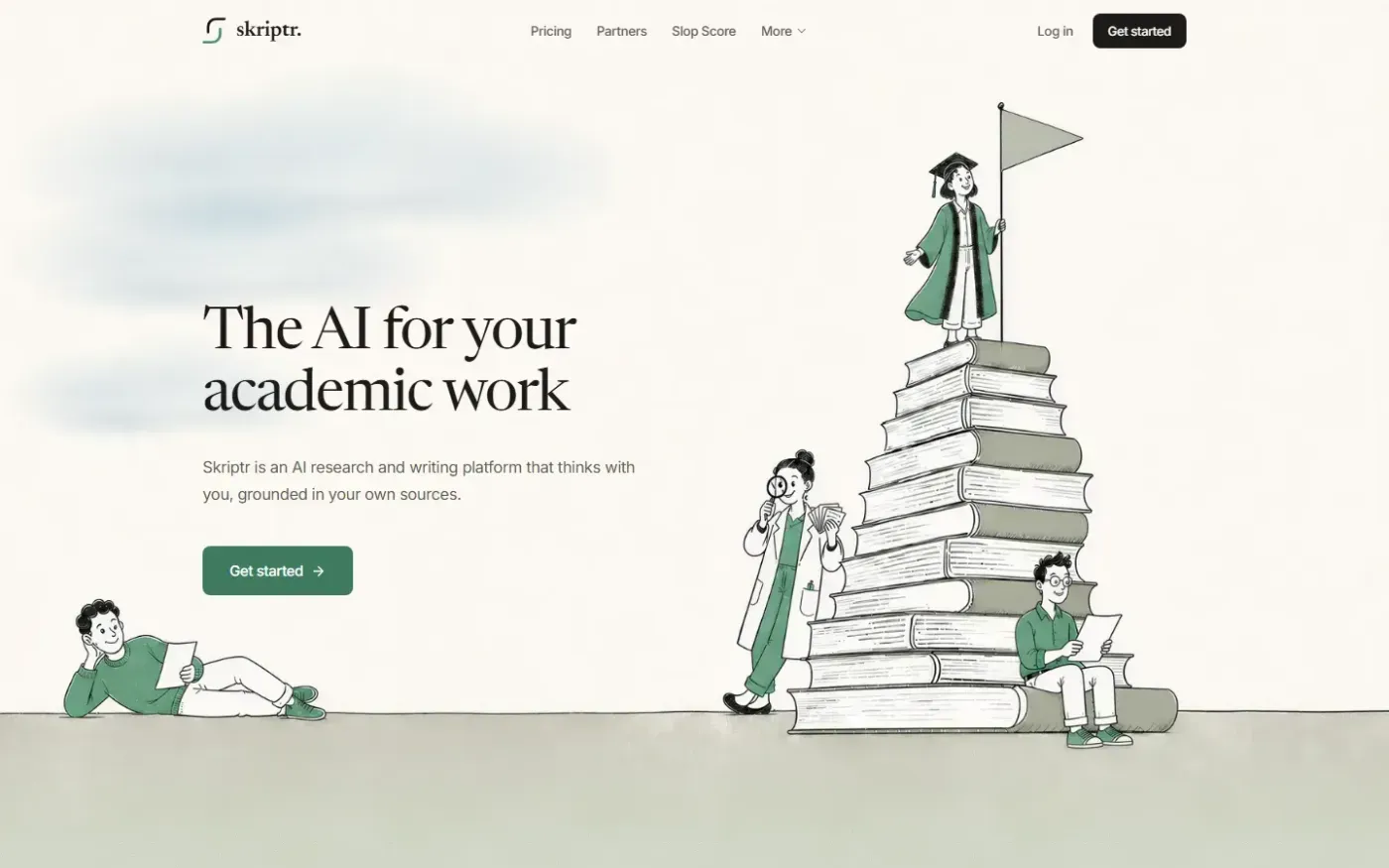
Skriptr — AI workspace for students screenshot 1 of 4: Home
skriptr.ai
AI research and writing platform that grounds answers in user-uploaded sources, tracks edits as tracked changes, and auto-generates citations to help students write academic papers.