SiteList review score
Clear, efficient video editing with strong decision support. Improve mobile loading and expand self-serve documentation.
Reviewed on Nov 24, 2026
genjutsu-ai.app
Unclaimed listingSiteList review score
Clear, efficient video editing with strong decision support. Improve mobile loading and expand self-serve documentation.
Reviewed on Nov 24, 2026
Verified user rating
—
No verified reviews yet — the evidence locker is empty.
Captured during our latest review on Nov 24, 2026
Motion transfer
Change types
Replaces the main person or character in a clip while maintaining original motion, camera movement, timing, and background.
Outfit change
Change types
Swaps clothing and accessories while preserving face, hair, pose, and movement.
Object swap
Change types
Replaces a featured product or object while retaining hand movement, camera path, and timing.
Background change
Change types
Replaces the environment while maintaining subjects, outlines, actions, and camera position.
Video restyling
Change types
Applies anime, 3D, clay, or film rendering styles while keeping subjects, composition, and performance unchanged.
Genjutsu AI is the name people use for reference-guided video-to-video editing: you keep an existing clip’s motion, camera movement and timing, and change what is in it, such as the character, outfit, product, background or art style. On this page you upload or pick a clip, add reference images, describe the change and download an MP4.
You can start for free: new accounts get 3 credits, and the cheapest edit (5 seconds, Seedance 2.0 Mini, 480p) costs 8. There is no unlimited free tier, and videos made without a purchase carry a watermark. See the free page for what the credits cover.
Yes. Choose Motion transfer in Genjutsu 1.0 and add photos of the new character. The clip supplies the performance and camera timing. Check fast turns, hands and close-ups before exporting.
Yes. Choose Product and add clear images of your product, ideally on a plain background from more than one angle. The hand movement, camera path and timing are kept. Tight finger grips, fast rotation and small label text are the hardest parts and may change for a few frames.
Yes. Choose Style and describe the look, such as hand-drawn anime or a 3D render; you can add example images. The subjects, composition and performance are kept and only the rendering style changes.
Upload an MP4 or MOV of 4 seconds to 5 minutes, up to 50 MB. Genjutsu 1.0 and Lite accept a 4–30 second cut in whole seconds. Some templates have a shorter fixed window. Seedance 2.0 accepts cuts up to 15 seconds.
Product FAQ information · View source
Genjutsu AI earns 75/100 for a clear, efficient reference-guided video editor with strong decision support. Its main weaknesses are mobile performance and thin self-serve documentation, so buyers should validate speed and support depth before relying on it.
75/100: clear editor, weak documentation and mobile performance
No reviews yet. The evidence locker is empty.
Reviews from verified users appear here once approved.
Reviews are from the SiteList community. Some reviewers received incentives — disclosed in the review, always. The verdict is never for sale.
Home
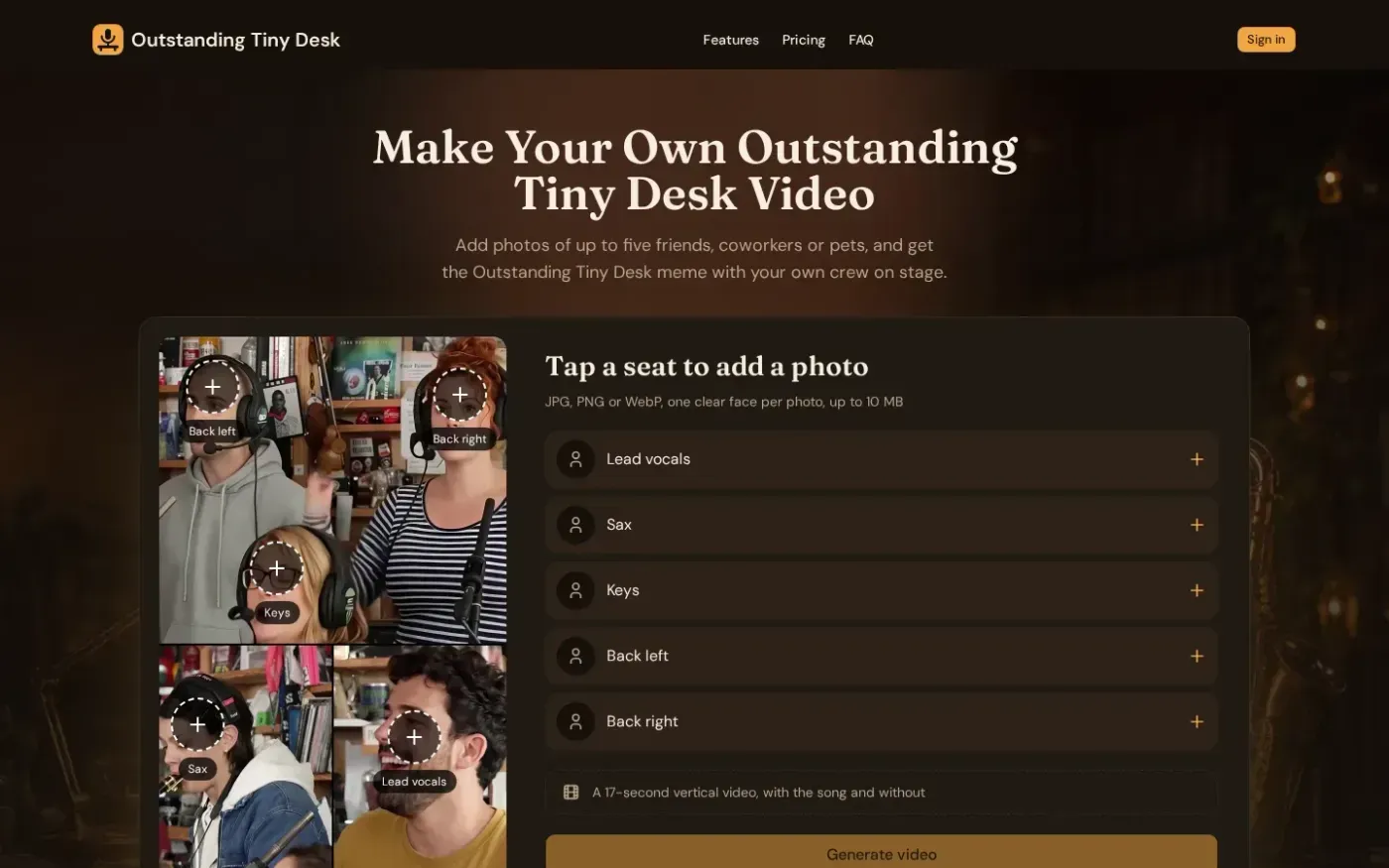
Outstanding Tiny Desk screenshot 1 of 3: Home
outstanding-tiny-desk.app
Outstanding Tiny Desk lets users add photos of up to five friends, coworkers or pets and get a 9:16 clip with the song and a silent copy.
Home
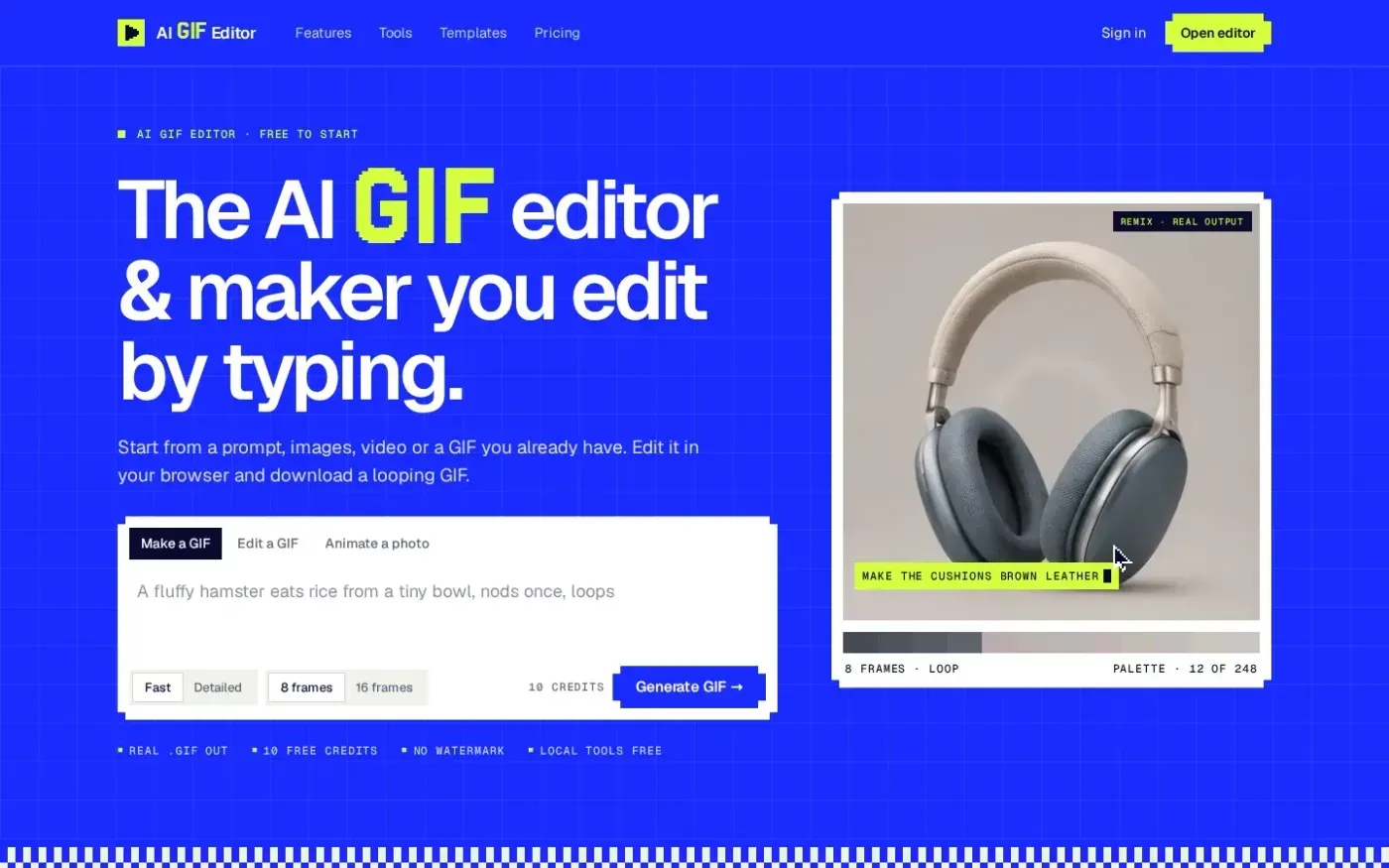
Aigifeditor screenshot 1 of 3: Home
aigifeditor.com
AI GIF Editor is an online tool for converting text prompts, photo sequences, or short videos into animated GIFs, alongside browser-based local tools for editing, cropping, resizing, and compressing GIF files.
Home
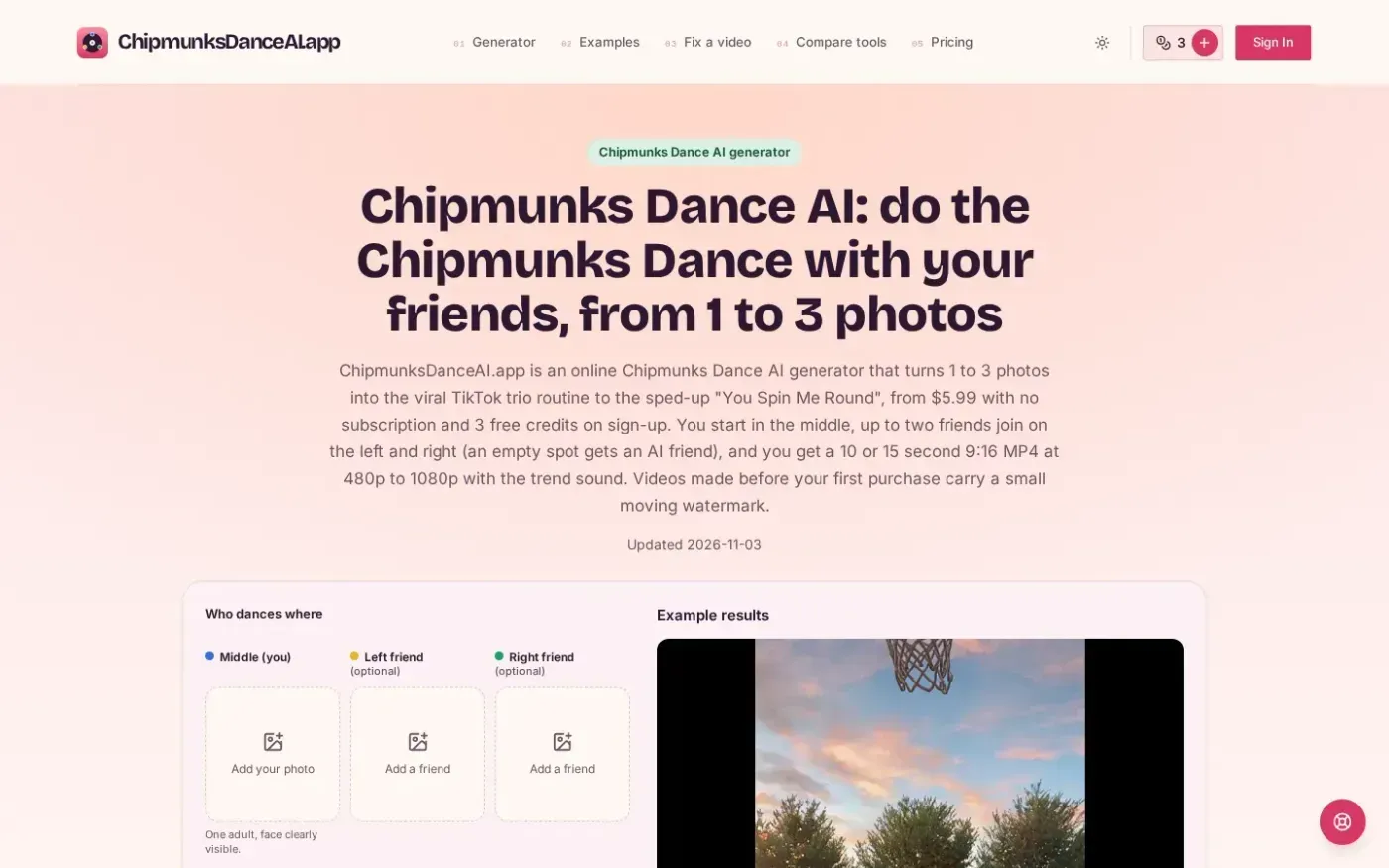
Chipmunksdanceai screenshot 1 of 3: Home
chipmunksdanceai.app
Home
Gardenly screenshot 1 of 4: Home
gardenly.app
Gardenly is an AI-powered garden design tool that generates photorealistic garden redesigns from a single photo, featuring climate-adapted plant recommendations, personalized plant care guides, and seasonal maintenance schedules.