SiteList review score
A clear one-frame-to-video workflow for VFX creators. Mobile delivery, repeated copy, and accessibility details need focused fixes.
Reviewed on Oct 14, 2026
ebsynth.com
Unclaimed listingWhat it does
EbSynth is VFX software for retouching, rotoscoping, and stylization. Users edit individual video frames or paint keyframes, and the software propagates visual changes across a shot.
SiteList review score
A clear one-frame-to-video workflow for VFX creators. Mobile delivery, repeated copy, and accessibility details need focused fixes.
Reviewed on Oct 14, 2026
Verified user rating
—
No verified reviews yet — the evidence locker is empty.
Captured during our latest review on Oct 14, 2026
Free plan at $0; Pro is $20/month; Studio is $200/month/seat. Custom deals are available for Studio. Billed monthly. free plan · A Free plan is listed at $0.
| Plan | Price | Details |
|---|---|---|
| Free | $0 monthly | — View source |
| Pro | $20 monthly | — View source |
| Studio | $200 monthly per seat | — View source |
Video retouching
VFX
Retouch video by editing frames and propagating visual changes across a shot.
Rotoscoping
VFX
Use EbSynth for rotoscoping workflows.
Stylization
VFX
Apply visual stylization by painting keyframes and propagating the result.
Paint over videos
Animation
Paint keyframes to turn performance footage into hand-drawn animation.
Digital makeup
Retouching
Perform digital makeup and other video touch-ups.
Colorizing
Retouching
Colorize video as part of video touch-up workflows.
Generate Image
Keyframes
An optional AI feature for generating keyframes.
Offline processing
Processing
The Studio plan supports fully offline processing with no uploads.
Hand-drawn animation
Turn performance footage into hand-drawn animation by painting keyframes.
Video touch-ups
Retouch video and perform digital makeup.
Colorizing video
Colorize video without manual tracking.
Animation stylization
Bring painterly texture to line art and stylize animation.
Keyframe propagation does not use AI; it uses a texture-synthesis algorithm based on the video and keyframes. An optional Generate Image feature can use AI to generate keyframes.
Chrome is recommended, especially for large projects and long or high-resolution videos. On laptops, using a dedicated graphics card is recommended for optimal performance.
Projects stay on the user's computer, but videos and keyframes are temporarily uploaded to EbSynth's servers for rendering and are deleted after results are returned. The Studio plan supports fully offline processing with no uploads.
Product FAQ information · View source
EbSynth scores 67/100 for a clear keyframe-propagation workflow and a concrete promise for VFX artists and video creators. Its largest weakness is delivery: mobile performance reaches 10.836 s LCP with a 20.7 MB homepage transfer, while the copy and accessibility still need polish.
67/100: a capable workflow with uneven delivery
No reviews yet. The evidence locker is empty.
Reviews from verified users appear here once approved.
Reviews are from the SiteList community. Some reviewers received incentives — disclosed in the review, always. The verdict is never for sale.
Home
Yoairap screenshot 1 of 2: Home
yoairap.com
Home
Onemoreshot screenshot 1 of 4: Home
onemoreshot.ai
Turn any song into a fully synced music video in minutes. Upload your track, pick a style, and AI handles the visuals, lip-sync and editing. No skills needed.
Home
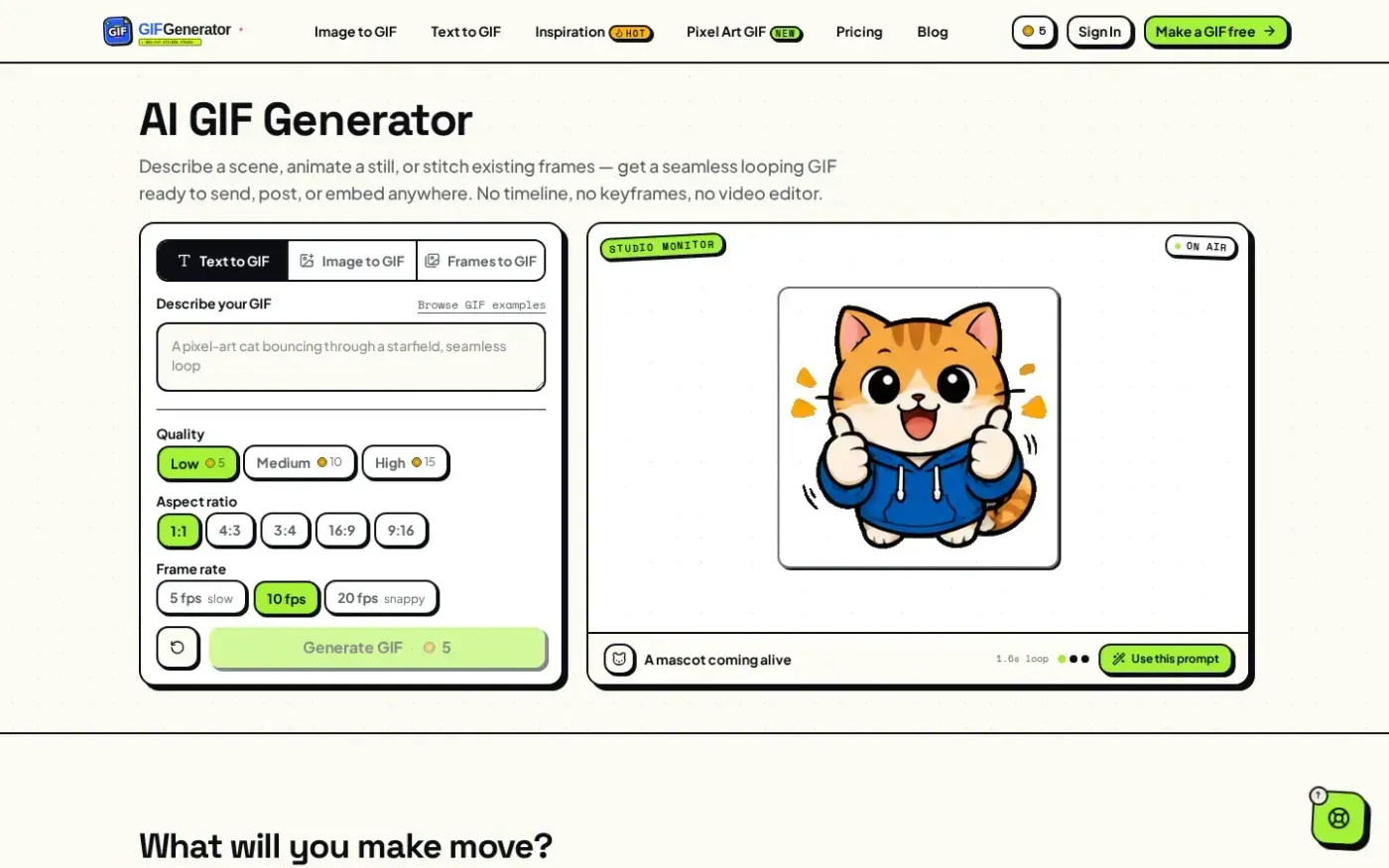
Gifgenerator screenshot 1 of 3: Home
gifgenerator.app
Gifgenerator turns a sentence or photo into a seamless looping GIF and lets you stitch existing frames into a GIF in a browser.
Home
Musicvisualizer screenshot 1 of 4: Home
musicvisualizer.net
Music Visualizer is a browser-based editor for creating audio-reactive videos from music, artwork, text, colors, and presets, with local preview and cloud export.