SiteList review score
A clear multi-model workspace makes it easy to start and compare options. Self-serve help is scattered and performance needs focused fixes.
Reviewed on Oct 27, 2026
chinavideoai.com
Unclaimed listingWhat it does
Use China Video AI to create text-to-video and image-to-video with Seedance 2.5, Kling 3, and Wan 3.0—all in one account with visible credit costs.
SiteList review score
A clear multi-model workspace makes it easy to start and compare options. Self-serve help is scattered and performance needs focused fixes.
Reviewed on Oct 27, 2026
Verified user rating
—
No verified reviews yet — the evidence locker is empty.
Captured during our latest review on Oct 27, 2026
China Video AI is a unified browser workspace for AI video and image creation. It brings supported video and image models, generation settings, assets, and finished tasks into one workflow so you do not need a separate tool for every model.
The current catalog includes supported models from Seedance, Seedream, Veo, Wan, Kling, Grok, Nano Banana, Flux, and other families shown in the model selector. Available versions and controls can change with provider support, so the generator is the current source of truth.
China Video AI combines video and image models in one workspace, with consistent generation controls, one account, centralized task history, and plan-based access. You can switch models without rebuilding the rest of your workflow.
Supported Veo modes can generate video together with synchronized dialogue, sound effects, or ambience. Audio availability depends on the selected Veo version and settings displayed in the generator.
Yes, when the selected model supports multi-reference input. Reference limits and accepted media vary by model, so the upload controls shown after you select a model define what that workflow accepts.
Yes. Run the same creative brief with different supported models and review the completed results in your creation history. Model controls and credit estimates remain visible before each run so you can compare quality, speed, and cost.
China Video AI supports professional workflows for marketing, social content, product visuals, client drafts, and production tests. Paid plans add private generation, watermark-free supported outputs, higher concurrency, and commercial-use workflows as listed on the pricing page.
China Video AI includes API-key management for supported integrations, but model endpoints and public Seedance API availability can vary by plan and provider. Confirm the current API options in your workspace or with support before building an integration.
Product FAQ information · View source
Chinavideoai scores 68/100, with a clear multi-model workspace and a strong path from offer to pricing. Its main weakness is uneven operational support: lab performance is weak, while conventional self-serve help was not found in the crawl.
68/100: capable product, uneven foundations
No reviews yet. The evidence locker is empty.
Reviews from verified users appear here once approved.
Reviews are from the SiteList community. Some reviewers received incentives — disclosed in the review, always. The verdict is never for sale.
Home
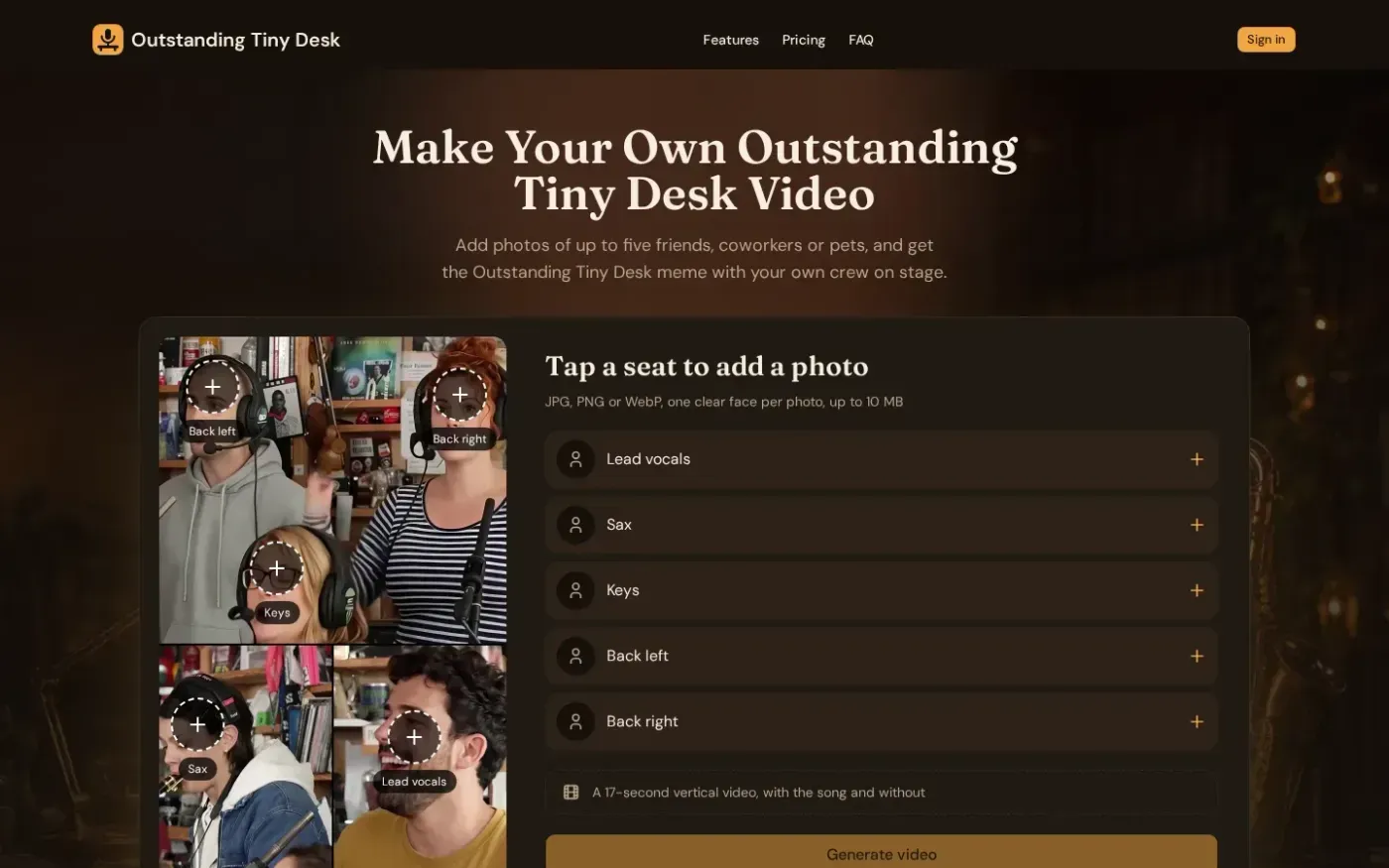
Outstanding Tiny Desk screenshot 1 of 3: Home
outstanding-tiny-desk.app
Outstanding Tiny Desk lets users add photos of up to five friends, coworkers or pets and get a 9:16 clip with the song and a silent copy.
Home
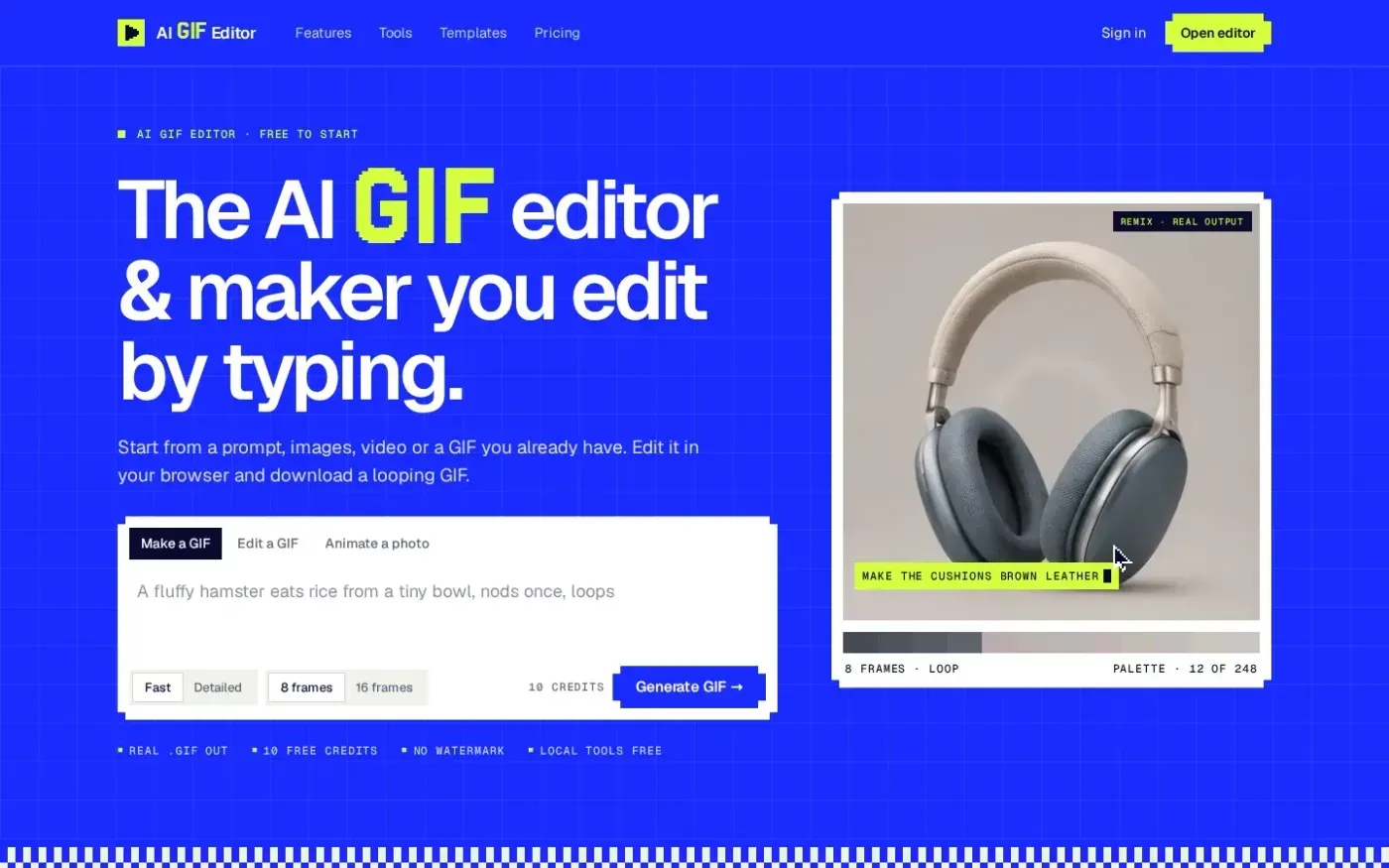
Aigifeditor screenshot 1 of 3: Home
aigifeditor.com
AI GIF Editor is an online tool for converting text prompts, photo sequences, or short videos into animated GIFs, alongside browser-based local tools for editing, cropping, resizing, and compressing GIF files.
Home
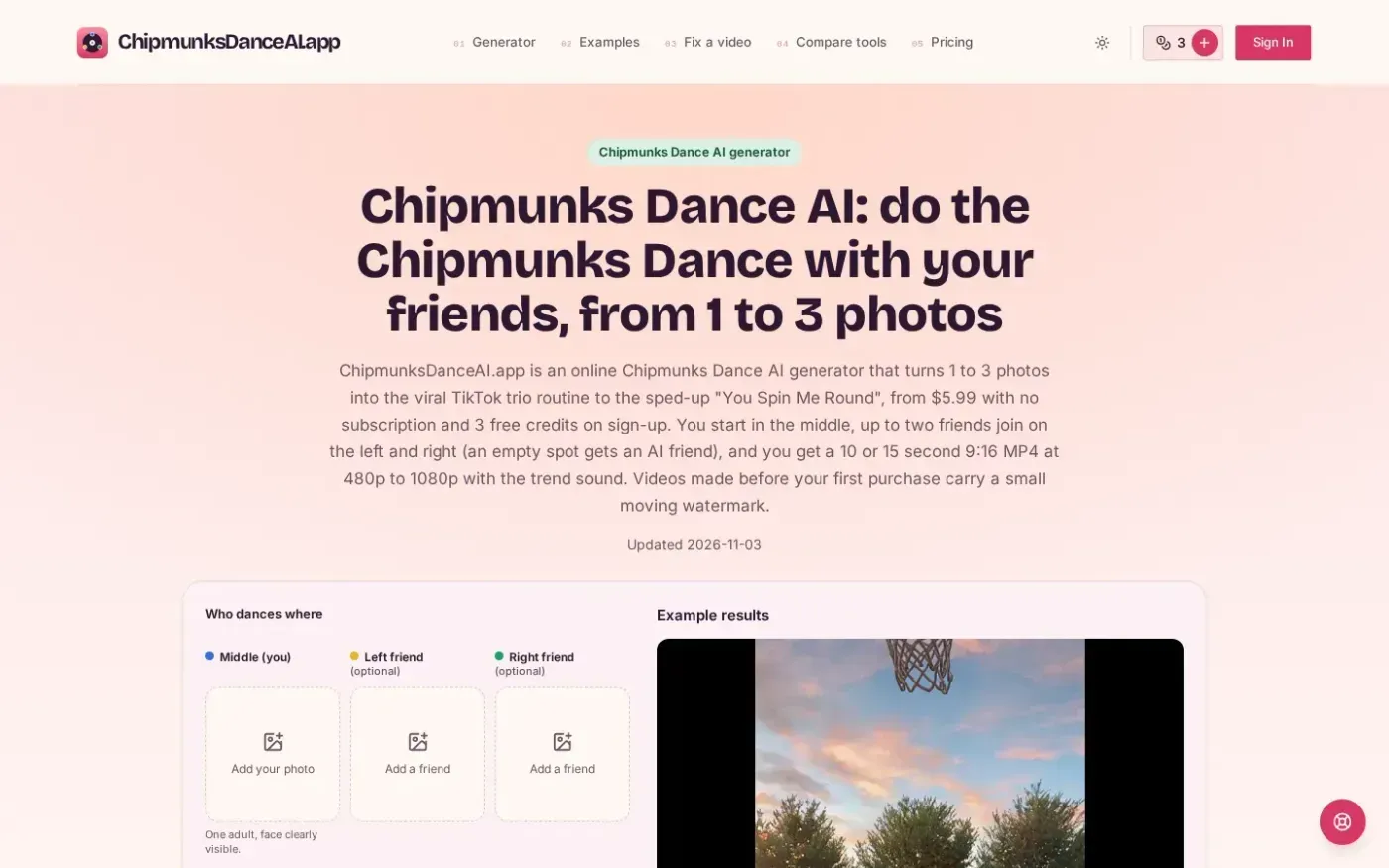
Chipmunksdanceai screenshot 1 of 3: Home
chipmunksdanceai.app
Home
Gardenly screenshot 1 of 4: Home
gardenly.app
Gardenly is an AI-powered garden design tool that generates photorealistic garden redesigns from a single photo, featuring climate-adapted plant recommendations, personalized plant care guides, and seasonal maintenance schedules.