SiteList review score
A clear browser tool with a useful video-local workflow. Public help is thin, and the mobile homepage needs performance and visual polish.
Reviewed on Nov 12, 2026
backgroundnoiseremover.net
Unclaimed listingSiteList review score
A clear browser tool with a useful video-local workflow. Public help is thin, and the mobile homepage needs performance and visual polish.
Reviewed on Nov 12, 2026
Verified user rating
—
No verified reviews yet — the evidence locker is empty.
Captured during our latest review on Nov 12, 2026
A background noise remover lowers sounds that are not speech, such as fan noise, electrical hum, hiss, wind and traffic, and keeps the voice. You upload a recording and get the same recording back with the noise reduced.
The preview is free and needs no account: you hear the first 30 seconds of your own file cleaned. Downloading a full file uses credits, and one credit cleans one minute.
Choose the video here and press Preview. The background noise remover takes the audio track out inside your browser and uploads only that, plus a few still frames for a safety check. After cleaning, your browser joins the new sound to your original picture on your device. The video file itself never leaves it.
The background noise remover works best on steady sound behind one clear voice: fans, air conditioning, hum, hiss, wind, traffic and street noise. It reduces echo and room reverb but does not take them away completely.
On a faint or low-quality voice, the Full setting can treat parts of a word as noise. Switch to Gentle and preview again. Gentle lowers the noise less, but it keeps far more of the speech in those recordings.
No. The picture is not re-encoded, so it stays exactly as it was in your file. Only the sound changes. The length stays the same and the sound stays in sync with the picture.
One credit lets the background noise remover clean one minute of audio or video, and a part of a minute counts as a full minute. The tool shows the cost before you start. If a job fails, its credits come back automatically.
When you use the background noise remover, your uploaded audio and the result are deleted automatically after 24 hours, so download your file before then. Your video is not uploaded.
Product FAQ information · View source
Backgroundnoiseremover scores 79/100, with usability, accessibility, and technical SEO as its clearest strengths. Its FAQ covers key workflows, while onboarding and troubleshooting would benefit from more structured guidance.
79/100: strong tool, with help and polish gaps
No reviews yet. The evidence locker is empty.
Reviews from verified users appear here once approved.
Reviews are from the SiteList community. Some reviewers received incentives — disclosed in the review, always. The verdict is never for sale.
Home
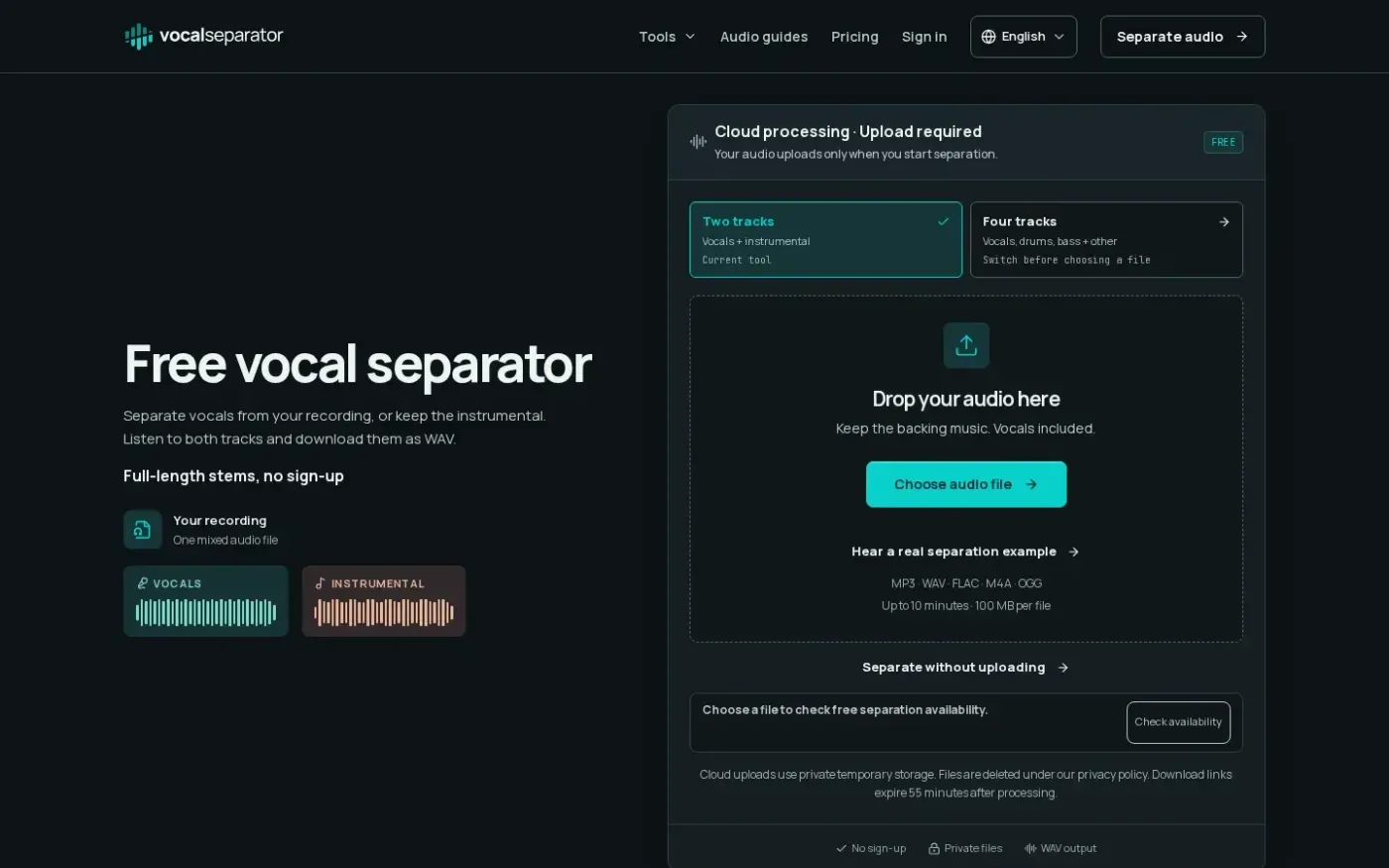
Vocalseparator screenshot 1 of 4: Home
vocalseparator.com
Vocal Separator is an online tool that separates vocals from an audio recording and lets users listen to and download the vocals and instrumental tracks as WAV.
aimusicmastering.app
AI music mastering for recordings and AI-generated songs. Explore eight automated sound profiles, preview free, and download WAV or MP3 with membership.
Home
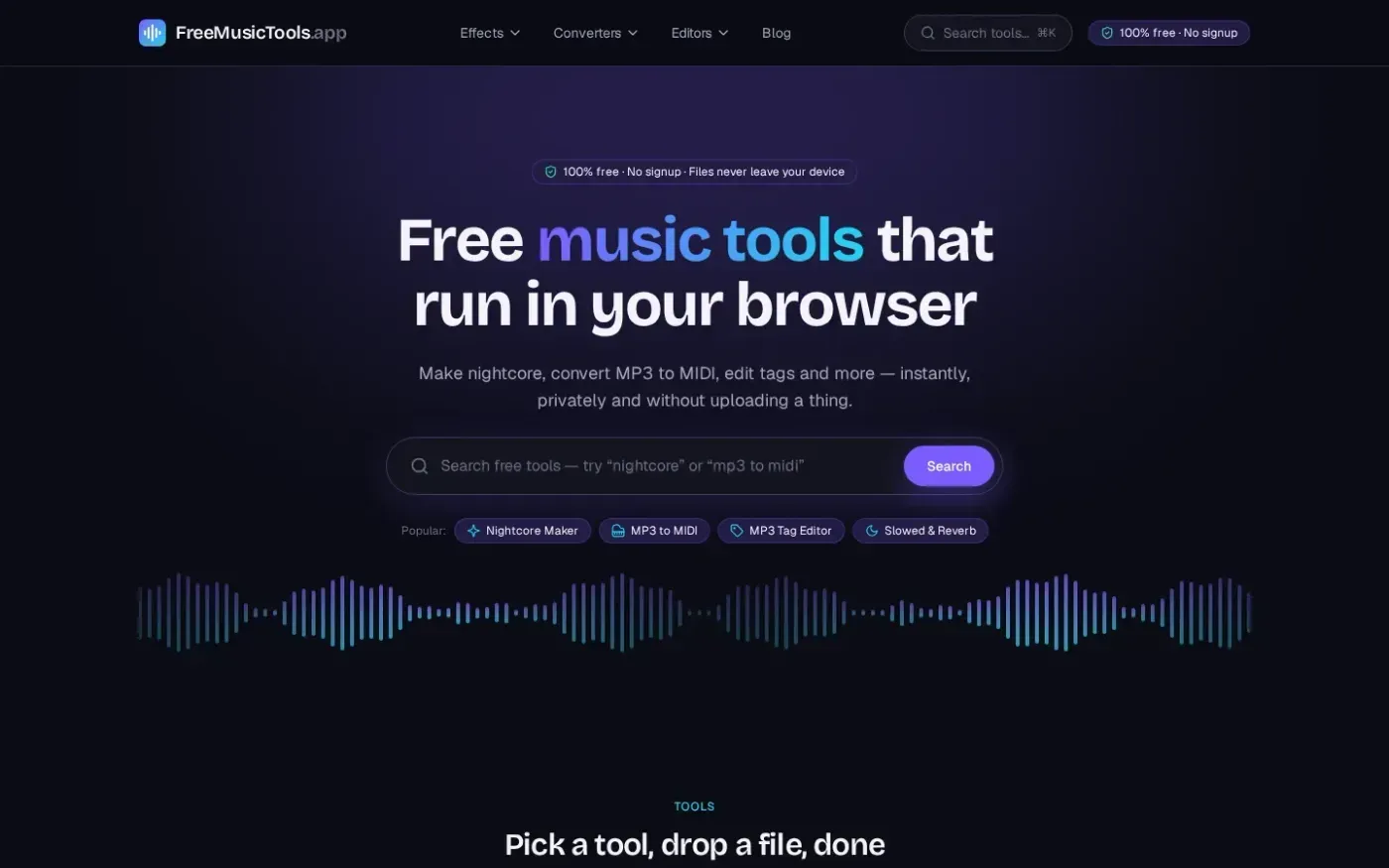
Freemusictools screenshot 1 of 3: Home
freemusictools.app
FreeMusicTools provides free online tools to make nightcore, sped-up, 8D and slowed + reverb songs, convert MP3 to MIDI, and edit MP3 tags, with no signup or uploads.
Home
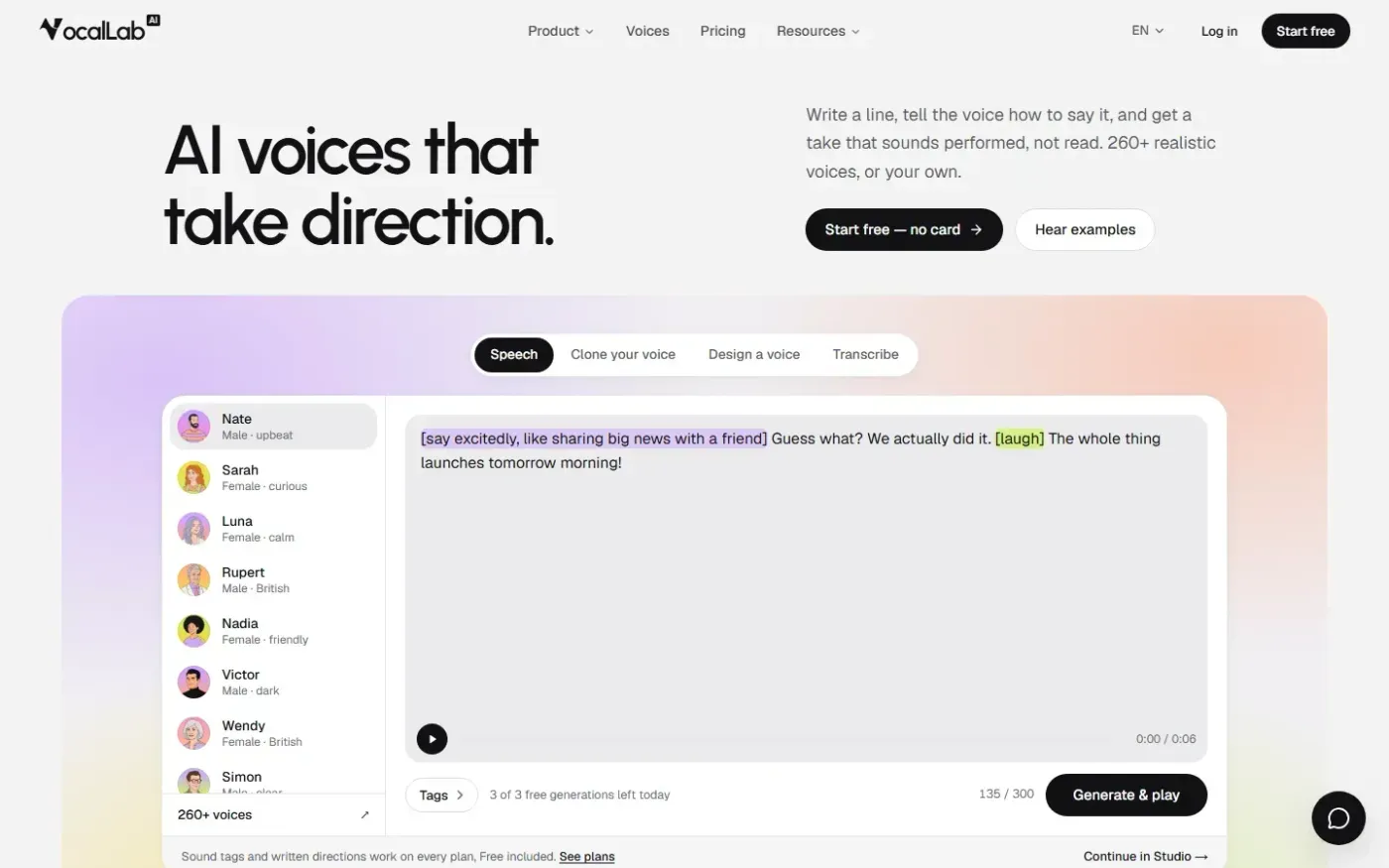
Vocallab screenshot 1 of 4: Home
vocallab.ai
VocalLab is an AI voice platform for text-to-speech, voice cloning, voice design, ebook-to-audiobook conversion, video dubbing, podcast creation, and developer access through an API and MCP server.