SiteList review score
A clear browser-based studio for making video and images in one workspace. Sharpen the audience story and bring scattered self-serve help into one path.
Reviewed on Nov 27, 2026
aimakevideo.com
Unclaimed listingWhat it does
aiMakeVideo is a unified AI Video + Image studio. One workspace covers video tools (Text to Video / Image to Video) and image tools (Text to Image / Image to Image), letting users draft prompts, pick models, and generate clips or stills.
SiteList review score
A clear browser-based studio for making video and images in one workspace. Sharpen the audience story and bring scattered self-serve help into one path.
Reviewed on Nov 27, 2026
Verified user rating
—
No verified reviews yet — the evidence locker is empty.
Captured during our latest review on Nov 27, 2026
aiMakeVideo is a unified AI Video + Image studio. One workspace covers video tools (Text to Video / Image to Video) and image tools (Text to Image / Image to Image)—so you can draft prompts, pick models, and generate clips or stills without hopping between disconnected tools.
Yes. Switch between video and image modes in Create, or open dedicated tool pages for Text to Video, Image to Video, Text to Image, and Image to Image. Your brief stays in the same Create workspace as you move between ideas.
The studio is multi-model. Video work can use Kling, Seedance, Veo, and related options; image work includes Nano Banana, GPT Image, and other image models in the catalogue. Pick the model that fits speed, quality, or style for each job.
Text to Video starts from a written brief—subject, motion, lighting, and mood. Image to Video starts from a still you upload or generate, then animates camera move and motion while keeping the look of that frame. Both are video tools in the same studio.
Your first run is free and needs no account; after that, plans and credit packs fund generation. Each video or image job estimates credits before you run it; higher resolution, longer duration, or premium models cost more. Standard, Pro, and Max tiers include commercial-use rights for your outputs; Basic is for personal, non-commercial use. Check Pricing before publishing client work.
Open Create, or go to Text to Video / Image to Video (or Text to Image / Image to Image). Write a clear prompt (or reuse a showcase prompt), pick a model and aspect ratio, then hit Generate — your first video is free and needs no account. Sign in when you want the signup credits, saved history, and the full model list.
Yes. aiMakeVideo runs in your web browser, so there is nothing to download or install. Open Create, type a prompt (or upload an image once signed in), pick a model and aspect ratio, and generate. Finished videos can be downloaded, and signed-in accounts keep a history of completed generations.
Yes. Image to Video uses your photo as the first frame: upload it, describe the action and camera move, and the model animates it while keeping the look of the original. Some models also take a start and an end frame. Uploading a photo needs a free account; the no-sign-up trial is text-to-video only.
Product FAQ information · View source
Aimakevideo scores 73/100 as a browser-based AI video and image studio with especially strong usability and technical indexability. Its most material weaknesses are a broad audience story and self-serve help that remains scattered across the homepage, guides, and an llms.txt index.
73/100: capable studio, uneven product story
No reviews yet. The evidence locker is empty.
Reviews from verified users appear here once approved.
Reviews are from the SiteList community. Some reviewers received incentives — disclosed in the review, always. The verdict is never for sale.
Home
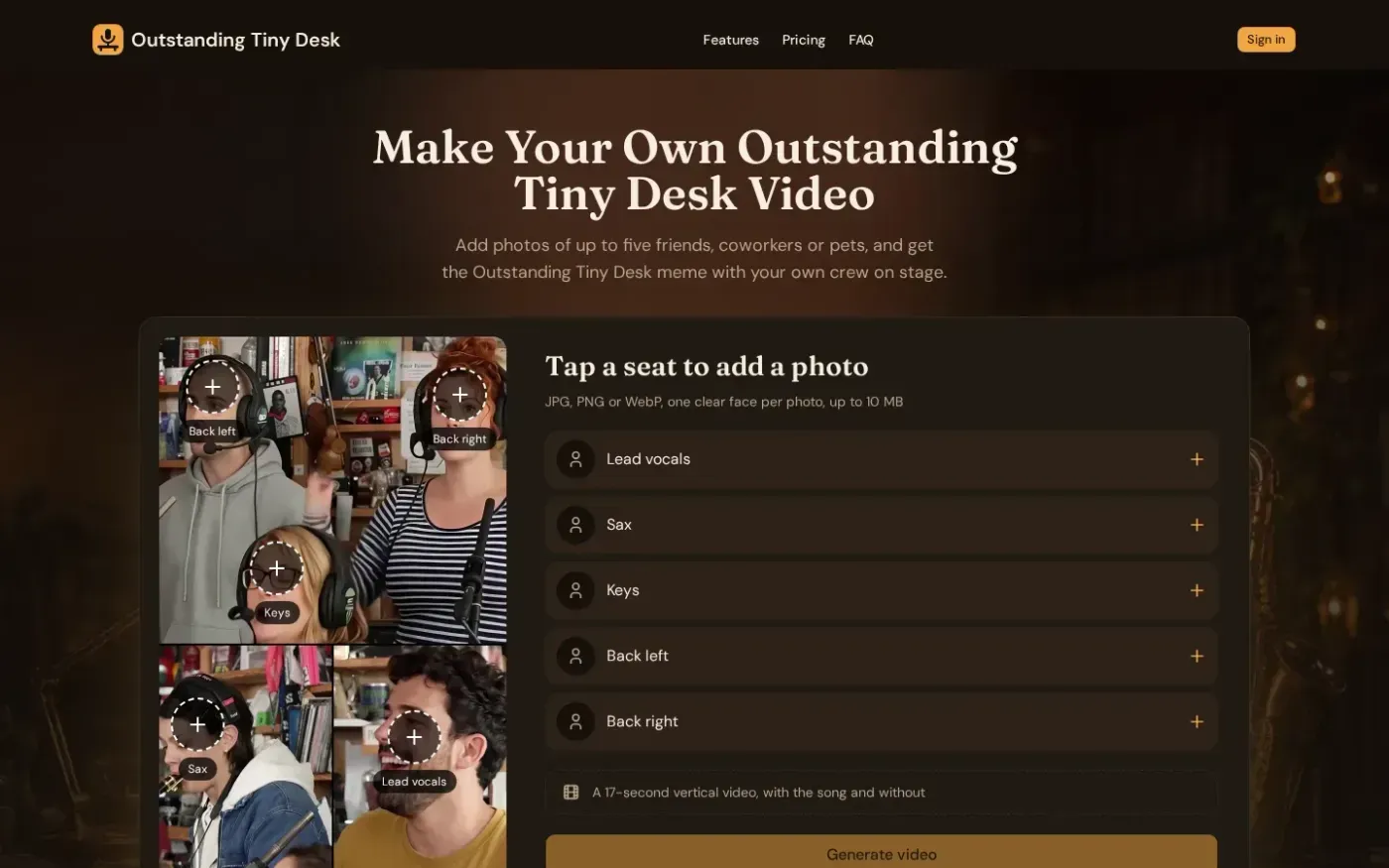
Outstanding Tiny Desk screenshot 1 of 3: Home
outstanding-tiny-desk.app
Outstanding Tiny Desk lets users add photos of up to five friends, coworkers or pets and get a 9:16 clip with the song and a silent copy.
Home
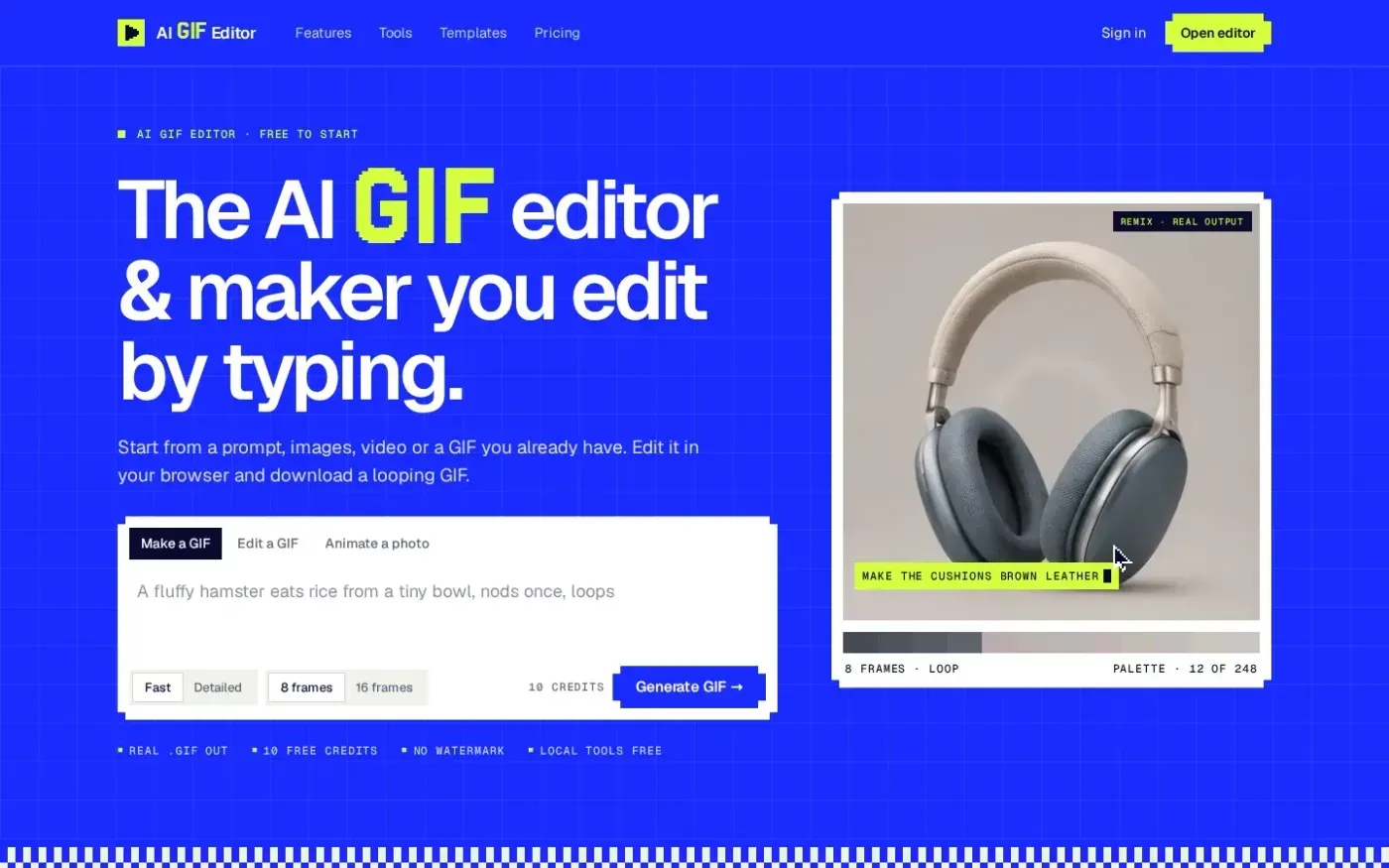
Aigifeditor screenshot 1 of 3: Home
aigifeditor.com
AI GIF Editor is an online tool for converting text prompts, photo sequences, or short videos into animated GIFs, alongside browser-based local tools for editing, cropping, resizing, and compressing GIF files.
Home
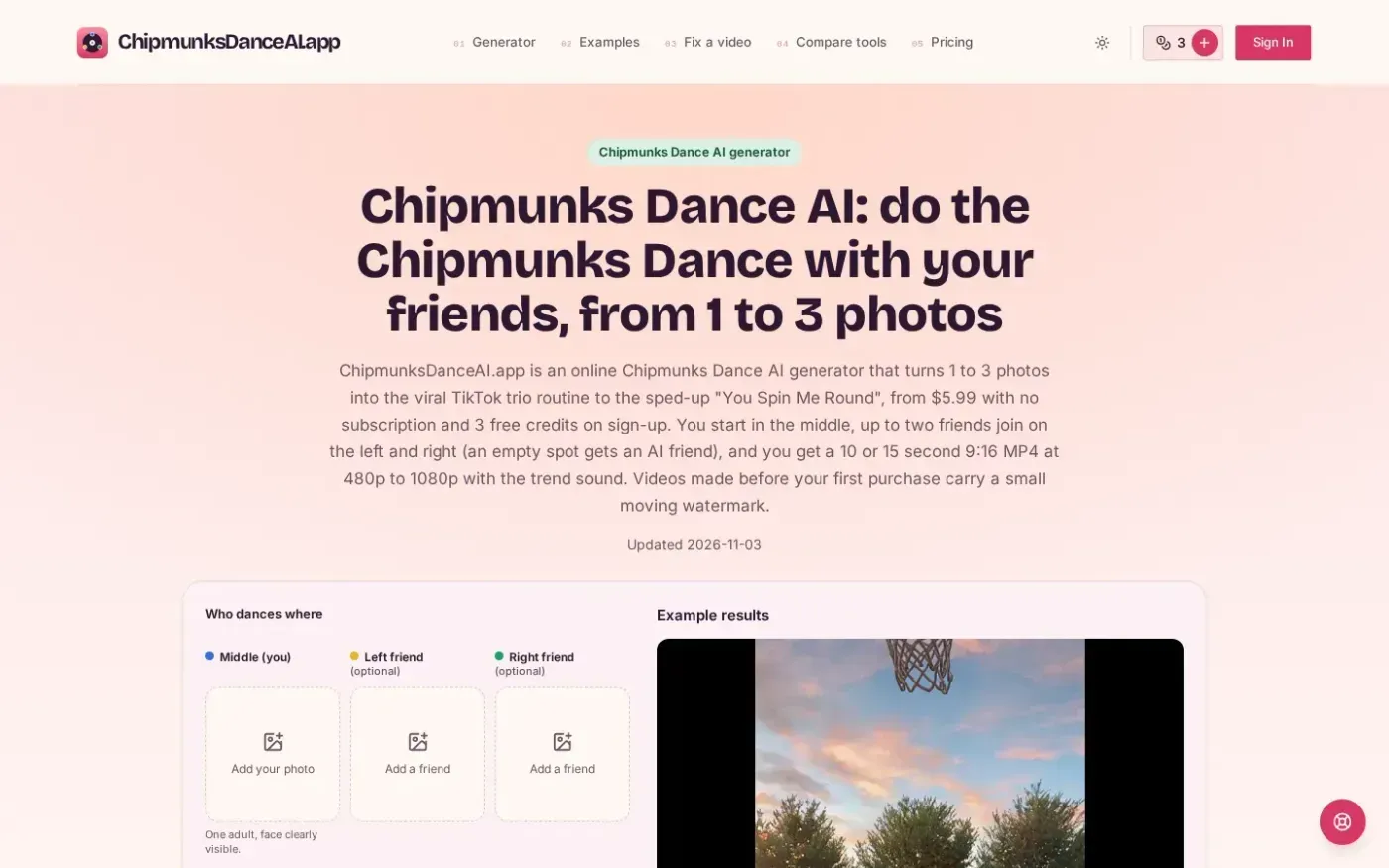
Chipmunksdanceai screenshot 1 of 3: Home
chipmunksdanceai.app
Home
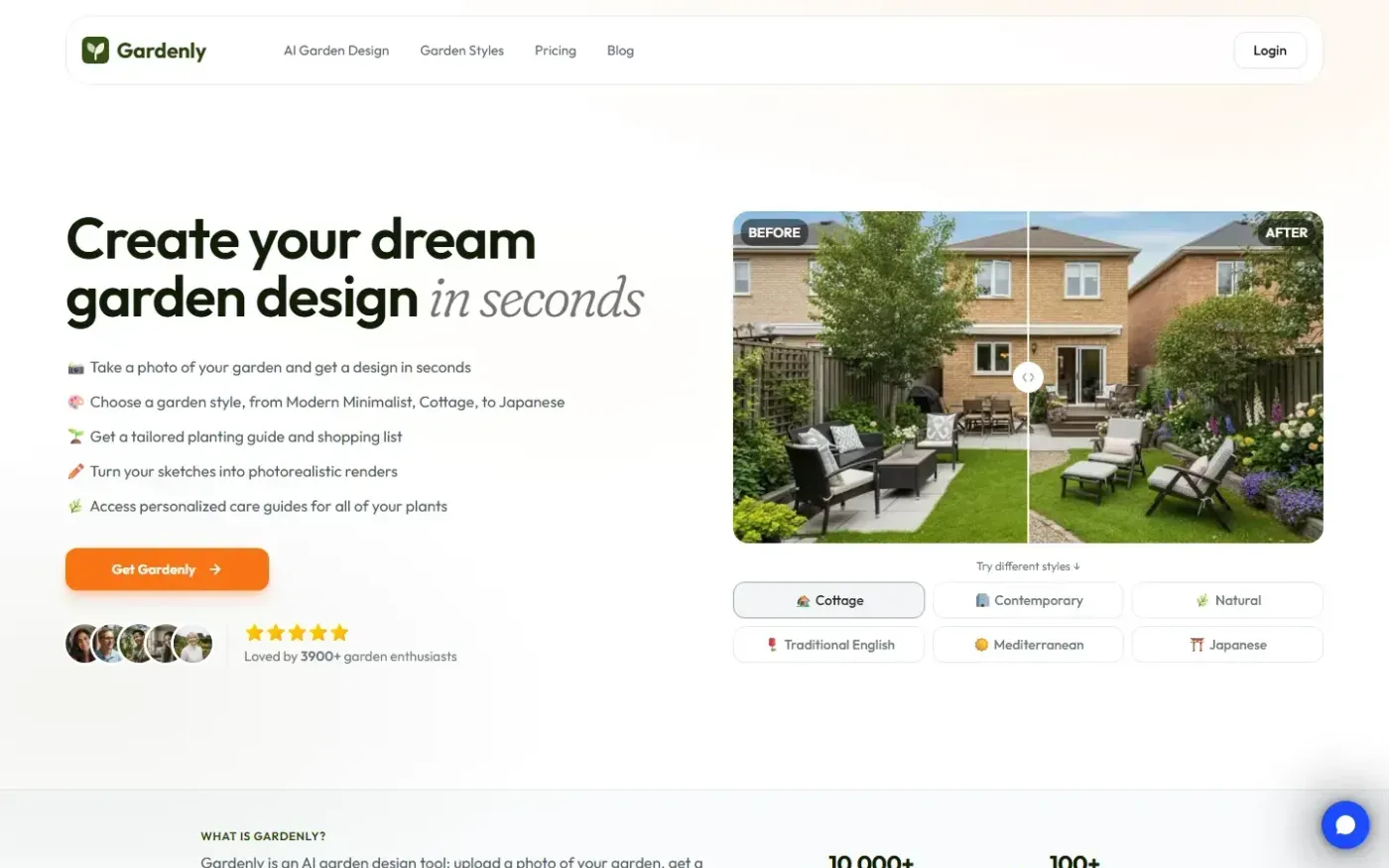
Gardenly screenshot 1 of 4: Home
gardenly.app
Gardenly is an AI-powered garden design tool that generates photorealistic garden redesigns from a single photo, featuring climate-adapted plant recommendations, personalized plant care guides, and seasonal maintenance schedules.