SiteList review score
Clear image-editing workflows and strong technical foundations. A 17-second mobile load and thin self-serve documentation make the experience harder to adopt.
Reviewed on Aug 30, 2026
aiimagetoimage.io
Unclaimed listingWhat it does
AiImagetoImage.io is a web-based AI image editing and image-to-image generation tool that applies text-guided changes to uploaded images, including object and background changes, restyling, upscaling, and photo restoration.
SiteList review score
Clear image-editing workflows and strong technical foundations. A 17-second mobile load and thin self-serve documentation make the experience harder to adopt.
Reviewed on Aug 30, 2026
Verified user rating
—
No verified reviews yet — the evidence locker is empty.
Captured during our latest review on Aug 30, 2026
free trial · The homepage states that a free trial is available.
View sourceText-guided image transformation
Image editing
Apply changes to an uploaded image using a plain-language text prompt.
Object and scene changes
Image editing
Swap objects or change entire scenes while using the original image as a reference.
Headshot generation
Image generation
Generate headshots from source images.
Image upscaling
Image enhancement
Upscale images.
Old photo restoration
Image enhancement
Restore old photos.
Image-to-video generation
Video generation
Create videos from still images with a text prompt guiding motion and scene behavior.
Image history
Workflow
Generated images are saved in history for one day.
Photo editing
Edit photos with text instructions instead of manual editing software.
Product imagery
Explore new environments or advertising concepts from a source product photo.
Portrait editing
Test lighting, backgrounds, and visual styles on portraits.
Image animation
Animate portraits, products, landscapes, illustrations, and character art into videos.
An AI photo editor uses your uploaded image as a visual reference and applies changes based on a written instruction. It can help with object removal, background changes, restyling, portrait refinements, and other image variations.
After generation completes, you can review the result in the editor and download the image you want to use.
You can generate at 480p or 720p. The 720p option produces a sharper result and uses more credits.
Yes. When generation finishes, you can preview and download the generated MP4 video.
Product FAQ information · View source
Aiimagetoimage scores 70/100, with clear image-editing workflows and strong technical SEO. Its most material weakness is a 17-second mobile LCP driven by an oversized PNG, while documentation and content presentation need more structure.
70/100: fair product with a strong foundation and costly performance gaps
No reviews yet. The evidence locker is empty.
Reviews from verified users appear here once approved.
Reviews are from the SiteList community. Some reviewers received incentives — disclosed in the review, always. The verdict is never for sale.
Home
Gardenly screenshot 1 of 4: Home
gardenly.app
Gardenly is an AI-powered garden design tool that generates photorealistic garden redesigns from a single photo, featuring climate-adapted plant recommendations, personalized plant care guides, and seasonal maintenance schedules.
Home
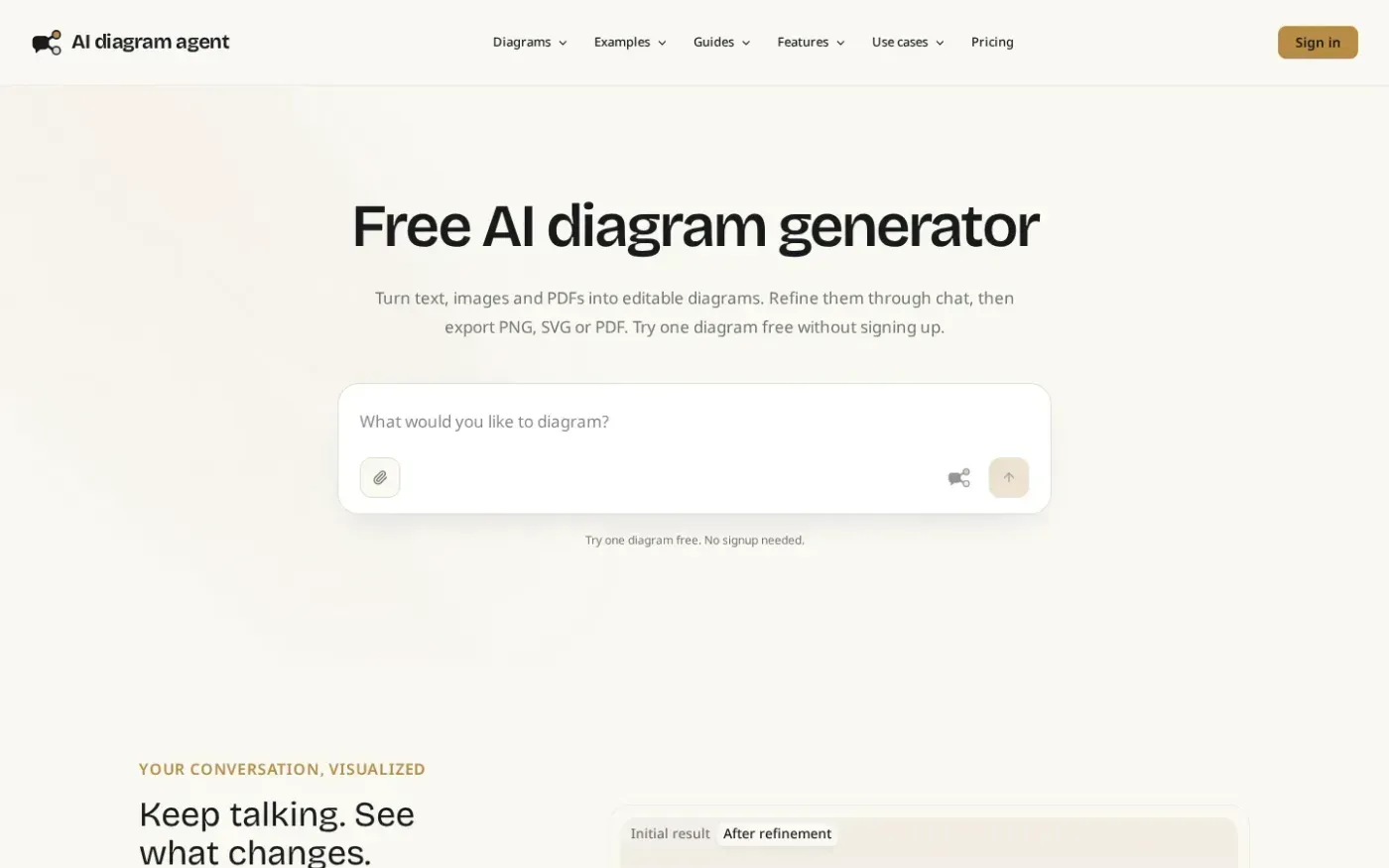
Aidiagramagent screenshot 1 of 4: Home
aidiagramagent.com
AI diagram agent turns text, images and PDFs into editable diagrams that users can refine through conversation, save as versions, export, and share.
Home
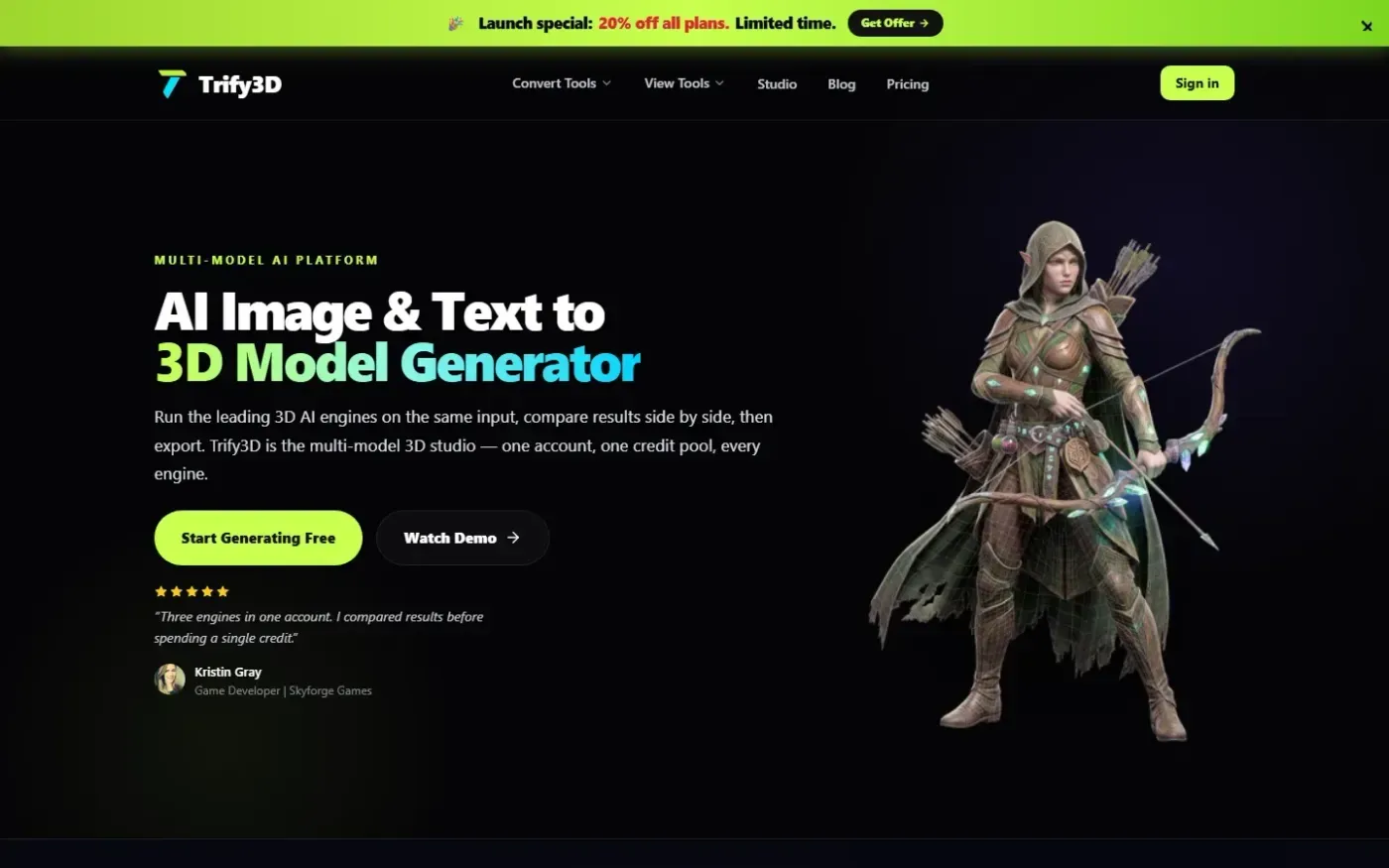
Trify3d screenshot 1 of 4: Home
trify3d.com
Trify3D is an AI-powered platform that generates production-ready 3D models from images and text prompts. It functions as a multi-model studio, allowing users to run leading engines like Tripo3D, Meshy, and Rodin side by side to compare results. The platform supports exports in GLB, glTF, OBJ, and STL formats and includes a suite of 48+ 3D file conversion and viewing tools.
Home
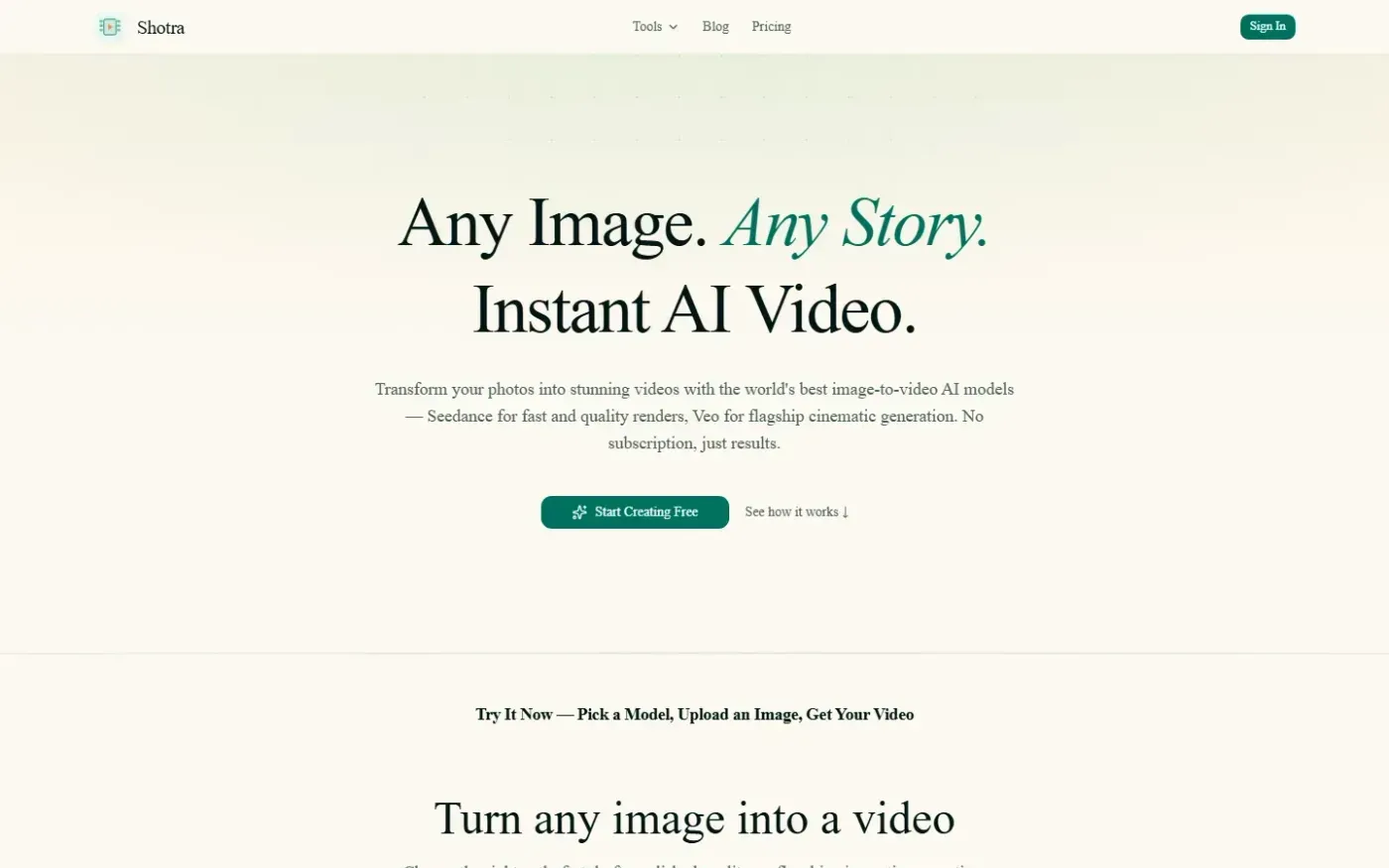
Shotra screenshot 1 of 4: Home
shotra.app
Shotra is an AI video generator for image to video and text to video creation with Seedance 2, Veo 3.1, and AI Avatar workflows. Pay only for what you use.