Choose LumaResume for job-specific tailoring with an explicit promise against invented experience and clearly listed usage limits. Choose Screen My Resume for a no-account resume comparison flow. Its core upload controls have accessibility barriers, and its pricing page does not establish current costs.
LumaResume is the stronger fit when you want repeated, job-specific tailoring with a clear purchasing decision. Screen My Resume suits a quick resume-to-job-description comparison without creating an account. Neither review establishes that either product improves interview outcomes or reliably passes an employer’s ATS.
LumaResume makes truthful tailoring explicit, but mobile entry is slower
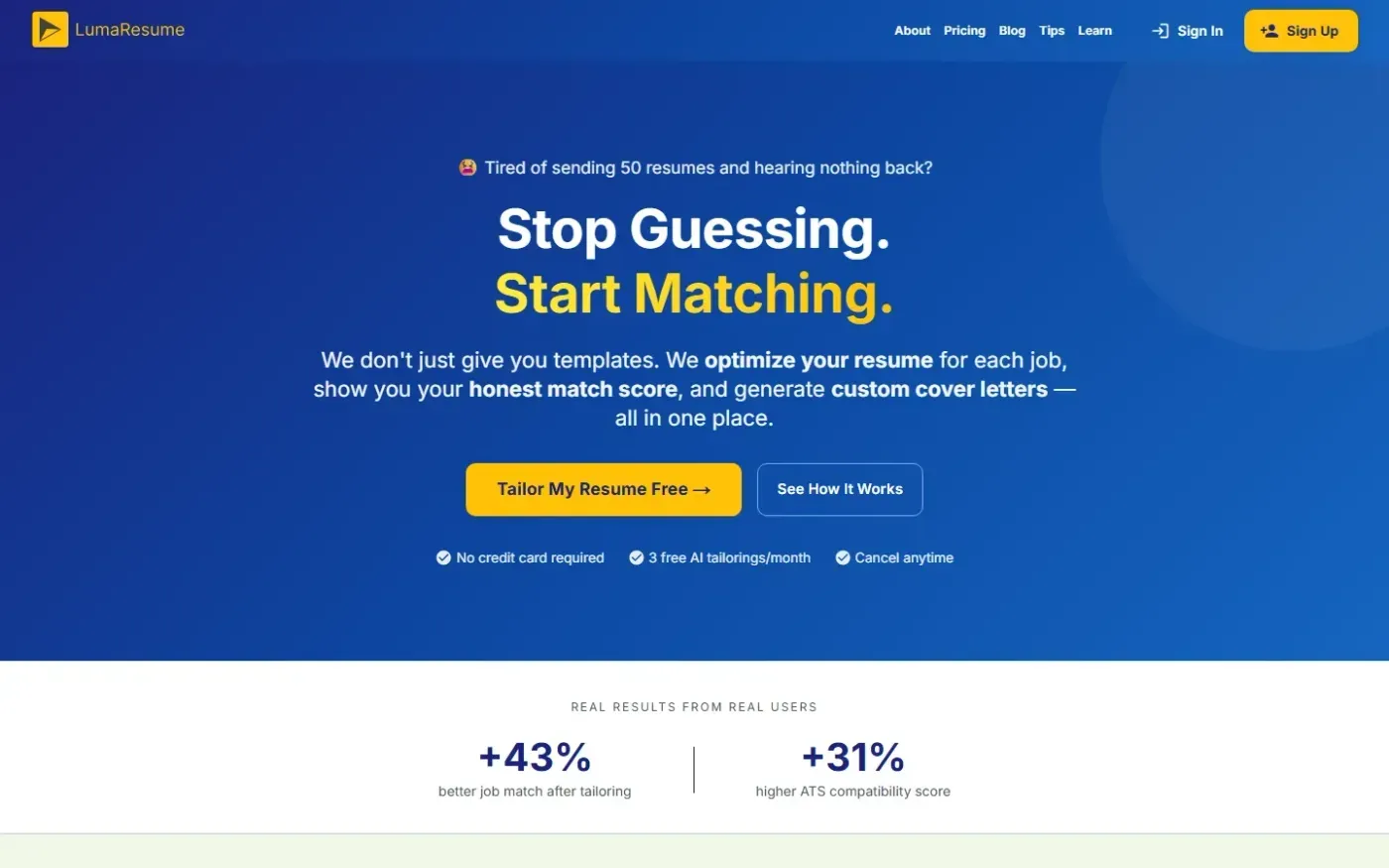
Our review found a concrete promise on LumaResume’s homepage: it says it never adds skills, invents job titles, or exaggerates experience. The site also describes job-specific optimization, match scores, and custom cover letters. That makes its intended workflow clearer for applicants who want help adapting an existing career history. This is a vendor commitment, not an independently verified check of generated resumes. LumaResume homepage
The practical drawback appears before that workflow begins. Our review recorded mobile Largest Contentful Paint of 6.83 seconds and roughly 2.7 MiB of transferred content. Screen My Resume’s review recorded mobile LCP of 2.1 seconds. These homepage lab measurements favor Screen My Resume for getting started on mobile; they do not measure analysis speed or output quality. LumaResume homepage, Screen My Resume homepage
LumaResume also had 20 small mobile tap targets on its homepage and 18 on its pricing page. Its clear offer therefore comes with navigation friction for people using smaller screens or needing larger controls. LumaResume homepage, LumaResume pricing
Screen My Resume removes account setup, but its upload flow has barriers
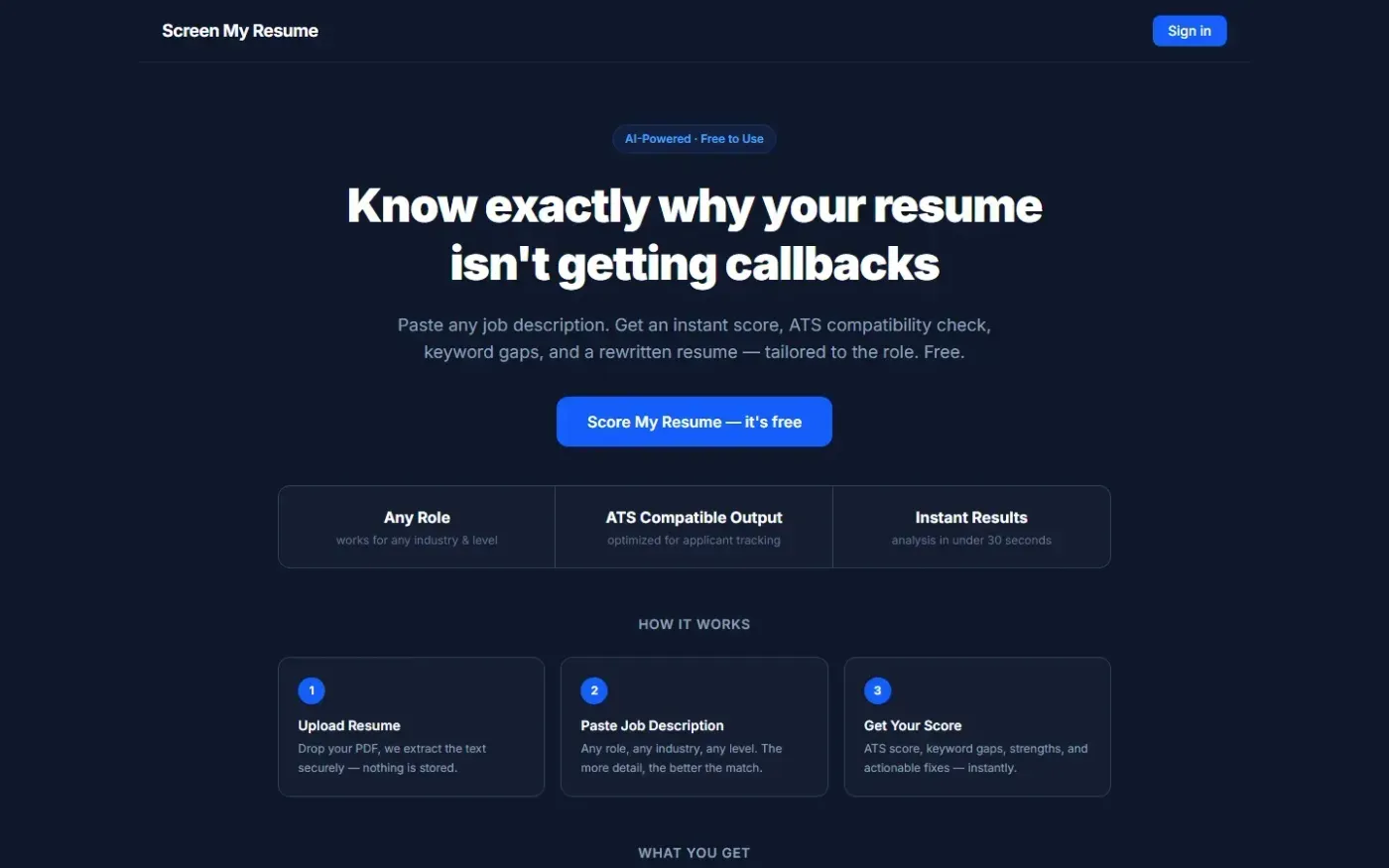
Our review found a direct, single-page flow for comparing a resume with a job description without an account. Its documented capabilities include ATS compatibility checking, keyword gaps, a match score, resume rewriting, and PDF report downloads. This favors applicants who want focused feedback before committing to a broader tailoring workflow. Screen My Resume homepage
However, our review found that the resume upload zone could not be reached or activated by keyboard, and the job-description textarea lacked a programmatically associated label. Those defects affect the central task. For keyboard and screen-reader users, the short entry flow may still be difficult to complete. The review also found no discoverable self-serve documentation, leaving less help when the process is unclear. Screen My Resume homepage