Skip to content
SiteList

Latenode vs n8n: broad automation access or explicit technical control

Last updated (19d ago)

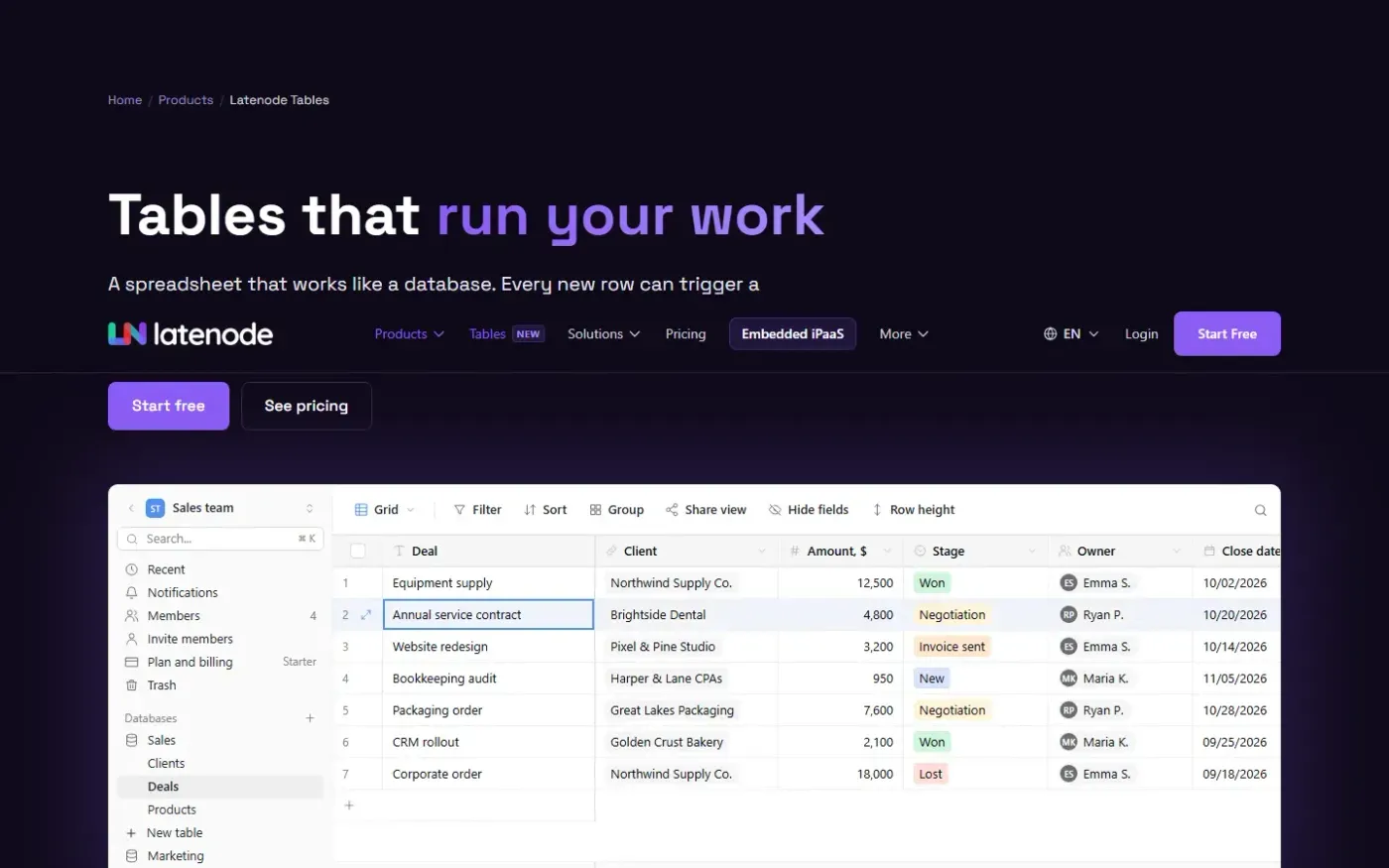
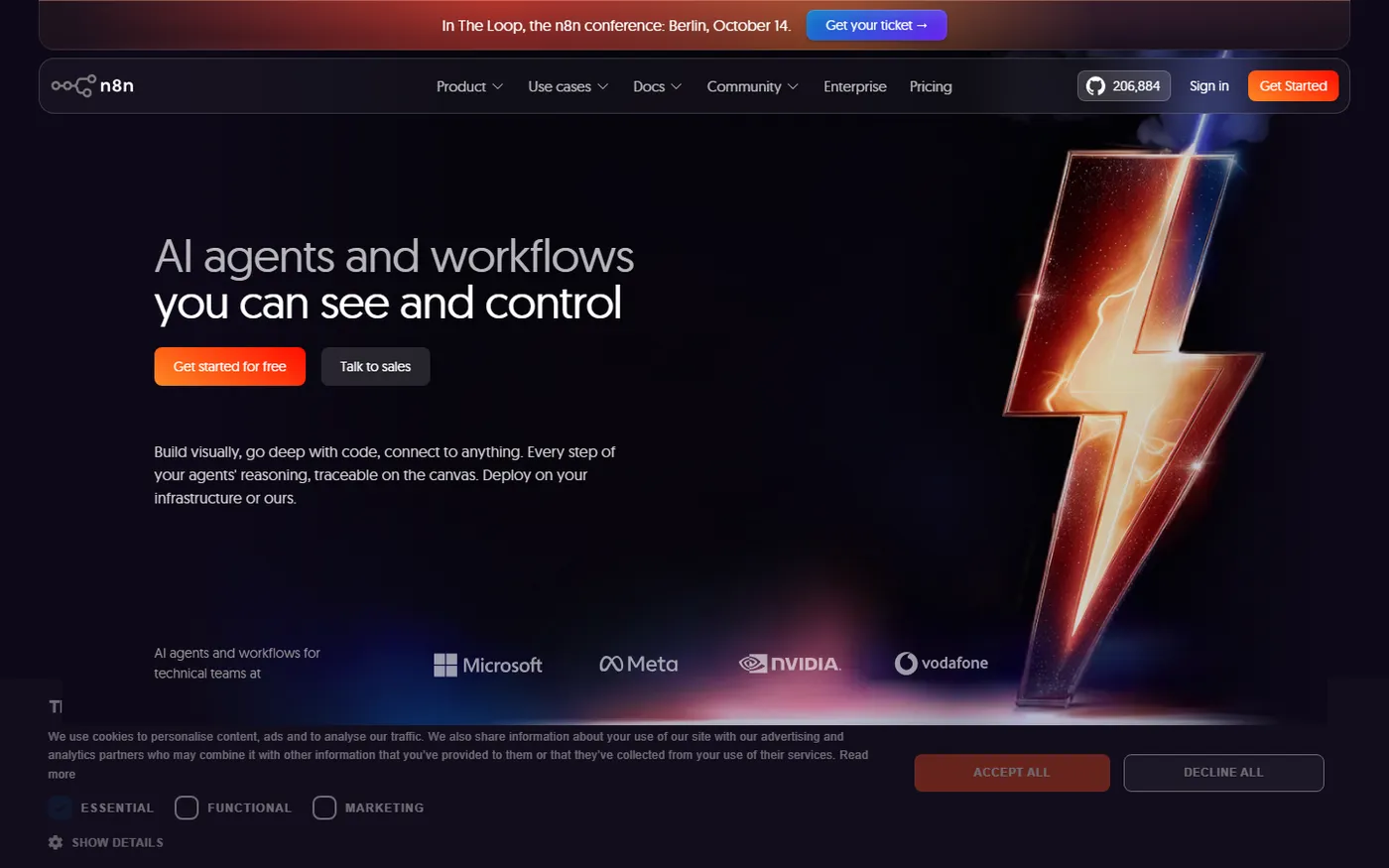
Latenode and N8n are compared using their captured homepages.

Feature comparison

FeatureLatenodeN8n
Visual workflow buildingFoundFound
AI agent buildingFoundFound
Custom codeFoundFound
Workflow debuggingNot foundFound
Self-hostingNot foundFound
MCP workflow managementNot foundFound
Workflow templatesNot foundFound

✓ found in our review of the product’s site. — not found there, which doesn’t mean it’s missing.

Pricing, sourced

Latenode

Free
Free10,000 CPU seconds per month included
Pay as you go
No base platform fee10,000 CPU seconds per month included, then $0.00012 per extra CPU second through 100,000 total per month (currency not labeled)

Checked Pricing page

N8n

Cloud Starter
€24/monthor €240 billed yearly (€20/month equivalent); 2,500 executions/month
Cloud Pro 10K
€60/monthor €600 billed yearly (€50/month equivalent); 10,000 executions/month

Checked Pricing page

Choose n8n when debugging, code extensibility and self-hosting are central to your evaluation. Choose Latenode when visual building, optional JavaScript and broad app connectivity match your workflow. Our reviews give n8n clearer technical positioning, but identify substantial mobile website friction for both. Pricing differs by what is metered: CPU time on Latenode versus workflow executions on n8n Cloud.

n8n is the stronger starting point for technical teams that need explicit debugging and deployment options. Latenode is a reasonable starting point for business teams evaluating visual automation with optional JavaScript and broad app connectivity. Neither earns an unconditional recommendation: Latenode leaves more self-serve evaluation questions unresolved, while n8n's public mobile experience is particularly heavy. These findings concern the public websites; they do not establish workflow execution speed or editor usability.

n8n makes technical ownership easier to assess

Our review found concrete technical vocabulary on n8n's site: debugging, secure deployments, self-hosting and workflow management through an AI app. Its homepage also gives direct paths to documentation, case studies, pricing and registration. For developers and operators, this makes it easier to identify the capabilities and evaluation routes relevant to owning an automation after launch. The remaining constraint is that our review did not establish a complete answer to migration effort or support risk. Technical positioning helps build a shortlist; it does not settle operating responsibility. n8n features, n8n homepage

Latenode's site describes visual construction, optional JavaScript, connected data sources and several ways to launch agents. It also advertises 335+ language models and 5,500+ integrations. That breadth makes it worth considering for cross-app workflows, but those vendor counts do not establish the depth of a particular connector. Our review found that sampled integration pages repeated the same heading structure across Slack, Notion, Shopify and Jira without enough app-specific explanation. A buyer with a critical integration should establish the exact trigger and action coverage before choosing on catalogue breadth. Latenode Agent Builder, Slack integration, Shopify integration

Latenode explains the mechanics better than the selection decision

Our review found that Latenode's FAQ explains visual building, code requirements, data connections and launch methods. Latenode’s navigation spans many departments and business types, leaving the buyer to connect that breadth to a specific workflow. This favors buyers who already know their intended workflow and can assess fit directly. Buyers seeking a guided recommendation or substantial self-serve documentation have more unresolved work. Latenode Agent Builder, Latenode plan page

n8n’s developer and operator vocabulary gave the review a clearer audience signal. This supports choosing n8n for a technical evaluation; it does not prove that every business user will find its builder harder or that Latenode requires less training. n8n homepage

Both mobile websites create friction before signup

Painterly homepage-style scene representing the shared function of N8n and Latenode.

Our review recorded mobile lab LCP of about 12.4 seconds on Latenode's Agent Builder page and 12.8 seconds on n8n's homepage. n8n's tested page transferred 10,169 KiB. Latenode's tested page showed severe layout movement, with lab CLS of 0.848, alongside numerous small interaction targets in the mobile layout. These are different pages, so the small LCP gap is not a meaningful product-speed comparison. The practical finding is that neither public mobile journey offers a strong basis for choosing the faster automation platform. Latenode Agent Builder, n8n homepage

Accessibility introduces another evaluation constraint. Our review found an unnamed textarea in Latenode's public Slack workflow composer, which can obstruct screen-reader interaction. The supplied n8n DOM samples reported no unlabeled inputs. Its site still showed contrast failures and missing skip-navigation evidence. Teams with accessibility requirements have a specific reason to examine Latenode's composer carefully and to validate both actual editors before adoption. Latenode Slack integration, n8n homepage

Match the choice to the responsibility your team will own

Choose n8n first if your team expects to inspect workflows, debug failures and evaluate self-hosting. Its documented feature vocabulary makes those requirements easier to investigate. Accept that migration, support arrangements and deployment responsibilities still need clarification.

Choose Latenode first if your starting requirement is visual, cross-app automation with optional JavaScript and access to many models. Accept that broad integration claims require connector-specific validation and that our review found weaker documentation and decision guidance. Its business-facing presentation is a fit signal, not proof of an easier editor.

How Latenode and n8n charge

Pricing checked on 22 November 2026 (New Zealand time). Latenode measures CPU time, not elapsed time or the number of actions. Its Free plan includes 10,000 CPU seconds per month. Its pay-as-you-go plan has no base platform fee and also includes the first 10,000 CPU seconds each month. Extra CPU time costs $0.00012 per second through 100,000 total CPU seconds per month; the pricing page does not label the currency, and lists lower rates at higher usage. Optional add-ons and Pay & Play tokens are separate. n8n Cloud counts a full workflow run as one execution. Starter includes 2,500 executions per month; Pro 10K includes 10,000. Those monthly allowances apply whether you pay monthly or annually. These are different billing units, so estimate both on your own workflow and confirm billing and currency before choosing. Latenode plans · Latenode billing guide · n8n pricing · n8n execution allowances

SiteList scores favor n8n slightly, with different reasons to investigate further

SiteList's AI review scores are 70.7/100 for Latenode and 73.3/100 for n8n. The useful distinction is the underlying finding: Latenode combines clear automation mechanics with weaker design and self-serve guidance; n8n communicates technical control more clearly but has a heavy mobile website. These scores are not benchmarks of automation reliability. Latenode has no verified user reviews yet. n8n has no verified user reviews yet.

Questions buyers actually ask

Which should a technical team evaluate first?

Start with n8n if debugging, code extensibility and self-hosting are central requirements. Its site explicitly describes these capabilities. Our review still leaves migration effort and support risk unresolved, so confirm those before committing.

When is Latenode the better starting point?

Evaluate Latenode first when visual cross-app automation, optional JavaScript and broad model connectivity match your needs. Its integration breadth is a vendor claim; our review found repeated integration-page structures with limited app-specific explanation. Confirm the exact triggers and actions your workflow requires.

Is either product cheaper?

Neither is universally cheaper. Latenode meters CPU seconds, with an initial monthly allowance, while n8n Cloud charges by plan and counts each full workflow run as one execution. Use a representative workload to compare those different units, and factor in optional extras, exchange rates and any annual billing commitment.

Do the mobile speed findings show which automation engine is faster?

No. The measurements concern Latenode's public Agent Builder page and n8n's public homepage. Both had slow mobile lab loading. They do not measure workflow execution, editor responsiveness or production reliability.

Does Not found mean a product lacks a feature?

No. It means our review did not establish that capability. For example, self-hosting is confirmed for n8n but not established for Latenode. Treat unconfirmed capabilities as questions to resolve before purchase.

Read Latenode reviewRead N8n review

Built from SiteList technical reviews; user reviews count once a product has 3 approved. Pricing facts carry their source and date; if something has drifted, use “Report outdated” above to schedule a re-check.