Skip to content
SiteList

Bolt vs Onspace: Which AI No-Code Builder Fits?

Last updated (7d ago)

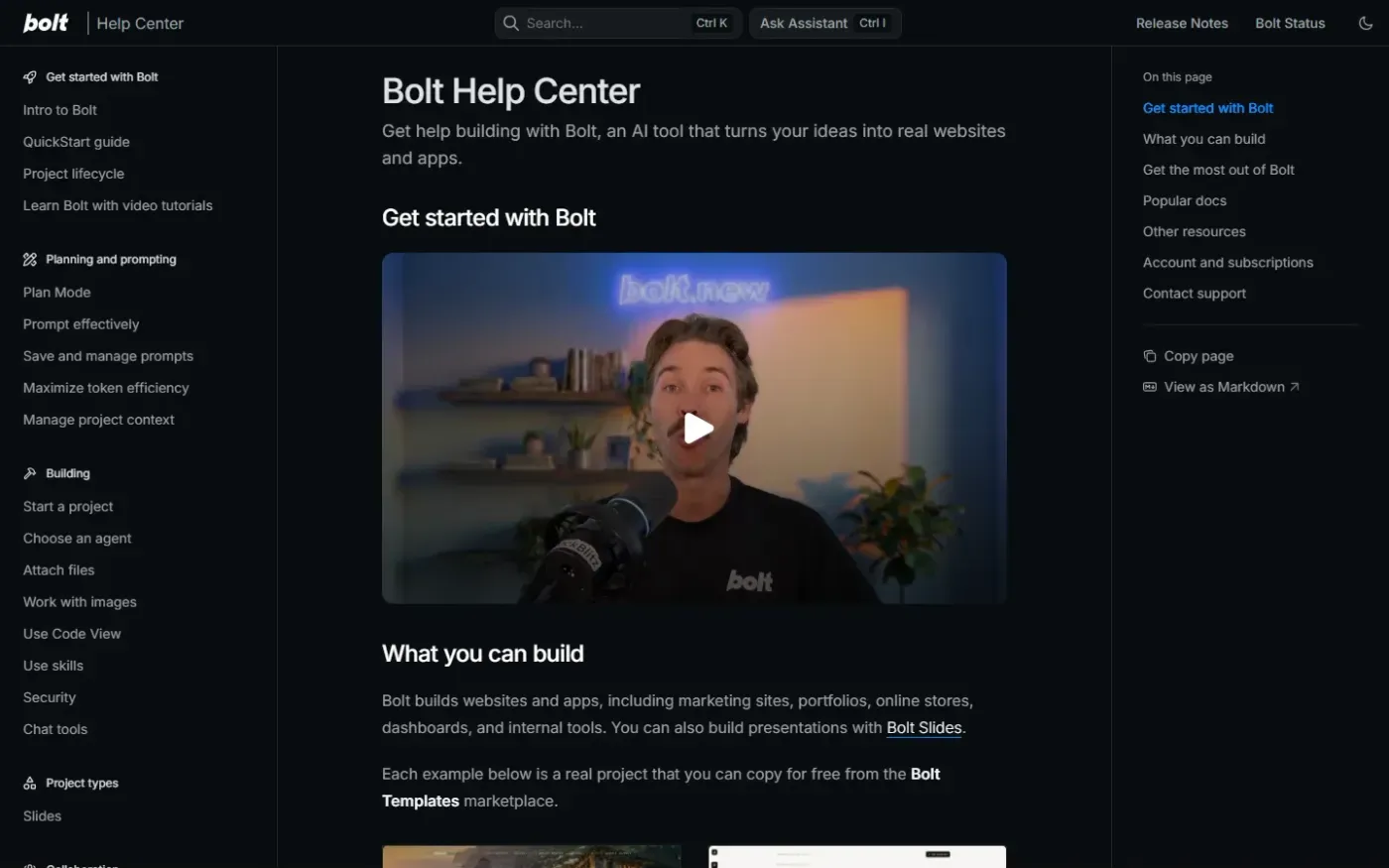
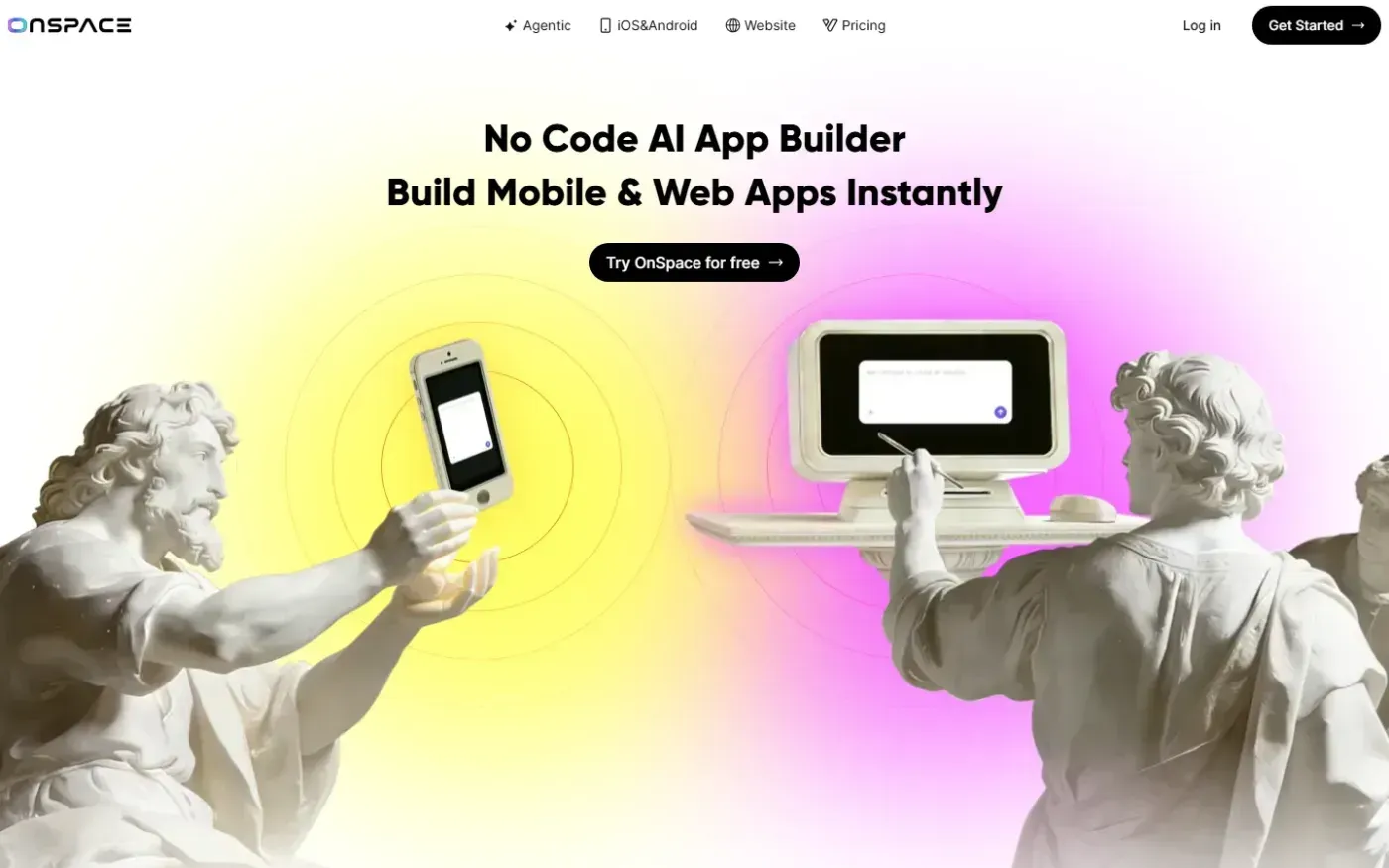
Bolt and Onspace are compared using their captured homepages.

Feature comparison

FeatureBoltOnspace
AI-assisted app buildingAI model auto-routingAI app generation from prompts
Code editingBrowser IDE and sandboxCode editor
Data and backend managementDatabase managementManaged backend
Deployment optionsOne-click deployment and domainsCross-platform deployment
User management and authenticationFoundNot found
App Store publishingNot foundFound
Figma importNot foundFound
Custom domainsFoundNot found

✓ found in our review of the product’s site. — not found there, which doesn’t mean it’s missing.

Pricing, sourced

Bolt offers a browser-based build environment, database tools, and deployment controls. Onspace has clearer app-builder positioning, cross-platform delivery, and App Store publishing. The better fit depends on the workflow you need and how much guidance you want before choosing a plan.

Quick verdict — Bolt suits infrastructure; Onspace suits mobile app reach

Bolt is the stronger fit when a browser IDE, database management, custom domains, and user authentication matter most. Its review score is 72/100: documentation and specific writing are strengths, while a roughly 5.3MB network payload and more than five seconds of JavaScript execution on mobile are important performance concerns.

Onspace is the stronger fit for freelancers, startups, and small businesses that want to create mobile or web apps without code and need cross-platform delivery, App Store publishing, Figma import, or a managed backend. Its review score is 75/100, supported by clear audience positioning. The tradeoffs are a 3.9-second mobile LCP, a 1.9MB hero image, and limited guidance in the pricing grid.

Choose by use case

Choose Bolt if your work benefits from a browser IDE and WebContainer sandbox, database management, one-click deployment with custom domains, or user management and authentication. Choose Onspace if App Store publishing, cross-platform deployment, Figma import, or a managed backend are central to the project.

Painterly homepage-style scene representing the shared function of Onspace and Bolt.

Pricing — Both pricing pages lack verified tier amounts

Neither pricing record contains a visible tier amount or a verified date. The pricing records classify both products as freemium, but contain no verified tier amounts or dates; billing structure remains unverified. Check each product’s pricing page before making a purchase decision.

SiteList review summary

Bolt scores 72/100, with strong documentation and punchy, specific copy but critical performance gaps and unclear plan selection on the pricing page. Onspace scores 75/100, with strong positioning and audience fit but slow mobile loading and limited pricing guidance. Neither product has verified user reviews yet, so no user-review score is presented.

Alternatives

The niche profiles name Lovable as an evidenced alternative for both products. Bolt’s profile also names v0 by Vercel, Cursor, and Replit. Those products are not compared here because this page is limited to Bolt and Onspace.

Questions buyers actually ask

Which product is better for mobile app publishing?

Onspace is the better-supported choice because it explicitly lists App Store publishing and cross-platform deployment.

Which product is better for custom web app infrastructure?

Bolt is the better-supported choice when database management, a browser IDE, custom domains, and user management or authentication are priorities.

Which product costs less?

The pricing records show no visible tier amounts or verified dates for either product, so this comparison cannot determine which costs less.

Do either product have verified user reviews?

Neither product has at least three approved user reviews in the records, so neither has verified user-review evidence presented here.

Read Bolt reviewRead Onspace review

Built from SiteList technical reviews; user reviews count once a product has 3 approved. Pricing facts carry their source and date; if something has drifted, use “Report outdated” above to schedule a re-check.