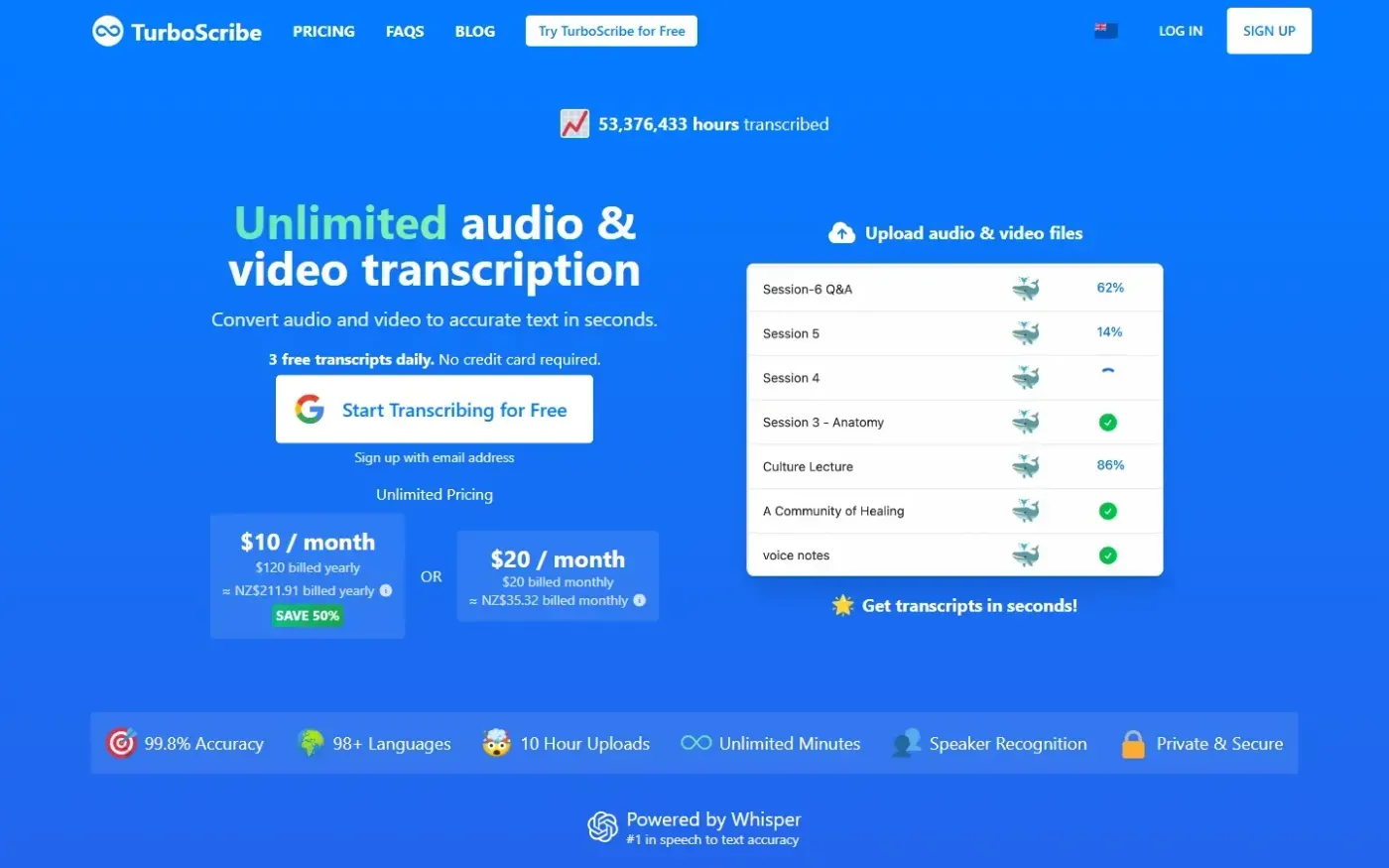
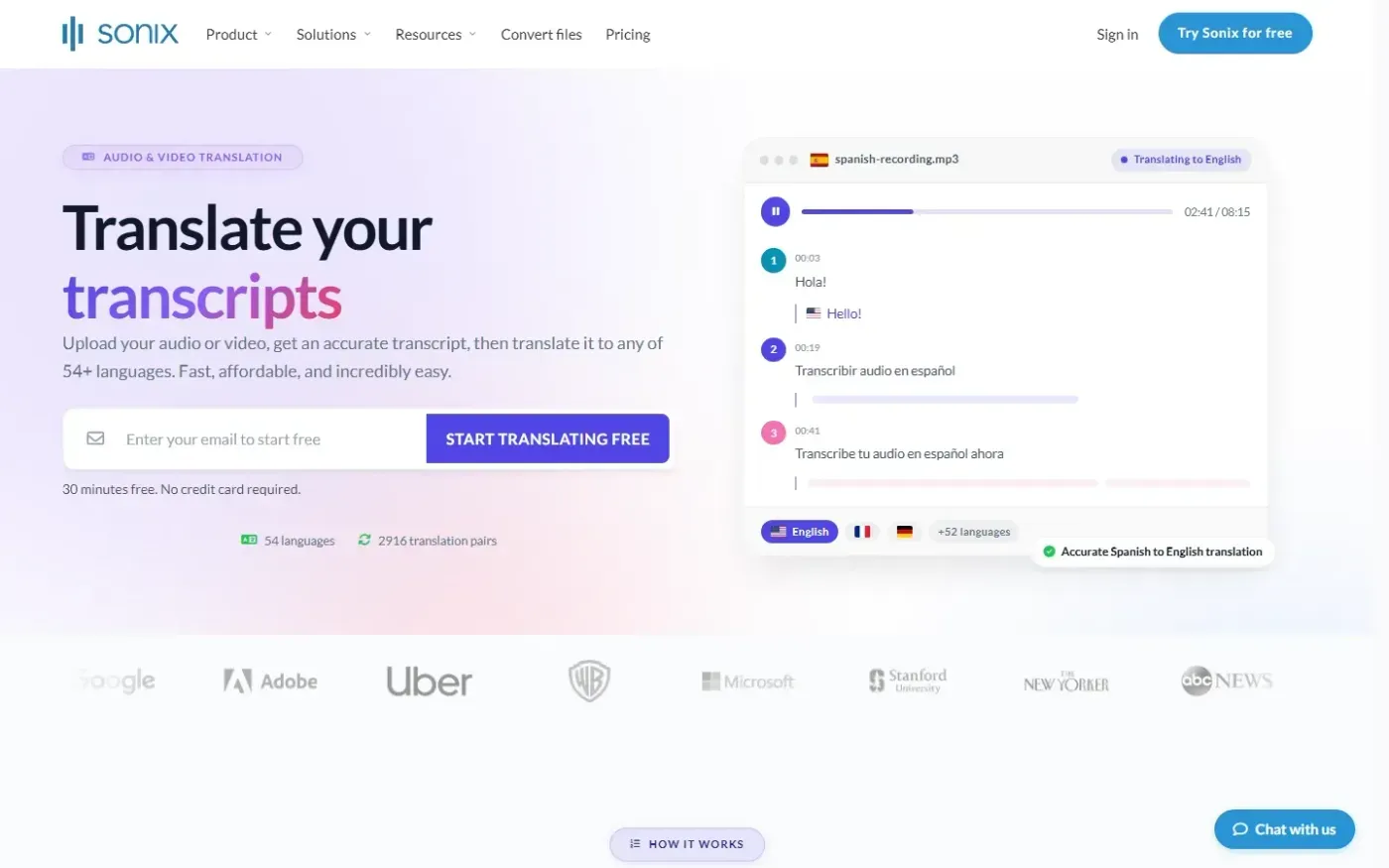
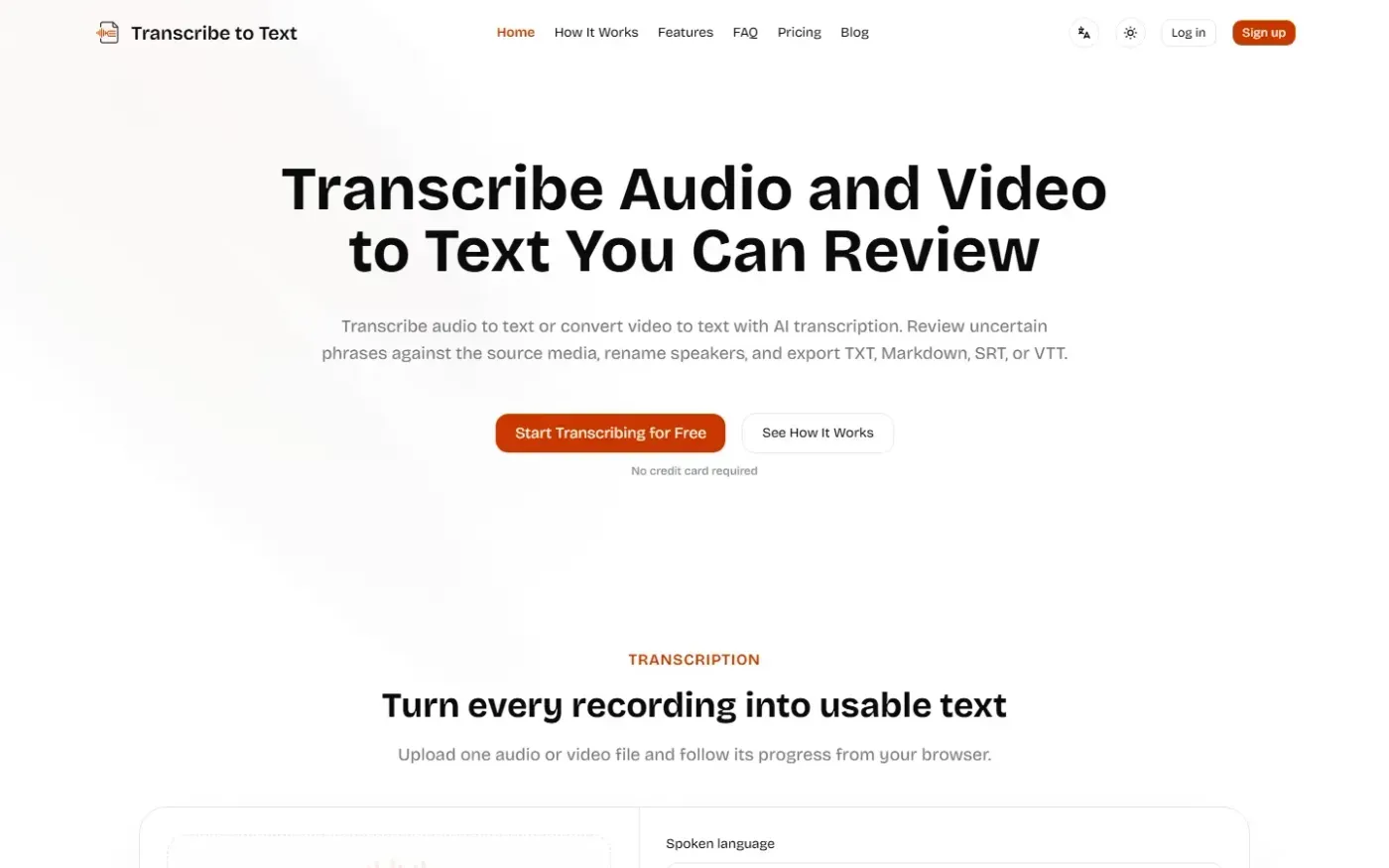
TurboScribe ranks first for its fast, straightforward buying path. Sonix is the stronger choice when translation and analysis matter, while Transcribe to Text offers the clearest transcript-review workflow but leaves the most unanswered questions about cost and buyer support.
TurboScribe offers the clearest route from interest to transcription
TurboScribe ranks first. Our review found clear navigation, accessible pricing links, well-organized support content, and strong desktop performance: 1.2-second First Contentful Paint and 0.6-second Largest Contentful Paint. Those qualities reduce friction for a professional who wants to understand the service and begin transcribing without navigating a complex product site.
The confirmed toolset covers AI transcription, speaker recognition, subtitle generation, and audio restoration. Audio restoration is a meaningful distinction when recordings are imperfect; neither rival's reviewed site confirmed the same capability.
The compromise is weaker guidance after a buyer reaches the pricing page. Both plan buttons use the same visual treatment, so the site does not clearly direct different users toward different plans. Support is also less immediate than the otherwise polished journey suggests: the contact option is buried in a small paragraph. Mobile performance trails desktop performance, with a 2.3-second Largest Contentful Paint and an image lacking explicit dimensions. TurboScribe is therefore the best-supported general recommendation here, but not an unqualified one.
Sonix has the broadest confirmed feature set
Choose Sonix when transcription is only the first step. Its reviewed capabilities include AI translation, AI analysis, speaker diarization, subtitles and captions, and the Sonix Editor. That combination gives it the strongest confirmed fit for teams that need to translate recordings or extract further value from transcripts.
Our review also found a well-structured product experience and clear task paths for understanding the service and starting a trial. Its design execution was the strongest of the three.
The major cost is mobile performance. The reviewed translation page took 8.7 seconds to become interactive and recorded an 8.6-second Largest Contentful Paint. The hero image was lazy-loaded despite being the page's largest visible element, and render-blocking CSS added delay. Accessibility also needs attention: the site lacked a skip link and had 29 images with empty alternative text across reviewed pages. Buyers should additionally treat its accuracy and language-coverage claims cautiously because the site presented 49+, 54+, and 55+ languages in different places and did not show an immediate benchmark for its absolute accuracy claim.
Transcribe to Text gives editors more review controls but less purchasing clarity
Transcribe to Text ranks third, although it has a distinct workflow advantage. The reviewed site confirmed transcript revisions, speaker renaming, a low-confidence review queue, language selection, automatic language detection, and transcript export. Those controls favor teams that expect a person to inspect and refine machine-generated text instead of accepting the initial transcript unchanged.
Its core positioning is direct, and our review found strong visual execution, good contrast, and technically clear product copy. The site also names concrete limits and supported formats on product pages, which can help buyers assess file compatibility.